

How to make an emergency call on iPhone (even when locked)
You never need the passcode to call emergency services. Here are the three fastest ways.
Photo by freestocks on Unsplash
The fix
3 ways to call for help
- 1
Lock screen: tap Emergency, dial 911 and tap Call.
- 2
Slider: hold the side and a volume button, then drag Emergency Call.
- 3
Five presses: click the side button five times quickly.
The fix
Set up Medical ID and emergency contacts
- 1
Open Health, tap your picture, then Medical ID.
- 2
Add allergies, conditions and emergency contacts.
- 3
Turn on Show When Locked.
How to make an emergency call on iPhone from the lock screen
This is the method most people can do under stress, because it works like any normal call.
- Wake the iPhone by raising it or pressing the side button.
- Swipe up as if to unlock. On the passcode screen, tap Emergency at the bottom left.
- Dial 911 and tap the green call button.
On iPhones with a Home button, press the Home button, then tap Emergency on the passcode screen. You can also tap Medical ID on that same screen to show a first responder your health details.
The Emergency SOS slider
On iPhone 8 and later, press and hold the side button and either volume button together. The power off screen appears with an Emergency Call slider (named SOS on some versions). Drag it to the right to call. If you keep holding the buttons instead, a countdown starts with an alarm sound, and the iPhone calls automatically when it ends. This auto call setting is on by default and can be changed in Settings › Emergency SOS.
Five quick presses
Press the side button five times quickly to start the same countdown. This is useful when you cannot look at the screen or need to be discreet. It depends on Call with 5 Button Presses being on in Settings › Emergency SOS. On iPhone 7 and older, pressing the side button five times is the main way to show the SOS slider.
What happens after you call
- Your iPhone connects to local emergency services. In the US that is 911.
- When the call ends, your iPhone texts your emergency contacts that you called for help, with your current location, unless you cancel.
- For a while after, the iPhone sends location updates to those contacts when your location changes.
- Face ID and Touch ID are turned off until you unlock with your passcode.
Add emergency contacts
Open the Health app, tap your picture at the top right, then Medical ID. Tap Edit, scroll to Emergency Contacts and tap the add button to choose people from your contacts and their relationship to you. Tap Done. You can also reach this from Settings › Emergency SOS › Set up Emergency Contacts in Health. Choose people who will answer and who know what to do.
Calling with no SIM or no service
An iPhone without a SIM, or with an expired plan, can still call 911 in the US if any cellular network is in range. If your carrier has no signal where you are, the iPhone tries other carriers' networks automatically. When you see SOS or SOS only in the status bar, emergency calls work even though normal calls do not. See why your iPhone says SOS for more.
Emergency SOS via satellite
On iPhone 14 and later, if there is no cellular or Wi-Fi coverage at all, the iPhone can text emergency services via satellite in the US and many other countries. Try calling 911 first. If the call fails, tap Emergency Text via Satellite, answer a few quick questions, and follow the on screen guide to point your iPhone at a satellite. It works best outdoors with a clear view of the sky. You can try a demo in Settings › Emergency SOS without contacting anyone.
Text to 911
Many US areas accept text messages to 911, which helps if you cannot speak safely or are deaf or hard of hearing. Open Messages, type 911 in the To field and send a short message with your location and the emergency. Not every area supports it, and you get a bounce back message if yours does not. Calling is still faster where possible.
Crash Detection and Fall Detection
iPhone 14 and later can detect a severe car crash and call 911 if you do not respond within about 20 seconds. Check it is on in Settings › Emergency SOS › Call After Severe Crash. Apple Watch has Fall Detection, which calls for help after a hard fall if you do not move. It is on by default for people 55 and older and can be turned on for anyone in the Watch app.
Calling from an Apple Watch
Press and hold the side button on the Watch until the Emergency Call slider appears, then drag it, or keep holding to start a countdown. A cellular Watch can call on its own. A GPS only Watch needs your iPhone nearby or a known Wi-Fi network with Wi-Fi Calling set up.
Practice safely, never by calling 911
Do not test by calling 911. Instead, open Settings › Emergency SOS and read which options are on, and try the satellite demo. Show family members, especially children and older relatives, where the Emergency button is on the lock screen. That five second lesson matters more than any setting.
Accidental calls
If you start an SOS call by mistake, you can cancel during the countdown. If the call connects, stay on and tell the dispatcher it was an accident. To stop it happening, turn off Call with Hold and Release or Call with 5 Button Presses. Our guide to turning off Emergency SOS on iPhone covers each setting.
Traveling outside the US
Emergency SOS calls the local emergency number in the country you are in, such as 112 in Europe, as long as you use the slider or button presses. If you dial manually, dial the local number. In many countries 112 or 911 still reaches emergency services from a mobile phone, but not everywhere.
What to say when 911 answers
Dispatchers ask questions in a set order, so let them lead. Be ready to give:
- Your location: the street address, or nearby cross streets, landmarks, or mile markers on a highway.
- What happened, in one sentence.
- How many people need help and whether anyone is not breathing or bleeding heavily.
- Your phone number, in case the call drops.
Stay on the line until the dispatcher tells you to hang up. If the call drops, call back. Your iPhone shares an estimated location with 911 in the US through a system called Hybridized Emergency Location, but it can be off by a building or more, so always say the address if you know it.
Share your location with family
Outside of an emergency, Find My lets trusted people see where you are. Open Find My › People, tap the add button and choose Share My Location. Check In in the Messages app can also tell a friend automatically when you arrive home, and alert them if you do not.
Set up an older relative's iPhone
For a parent or grandparent, fill in Medical ID with their conditions, medications and allergies, add you as an emergency contact, and turn on Show When Locked and Share During Emergency Call. Consider Assistive Access, a simpler iPhone layout with large buttons, set up in Settings › Accessibility › Assistive Access. If they have trouble pressing buttons quickly, leave Call with Hold and Release on and practice the Emergency button on the lock screen instead.
Siri can call too
Say "Hey Siri, call 911" or "Siri, call emergency services". Siri dials right away, even when the iPhone is locked, as long as Siri is allowed when locked. This is helpful if you cannot reach the phone, for example after a fall. Siri waits a few seconds and gives you a chance to cancel before connecting.
Frequently asked questions
Can I call 911 with no SIM or no service?
Yes, if any carrier’s network is in range. iPhone 14 and later can also text emergency services by satellite where there is no signal.
Who gets notified after an SOS call?
Your emergency contacts receive a text with your location, if you added them in the Health app’s Medical ID.
What happens if I accidentally call 911 on my iPhone?
Stay on the line and tell the dispatcher it was an accident and you are safe. Hanging up can make them call back or send someone to check.
Does Emergency SOS work without a passcode?
Yes. Every method works from the lock screen without unlocking. After an SOS call, Face ID and Touch ID turn off until you enter your passcode.
People also ask
Can I still call 911 after turning these off?
Yes. Hold the side and a volume button, then drag the Emergency Call slider, or dial 911 as normal.
Read the full guide: Turn off Emergency SOSHow do I know if my iPhone is unlocked?
Go to Settings › General › About and look at Carrier Lock. If it says No SIM restrictions, the iPhone is unlocked.
Read the full guide: Unlock iPhone from carrierWhy does my iPhone ask for an old Apple ID password?
Some of your apps were downloaded with that old Apple ID, and iOS needs its password to update them. Enter the old password once, or delete those apps and download them again with your current Apple Account.
Read the full guide: Apple ID keeps asking for passwordWhy does my battery drain faster after an iOS update?
After a major update, iOS rebuilds its search index, scans your photos and finishes app updates in the background. Settings › Battery may show an Ongoing iOS Update note while this runs. Drain usually settles within two or three days, faster if you leave the phone charging on Wi-Fi overnight.
Read the full guide: iPhone battery draining fastRelated guides

Turn off Emergency SOS
Stop your iPhone calling 911 by accident: turn off Call with Hold and Release, Call with 5 Button Presses and Crash Detection in Settings › Emergency SOS.
Unlock iPhone from carrier
Check if your iPhone is carrier locked in Settings, then ask your carrier to unlock it for free. Covers Verizon, AT&T and T-Mobile rules and what to do next.
Apple ID keeps asking for password
iPhone keeps asking for your Apple ID password, or an old one? Find the app or setting behind the pop-up and stop it with these 8 fixes that keep your data.
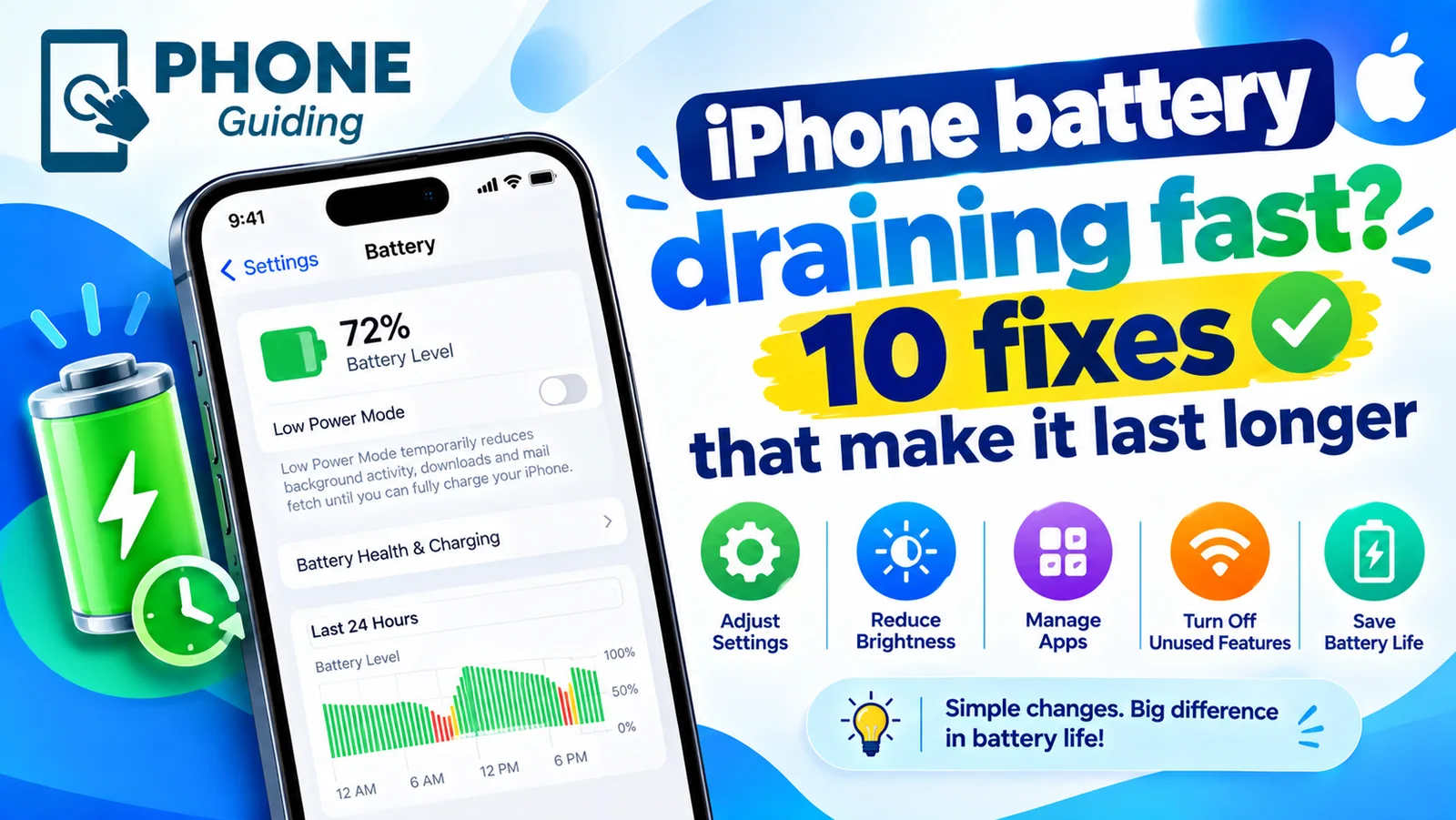
iPhone battery draining fast
iPhone battery draining fast? Find the app to blame in Battery settings, then try 10 fixes, from Adaptive Power to Background App Refresh and battery health.
More guides you may need
Change Wi-Fi password on iPhone
Change your home Wi-Fi password from your iPhone with the router app or admin page, update a saved Wi-Fi password, or change your Personal Hotspot password.
Change your iPhone name
How to change your iPhone name in Settings › General › About › Name. See where it shows in AirDrop, Bluetooth and hotspot, and fix a name that won't save.