

iPhone pocket dialing? 7 ways to stop butt dials
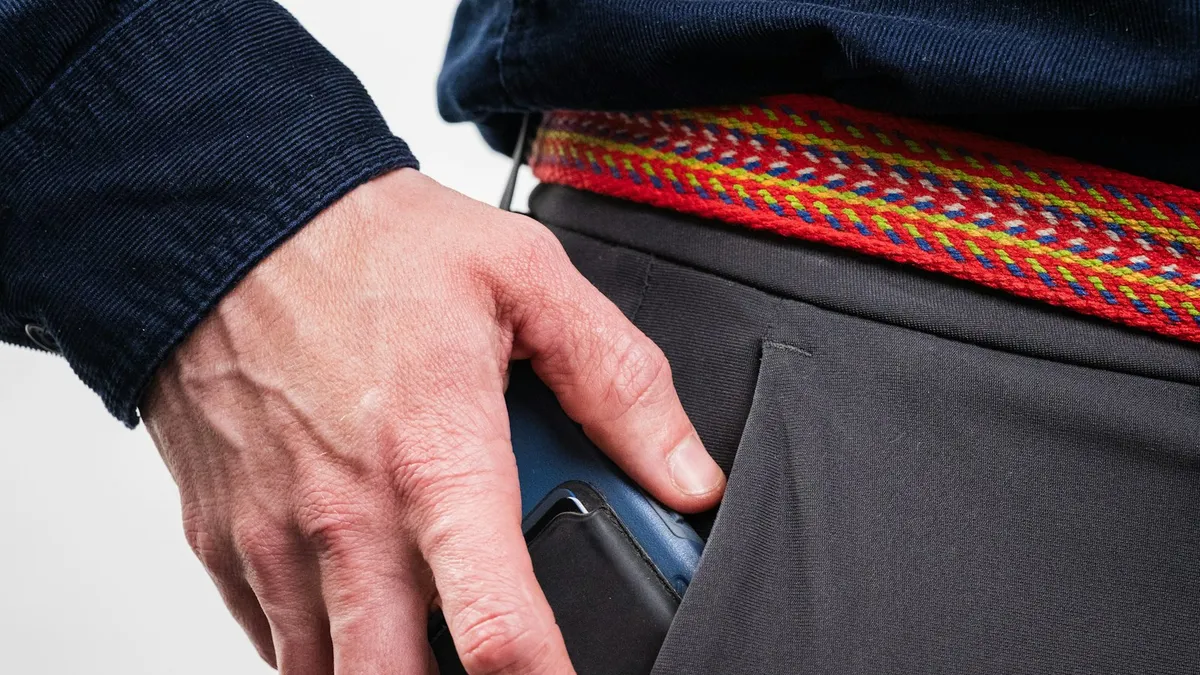
A pocket dial happens when the screen wakes, something touches a number or a shortcut fires. Here is how to shut each path down on your iPhone.
Photo by Mikaela Shannon on Unsplash
You find out when a friend texts, "Did you mean to call me?" Or worse, a stranger, your boss or a 911 dispatcher. A pocket dial is rarely one big mistake. It is a chain of small ones: the screen wakes, something touches a number, and the call goes out before you notice.
The good news is that you can break that chain in several places. This guide goes through each one, starting with the fixes that stop most butt dials.
Why does an iPhone pocket dial people?
A phone cannot tell your finger from fabric, a key or your leg. It only sees touches, motion and button presses. For a call to start in your pocket, one of two things has to happen. Either the screen wakes up and a stray touch lands on a phone number, or a shortcut places the call without any touch on a number at all. Those shortcuts are Siri, Voice Control, Emergency SOS and Back Tap.
| What happened | Likely cause | Fix |
|---|---|---|
| Calls a contact you recently opened | Screen woke and a touch hit a number | Turn off Raise to Wake and Tap to Wake, shorten Auto-Lock |
| Calls someone without any touch you can explain | Siri or Voice Control heard something | Turn off Allow Siri When Locked, check Voice Control |
| Calls 911 or emergency contacts | Side button shortcut for Emergency SOS | Change the Emergency SOS options |
| Calls happen after a tap on the back of the phone | Back Tap shortcut | Turn Back Tap off |
| Redials when headphones connect | Bluetooth accessory button | Disconnect it and test |
The fix
7 ways to stop iPhone pocket dialing
- 1
Turn off Raise to Wake.
Open Settings, tap Display & Brightness, and turn off Raise to Wake. Walking no longer lights the screen.
- 2
Turn off Tap to Wake.
Open Settings, tap Accessibility, tap Touch, and turn off Tap to Wake. Apple says this setting is not available on iPhone SE.
- 3
Shorten Auto-Lock.
Open Settings, tap Display & Brightness, tap Auto-Lock and pick 30 Seconds. A short timer means the screen is dark more often.
- 4
Turn off Siri when the phone is locked.
Open Settings and tap Siri (on newer versions, Apple Intelligence & Siri). Turn off Allow Siri When Locked. The name differs a little between iOS versions.
- 5
Check Emergency SOS.
Open Settings and tap Emergency SOS. Turn off the options that call by pressing the side button several times or holding it, if they fire in your pocket.
- 6
Turn off Back Tap.
Open Settings, tap Accessibility, tap Touch, scroll to Back Tap and set Double Tap and Triple Tap to None.
- 7
Lock the phone before it goes in your pocket.
Press the side button once. A locked phone with a dark screen is the best protection there is.
Stop the screen from waking in your pocket
Most iPhone pocket dialing starts with a screen that wakes up. Apple says an iPhone wakes when you press the side button, raise the phone or tap the screen. Each of those can happen in a pocket. Raise to Wake reads your walking as a lift. Tap to Wake reads fabric as a tap. The side button gets pressed by a tight pocket or a case.
We cover those wake triggers in detail in our guide to an iPhone screen that turns on in your pocket. If your problem is only a lit screen and no calls, start there. If calls are happening, do those steps and then keep going here.
Check the shortcuts that can place a call
A call that starts with no touch on a number points to a shortcut. Four of them are worth checking.
- Siri: if Allow Siri When Locked is on, a phrase or a long press can start a call from a locked phone. If Siri wakes up by itself, see Siri starting by itself.
- Voice Control: this accessibility feature listens for commands. If you turned it on and forgot, it can hear a word and tap a contact. Look in Settings › Accessibility › Voice Control.
- Emergency SOS: pressing the side button repeatedly, or holding it with a volume button, can start an emergency call. See turning off Emergency SOS.
- Back Tap: a tap on the back of the phone can run a shortcut. A phone knocking against your leg can look like a double tap.
What if you pocket dial 911?
It happens a lot, and dispatchers know it. If you realize you have called 911 by accident, do not hang up. Stay on the line and say it was a mistake. If you hang up, the dispatcher may call you back or send someone to check on you, because they cannot tell whether you are in trouble.
To prevent a repeat, review your Emergency SOS options. On some iPhones the side button shortcut is on by default, and a thick case or tight pocket can trigger it. Keep a way to call for help, but turn off the options that fire by accident. If the phone shows an emergency banner you did not expect, see why your phone says SOS.
Accessories and cases that cause butt dials
A Bluetooth headset or car system has a call button, and a stuck or faulty button can redial the last number. If the butt dials happen right after you connect an accessory, disconnect it for a day and see if the calls stop. Also check your case. A case with a tight fit around the side button, or a wallet case with cards pressing the screen, can wake the phone and tap it for you.
Is it a software problem or a hardware fault?
Most pocket dials are settings, not defects. But a screen that registers touches when nobody is touching it points to a fault. Signs include random taps while the phone sits on a table, a cracked screen, or touches that jump around. In that case read our guide to an iPhone touch screen that is not working. Update iOS first, then restart the phone. If the problem stays, back up the phone and book a repair visit with Apple or an authorized shop. A damaged display is cheaper to fix than to ignore.
Be careful about the Unavailable screen
A waking screen in your pocket can also type wrong passcode digits. After enough wrong tries, your iPhone shows Unavailable and makes you wait. That is another reason to stop the wake-ups. If it already happened, see the Unavailable screen.
How to find out which fix worked
Change one thing at a time and carry the phone for a full day. Start with Raise to Wake and Tap to Wake, since they cause the most trouble. Next, turn off Allow Siri When Locked. If calls still go out, review Emergency SOS and Back Tap. Open the Phone app and look at Recents. The time of each accidental call, and whether it was to a recent contact or a random one, helps you narrow the cause. A call to a person you were just texting suggests a touch. A call to a random contact suggests a voice or button shortcut.
Habits that help
- Lock the phone with the side button every time you put it away.
- Carry it in a pocket by itself, without keys or coins.
- Keep a case that covers the screen edge, not one with loose cards.
- Move your most used contacts off the Favorites screen if you often open it in a hurry.
- Keep iOS updated, since Apple changes how wake and call shortcuts behave.
Frequently asked questions
Why does my iPhone keep calling people in my pocket?
Usually the screen wakes in your pocket and something presses a number, or Siri, Voice Control or an Emergency SOS shortcut starts the call. A paired Bluetooth headset can also trigger a redial.
Is there a setting that stops accidental calls on iPhone?
Not one switch. iPhone has no pocket detection toggle. You stop pocket dials by keeping the screen asleep (Raise to Wake and Tap to Wake) and turning off voice and button shortcuts that place calls.
What happens if my iPhone pocket dials 911?
Stay on the line and tell the dispatcher it was an accident. If you hang up, they may call back or send help to check on you.
Can someone see that I pocket dialed them?
Yes. The call shows in their Recents like any other call, and in yours. They may also hear what is happening near your phone before they hang up.
What to try next
People also ask
Why does my Pixel keep turning on in my pocket?
Google's Pixel gestures wake the phone when you tap the screen or pick it up. In a pocket, fabric or movement can look like either one, and a tight case can press the power button.
Read the full guide: Pixel turns on in pocketWhy does my Samsung stay unlocked at home?
Smart Lock is probably set to trust your home or a Bluetooth device. Remove those in Settings › Lock screen › Extend Unlock (Smart Lock on older phones).
Read the full guide: Samsung unlocking in pocketWhy does my iPhone flashlight turn on by itself?
It is almost always the Flashlight button at the bottom left of the Lock Screen being pressed by accident, often in a pocket or bag. Turning off Tap to Wake or locking the phone before you pocket it usually stops it.
Read the full guide: iPhone flashlight turns on by itselfWhy does my iPhone screen turn on in my pocket?
Apple says an iPhone wakes when you press the side button, raise it, or tap the screen. In a pocket, movement, a tap from fabric or a press on the side button can all trigger it.
Read the full guide: iPhone turns on in pocketRelated guides
Pixel turns on in pocket
Pixel screen turns on in pocket or keeps unlocking? Turn off Tap to check phone and Lift to check phone, review Extend Unlock, and fix touch settings.
Samsung unlocking in pocket
Samsung phone keeps unlocking or pocket dialing? Turn on Accidental touch protection, turn off Lift to wake and Double tap to wake, and check Extend Unlock.
iPhone flashlight turns on by itself
iPhone flashlight turns on by itself in your pocket or when you wake the screen? Why it happens and 7 ways to stop it, from Tap to Wake to the Action button.
iPhone turns on in pocket
iPhone screen turns on in pocket? Turn off Raise to Wake and Tap to Wake, check your case and notifications, and avoid a passcode lockout. Steps from Apple.
More guides you may need
See blocked numbers
Learn how to see blocked numbers on iPhone, Samsung and Pixel, where the list lives on iOS 26 and older versions, and how to unblock a number by mistake.
Syncing with iCloud paused
Messages says syncing with iCloud paused on your iPhone? Check power, Wi-Fi, iCloud storage and the Messages in iCloud switch, then restart to resume syncing.