

How to change the number of rings before voicemail on iPhone
The number of rings before voicemail is set by your carrier, not by the iPhone, so there is no switch in Settings. Your carrier account or a call forwarding code can change it, and the options differ by provider.
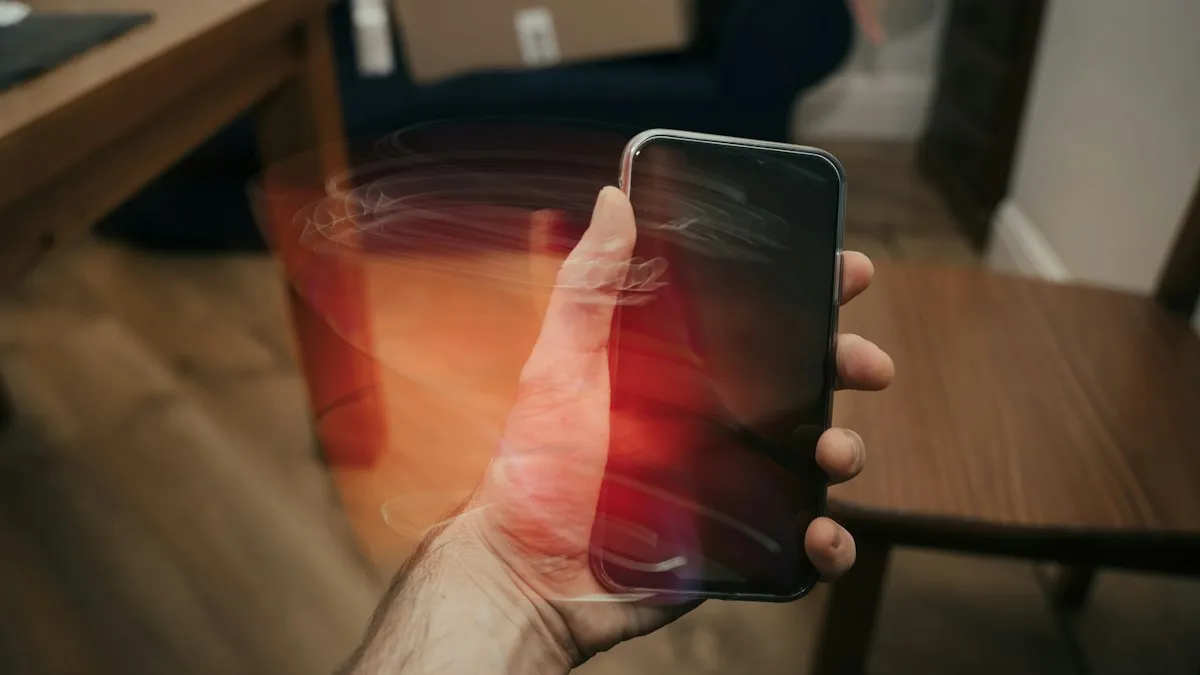
Photo by Al Elmes on Unsplash
You are in the middle of something, your iPhone rings twice and then the caller is sent to voicemail. Or the opposite: it rings for so long that people think it is broken. Many people look for a setting to change how many rings happen before voicemail picks up. This guide explains why that setting is not on the iPhone, and what to do instead. Carriers change their tools often, so use this as a guide to what to ask for, and check your carrier’s current help pages.
Can you change the number of rings on an iPhone?
Not on the phone. Voicemail is a service run by your carrier. When you do not answer, the network waits a set time and then sends the call to the voicemail system. Because the wait happens on the network, not on the iPhone, nothing in Settings changes it. Apple Community answers say the same: iPhones, like most smartphones, have no setting for ring time, and the carrier controls it.
How do you change the ring time with your carrier?
- Use the carrier’s app or account page: sign in and look for Voicemail, Call settings or Calls and messages. Some carriers let you choose the number of rings, for example AT&T lists a ring setting in its online voicemail options.
- Call or chat with carrier support: ask for a longer or shorter ring time before voicemail on your line. Support can often change it on their side.
- Use a call forwarding code, if your carrier supports it: some carriers accept a code you dial from the phone that forwards unanswered calls to voicemail after a set number of seconds.
What is the call forwarding code for ring time?
Some carriers use standard GSM codes. A commonly shared version looks like this: dial star star 61 star, then your carrier’s voicemail number, then star star and a number of seconds in multiples of 5 up to 30, then the pound key. The seconds number sets how long the phone rings before forwarding. Whether it works depends on your carrier and your plan, and it may not work with Live Voicemail. Ask your carrier for the right voicemail number and code before you try it. If something goes wrong, you can cancel conditional forwarding by dialing the carrier’s clear code or the standard code pound 002 pound.
How long does an iPhone ring before voicemail by default?
There is no single answer. It varies by carrier and plan, and many people see around four to six rings, which is about 20 to 30 seconds. AT&T’s online settings, for example, describe a choice of one to six rings. If your calls go to voicemail faster than that, see the checks below. If you want to listen more closely to how many rings a caller hears, ask a friend to call and count.
Does Live Voicemail change the ring time?
Live Voicemail shows a transcript of a message as the caller leaves it. Some users report that carrier ring settings seem to work only when Live Voicemail is off. If a ring time change does not take effect, go to Settings › Phone › Live Voicemail, turn it off, restart the iPhone and test again. Our guide to turning off call screening on iPhone covers related call features that can also change how calls are handled.
Why does your iPhone send calls to voicemail too quickly?
Check these before you contact your carrier:
- Do Not Disturb or a Focus: silences calls from people who are not allowed through.
- Silence Unknown Callers: sends unknown numbers straight to voicemail.
- Call forwarding: set by you or by someone with access to your account. See forwarding calls on iPhone.
- Weak signal or Airplane Mode: the network cannot reach your phone, so voicemail picks up immediately.
- A blocked number: blocked callers go to voicemail or hear a busy tone.
If calls skip ringing altogether, read an iPhone that is not receiving calls.
Can you make the phone ring longer by silencing voicemail?
Turning voicemail off, if your carrier allows it, can make a caller hear ringing until they give up, but you will lose messages. It is usually better to ask for a longer ring time. If you rely on voicemail for work, also check that the greeting and mailbox are working, as covered in setting up voicemail on iPhone.
What about voicemail on Wi-Fi Calling?
Wi-Fi Calling uses the same carrier voicemail, and the ring time still comes from the carrier. If calls on Wi-Fi behave differently from calls on cellular, turn Wi-Fi Calling off for a test. See how to turn on Wi-Fi Calling on iPhone.
When should you call your carrier?
Call when you cannot find the setting in the app or on the account page, when a code does not work, or when ring time changes do not apply after a restart. Have your account PIN ready, say which line you want to change, and ask for the exact ring time in seconds. Write it down so you can check it later.
Quick checklist
How do you find your carrier’s voicemail number?
On the Phone keypad, touch and hold the 1 key to call your voicemail. For a number to use in a code, look on your carrier’s support page, because it can differ by carrier. The number is not the same as your own phone number. If a code asks for it and you are not sure, call your carrier’s support line and ask them directly.
Do all lines on a family plan have the same ring time?
Not always. Ring time is set for each line, so a change on your line does not change a family member’s line. If you manage the account, you can ask the carrier to change each line, or sign in as the account owner in the carrier app.
Is a longer or shorter ring time better?
A longer time gives you more seconds to find your phone, but it also keeps callers waiting. A shorter time sends missed calls to voicemail sooner. Most people prefer about 20 to 30 seconds. If you often miss calls because the phone is in another room, a longer ring or a louder ringtone may help more than anything else. See an iPhone that is not ringing if the ringer is quiet.
What if voicemail never picks up?
If callers hear endless ringing, voicemail may be turned off, the mailbox may be full or the setup may be incomplete. Set it up again with setting up voicemail on iPhone, and delete old messages to free space.
What do the big carriers offer?
Carrier tools change, so treat this as a general picture. AT&T has listed a ring setting among its online voicemail options. Verizon and T-Mobile usually point you to their apps, account pages or support when you ask about ring time. If you cannot find an option, ask support for the exact number of seconds you want.
How do you test the new ring time?
Ask a friend to call you from another phone and not to hang up. Start a stopwatch when the call begins to ring, put your phone face down and do not answer. Note how many seconds pass before it goes to voicemail. Repeat the test once on Wi-Fi Calling and once on cellular, so you know whether the setting applies to both.
- You know the iPhone has no ring setting and the carrier controls it.
- You checked your carrier account or app for a voicemail or ring option.
- You tried a carrier code only if your carrier supports it.
- You turned Live Voicemail off and restarted if the change did not apply.
- You ruled out Do Not Disturb, Focus, blocking and forwarding.
Frequently asked questions
Can I change the number of rings on my iPhone in Settings?
No. The iPhone has no setting for it. The ring time before voicemail is controlled by your carrier.
How many rings does an iPhone give before voicemail?
It depends on the carrier and plan. Many people see about four to six rings, which is roughly 20 to 30 seconds, but this varies.
Does Live Voicemail change how long my iPhone rings?
It can affect how calls are answered. If a carrier setting does not seem to apply, turn Live Voicemail off and test again, and ask your carrier whether it interacts with ring time.
Why do calls go to voicemail after one or two rings?
The call may be blocked by Do Not Disturb, a Focus, Silence Unknown Callers or call forwarding, or your phone may be off or out of signal. Check those settings first.
What to try next
People also ask
How long should an eSIM take to activate?
Many activate in minutes. If it still says Activating after about 20 to 30 minutes, work through the steps and contact your carrier, because it may need to reissue the eSIM.
Read the full guide: eSIM stuck activatingWhy do calls go straight to voicemail without ringing?
Most often a Focus, Silence Unknown Callers, call forwarding or a blocked number sends them there. Weak signal and carrier problems are the next most common causes.
Read the full guide: iPhone not receiving callsCan I have different voicemail greetings on iPhone?
You get one active greeting per line, either Default or Custom. iOS has no setting for different greetings for different callers. Re-record it when you need a temporary away message.
Read the full guide: Change voicemail greeting on iPhoneWhy is Call Forwarding missing in my iPhone settings?
Some carriers, including Verizon, manage forwarding on their side. Use the dial code or the carrier’s app instead.
Read the full guide: Forward calls on iPhoneRelated guides
eSIM stuck activating
eSIM stuck on Activating on your iPhone? Wait a few minutes, toggle Airplane Mode, restart, update carrier settings and check the line, then call your carrier.
iPhone not receiving calls
Calls going straight to voicemail on your iPhone? Check Focus, Silence Unknown Callers, blocked numbers, call forwarding and 6 more fixes, in the right order.
Change voicemail greeting on iPhone
Record a new voicemail greeting on your iPhone in the Phone app, switch back to the default greeting, or change it by calling voicemail if your carrier needs.
Forward calls on iPhone
Forward calls on iPhone in Settings › Apps › Phone › Call Forwarding, or dial *72 on Verizon and other carriers. Also how to forward only missed calls.
More guides you may need
Forgot your Android PIN
Forgot your Android PIN or pattern? Try Samsung’s previous PIN option and Smart Lock first, then reset with Find Hub or recovery mode and restore your backup.

Use your phone in Canada
How to use your phone in Canada without surprise charges. Check if your US plan includes Canada, set up roaming and avoid border tower traps.