

How to set up an AirTag and use it with Find My
Pull the tab, hold it near your iPhone and tap Connect. Find My handles the rest.
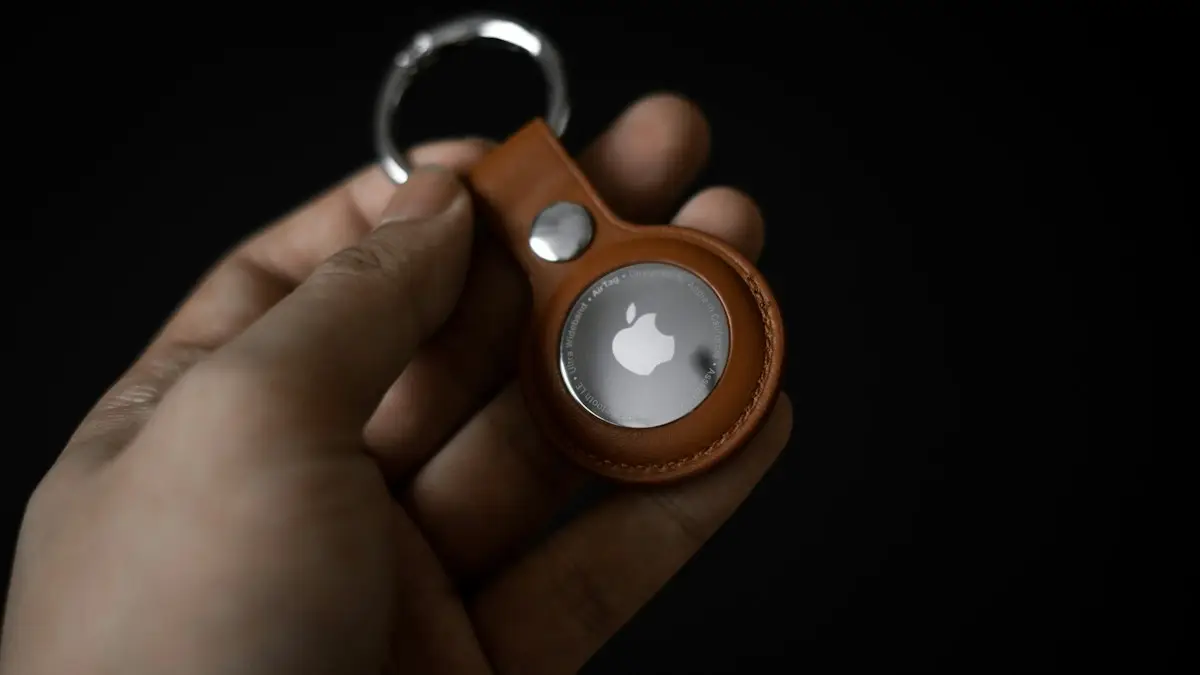
Photo by Mark Chan on Unsplash
The fix
Set it up
- 1
Remove the wrapping and pull the battery tab.
- 2
Hold the AirTag near your unlocked iPhone.
- 3
Tap Connect and choose a name.
- 4
Tap Continue to link it to your Apple Account.
The fix
Find it later
- 1
Open Find My and tap Items.
- 2
Tap the AirTag and choose Play Sound or Find.
- 3
If lost, turn on Lost Mode to add your contact details.
What you need before you set up an AirTag
- An iPhone or iPod touch on a recent iOS version, or an iPad on a recent iPadOS version. Check Apple's site for the current minimum.
- An Apple Account with two-factor authentication turned on.
- Bluetooth and Wi-Fi turned on, and Location Services on in Settings › Privacy & Security › Location Services.
- Find My turned on: Settings › your name › Find My › Find My iPhone, and Find My network.
If setup fails, the cause is almost always one of these. Two-factor authentication is the one people forget; see setting up two-factor authentication.
Set up an AirTag step by step
- Unwrap the AirTag and pull out the plastic battery tab. You hear a short sound.
- Unlock your iPhone and go to the Home Screen.
- Hold the AirTag close to the iPhone. A card appears. Tap Connect.
- Pick a name from the list, like Keys, Bag or Wallet, or choose Custom Name and add an emoji.
- Tap Continue, then Continue again to register it to your Apple Account.
- Tap Done. The AirTag now shows in Find My under Items.
If the card does not appear, open the Find My app, tap Items › plus button › Add AirTag and hold it near the phone.
Find your item with Precision Finding
On iPhone 11 and later (except iPhone SE), Precision Finding uses Ultra Wideband to guide you with an arrow and distance on screen. In Find My › Items, tap the AirTag and tap Find. Walk slowly and follow the arrow. Newer iPhones and the second-generation AirTag can guide you from farther away. Older iPhones show only the last known location on the map and can play a sound.
Play a sound
Tap Play Sound in Find My › Items. The AirTag chirps until you tap Stop or find it. The sound is fairly quiet, so check inside bags, couch cushions and car seats. A thick wallet or leather case can muffle it.
What to do when an item is lost
- Open Find My › Items and tap the AirTag.
- Turn on Lost Mode (Mark As Lost) and tap Continue.
- Enter a phone number or email address where you can be reached, and a short message.
- Turn on Notify When Found so your iPhone alerts you when the AirTag is seen.
Anyone who finds it can hold the AirTag to the top of an iPhone or an NFC-capable Android phone. A web page opens with your message and contact details. AirTags also work with the Find My network: nearby Apple devices report its location anonymously, so you can see where it is even far from home. On recent iOS versions, you can also share an item's location with an airline through Share Item Location to help find lost luggage.
Share an AirTag with family or friends
By default, only the owner can see an AirTag. On iOS 17 or later, you can share it: Find My › Items › tap the AirTag › Add Person. Shared people can see its location and play a sound, and they will not get unknown AirTag alerts for it. This is ideal for shared car keys or a family suitcase.
Replace the AirTag battery
- Press down on the shiny steel back and turn it counterclockwise until it stops.
- Lift off the cover and remove the old battery.
- Insert a new CR2032 3V coin battery, positive side up.
- Put the cover back and turn it clockwise. You hear a sound when the battery connects.
Some CR2032 batteries have a bitter coating to stop children swallowing them. That coating can stop the AirTag making contact. Use batteries without it, or check the package. Keep coin batteries away from children, since swallowing one is a medical emergency.
AirTag anti-stalking features
AirTags are made to find things, not people. If an AirTag that is not yours travels with you, your iPhone shows an alert: AirTag Found Moving With You. The AirTag also plays a sound after it has been away from its owner for a while. Android phones get similar alerts through Unknown tracker alerts in Settings › Safety & emergency, and you can scan manually. Tapping the alert lets you play a sound, see the serial number and learn how to disable it. If you feel unsafe, contact local police. Read how to check if your phone is being tracked for more.
Remove an AirTag from your Apple Account
Before you sell or give away an AirTag, open Find My › Items, tap it, scroll down and tap Remove Item. The AirTag must be nearby. If you cannot remove it because it is lost or broken, the next owner cannot set it up until you do. To reset an AirTag that was removed while far away, take out the battery, put it back and press down until you hear a sound, then repeat four more times for a total of five sounds; the fifth sound is different and means it is ready to set up.
Using AirTags with pets, kids and luggage
Many people put AirTags on luggage, which works well. For pets, an AirTag only updates when an Apple device passes nearby, and anti-stalking sounds can play, so a GPS pet tracker is often better. For children, Apple recommends against AirTags, because location updates are not live; an Apple Watch or a phone with location sharing is the better tool. See share location on iPhone.
AirTag accessories
AirTags have no hole, so you need a holder to clip them to keys or bags. Apple and many brands sell key rings, loops and wallet cards. Cheap holders work fine. If you are still deciding, AirTag vs Tile compares the two trackers for iPhone and Android users.
AirTag not showing up?
- Make sure Find My network is on in Settings › your name › Find My › Find My iPhone.
- Check that Precise Location is on for Find My in Location Services.
- Update iOS and restart the iPhone.
- Replace the battery if it is more than a year old.
- If the item was out of range, the map shows the last known location and time. It updates when an Apple device passes nearby.
If Find My itself is not updating locations, see Find My not updating.
How far does an AirTag reach?
Bluetooth reaches roughly 30 to 100 feet depending on walls and interference, which is the range for Play Sound and Precision Finding. Beyond that, the AirTag relies on other Apple devices passing nearby to report its location, so in a busy city it updates often, while in a remote area it may not update for hours.
Share an AirTag with family
In recent iOS versions, you can share an AirTag with up to five people, which is handy for shared car keys or a family suitcase. Open Find My › Items, tap the AirTag, then Add Person. People you share with can see its location and play a sound, and they will not get unknown tracker alerts for it while traveling with you.
Test it once at home by playing a sound, so you know it works before you need it.
Frequently asked questions
Why won’t my AirTag connect?
Turn on Bluetooth, Find My and Location Services. If it was used before, it must be removed from the old owner’s Find My or reset.
Can I share an AirTag?
Yes. In Find My › Items, tap the AirTag and choose Add Person to share its location with up to five people.
Can I set up an AirTag with an Android phone?
No. An AirTag must be set up with an iPhone or iPad signed in to an Apple Account. Android phones can only scan a found AirTag with NFC and check for unknown AirTags traveling with them.
How long does an AirTag battery last?
Apple says about a year with everyday use. It uses a standard CR2032 coin battery, and your iPhone tells you when it is low.
Can I share my AirTag with family?
Yes. On iOS 17 and later, open Find My › Items, tap the AirTag and choose Add Person. Up to five people can see its location.
People also ask
Does AirTag work with Android?
Not for setup or tracking. An AirTag needs an iPhone or iPad to set up and to find it. An Android phone can detect an unknown AirTag nearby and alert you, but it cannot manage one.
Read the full guide: AirTag vs TileCan I find my iPhone if it is off or dead?
Often, yes. iPhone 11 and later can usually still be located through the Find My network for a while after they turn off or the battery runs low. Otherwise, Find My shows the last known location for up to seven days.
Read the full guide: Find a lost iPhoneCan I share my location with an Android phone?
Find My only works between Apple devices. For an Android user, open Google Maps on your iPhone, tap your profile picture, then Location sharing, and send them a link.
Read the full guide: Share your location on iPhoneDoes iPhone have a built-in VPN?
No. iPhone supports VPN connections in Settings, but you need a VPN service or your workplace's details. iCloud Private Relay is a related privacy feature for Safari, but it is not a full VPN.
Read the full guide: Use a VPN on iPhoneRelated guides
AirTag vs Tile
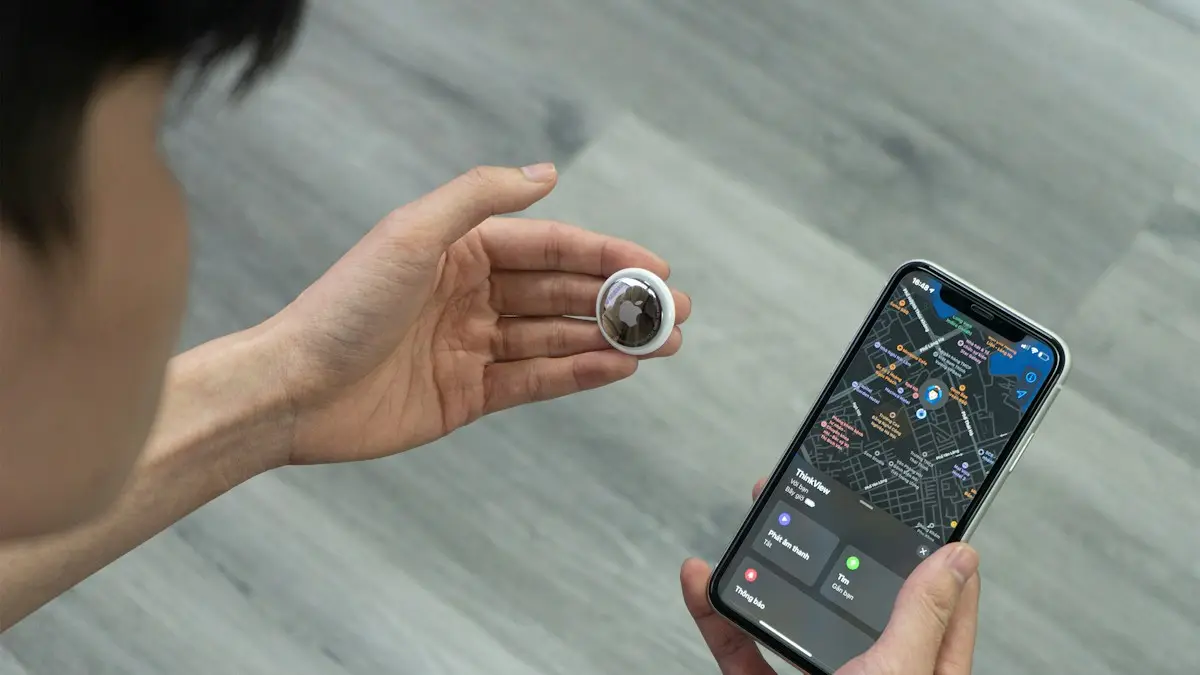
AirTag vs Tile compared on phone support, network size, precision finding, alerts, battery and cost. See which tracker fits your iPhone or Android.
Find a lost iPhone
Find your lost iPhone with Find My on another Apple device or at icloud.com/find from any phone. Play a sound, see its last location and turn on Lost Mode.
Share your location on iPhone
Share your location on iPhone for an hour, a day or forever using Messages, Find My or Maps. Also how to share with an Android user and how to stop sharing.
Use a VPN on iPhone
How to use a VPN on iPhone in minutes: install an app, allow the VPN setting, turn it on and off, and learn when a VPN helps and when it does not.
More guides you may need
Google Play Store on iPhone
How to download Google Play Store on iPhone? You can't, because it only runs on Android. See why, which tricks to avoid and what to use instead.
Emergency call on iPhone
Call 911 from any iPhone, even locked or with no signal: tap Emergency on the lock screen, use the Emergency SOS slider, or press the side button five times.