

Snapchat keeps logging me out? 8 ways to stop it
Snapchat logs people out when it sees something it does not trust, such as an unofficial app, a VPN or a modified phone.
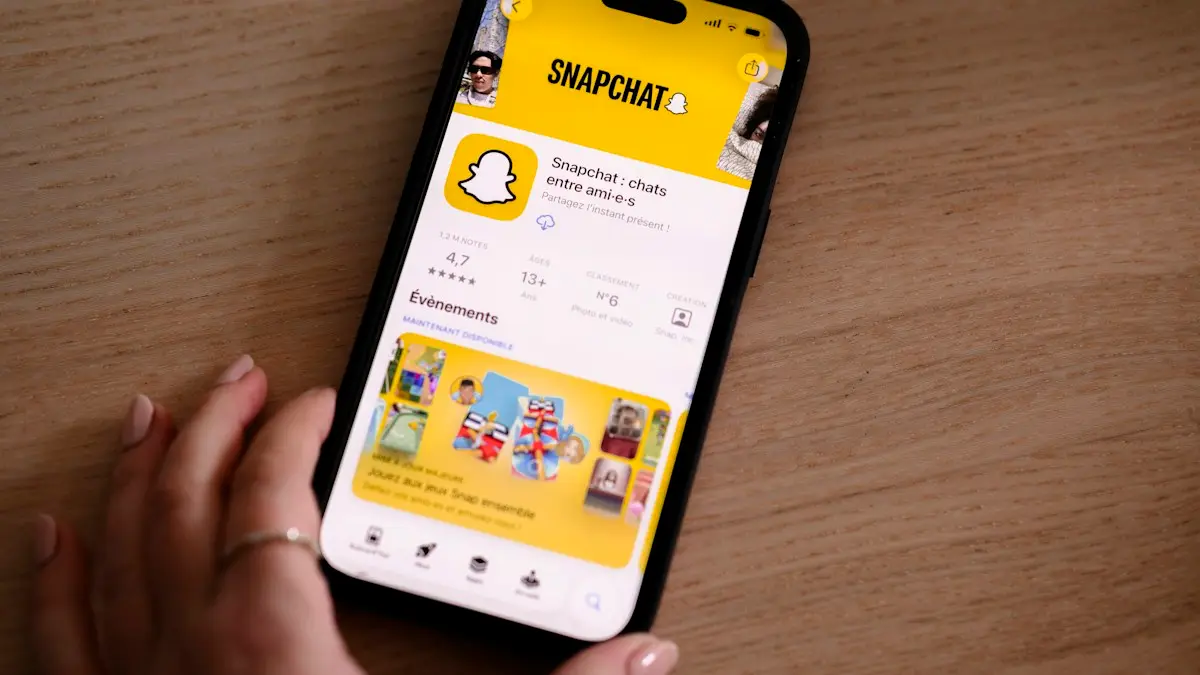
Photo by Swello on Unsplash
The fix
8 fixes, in order
- 1
Remove third-party Snapchat apps and tweaks.
- 2
Turn off VPN.
- 3
Update Snapchat.
- 4
Log out of other devices.
Stay logged in on one phone only.
- 5
Change your password.
- 6
Turn on two-factor authentication.
Settings › Two-Factor Authentication in Snapchat.
- 7
Clear Snapchat’s cache.
Profile › gear icon › Clear Cache.
- 8
Reinstall Snapchat.
Why does Snapchat keep logging me out?
Snapchat signs you out when it thinks your account might be at risk or when the app cannot confirm your login. The most common triggers are third-party apps and tweaked versions of Snapchat, VPNs that move your location around, logging in on several devices, a damaged app cache, an outdated app, and someone else trying to get into your account. A temporary lock after a policy issue can also look like a logout.
The fixes above work in that order. Start with apps and tweaks, because Snapchat is strict about them and nothing else helps while they are installed.
Are third-party apps or a tweaked Snapchat the cause?
Snapchat does not allow unofficial apps that add features, save Snaps secretly, auto-reply or boost your score. Examples have included modified Snapchat apps and so-called Snapchat++ tweaks. If Snapchat detects one, it logs you out and can lock the account. Delete these apps completely, then install the official Snapchat from the App Store or Google Play.
Also check apps that connect to Snapchat through Login with Snapchat. In Snapchat, open your profile › gear icon › Connected Apps. Remove anything you do not recognize or no longer use.
Is your VPN or proxy logging you out?
A VPN that hops between countries makes it look as if your account logs in from many places. Snapchat may sign you out to be safe. Turn off the VPN in its app and in Settings › VPN on iPhone, or Settings › Network & internet › VPN on Android. If you must use one, pick a fixed server in your own country. Some ad blockers and private DNS settings act like a VPN too, so turn those off while you test.
Are too many devices logged in?
Snapchat lets you stay logged in on more than one device, but switching often between a phone, tablet and Snapchat for Web can trigger extra checks. In Snapchat, there is no full device list, but you can log out everywhere by changing your password. Log back in only on the phone you use most.
Was your account hacked?
- Friends say you sent strange Snaps or links.
- Your display name, email or phone number changed.
- Snapchat emails you about a login from a new device or place.
- Your password suddenly stops working.
If you see any of these, change your password at accounts.snapchat.com, make sure the email and phone on your account are yours, and turn on two-factor authentication in Settings › Two-Factor Authentication. Pick an authenticator app if offered, since it is safer than text codes. Our guide to setting up two-factor authentication explains the options.
Is your account locked or just logged out?
If Snapchat shows a message that your account is temporarily locked, it is not a normal logout. Locks usually come from suspicious activity, third-party apps or reports. Go to accounts.snapchat.com and log in. If an Unlock option appears, follow it. Some locks last 24 hours and you must wait before unlocking. Remove any tweaked apps first, or the account will lock again. If the account is permanently locked for breaking the rules, Snapchat will say so, and you can appeal through the support site.
Should you clear the cache and update?
A corrupted cache can stop Snapchat remembering your login. In Snapchat, open your profile › gear icon › Clear Cache and confirm. Your Memories, Chats and friends are not affected. Then update the app in the App Store or Play Store. Snapchat often fixes login bugs in updates, and old versions can be forced to sign out.
How do you reinstall Snapchat cleanly?
- Save any Snaps you want to Memories. Memories are backed up to your account if Smart Backup is on.
- Delete Snapchat from your phone.
- Restart the phone.
- Install Snapchat from the official store.
- Log in with your username and password, not through a third-party app.
iPhone specific checks
- Settings › General › Date & Time: turn on Set Automatically. A wrong clock breaks secure logins.
- Settings › Screen Time › Content & Privacy Restrictions: make sure Snapchat is allowed.
- Settings › General › Background App Refresh: turn it on for Snapchat.
- Turn off iCloud Private Relay for a test in Settings › your name › iCloud › Private Relay.
Android specific checks
- Settings › Apps › Snapchat › Storage › Clear cache. Avoid Clear storage unless you are ready to log in again.
- Turn on Automatic date and time in Settings › General management (Samsung) or Settings › System (Pixel).
- Make sure Snapchat is not in Sleeping apps on Samsung (Settings › Battery › Background usage limits).
- Turn off Private DNS in Settings › Connections › More connection settings if you set a custom one.
Do rooted or jailbroken phones cause it?
Snapchat may refuse to stay logged in on rooted Android phones or jailbroken iPhones, because those phones can run tools that break its rules. The only fix is to return the phone to normal software. For an iPhone, update or restore it in iTunes or Finder. For Android, that usually means a factory image from the maker. Back up first; see how to back up an iPhone or how to back up an Android phone.
Why does Snapchat log out on Wi-Fi only?
If you only get signed out on one Wi-Fi network, that network may block or filter Snapchat, which is common at schools, offices and some public hotspots. Test on cellular data. If the logouts stop, the network is the cause. At home, check the router's parental controls and reset any custom DNS.
When should you contact Snapchat Support?
If you tried every step and Snapchat still logs you out, use the support site at help.snapchat.com and choose My account is locked or I cannot log in. Give your username, phone model and what happens. Do not trust people on social media who promise to fix your account, since they are often trying to steal it.
Related: Snapchat not working, Snaps stuck on sending and how to check your phone for spyware.
Why does Snapchat log out after an update?
Sometimes a new Snapchat version or a new iOS or Android update signs everyone out once. That is normal, and logging back in fixes it. If it keeps happening after every launch, the update may have a bug. Check Snapchat's support account on X for known issues, and install the next app update as soon as it arrives.
Keep your password saved in a password manager or in iCloud Keychain or Google Password Manager, so logging back in takes seconds instead of a reset.
In most cases, removing third-party apps, turning off the VPN and changing your password stops the logouts for good. If they come back, look again for anything connected to your account that you did not set up yourself.
Should you turn on two factor authentication?
If someone else is logging into your account, you get logged out when they change things. Turn on two factor authentication in Settings › Two-Factor Authentication in Snapchat, and use an authenticator app if you can. It stops others from signing in even with your password.
A secure account and an updated app stop most logouts.
Frequently asked questions
Can third-party apps get my Snapchat locked?
Yes. Apps and tweaks that add features to Snapchat break its rules and can cause logouts or a temporary lock. Delete them and change your password.
Is my Snapchat account hacked?
If you see logins you do not recognize, or your password stopped working, secure it right away: change the password and turn on two-factor authentication.
Why does Snapchat log me out every time I close the app?
Usually because the app's saved login data is damaged, a VPN changes your location, or a third-party app is linked to your account. Update Snapchat, remove connected apps and reinstall it.
Can Snapchat log me out because of a hacker?
Yes. If someone else logs in, or changes your password, you are signed out. Check your email for login alerts and change your password right away.
Does Snapchat log you out for using a VPN?
It can. Snapchat may see a sudden location change as a risk and sign you out to protect the account. Turn off the VPN or keep it set to one location.
People also ask
Does being logged out mean my Instagram was hacked?
Not always, but it can. If Instagram logs you out and your password no longer works, or you see logins you do not recognize in Accounts Center, secure your account right away.
Read the full guide: Instagram keeps logging me outWhat does Session Expired mean on Facebook?
Your login was ended, so you need to sign in again. It happens after a password change, after long inactivity, when cookies are cleared, or when Facebook detects unusual activity.
Read the full guide: Facebook keeps logging me outDoes being signed out mean my Gmail was hacked?
Not always. Google also signs you out after a password change. Check myaccount.google.com › Security › Your devices for devices you do not recognize.
Read the full guide: Gmail keeps signing me outWhy does my Samsung restart at night?
That is almost certainly Auto restart, a Samsung feature that restarts the phone on a schedule to keep it running smoothly. You can turn it off in Settings › Device care › Auto optimization.
Read the full guide: Samsung phone keeps restartingRelated guides

Instagram keeps logging me out
Instagram keeps logging you out? Find out why, check your account is not hacked, and try 8 fixes including updating, clearing cache and removing apps.
Facebook keeps logging me out
Facebook keeps logging you out or saying Session Expired? Check your account is safe, then fix the app or browser with 8 steps that stop the logouts.
Gmail keeps signing me out
Gmail keeps signing you out on your phone or browser? Check your Google account security, update the app, fix cookies and the date, and try 4 more fixes.

Samsung phone keeps restarting
Samsung Galaxy keeps restarting on its own? Check Auto restart, test in Safe mode, run Samsung Members diagnostics and try 6 more fixes before a reset.
More guides you may need

Start a Spotify Jam
Start a Jam on Spotify from any song or playlist, invite friends by link or QR code, and let them add songs. The host needs Premium, guests can use Free.

Spotify keeps pausing
Spotify keeps pausing by itself? Check if someone else is using your account, stop battery saving from killing it, fix Bluetooth and try 5 more fixes.