

iPad not charging? 8 fixes (including “Not Charging” message)
iPads need more power than iPhones. Weak adapters and computer USB ports are the most common reason an iPad will not charge.
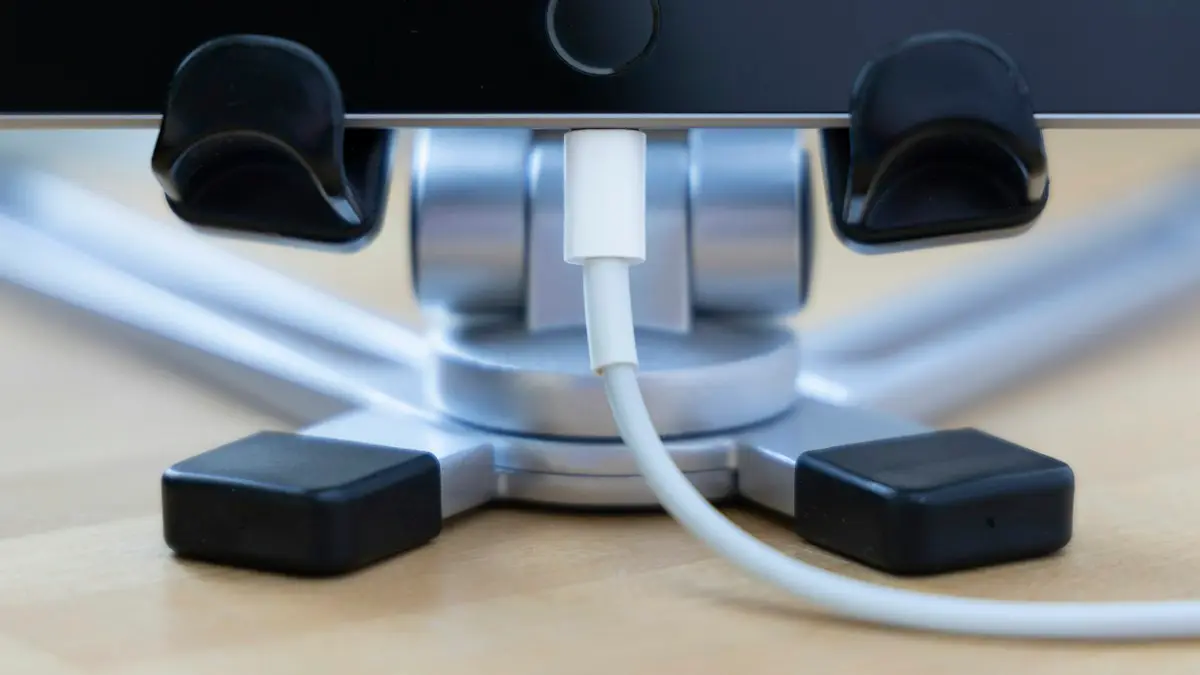
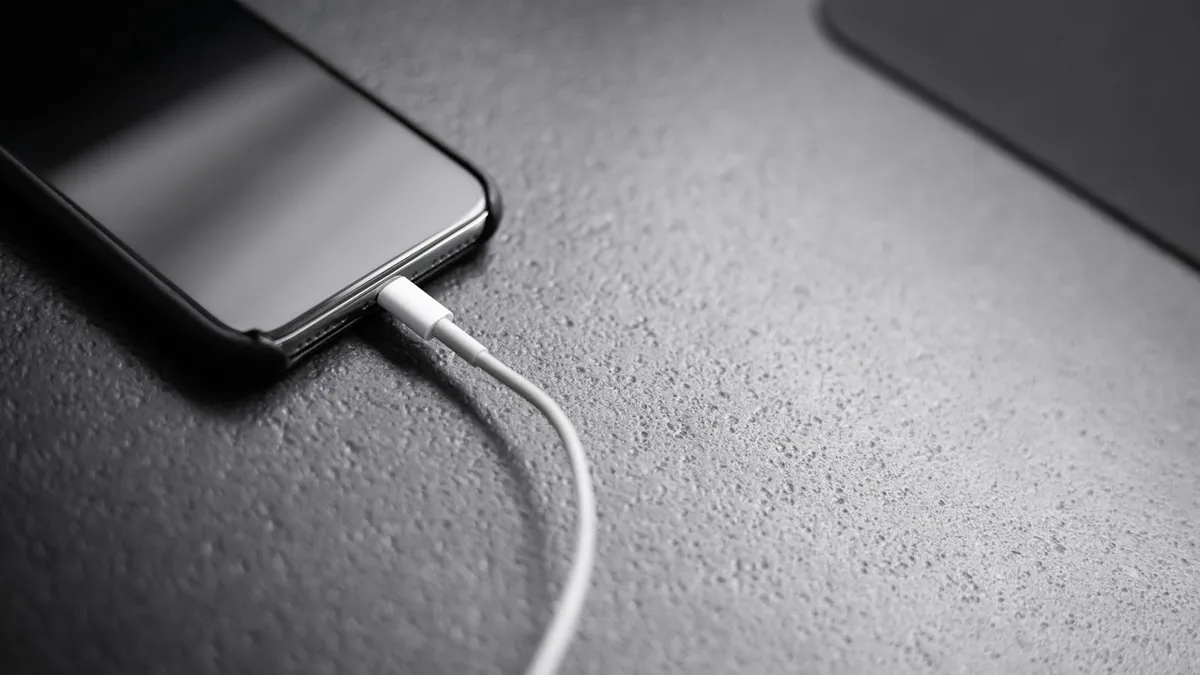
Photo by Fer Troulik on Unsplash
An iPad has a much bigger battery than an iPhone, so it needs more power to charge. A charger that works fine for your phone may only keep a tablet alive. In most cases the fix is a better adapter or a cleaner port, not a repair. Work through the list below from the top.
What to do when your iPad is not charging
The fix
8 fixes, in order
- 1
Use a wall outlet, not a computer.
- 2
Use a strong adapter.
The one from the box, or 20W or more for USB-C iPads.
- 3
Try another cable.
- 4
Clean the charging port.
Remove lint gently with a wooden toothpick. No metal.
- 5
Force restart while plugged in.
No Home button: volume up, volume down, hold top button. Home button: hold Home and top.
- 6
Wait an hour if the battery was empty.
- 7
Let it cool down.
A hot iPad pauses charging until it cools.
- 8
Update iPadOS.
Settings › General › Software Update, once it has some charge.
Why won’t my iPad charge?
Most charging problems come from the equipment, not the iPad. A low power adapter, a worn or fake cable, and a computer USB port are the usual causes. Lint packed into the port is the next most common. After that come software glitches, heat, a worn battery and a damaged port. Going in that order saves you time and money.
Not charging, slow charging or stopped at 80%?
These look alike but have different causes.
- Not Charging message: the iPad sees power but not enough. Move to a wall outlet and a stronger adapter.
- Charging very slowly: a weak adapter, or you are using the iPad heavily while it charges. Close apps and charge it asleep.
- Stops at 80%: Optimized Battery Charging is holding it back on purpose. It is not a fault.
- Charges only in one position: the cable or port is damaged or dirty.
- Nothing at all: see the guide on an iPad that will not turn on.
Check the adapter and cable
Use the adapter and cable that came with your iPad. If you replaced them, use a USB-C power adapter rated at 20W or more for a USB-C iPad. Older iPads with a Lightning port came with 10W or 12W adapters, and they work with the cable that came with them. A 5W iPhone cube can show Not Charging, or add only a few percent an hour while the screen is on.
Cables matter too. A frayed or bent cable, or a cheap one without proper certification, can stop charging or damage the port. Look for kinks near the plug. Try a second cable. If a different cable works, the first one is faulty. For a Lightning iPad, look for Apple’s MFi mark on third party cables. For a USB-C iPad, use a cable that supports charging at the power level you need.
Use a wall outlet
Computer USB ports, and many monitors and car ports, give less power than an iPad needs. The iPad may say Not Charging, or charge only when it is asleep. Use a wall outlet. If the outlet is on a power strip, test a different socket to rule out a dead one. Charging in a car works only with a charger that supports a high enough wattage for your iPad.
Clean the charging port
Shine a flashlight into the port. Pocket and bag fluff often packs into the bottom and stops the plug from seating all the way. Turn the iPad off, then use a wooden or plastic toothpick to lift the lint out slowly. Do not use metal pins, since they can short the contacts, and do not blow in with your mouth. A short blast of compressed air from a distance can help. Do not use liquids. If the plug feels loose in the port, even after cleaning, the port may be worn.
Force restart while it is plugged in
A software freeze can stop an iPad from accepting charge. Keep it connected, then force restart. On an iPad without a Home button, press and release volume up, press and release volume down, and then hold the top button until the Apple logo appears. On an iPad with a Home button, hold the Home button and the top button together until you see the logo. If the iPad restarts and starts charging, the cause was a freeze. Install the latest iPadOS under Settings › General › Software Update when it has enough battery.
Heat, cases and other things that pause charging
An iPad stops charging when it gets too hot, and it may show a temperature warning. Take off the case, move it out of the sun, and wait. Charging while you play games or stream video heats the iPad and slows charging. Wireless accessories and thick cases can trap heat as well. Also check for Optimized Battery Charging in Settings › Battery › Battery Health, which holds charge at 80% in some situations on newer iPads. You can read more about how Optimized Battery Charging works.
Is the battery or the port at fault?
If you have tried a good adapter, a good cable, a clean port and a force restart, and the iPad still will not charge, the fault is inside. Two things are likely. A worn battery may lose charge fast, shut down at 30% or fail to take charge. A damaged charging port may not make contact at all. Apple or an authorized service provider can test both. Look at Settings › Battery › Battery Health on iPads that show it, and note the maximum capacity figure if one is listed.
A swollen battery makes the screen lift away from the case. If you see that, stop charging at once and take the iPad to Apple or an authorized provider. Do not press on it or try to open it.
What a repair or replacement costs
Apple lists battery service prices for each iPad model on its support site, and they vary by model and by whether you have AppleCare. If the iPad is covered, a battery that holds less than 80% of its capacity can often be replaced at no charge. Without coverage, get a quote first. A repair on an old iPad may cost close to a refurbished replacement, and an iPad that no longer gets iPadOS updates may not be worth repairing. Compare the quote with a refurbished model, and check trade in offers. See the case for AppleCare+ and whether a battery replacement is worth it, which uses the same math for phones.
iPad Pro, iPad Air, iPad mini and older models
Newer iPad Pro, iPad Air and iPad mini models use USB-C and take full advantage of a 20W or stronger adapter. Older iPads with a Lightning port charge more slowly and came with a smaller adapter, so a long charge time on them is normal. An iPad Pro can charge from a good USB-C port on a laptop, but it will be slow if you use the iPad at the same time. If you charge an iPad with an accessory such as a keyboard case that has its own port, plug the charger into the iPad itself while you test.
The iPad also charges more slowly when it is on. Streaming, gaming and a bright screen can use as much power as a weak adapter supplies. Put it to sleep, or turn it off, for a quick test. If it climbs a few percent in half an hour that way, the equipment is fine and the iPad is simply drawing a lot while you use it.
How to keep your iPad charging well
- Use the adapter and cable from the box, or a certified replacement.
- Charge from a wall outlet and avoid cheap car and gas station chargers.
- Keep the port clean, and do not leave the iPad in a bag with loose items near the port.
- Take it out of a thick case when it feels warm.
- Keep iPadOS up to date, and avoid letting the battery sit at 0% for weeks.
Frequently asked questions
Why does my iPad say Not Charging?
It is connected but not getting enough power, usually from a computer USB port or small phone charger. Use the adapter that came with the iPad or a 20W or stronger USB-C adapter.
Can I charge an iPad with an iPhone charger?
Yes, but a small one charges very slowly or not at all while you use the iPad. A 20W adapter works much better.
How long does an iPad take to charge fully?
With a suitable adapter, usually two to three hours from empty, depending on the model. A weak adapter can take much longer.
Why does my iPad stop charging at 80%?
Optimized Battery Charging can hold the charge at 80% to protect the battery, then finish later. You can turn it off in Settings › Battery › Battery Health.
What to try next
Sources
Official pages these steps are based on. Menus can differ by software version.
People also ask
Why does my iPhone stop charging at 80%?
That is usually deliberate. Optimized Battery Charging, or the charge limit on iPhone 15 and later, holds the charge at 80% to reduce battery wear. The phone also pauses charging when it gets too warm.
Read the full guide: iPhone not chargingWhy does my Samsung stop charging at 80% or 85%?
Battery protection is turned on. It stops charging early to reduce battery wear. Turn it off or change it in Settings › Battery › Battery protection.
Read the full guide: Samsung phone not chargingHow long does it take for the liquid detected alert to go away?
Apple says to wait at least 30 minutes before trying again, and that it can take up to 24 hours for the port to dry fully. Leave the iPhone in a dry place with some airflow in the meantime.
Read the full guide: iPhone liquid detectedWhat does Liquid or debris in USB port mean on a Pixel?
The phone has detected moisture or dirt in the USB-C port and disables it for safety. Google says to unplug everything, check the port and wait until it shows OK to use USB port.
Read the full guide: Pixel liquid or debris in USB portRelated guides
iPhone not charging
iPhone not charging, charging slowly or stuck at 80%? Work through 7 fixes, from the cable and a dirty port to charging messages, software and battery health.
Samsung phone not charging
Samsung Galaxy not charging, charging slowly or stopping at 80%? Check the cable, port, Battery protection and Moisture detected with these 9 fixes.
iPhone liquid detected
iPhone liquid detected alert even when it is dry? Learn why it happens, how long to wait, when Emergency Override is safe and 7 fixes to charge again.
Pixel liquid or debris in USB port
Pixel says Liquid or debris in USB port or Unplug charger? Unplug, dry the port, wait for OK to use USB port and clear the cache. 6 fixes from Google.
More guides you may need
Continue setup on iPhone
Apple Watch says continue setup on iPhone but nothing happens? Finish pairing, restart, reset in pairing mode, or unpair and start again. Steps for each case.

Apple Watch keeps opening Compass
Apple Watch keeps opening Compass or will not leave it? Change Return to Clock, turn off Return to App, end Backtrack and check the Action button. 7 easy fixes.