

What kind of phone do I have? 6 ways to find your exact model
Not sure which phone you own? Six easy checks tell you the maker, the exact model and the software version, and they work even if the phone will not turn on.
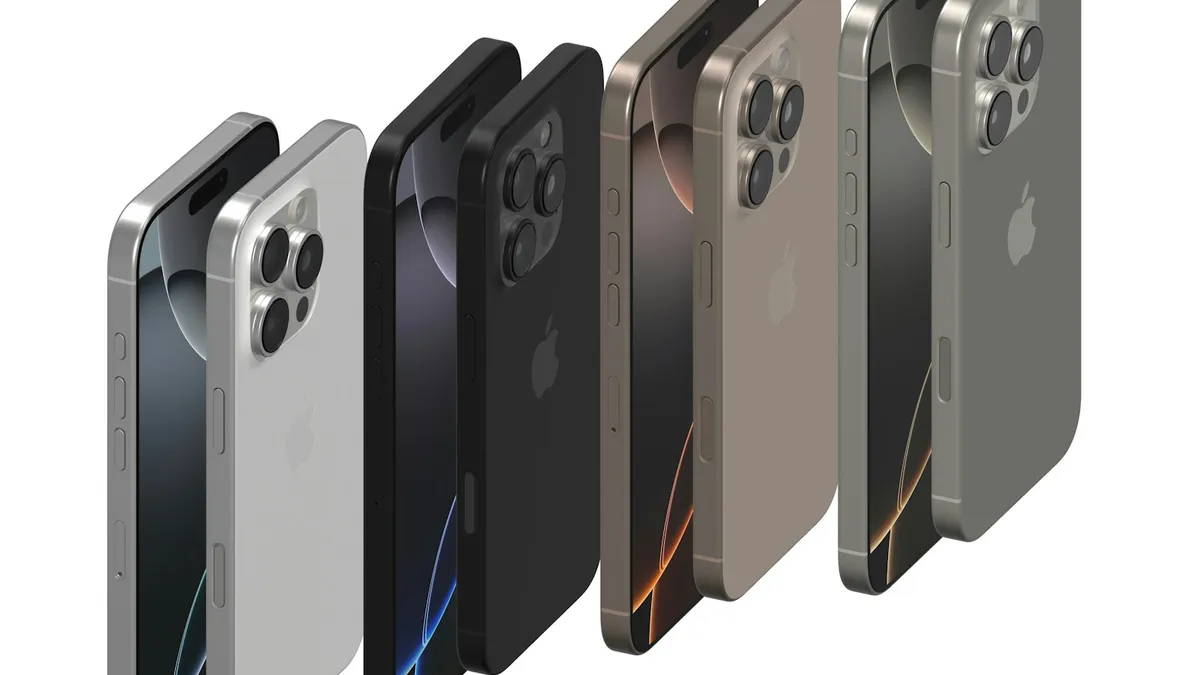
Photo by Igor Omilaev on Unsplash
It sounds like an odd question, but plenty of people ask it. You got a hand-me-down phone, you bought one used, or you simply never paid attention to the name. Now you need the answer, because a repair shop, a case seller, a carrier or a trade-in site wants the exact model. The good news is that every phone can tell you what it is, and often in under a minute. This guide shows six ways to find the maker, the exact model and the software version, for iPhone and Android. It also explains the codes you will see, so you know what to type into a form.
Way 1: How do you find your model in Settings on an iPhone?
This is the fastest way and works on every iPhone that turns on.
iPhone model in Settings
- 1
Open Settings.
- 2
Tap General, then tap About.
- 3
Read the line called Model Name.
It shows the name, for example iPhone 15 Pro.
- 4
Tap Model Number if you need the code.
Tapping toggles it between a part number that starts with M and a model number that starts with A, like A3090.
The same page shows the iOS version, the serial number, the IMEI and the storage size, which is useful if a buyer or a repair shop asks. The A-number is what Apple's support pages use to tell similar models apart, so it is the safest one to give.
Way 2: How do you find your model in Settings on an Android phone?
Android model in Settings
- 1
Open Settings.
- 2
Scroll to the bottom and tap About phone.
On some phones it is under System. Use the search box in Settings if you do not see it.
- 3
Read the Model name or Model number.
On a Samsung, tap Model number or look for a line like SM-S921U.
- 4
Tap Software information to see the Android version and the One UI version.
On a Pixel, look at Android version and Build number.
The wording changes between brands. Samsung calls the marketing name the model name and the code the model number. Pixel phones show the name directly, like Pixel 8. Motorola, OnePlus and others also use About phone, though the order of lines changes.
Way 3: Look at the back of the phone
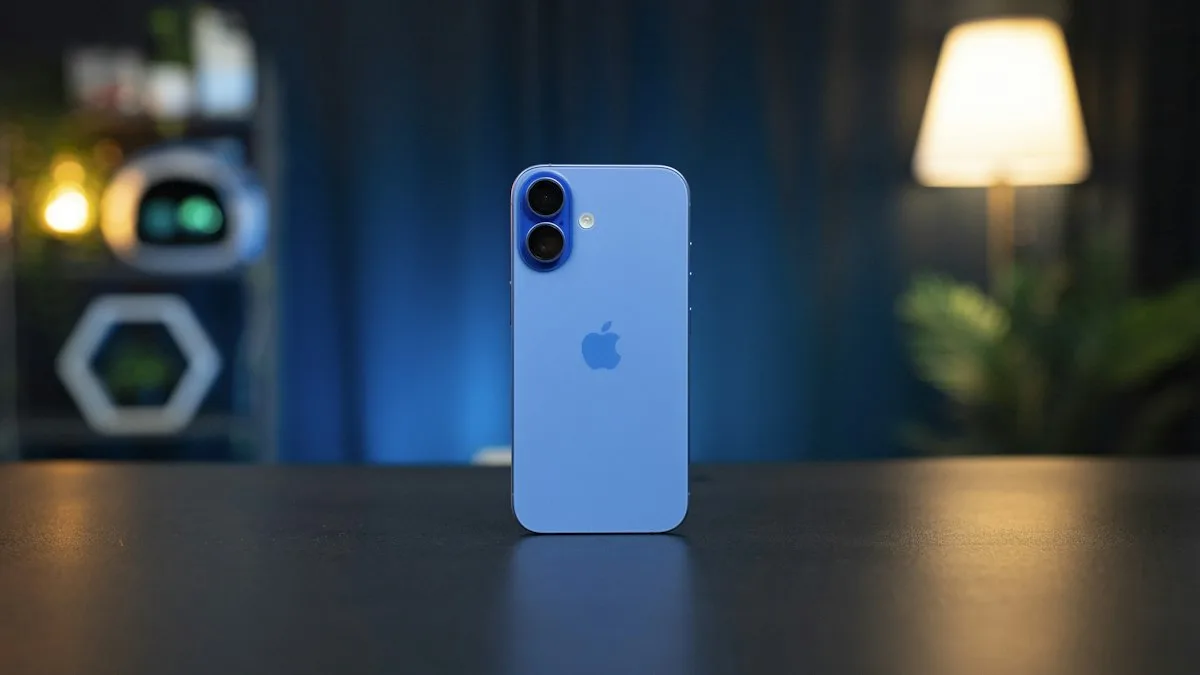
Many phones have the maker's logo on the back, and some print the model in small text. An Apple logo on the back means an iPhone, though it does not say which one. Take any case off first, since it can hide the text. A Samsung Galaxy shows the Samsung name or logo, and a Pixel shows a G. If the phone has a camera bar or a distinct shape, an image search on that look often gets you to the right name, but check with Settings when you can.
Way 4: Check the SIM tray, the box and the receipt
The SIM tray on some iPhones has the IMEI engraved on it. The original box almost always lists the model, the storage size and the color on a sticker, and sometimes the serial number and IMEI. The receipt, the email from the store and the carrier's order page also name the model. If the phone came from a family member, ask for the box. It is a quick and sure answer.
Way 5: Look in your Apple Account or Google Account
This works even when the phone is dead, because your accounts keep a list of devices. For Apple, sign in at account.apple.com, or open Settings on another Apple device, tap your name and scroll down to the list of devices. Tap one to see its model. For Google, sign in at myaccount.google.com on a computer and check the Security or Your devices section, which shows phones that signed in to your account. The list can show the model name and when the phone was last used. If you do not recognize one, that can be a hint that someone else has your login, and it is worth changing your password.
Way 6: Ask your carrier or look at the bill
Your carrier knows which phone is on your line. Sign in to the carrier's app or website and look under Devices or Account. The bill may list the phone, or an installment plan for it. This is also the best way to confirm which phone is on the line when you have more than one. If you are not sure which carrier you use, our guide on how to tell what carrier your phone uses helps.
How do you read the model codes?
- iPhone A-numbers: codes like A3090 identify the exact hardware. The same model name can have several A-numbers for different regions.
- Samsung SM- codes: a code like SM-S921U starts with SM-, then letters and digits that show the line, and often a final letter that points to the region or carrier version.
- Pixel names: the name is the model, for example Pixel 8 or Pixel 8 Pro. The Build number shows the software release.
- Other Android phones: the model name in About phone, and sometimes a code, which a maker's support page can decode.
The model name tells you what you bought. The model number tells you which version of it, which matters for cases, parts and carrier compatibility. When you buy or sell a phone, give both.
What is the difference between the model and the software version?
People often mix the two. The model is the hardware, and it never changes. The software version, such as iOS 18 or Android 15, changes with every update. A shop that asks for your model wants the hardware. A game or app that asks for your version wants the software. Both are on the same About page. If your version stops getting updates, the phone is old, and security fixes stop too, which is a good reason to think about replacing it. See how to check iPhone battery health for another way to judge how old a phone feels.
How do you find out how old your phone is?
Once you know the model name, look up its release year. Settings does not show a purchase date. On an iPhone, you can enter the serial number on Apple's coverage checker to see the coverage status and dates, which hint at the purchase date. The serial number is on the same About page. If the coverage is over, our guide on an iPhone that says coverage expired explains what that means for repairs. For Samsung and Pixel, the warranty page of the maker works in a similar way.
What should you do once you know your model?
- Look up your IMEI if a carrier or store asks. See how to find your IMEI number.
- Check whether the phone is unlocked before you switch plans. See how to check if your phone is unlocked.
- Get the right case, screen protector or charger by typing the exact model name.
- Check what it is worth before you sell. Our guides on trading in a phone and what your iPhone is worth help.
- Check that the phone still gets updates, and plan a replacement if it does not.
What if the phone will not turn on and you have no box?
Charge it for at least 30 minutes with a known good cable and charger, then try again. If it stays dark, use Way 5 or Way 6, which do not need the phone to work. You can also look for text printed on the back or inside the SIM tray, or on the back under the battery on some older phones. A repair shop can usually name a phone at a glance and, with the IMEI, the exact version. Never pay for a phone lookup site that asks for a card or a login to your Apple Account. The free methods above are enough.
Frequently asked questions
How do I find my phone model if the phone will not turn on?
Check the back of the phone, the SIM tray, the original box and your receipt. You can also sign in to your Apple Account or Google Account on a computer and look at the device list.
What is the difference between model name and model number?
The model name is the marketing name, like iPhone 15 or Galaxy S24. The model number is a code, like A3090 on an iPhone or SM-S921U on a Samsung.
How do I know how old my phone is?
Look up the model name to find its release year. Apple's serial number lookup also shows coverage dates for an iPhone, which hints at when it was bought.
Does the model number tell me the carrier?
Sometimes. Samsung model codes often end in a letter that shows the region or carrier version, but the safe check is Settings or your carrier account.
What to try next
Related guides
Where is the clipboard
Where is the clipboard on my phone? iPhone has no clipboard app, but Android keyboards do. See how to view, paste, pin and clear what you copied on each.

Change km to miles on iPhone
How to change km to miles on iPhone: set Measurement System for Apple Maps and Distance units in Google Maps. Also change temperature units.
Activate eSIM on iPhone
How to activate eSIM on iPhone with a QR code, manual details or your carrier's app. Steps for Verizon, AT&T and T-Mobile, plus fixes when activation fails.
Add a Home button to the iPhone screen
How to add home button to iPhone screen: turn on AssistiveTouch in Accessibility, tap Home, move the button and set shortcuts. Works on every iPhone, no repair.
More guides you may need
Change screen lock time on iPhone
Change how long your iPhone screen stays on before it locks. Use Auto-Lock, fix it when it is greyed out or stuck at 30 seconds, and keep the screen on longer.
Forgot Screen Time passcode
Forgot your Screen Time passcode? Reset it in Settings with the Apple Account that set it up, or from a parent’s iPhone for a child. No erase needed.