

Android phone black screen but still on? 7 fixes
If the phone still buzzes or rings, it is on and the problem is the display or software. A force restart fixes many cases.
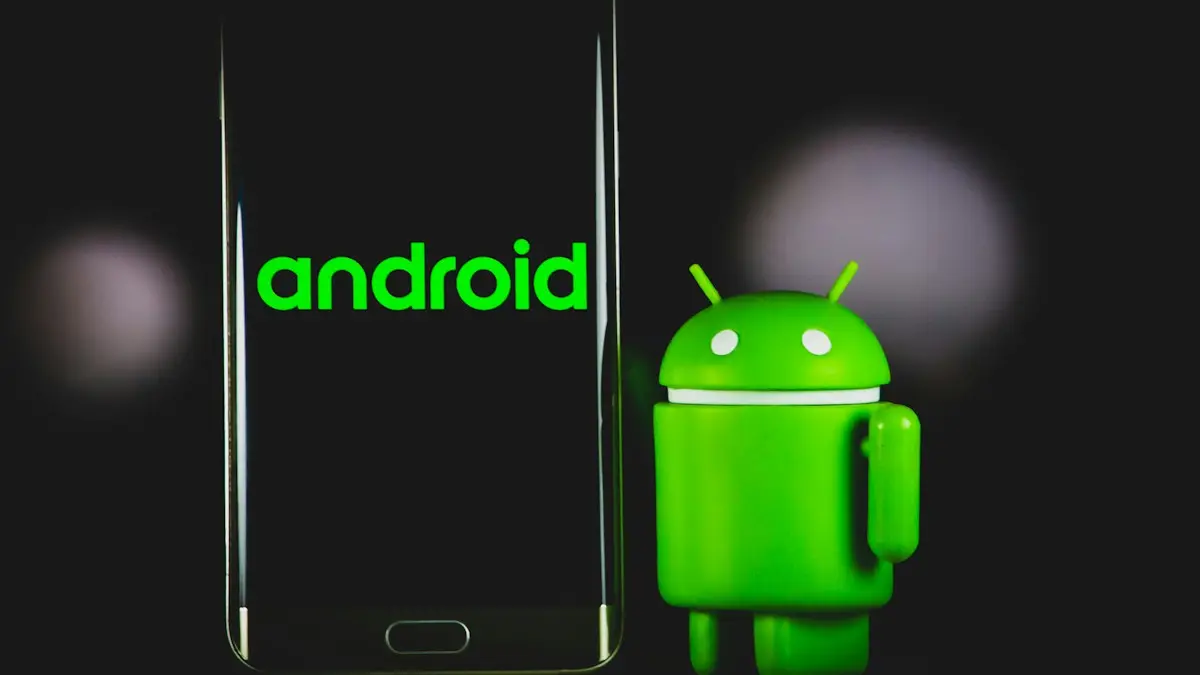
Photo by Denny Müller on Unsplash
A black screen on a phone that still buzzes, rings or plays notification sounds means the phone is running, and something is stopping the picture from showing. It might be frozen software, a brightness or sensor problem, a crashing app or a damaged display. The fixes below go from the quickest to the most involved, and none of the first five delete anything.
Black screen: which kind is it?
- Rings, vibrates or makes sounds: the phone is on. Software or the display is the cause. Keep reading.
- No sound, no vibration, no charging light: the phone is really off. See our guide to a phone that will not turn on.
- Very faint picture when you shine a flashlight on it: the backlight or display has failed; the phone is working.
- Lines, flicker or colors before it went black: the display or its cable is damaged.
How to fix an Android phone black screen
The fix
7 fixes, in order
- 1
Check if it is on.
Call it from another phone, plug it in and listen for a sound or vibration, or connect it to a computer and see whether the computer detects it. Shining a flashlight at an angle on the screen can also reveal a faint picture if only the backlight has failed.
- 2
Charge it for 30 minutes with a known good charger.
A completely drained battery may not show anything for several minutes. Use a wall charger, not a laptop, and a cable you know works. A battery icon or charging light is a good sign that the phone itself is fine.
- 3
Force restart.
Samsung Galaxy: hold the side key and Volume Down for about 10 seconds. Google Pixel: hold Power for about 35 seconds. Motorola: hold Power for 10 to 20 seconds. OnePlus: hold Volume Up and Power for 10 seconds. Keep holding even if nothing seems to happen.
- 4
Raise the brightness.
Brightness at zero, or a dimming app, can make the screen look black. Say “Hey Google, turn brightness to 100 percent.” If the picture appears, turn off Adaptive brightness in Settings › Display and check any screen-dimming or blue-light apps.
- 5
Boot into safe mode and remove recent apps.
Turn the phone off, then on. On Samsung, hold Volume Down as the logo appears; on Pixel, press and hold Power off in the power menu until Safe mode appears. If the screen works in safe mode, an app is the cause. Uninstall recent apps, especially launchers, screen filters and cleaners.
- 6
Update or reset from recovery mode if it will not boot.
Recovery mode is reached by holding a button combination while the phone starts, which differs by brand and model. Use the volume keys to move and the power key to select. Choose Reboot system now first. Wipe cache partition, where offered, is safe. Factory reset erases the phone, so only use it once your data is backed up.
- 7
Get the screen checked if it still stays black.
If the phone clearly works but the screen never shows anything, the display or its connector needs repair. Back up your data first if you can, using the options below.
Screen very dark, not fully black?
Check Extra dim, an accessibility feature that makes the screen darker than the lowest brightness. On Pixel it is in Settings › Accessibility › Extra dim, and on Samsung in Settings › Accessibility › Visibility enhancements › Extra dim. Someone may have turned it on, or it may be scheduled for the evening. Color inversion, grayscale and high contrast settings in the same menus can also make the screen hard to read.
Screen turns black too quickly
- Screen timeout may be set to 15 seconds. Change it in Settings › Display › Screen timeout.
- On Pixel, turn on Screen attention so the screen stays on while you look at it. On Samsung, look for Keep screen on while viewing in the display settings.
- Power saving modes shorten the timeout. Turn them off in Settings › Battery if the screen keeps switching off.
- If the Always On Display shows but the screen will not wake, press the power button, and turn on double tap to wake or lift to wake in the display or gestures settings.
Lines or flicker before it went black
Green, pink or white lines, a flickering picture or a patch of dead pixels before the screen went black point to a failing display panel or a loose connector, often after a drop or pressure in a pocket. Software fixes will not help. Back up while any picture remains, and book a screen repair.
Screen black during or after calls
Every phone turns the screen off when you hold it to your ear, using a proximity sensor near the top of the screen. If the screen stays black after a call, or goes black when you are not holding it to your ear, dirt, a dark screen protector or a case can be covering the sensor. Clean the top edge, remove the protector to test, and on Samsung turn off Accidental touch protection in Settings › Display.
Black screen after a system update
If the screen went black during or right after an update, the phone may still be installing. Leave it on the wall charger for 15 minutes without touching it or pressing any buttons, since interrupting an update can cause more problems. Then force restart using the buttons for your brand. If it vibrates at startup but stays black, try safe mode; an app that is not compatible with the new version can crash the screen at startup. Check for a follow-up update once it is working again.
After a drop or water
A fall can crack the display inside or loosen its cable even when the glass looks fine. Water can short the display or its connector. In both cases the phone often still rings and vibrates. Do not keep charging a wet phone. Turn it off, let it dry for at least a day, and if the screen is still black, book a repair quickly, before corrosion spreads.
Get your data off a black-screen phone
- Check photos.google.com and your Google account on a computer. If backup was on, photos, contacts and texts are already safe.
- Many Samsung Galaxy phones support Samsung DeX: connect a USB-C to HDMI adapter and a monitor to see the screen and back up with a mouse.
- Some Pixel and other phones can show their screen on a monitor with a USB-C video adapter, depending on the model.
- If the computer detects the phone and you had allowed file transfer before, you may be able to copy photos straight away.
- Otherwise, a repair shop can usually back up the data during a screen repair. Tell them it matters.
Too hot or too cold?
Phones switch the screen off, or shut down completely, to protect themselves when they overheat, for example on a car dashboard or while gaming and charging at once. In freezing weather the battery can drop suddenly and the screen goes dark. Let the phone return to room temperature for 30 minutes, away from direct heat, before trying again.
Repair or replace?
A display replacement is usually the most expensive common repair on an Android phone, especially on Samsung’s flagship and foldable models. Check Samsung Care+, carrier insurance or credit card phone protection first, since they cover screens for a deductible. On a budget phone more than three years old, a new screen can cost nearly as much as a new phone, so get a quote before deciding.
Frequently asked questions
How do I know if the screen is broken?
If the phone rings, vibrates and connects to a computer but the screen stays black after a force restart, the display or its cable is likely damaged.
Can I get my photos off a phone with a black screen?
If backup was on, they are at photos.google.com. Otherwise, connect it to a computer, or to a monitor if it supports video out. A repair shop can also copy data before replacing the screen.
Why does my screen go black during calls?
That is the proximity sensor turning the screen off near your ear. If it stays black after the call, clean the top of the screen and remove any protector covering the sensor.
Why did my screen go black after an update?
The update may still be finishing, or an app is crashing at startup. Wait 15 minutes on the charger, then force restart and try safe mode.
What to try next
People also ask
How long should I charge a dead Samsung before it turns on?
Charge it for at least 30 minutes, ideally an hour. Samsung says the charging icon can take up to 10 minutes to appear on a fully drained phone.
Read the full guide: Samsung phone won't turn onHow long should I charge a dead iPad?
At least an hour on a wall adapter. A fully drained iPad can show nothing for the first several minutes.
Read the full guide: iPad won't turn onWhy won’t my iPhone turn on even when charging?
The cable or adapter may be faulty, the port may be blocked with lint, or the battery may be so drained it needs up to an hour before the screen responds. Try another cable and leave it on a wall charger for an hour.
Read the full guide: iPhone won't turn onWhy does only the front or back camera work?
If one lens works and the other stays black after a restart, that camera module is likely damaged and needs repair.
Read the full guide: Phone camera not workingRelated guides
Samsung phone won't turn on
Samsung Galaxy won't turn on or stuck on a black screen? Charge it properly, force restart it, check for moisture and use recovery mode with these 7 fixes.
iPad won't turn on
iPad won't turn on or stuck on a black screen? Charge it for an hour with a strong adapter, force restart it for your model, and try 5 more fixes before repair.
iPhone won't turn on
iPhone won't turn on or stuck on a black screen? Charge it, force restart it the right way, and use recovery mode with these 7 fixes before paying for repair.

Phone camera not working
Phone camera showing a black screen or not opening? Close the app, switch lenses, check permissions and storage, restart and try 4 more fixes.
More guides you may need
Samsung screen keeps dimming
Samsung screen keeps dimming by itself? Check Adaptive brightness, Extra dim, power saving, screen timeout and heat. 7 fixes for Galaxy phones, step by step.
Samsung Wallet too young
Samsung Wallet says you are too young or must be 21? Check the birth date on your Samsung account first. Here is what is confirmed, and your options.