

Android Bluetooth keeps disconnecting? 8 fixes that work
Battery saving settings that put Bluetooth or its companion app to sleep are the most common cause of drops.
Photo by Kelly Sikkema on Unsplash
A connection that works for ten minutes and then dies is annoying, because the phone and the accessory both look fine. On Android the cause is usually the phone’s own power management. It decides that Bluetooth or the app that controls your earbuds is not important and puts it to sleep. The fixes below start there and then move to pairing, cache, interference and hardware.
8 fixes when Android Bluetooth keeps disconnecting
The fix
8 fixes, in order
- 1
Charge the Bluetooth device and keep it close.
- 2
Turn off Power saving or Battery Saver.
- 3
Set Bluetooth to Unrestricted.
Settings › Apps › show system apps › Bluetooth › Battery › Unrestricted. Do the same for the headphone or watch app.
- 4
Forget the device and pair it again.
- 5
Clear the Bluetooth cache.
Settings › Apps › show system apps › Bluetooth › Storage › Clear cache.
- 6
Disconnect other Bluetooth devices you are not using.
- 7
Update the phone and the device’s app or firmware.
- 8
Reset network settings.
Samsung: Settings › General management › Reset › Reset network settings. Pixel: Settings › System › Reset options.
Why does Bluetooth keep dropping on my phone?
There are four common causes. The first is power management: battery saver and adaptive battery can suspend Bluetooth when the screen is off. The second is a damaged pairing, often after an Android update or a firmware update on the accessory. The third is radio interference from Wi-Fi routers, other Bluetooth devices and USB 3 cables. The fourth is range and body blocking, where your hand, pocket or bag sits between the phone and the earbud. Once you know which one fits your case, the fix is quick. If audio drops only while you walk, suspect the fourth. If it drops after a few minutes of screen-off time, suspect the first.
Stop battery saving from cutting the connection
Open Settings › Battery and turn off Power saving while you test. Then find Bluetooth in the app list. You may have to tap the menu and choose Show system apps. On Samsung, the path is Settings › Apps › the filter icon › Show system apps › Bluetooth › Battery. On Pixel it is Settings › Apps › See all apps › the menu › Show system › Bluetooth › App battery usage. Choose Unrestricted or Not optimized. Do the same for the app that goes with your headphones, watch or speaker, because that app often keeps the link alive. On Samsung also look in Settings › Battery › Background usage limits and remove Bluetooth-related apps from the sleeping list.
Pair the device again and clear the Bluetooth cache
Go to Settings › Connections › Bluetooth on Samsung, or Settings › Connected devices on Pixel. Tap the gear next to the device and choose Unpair or Forget. Put the accessory in pairing mode and add it again. If the trouble continues, clear the Bluetooth cache. Open the system app list, tap Bluetooth, then Storage, and tap Clear cache. On some phones you can also tap Clear data, but that wipes every pairing, so be ready to pair each device again. Restart the phone before testing. This step fixes many cases where audio crackles, a device keeps appearing and vanishing, or the phone says Connected but sends no sound.
Audio codecs, LE Audio and other advanced settings
Newer phones can send audio in several formats, and a mismatch with your headphones can cause stutter. In Developer options you can see the Bluetooth audio codec, and picking SBC or AAC instead of a high bitrate option may steady a poor connection. Do this only if you are comfortable turning on Developer options, and change the setting back if nothing improves. Some phones and earbuds also offer LE Audio. If you see a switch for it in Bluetooth settings and the connection is unstable, try turning it off, then restart both devices. Always keep the accessory’s firmware current through its own app, since those updates often fix drops.
Interference, range and one device at a time
Bluetooth works best within about 30 feet with a clear path. Walls, metal and your body weaken it. If your phone is in a back pocket and the earbuds are in your ears, the signal passes through you, and that is why audio cuts out on the move. Put the phone in a front pocket or a bag on the same side as the main earbud. Busy Wi-Fi routers and USB 3 drives add noise in the same band. Also turn off Bluetooth devices you are not using, such as an old speaker or a watch you left at home, since too many connections can crowd the phone. Some phones handle only two audio devices at once.
Samsung, Pixel and other brands
- Samsung: Settings › Connections › Bluetooth. Check Galaxy Wearable for your earbuds or watch and let it run in the background.
- Pixel: Settings › Connected devices › Connection preferences › Bluetooth. Pixel Buds use Fast Pair, so remove the old pairing before you add them again.
- Other brands: look for a battery or app launch setting that lets Bluetooth run in the background, since names change from brand to brand.
Reset network settings and update the system
If nothing above works, update Android in Settings › System › Software update, then reset network settings. On Samsung go to Settings › General management › Reset › Reset network settings. On Pixel go to Settings › System › Reset options and choose Reset Wi-Fi, mobile and Bluetooth. This clears saved Wi-Fi networks, paired Bluetooth devices and mobile settings, but not photos or apps. You will pair everything again, so it is worth doing only after the earlier steps. If a recent app install started the trouble, start the phone in Safe mode. If Bluetooth is stable there, a downloaded app is to blame, and you can remove the newest ones one at a time.
Drops while driving, working out or watching video
The pattern of the drops points to the cause. In the car, the phone may be pairing with the stereo and the hands-free kit at once, so remove the one you do not use. During a workout, sweat and a phone in an armband can block the signal, so move the phone to the same side as the earbud that connects first. During video, a gap between sound and picture is a different problem from a drop. Turn off the audio delay setting in the accessory’s app, or reconnect to reset the timing. If the connection fails only with one app, such as a music or call app, clear that app’s cache and check that it is allowed to run in the background.
Check that nothing else is fighting for the connection
A smartwatch, a fitness band, a car kit and a pair of earbuds can all ask the phone for attention. Look through Settings › Connections › Bluetooth and unpair anything you no longer own. Turn off Nearby device scanning and other background scanning features for a day to see if the drops stop. If they do, turn them back on one at a time. Also look for a second app that controls the same accessory, such as an old manufacturer app and a new one, because they can send conflicting commands and cause the link to reset itself.
When the accessory is the problem
Test the headphones or speaker with another phone. If it drops there as well, the accessory has a fault. Common causes are a worn battery in earbuds, a damaged case contact or old firmware. Check for a warranty or a replacement program, and consider whether a new pair is cheaper than repair. If the same trouble affects every accessory and a different phone works with all of them, your phone may have a faulty radio, and a repair shop can check it. If a slow, laggy phone is part of the picture, read about making a slow Android phone faster. For a car that keeps losing the link, see car Bluetooth pairing problems.
Frequently asked questions
Why does Bluetooth disconnect when my screen turns off?
Battery optimization is putting Bluetooth or the device’s app to sleep. Set both to Unrestricted in their battery settings.
Why does audio cut out in my pocket?
Your body blocks Bluetooth signal. Keep the phone on the same side as the earbud that connects first, and away from busy Wi-Fi routers.
Does clearing the Bluetooth cache delete my paired devices?
It can reset the saved list on some phones, so be ready to pair again. Your files, photos and apps are not touched.
Why does Bluetooth drop only when I use Wi-Fi?
Wi-Fi and Bluetooth share the 2.4 GHz band, so a crowded router can interfere. Move the phone closer to the accessory or switch your router’s Wi-Fi to 5 GHz.
People also ask
Why does my Samsung turn off at 20 percent?
A worn battery cannot deliver enough power under load, so the phone shuts down early. Check the battery in Samsung Members and replace it if it is weak.
Read the full guide: Samsung keeps turning offWhy does my Galaxy Watch not buzz when I use my phone?
Smart device selection hides watch alerts while you use the phone. Set Phone notifications on watch to Always show on both if you want alerts on both devices.
Read the full guide: Galaxy Watch not getting notificationsIs it my phone or my router?
If every device drops at the same time, it is the router or internet. If only your phone does, work through the phone fixes.
Read the full guide: Android Wi-Fi disconnectingWhy does my Pixel volume go down by itself?
Common causes are Adaptive Sound, a loud sound warning on headphones, a streaming app that normalizes volume, or a Bluetooth device syncing its own level. A stuck volume button or a pressing case can also do it.
Read the full guide: Pixel keeps lowering volumeRelated guides
Samsung keeps turning off
Samsung phone keeps turning off by itself, even with battery left? Check the battery in Samsung Members, remove the case, test safe mode and try 6 more fixes.
Galaxy Watch not getting notifications
Galaxy Watch not getting notifications from your phone? Check Phone notifications on watch, app switches, Do Not Disturb and battery limits. 9 fixes.
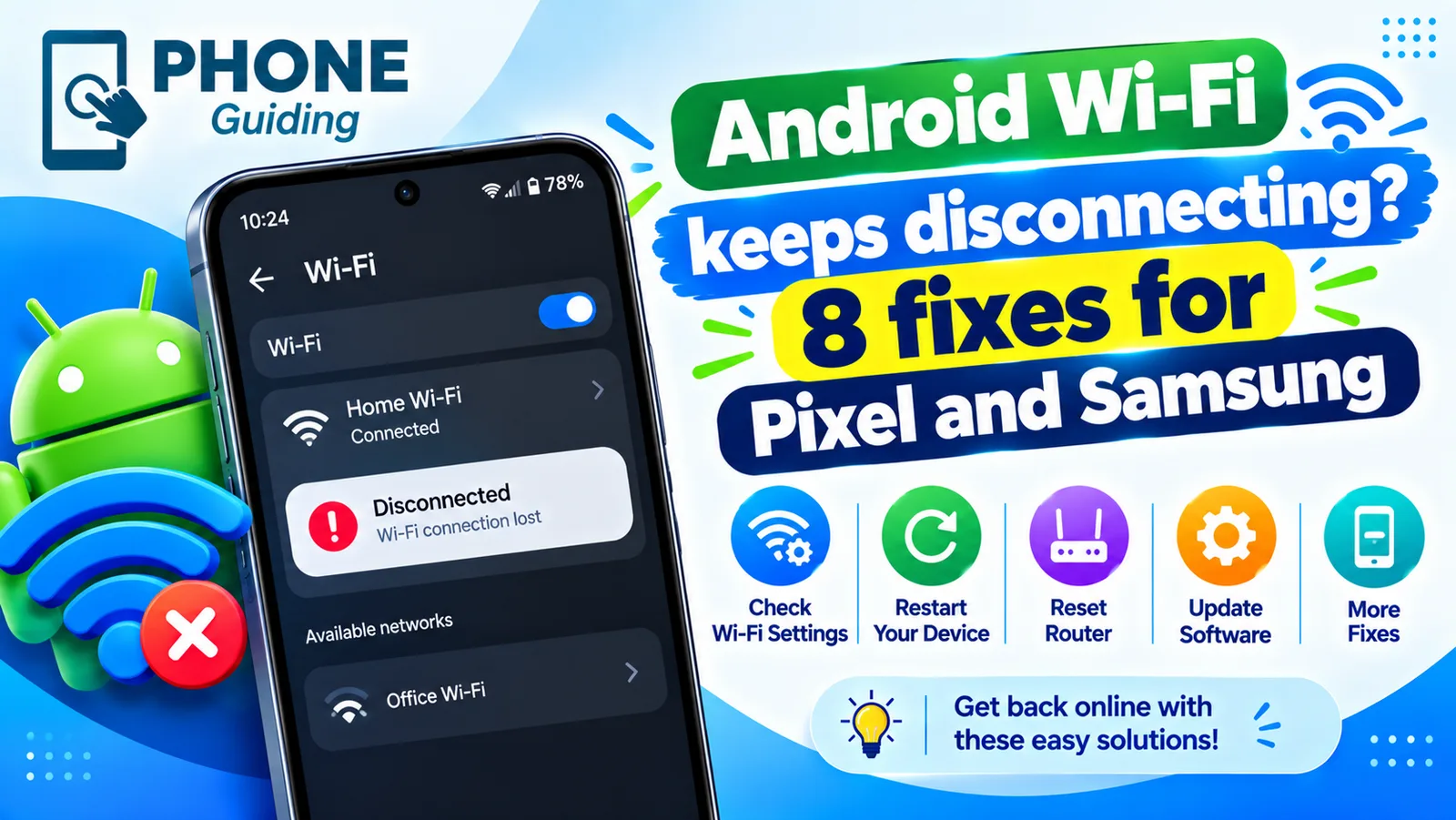
Android Wi-Fi disconnecting
Android Wi-Fi keeps disconnecting and reconnecting? Turn off randomized MAC, Adaptive connectivity and Switch to mobile data, and check the router in 8 steps.
Pixel keeps lowering volume
Pixel keeps lowering volume on its own? Check Adaptive Sound, app volume normalization, Bluetooth absolute volume and stuck buttons. 8 fixes for Pixel phones.
More guides you may need
Android 17 bubbles
Android 17 bubbles let you float almost any app over what you are doing. Learn how to start a bubble, move and close it, and fix a missing Bubble option.
Android new tag scanned
Android new tag scanned keeps popping up? It means your phone touched something with an NFC chip. Find the cause and stop it without losing tap to pay.