

Pixel screen turns on in your pocket? 6 fixes that stop it
A Pixel wakes when you tap it or lift it, and it can stay unlocked when it thinks it is with you. This guide shows which setting is behind it and how to turn it off.
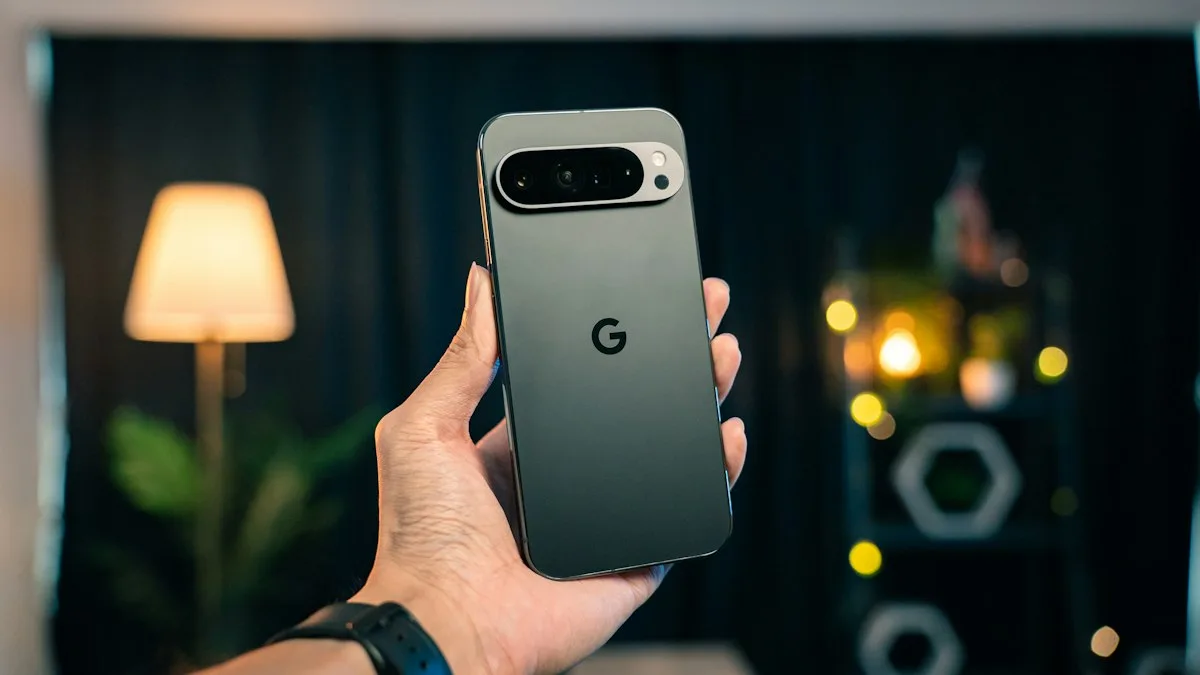
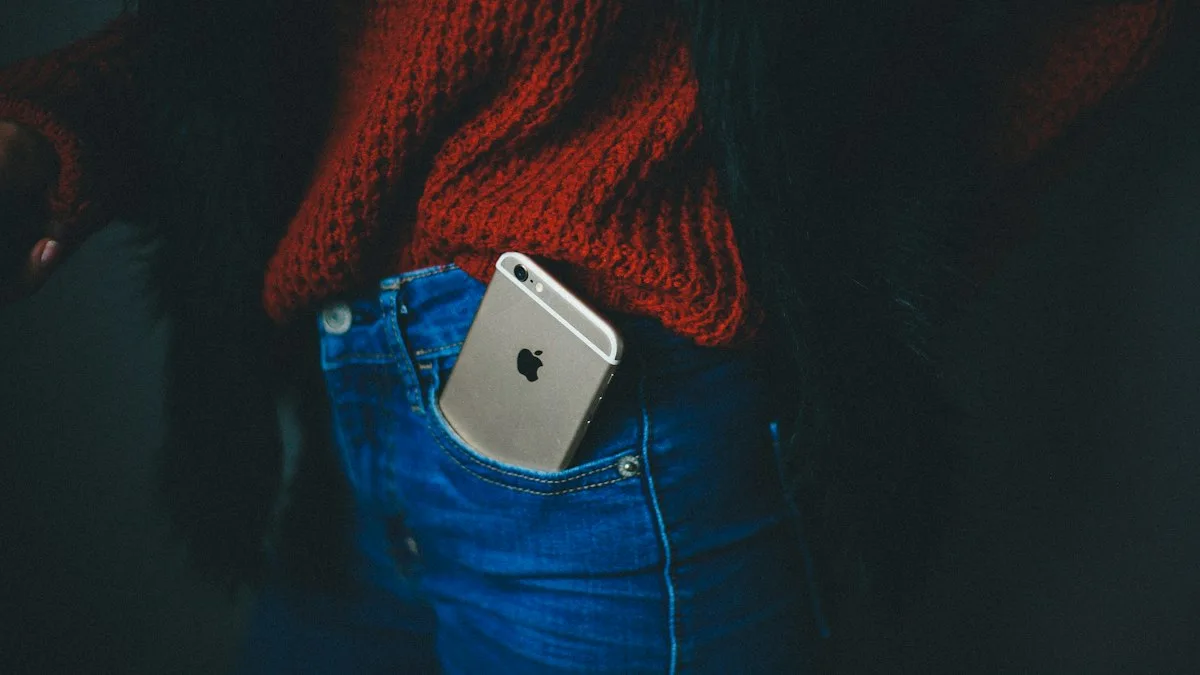
Photo by Amanz on Unsplash
You pull your Pixel out and the screen is lit, the battery is down a few percent, or a call went to someone you did not mean to dial. A Pixel is built to wake easily, and that is the problem when it sits in a pocket.
The fix
6 fixes to try
- 1
Turn off Tap to check phone.
Settings › System › Gestures › Tap to check phone. This stops a tap on the screen from waking it.
- 2
Turn off Lift to check phone.
Same screen. This stops picking up or moving the phone from waking it.
- 3
Review Extend Unlock.
Search Settings for Extend Unlock (Smart Lock on older versions). Remove On-body detection and any trusted places or devices you do not need.
- 4
Check touch sensitivity.
On some Pixel models there is a display option that raises touch sensitivity for screen protectors. If you see one under Display, turn it off unless you use a thick protector.
- 5
Shorten the screen timeout.
Settings › Display › Screen timeout. Pick 30 seconds so a lit screen goes dark quickly.
- 6
Check your case and the power button.
Take the case off for a day. A tight case can press the side keys.
Why does a Pixel screen turn on in a pocket?
Google's Pixel Help describes two gestures. Tap to check phone lets you tap the locked screen to see notifications. Lift to check phone shows them when you pick the phone up. Both are useful on a desk. In a pocket, they have no way to tell your hand from a leg, a key or a fold of cloth, so they fire.
Google's help page does not discuss accidental wakes, so the other causes below come from reports by Pixel owners and other tech sites. They are common, not guaranteed on your phone.
| What you notice | Likely cause | Try first |
|---|---|---|
| Screen lights when you walk | Lift to check phone | Turn it off |
| Screen lights when cloth touches it | Tap to check phone | Turn it off |
| Phone is already unlocked when you take it out | Extend Unlock | Remove On-body detection and trusted places |
| Screen reacts only with a protector on | High touch sensitivity | Turn the option off or change the protector |
| Lights with one case only | Case presses the power button | Try without the case |
Why does my Pixel stay unlocked in my pocket?
Wake gestures only light the screen. If the phone is also open, Extend Unlock is the usual reason. It keeps the phone unlocked when it believes you are still holding it, when you are at a place you marked as trusted, or when a trusted Bluetooth device is connected. If you put the phone in a pocket, the on-body detection can think you are walking and keep it open.
This is a security risk as well as an annoyance. If you drop the phone or someone takes it, they may reach your apps without a PIN. Remove trusted places you no longer use and any Bluetooth device other people can connect to. If you forget your PIN after changing lock settings, see getting back into an Android phone.
Stop pocket dials and random touches
A lit screen leads to taps, and taps lead to calls. Besides the gestures above, check three more things.
- Emergency SOS: on a Pixel, pressing the power button several times can start an emergency call. Look in Settings › Safety & emergency and change the option if it fires by accident.
- Quick Tap: if it is on, tapping the back of the phone can run an action. It is under Settings › System › Gestures.
- Always on display: a screen that stays lit gives a stray touch something to hit. Set the lock screen to show information only when you tap or lift, or turn it off.
Screen protectors, cases and a cracked screen
A thick glass protector can change how the screen feels touches. A case that is too tight can press the power button or the volume keys. A case with a card slot can press the screen. Try the phone without them for a day, then add them back one at a time.
A cracked or damaged display can send touches by itself. If the screen reacts while the phone lies on a table, the problem is not the pocket. Read our guide to an Android touch screen that stops working and consider a repair.
Does a lit screen in your pocket hurt the battery?
A little. A screen that wakes many times a day uses power, and a phone that keeps running apps in a warm pocket can drain faster. If your battery is also dropping quickly, work through fixing fast battery drain on Android. The wake-ups are rarely the whole story, but they add up.
Differences between Pixel models and Android versions
Google changes Pixel menus with feature drops, so your phone may not match the steps word for word. Google's help page lists the gestures under System, then Gestures. Owners of an older model such as the Pixel 6a report seeing related options in other places, and the lock options used to be called Smart Lock before Extend Unlock. If you cannot find a setting, type its name into the Settings search box. Searching for "check phone" or "Extend Unlock" takes you straight to the right screen.
Software updates matter too. A bug in one release can make touch or wake behavior worse, and a later update can fix it. Open Settings › System › Software updates and install anything waiting. Restart the phone afterward, since many odd touch problems clear after a fresh start.
Is it safe to turn these gestures off?
Yes. Tap to check phone and Lift to check phone are conveniences, not safety features. Turning them off does not change your lock screen, your notifications or your data. You still wake the phone with the power button and still get alerts. The only cost is one extra step when you want to glance at the time. If you rely on the phone for work calls, that small step is worth it compared with a pocket dial to your boss.
Test one change at a time
Turning every setting off at once fixes the problem but teaches you nothing. Start with Tap to check phone and Lift to check phone, then carry the phone for a day. If the screen is still waking, take off the case. If the phone is still staying unlocked, review Extend Unlock. Once it behaves, you can turn back on the gesture you miss most. Many people keep Lift to check phone and drop Tap to check phone, or the other way around.
When it is not a setting
If the screen wakes on a table with nobody near it, test the phone in Safe mode, which turns off apps you installed. Our guide to Android Safe mode shows how. If the problem goes away, an app is waking the screen, often a chat or alarm app. If it stays, update Android, restart, and back up the phone before you contact Google or a repair shop.
If you also use a Galaxy phone, the same problem on a Samsung has its own settings, and what to do on an iPhone is different again.
Frequently asked questions
Why does my Pixel keep turning on in my pocket?
Google's Pixel gestures wake the phone when you tap the screen or pick it up. In a pocket, fabric or movement can look like either one, and a tight case can press the power button.
Where is Tap to check phone on a Pixel?
Open Settings, tap System, tap Gestures, then choose Tap to check phone or Lift to check phone. The location can differ by Pixel model and Android version.
Why does my Pixel stay unlocked in my pocket?
Extend Unlock (called Smart Lock on older versions) can keep the phone open when it detects it is on your body or in a trusted place. Turn those options off to make it lock sooner.
Will turning off these gestures hurt my phone?
No. You lose the quick glance at notifications. You can still wake the phone with the power button.
What to try next
Sources
Official pages these steps are based on. Menus can differ by software version.
People also ask
Why does my Samsung stay unlocked at home?
Smart Lock is probably set to trust your home or a Bluetooth device. Remove those in Settings › Lock screen › Extend Unlock (Smart Lock on older phones).
Read the full guide: Samsung unlocking in pocketWhy does my iPhone screen turn on in my pocket?
Apple says an iPhone wakes when you press the side button, raise it, or tap the screen. In a pocket, movement, a tap from fabric or a press on the side button can all trigger it.
Read the full guide: iPhone turns on in pocketWhy does my iPhone flashlight turn on by itself?
It is almost always the Flashlight button at the bottom left of the Lock Screen being pressed by accident, often in a pocket or bag. Turning off Tap to Wake or locking the phone before you pocket it usually stops it.
Read the full guide: iPhone flashlight turns on by itselfWhy does my iPhone keep calling people in my pocket?
Usually the screen wakes in your pocket and something presses a number, or Siri, Voice Control or an Emergency SOS shortcut starts the call. A paired Bluetooth headset can also trigger a redial.
Read the full guide: iPhone pocket dialingRelated guides
Samsung unlocking in pocket
Samsung phone keeps unlocking or pocket dialing? Turn on Accidental touch protection, turn off Lift to wake and Double tap to wake, and check Extend Unlock.
iPhone turns on in pocket
iPhone screen turns on in pocket? Turn off Raise to Wake and Tap to Wake, check your case and notifications, and avoid a passcode lockout. Steps from Apple.
iPhone flashlight turns on by itself
iPhone flashlight turns on by itself in your pocket or when you wake the screen? Why it happens and 7 ways to stop it, from Tap to Wake to the Action button.
iPhone pocket dialing
iPhone pocket dialing people or 911? Turn off Raise to Wake and Tap to Wake, check Siri, Emergency SOS and Back Tap, and set a shorter Auto-Lock. Steps inside.
More guides you may need
Pixel Screen Reactions
Pixel Screen Reactions record your screen and selfie camera together on Android 17. See the steps, the entire screen rule, its limits and why it may be missing.
Pixel Wi-Fi low quality
Pixel says your Wi-Fi is low quality even with full bars? Learn what the warning measures, why the phone jumps to mobile data and how to make it stay on Wi-Fi.