

Find My not updating location? How to fix “No location found”
Find My can only show a fresh location when the other device is on, online and allowed to share it. Check those three first.
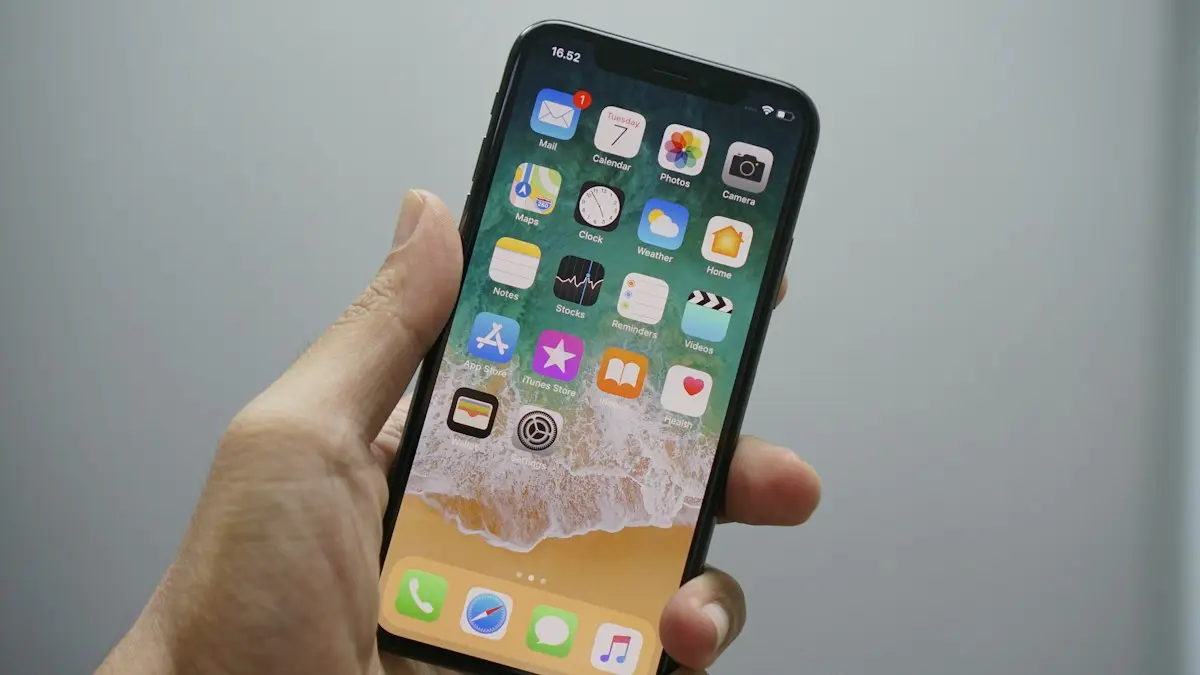
Photo by Bagus Hernawan on Unsplash
You open Find My and see No location found, or a pin that is hours old. It looks like a bug, but Find My can only show what the other device tells it. If that iPhone is off, offline, set to share from another device or blocked from using location, there is nothing new to show. The checks below start with those simple facts and then cover settings on both phones.
9 fixes when Find My iPhone is not updating location
The fix
9 fixes, in order
- 1
Make sure the other iPhone is on and online.
- 2
Turn on Find My iPhone.
Settings › [name] › Find My › Find My iPhone.
- 3
Turn on Share My Location.
Same menu. Also check the person has not stopped sharing with you.
- 4
Set This Device as My Location.
If the person has an iPad or watch, location may be coming from that device instead.
- 5
Turn on Location Services.
Settings › Privacy & Security › Location Services.
- 6
Allow Precise Location for Find My.
In Location Services, tap Find My and turn on Precise Location.
- 7
Set date and time automatically.
- 8
Turn off Low Power Mode.
It can reduce how often location updates.
- 9
Restart both iPhones and update iOS.
Why is Find My not updating a location?
Find My is a relay. The other iPhone checks where it is and sends the result to Apple, and you see the latest result. If the phone is switched off, in Airplane Mode, out of signal or has a dead battery, the last known spot stays on your map. That can look stale, even when nothing is broken. Other causes are sharing that was turned off, location access limited for the Find My service, an old time setting that confuses the update, and a different device chosen as the source of the person’s location. Because the data comes from someone else’s phone, some fixes have to be done on that phone, not yours.
Check the other iPhone: power, signal and Airplane Mode
Ask the person to look at three things. Is the phone on and charged? Does it have cellular data or Wi-Fi? Is Airplane Mode off? A phone in a basement, a plane, a tunnel or a dead zone will not send updates. When it returns to coverage, the location should refresh in a minute or two. If you need the person right now, a phone call or text is faster. Also tell them that Low Power Mode, which turns on automatically at 20% battery, can slow background updates, so a quick charge helps.
Share My Location and My Location device
On the person’s iPhone, open Settings › [name] › Find My. Share My Location must be on, and under it, This Device should be selected as My Location. If they pick an iPad or Apple Watch that stays at home, the pin will not move when they do. In the Find My app, the People tab lists who shares with whom. If a person has disappeared from the list, they may have stopped sharing or removed you, and you will need to ask them to share again. Neither of you is told when sharing stops, so look at the list before you assume something is broken.
Location Services and Precise Location
In Settings › Privacy & Security › Location Services, check that the main switch is on. Scroll down and tap Find My, and set it to While Using the App or Ask Next Time Or When I Share, then turn on Precise Location. Without Precise Location, the pin can sit in a wide area, which looks like it is not updating. Also scroll to System Services and check that Find My iPhone is on. On your own iPhone, check the same settings, since a blocked app cannot show an updated map. Having both sides right matters more than getting one side perfect.
Date, time, region and other quiet causes
A wrong clock can break secure connections. In Settings › General › Date & Time, turn on Set Automatically. Sign out and in again to your Apple Account if the account shows an error or asks you to verify. A full iPhone, a failed iOS update or a profile from work or school that limits location can also interfere. If the person uses a Focus or Screen Time limit, check that Location Services changes are allowed under Content & Privacy Restrictions. When these small settings are right and the phone is online, Find My nearly always catches up.
Finding a lost or turned-off iPhone
If you are looking for your own missing iPhone, Find My can often show its last location, even when it is off or offline, using the Find My network of nearby Apple devices. This works on recent iPhones, and only if Find My network was on before it went missing. Open Find My, tap Devices, choose the phone and use Play Sound, Lost Mode or Directions. Do not go alone to a stranger’s home to get it back, and ask the police for help instead. Read more in our guide to what to do when your iPhone is missing.
Family sharing and shared locations
If you share with family, remember that location sharing is a two-way agreement. Each person can turn it off at any time without an alert. Ask a family member to check the settings above rather than assuming the app has failed. If you need to set it up again, our guide to sharing your location shows each step. If one person uses Android, Find My will not work for them, and you can read about sharing location between Android and iPhone.
Why does the pin show the wrong place?
A pin that is close but not exact usually means a weak GPS signal indoors, so the iPhone is estimating from Wi-Fi and cell towers. The map may be off by a block. Precise Location helps, and so does moving near a window or outside. If the pin sits at an old address, the person’s phone may have lost connection when they left, and the map shows where it last reported. Wait a few minutes after they reconnect and tap Refresh by pulling down in the People list. If the time under the name still says an hour ago or longer, treat the pin as history, not a live position.
What you cannot do with Find My
Find My is built for people who agree to share. It cannot find someone who has turned sharing off, and it will not show a person who never added you. It also does not track a phone that has been erased or had its account removed. If someone refuses to share, respect that. Do not use hidden apps to track another adult, since that can be illegal and is against the privacy rules Apple and Google enforce. For a child, use the family tools described above, openly and with their knowledge.
Restart, update and reset
Restart both phones, then update iOS in Settings › General › Software Update. If a person’s location is still stuck, ask them to turn Share My Location off, wait ten seconds and turn it on again. As a last step, reset location settings on the iPhone you are trying to locate: Settings › General › Transfer or Reset iPhone › Reset › Reset Location & Privacy. It makes apps ask for location permission again, but it does not delete data.
When something is wrong with the phone itself
If location fails on every app, the GPS or the battery may be at fault. Check the battery health and the number of charge cycles, and ask an Apple Store or authorized provider to run a test. If you need to replace a phone with a weak battery, compare repair, trade-in and upgrade offers from your carrier. Start by checking your iPhone’s battery health.
Frequently asked questions
Why does Find My say No location found for a person?
They may have stopped sharing, their phone may be off or offline, or Location Services is off. People are not notified when you check, and you are not notified when they stop sharing.
Can Find My locate an iPhone that is turned off?
Recent iPhones can be found for a while after being turned off through the Find My network, but not indefinitely. Very low battery or 24 hours offline usually stops updates.
How often does Find My update a person’s location?
There is no fixed schedule. It updates when the other iPhone moves or has a connection, so a phone that sits still or is offline may show an older spot.
Does Low Power Mode stop Find My from updating?
It can slow background updates. Turn it off on the iPhone you are trying to locate if the location looks stale.
People also ask
What does "No location found" mean for AirPods?
It means Find My cannot report where your AirPods are right now. Apple says that if they are out of range or need to charge, you may see the last known location, or the status Offline or No location found.
Read the full guide: AirPods no location foundCan I find my iPhone if it is off or dead?
Often, yes. iPhone 11 and later can usually still be located through the Find My network for a while after they turn off or the battery runs low. Otherwise, Find My shows the last known location for up to seven days.
Read the full guide: Find a lost iPhoneCan I share my location with an Android phone?
Find My only works between Apple devices. For an Android user, open Google Maps on your iPhone, tap your profile picture, then Location sharing, and send them a link.
Read the full guide: Share your location on iPhoneDoes the iPhone user need Google Maps?
No, but it helps. Without it, they can open your link in Safari. With a Google account in Google Maps, they see you on their map.
Read the full guide: Share location Android to iPhoneRelated guides
AirPods no location found
AirPods no location found in Find My? It rarely means they are gone. See what the message means, what to check right now and how to improve your chances.
Find a lost iPhone
Find your lost iPhone with Find My on another Apple device or at icloud.com/find from any phone. Play a sound, see its last location and turn on Lost Mode.
Share your location on iPhone
Share your location on iPhone for an hour, a day or forever using Messages, Find My or Maps. Also how to share with an Android user and how to stop sharing.
Share location Android to iPhone
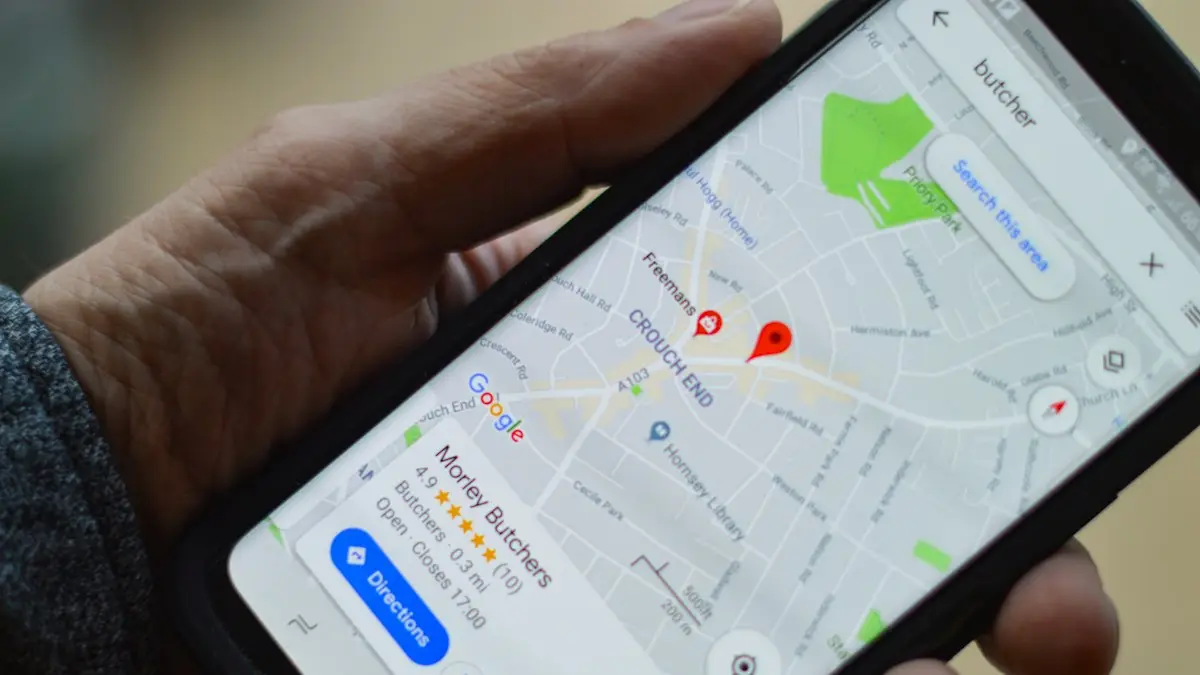
Share your live location from an Android phone with an iPhone user using Google Maps or Find Hub, for an hour or until you turn it off. No extra app needed.
More guides you may need
iPad is disabled, connect to iTunes
iPad is disabled connect to iTunes or says Unavailable? Learn why it locks, how to erase it with your Apple Account or a computer, and get your data back.
iPad not charging
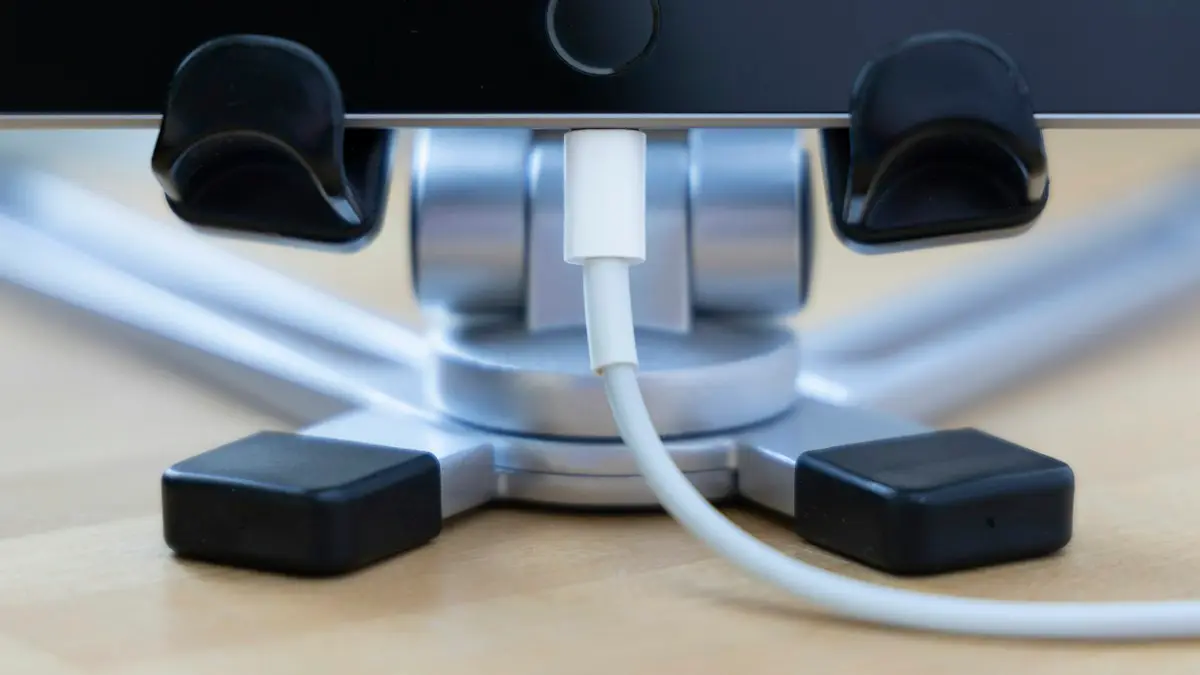
iPad not charging or showing Not Charging? Use a strong wall adapter, clean the port, try another cable and force restart. 8 fixes before you book a repair.