

How to share location on iPhone (Messages, Find My and Maps)
You can send your live location in a text, share it all the time in Find My, or send your arrival time from Maps.
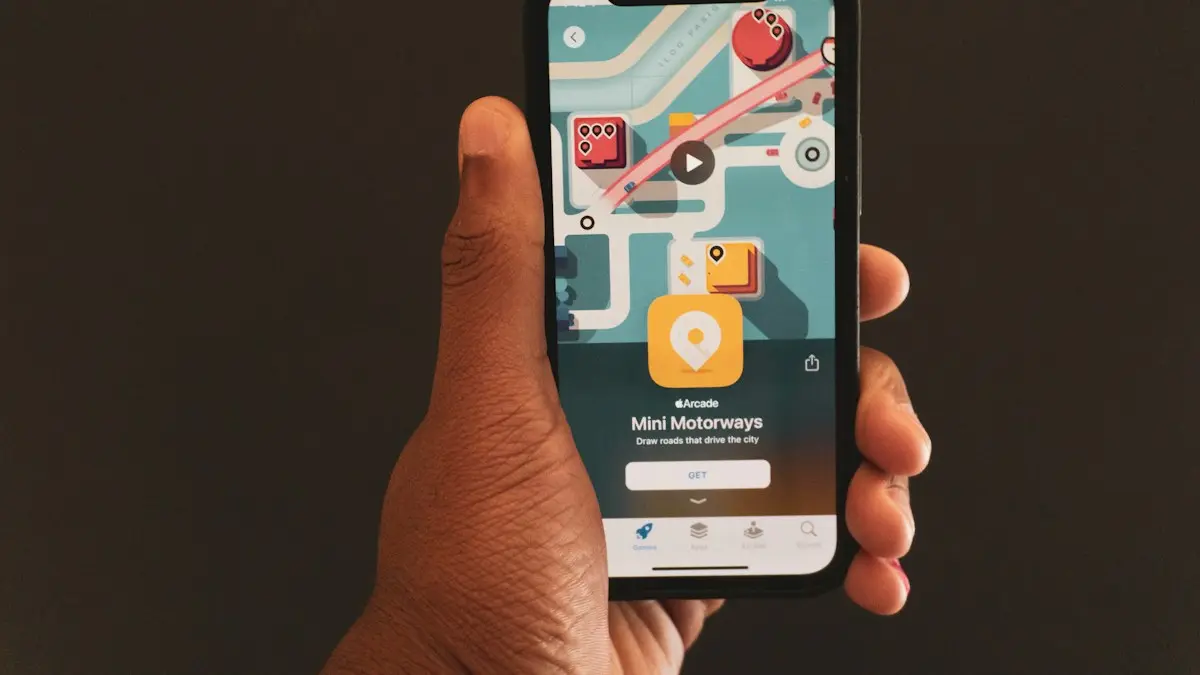
Photo by Terrillo Walls on Unsplash
Sharing your location is useful when you are meeting someone, driving a child home or just letting family know you are safe. The iPhone gives you three ways to do it, and each suits a different job. You stay in control the whole time, because you can stop sharing at any moment. The steps below use the current iOS menus, and older versions may look a little different.
How to share location on iPhone: which way should you use?
- Messages: quick, for one person, with a time limit.
- Find My: ongoing sharing with family or close friends.
- Maps: send your arrival time while you drive or walk somewhere.
The fix
Share your location in Messages
- 1
Open the conversation with the person.
- 2
Tap the plus button next to the text box, then tap Location.
- 3
Tap Share and choose how long.
Pick One Hour, Until End of Day or Indefinitely.
- 4
Tap Send.
The fix
Share your location in Find My
- 1
Open Find My and tap the Me tab. Turn on Share My Location.
- 2
Tap the People tab, then the plus button.
- 3
Choose Share My Location and enter a name or number.
- 4
Tap Send and choose how long to share.
The fix
Share your arrival time in Apple Maps
- 1
Start directions to a place and tap Go.
- 2
Tap Share ETA at the bottom and choose a contact.
The fix
How to stop sharing
- 1
In Find My, open People and tap the person.
- 2
Scroll down and tap Stop Sharing My Location.
- 3
To stop with everyone, turn off Share My Location.
It is in Find My › Me, or Settings › your name › Find My.
Messages, Find My or Maps: which should you use?
Messages sharing is best for a short, one-person job, such as a first meeting or a pickup. It has a time limit, and it ends by itself. Find My is for the people you trust every day, such as a partner or a child, since it keeps updating until you stop it. Maps ETA sharing sends your route progress and arrival time, and it stops when you arrive, so it needs no cleanup. If you only want to send a place, not your own position, drop a pin and send that instead. A pin never moves and does not follow you.
Is Location Services turned on?
None of these work if Location Services is off. Open Settings › Privacy & Security › Location Services and turn it on. Scroll down to Share My Location and check that it is on, and open Find My and Messages in the same list. Choose While Using the App for each, and turn on Precise Location for Find My so friends see your exact spot, not a wide area. If you see a grey Location Services switch, a Screen Time restriction may be blocking it, which you can change in Settings › Screen Time › Content & Privacy Restrictions › Location Services.
How do you share a pin or a place instead of your position?
In Apple Maps, tap and hold a spot to drop a pin, or search for a place, then tap Share and choose Messages or Mail. The person gets a link they can open in Maps. In Messages you can also tap the plus button, choose Location and send your current spot as a single pin by tapping Send Pin. This works well for a parking spot or a meeting point, and it does not reveal where you go next. Pins are a good choice when you want to be exact but not tracked.
Can you share your location with an Android user?
Find My does not work with Android. Open Google Maps on your iPhone, tap your profile picture, then Location sharing, and choose Share location. Pick a person or a link, then choose how long. The person opens the link in a browser or in Google Maps on any phone. Google Maps needs location access set to Always for full tracking in the background. If you only need a one-time pin, send it from Apple Maps by text. For the reverse direction, see sharing location from Android to iPhone.
How do you share location in WhatsApp and Google Maps?
Other apps have their own sharing. In WhatsApp, open a chat, tap the plus button, choose Location and pick Share Live Location for 15 minutes, 1 hour or 8 hours. In Google Maps, tap your profile picture, choose Location sharing and pick the person. These need location permission set in Settings › Privacy & Security › Location Services, and they run on their own timers, separate from Find My. Check each app when you want to stop, since turning off Find My does not stop WhatsApp or Google Maps.
How do you share with family and children?
If you use Family Sharing, location sharing can be turned on for everyone in the group from Find My, so it is easy to see where a child is on the way home. Talk with your child first, explain what is shared and agree on when it is on. You can also get a notification when someone leaves or arrives at a place. In Find My, tap a person, choose Notify Me and set an arrival or departure alert. Remember that sharing works only when the child’s phone is on and online.
Who can see your location, and is it safe?
Share only with people you trust, and check the list now and then. Open Find My › People and review who is there. Remove anyone you no longer want to share with. Remember that Indefinitely means until you turn it off, and the person can see where you go all day. If you are in an unsafe situation, Apple’s Safety Check in Settings › Privacy & Security › Safety Check lets you review and stop sharing with everyone in one step. You will also see a dot or an arrow on the screen when an app uses your location, and our guide to privacy indicators on iPhone explains them.
How do I check who can see me right now?
It is easy to forget a share you set up months ago. Open Find My, tap People and look at the list. Each name there can see your location. Tap a name to see whether the sharing is timed or open-ended. In Messages, a location share shows as a small map at the top of the conversation, and you can tap it to stop. Review the list every few months, especially after a change in your job, a move or a break-up. It takes a minute and keeps your location with the people you meant to tell.
Does sharing location drain the battery?
Sharing a location for a short time uses little power, but ongoing sharing with maps open can drain a battery quickly. Use time limits when you can, close Maps when you arrive and avoid Low Power Mode if you need fresh updates, since it slows them. If your battery drains much faster than it used to, it may be aging, and checking the health of the battery in Settings tells you whether a replacement would help. Compare the repair price against a trade-in or upgrade before deciding.
What if the shared location is wrong or stuck?
A pin that is old or in the wrong place usually means the other phone is off, offline or has location limited. Check Share My Location, This Device as My Location, Precise Location and Low Power Mode, and ask them to restart. Full steps are in the guide to a location that will not update. If you are looking for a lost phone, use Find My › Devices, and read about what to do when your iPhone is missing.
Frequently asked questions
Can I share my location with an Android phone?
Find My only works between Apple devices. For an Android user, open Google Maps on your iPhone, tap your profile picture, then Location sharing, and send them a link.
Does the other person know when I stop sharing?
They are not sent an alert, but your location disappears from their Find My app and from your Messages conversation.
Why is my shared location not updating?
Location Services may be off, Low Power Mode may be slowing updates, or Share My Location may be set to another device such as an iPad. Check Settings › your name › Find My.
Can I share a location that is not my own?
Yes. In Messages or Maps you can drop a pin on any place and send it, which is handy for a meeting spot or a parking space.
Sources
Official pages these steps are based on. Menus can differ by software version.
People also ask
Can I find my iPhone if it is off or dead?
Often, yes. iPhone 11 and later can usually still be located through the Find My network for a while after they turn off or the battery runs low. Otherwise, Find My shows the last known location for up to seven days.
Read the full guide: Find a lost iPhoneWhy does Find My say No location found for a person?
They may have stopped sharing, their phone may be off or offline, or Location Services is off. People are not notified when you check, and you are not notified when they stop sharing.
Read the full guide: Find My not updating locationWhat does "No location found" mean for AirPods?
It means Find My cannot report where your AirPods are right now. Apple says that if they are out of range or need to charge, you may see the last known location, or the status Offline or No location found.
Read the full guide: AirPods no location foundDoes the iPhone user need Google Maps?
No, but it helps. Without it, they can open your link in Safari. With a Google account in Google Maps, they see you on their map.
Read the full guide: Share location Android to iPhoneRelated guides
Find a lost iPhone
Find your lost iPhone with Find My on another Apple device or at icloud.com/find from any phone. Play a sound, see its last location and turn on Lost Mode.
Find My not updating location
Find My not updating location or showing No location found? Check the other iPhone is online, Share My Location, Precise Location and try 6 more fixes.
AirPods no location found
AirPods no location found in Find My? It rarely means they are gone. See what the message means, what to check right now and how to improve your chances.
Share location Android to iPhone
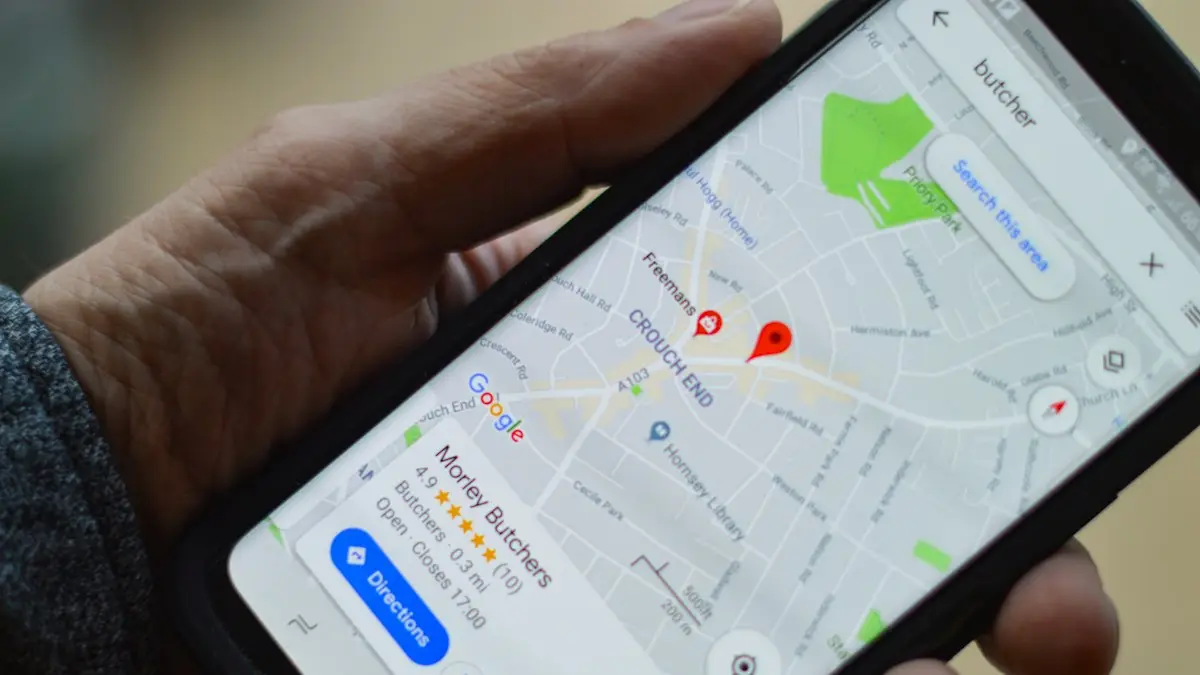
Share your live location from an Android phone with an iPhone user using Google Maps or Find Hub, for an hour or until you turn it off. No extra app needed.
More guides you may need
Verification codes on iPhone
Verification codes on iPhone: how OTP and 2FA codes arrive, how to AutoFill them from Messages and Mail, use Passwords, and fix codes that don't come.

Phone bill too high
Why is my phone bill so high this month? Check these 9 common causes, from expired promos to device payments and fees, and learn how to fix each one.