

How to find a lost Android phone (Google and Samsung)
Every Android phone signed in to Google can be found from a browser. Samsung phones have a second option, and newer Pixels can even be found when off.
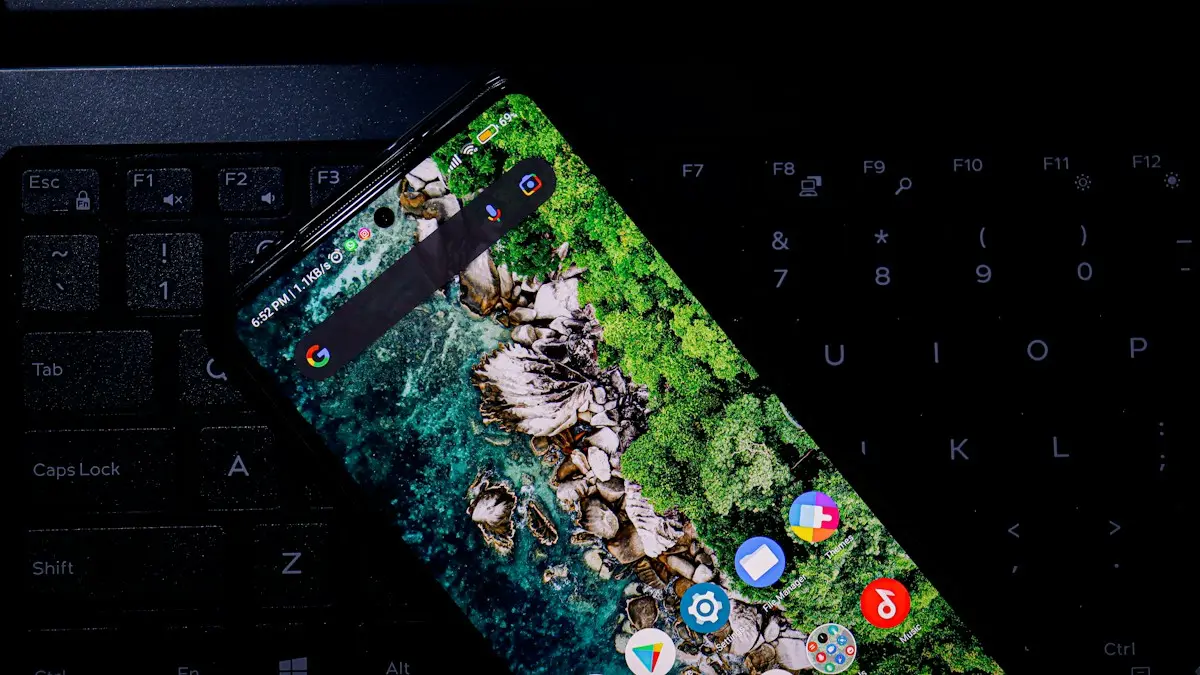
Photo by Topique SL on Unsplash
Google’s Find Hub, called Find My Device until 2025, is built into every Android phone signed in to a Google account, whatever the brand. Unless you turned it off, it is already on. Samsung phones also have SmartThings Find. Start with the map, then decide whether to ring, lock or erase the phone.
How to find a lost Android phone with Find Hub
The fix
Use Google Find Hub
- 1
Go to android.com/find, or open the Find Hub app on another phone.
On a friend’s Android phone, use the app’s guest sign-in so your account is not added to their phone.
- 2
Sign in with the Google account on the lost phone.
You can locate the phone without the two-step code that would normally go to it.
- 3
Select the phone to see it on the map.
The map shows where it is now, or when it was last seen, with its battery level.
- 4
Choose Play sound, Mark as lost or Factory reset device.
Play sound rings for five minutes at full volume, even on silent. Mark as lost locks the phone and shows your message and a contact number on the screen.
Lost somewhere at home?
- Smart speaker or display: say “Hey Google, find my phone” to a Google Nest speaker signed in to your account, and it rings the phone.
- Smartwatch: Pixel Watch and Galaxy Watch have a Find my phone tile or app that rings the phone, even on silent.
- Play sound: from Find Hub in any browser. It is louder than a normal call and ignores silent mode.
Lock it with just your phone number
If you cannot sign in to your Google account right now, for example because your password manager is on the lost phone, go to android.com/lock. Enter the phone number linked to the device and answer a security check, and the phone’s screen locks straight away. It does not show the location, but it stops anyone getting into your apps while you sort out the rest. It needs to have been set up in the phone’s theft protection settings beforehand.
The fix
Samsung: SmartThings Find
- 1
Go to smartthingsfind.samsung.com, or open SmartThings on another Samsung device.
- 2
Sign in with your Samsung account.
This is separate from your Google account. If you do not remember signing in to one, you may not have a Samsung account, and Find Hub is your option.
- 3
Pick the phone to ring, lock, track or back it up.
Samsung can also extend the battery by switching off features remotely, and back up data to Samsung Cloud before you erase. Offline finding must have been turned on to find a phone without a connection.
If the phone is off or the battery is dead
Pixel 8, Pixel 9 and Pixel 10 phones keep sending a signal through the Find Hub network for several hours after they power off or run out of battery. Other Android devices nearby pick it up anonymously and report the location. For other phones, and after those hours, Find Hub shows the last known location with a time. Go there first, and ask at the lost and found of any store, venue, rideshare company or transit service nearby. Uber and Lyft both have a lost item option in the app for the trip you took.
How well offline finding works depends on a setting. In Settings › Google › All services › Find Hub (Find My Device on older phones), tap Find your offline devices. The default, With network in high-traffic areas only, reports your phone only where many Android devices are nearby. With network in all areas finds it faster, including in quieter places.
Phone not showing, or location is old?
- Check you signed in with the same Google account that is on the phone. Many people have more than one.
- Find Hub, Location or mobile data may have been off on the phone, so it could not report where it is.
- The phone may have been off for longer than offline finding lasts. The last known location, with its time, is still worth checking.
- If a factory reset was done by someone else, the phone disappears from Find Hub, but Factory Reset Protection still blocks them from using it.
Earbuds, watches and trackers too
Find Hub also lists Pixel Buds, supported earbuds from other brands, Android tablets and Bluetooth trackers that work with the Find Hub network. SmartThings Find does the same for Galaxy Buds, Galaxy Watch and Galaxy SmartTag. Each can ring or show its last location from the same screen.
If you think it was stolen
- 1
Mark it as lost, or lock it at android.com/lock.
Do this first, before anything else, so nobody can get into your email, banking or messages.
- 2
Report it to the police.
Give them the location and the phone’s IMEI, which is on the phone’s box, your purchase receipt or your carrier account. Do not try to get it back from a stranger yourself.
- 3
Call your carrier.
Ask Verizon, AT&T or T-Mobile to suspend the line and block the IMEI. Blocked phones are flagged in databases that buyers check. See how stolen phones are checked and blocked.
- 4
Change your Google and Samsung account passwords, and your banking app passwords, from another device.
Also tell your bank the phone is gone if it has banking or payment apps on it.
- 5
Claim on your insurance.
Samsung Care+ with Theft and Loss, carrier insurance and some credit card phone plans cover theft. Keep the police report number, since claims usually need it.
Lost a work or school phone?
Tell your IT department straight away. Managed phones can usually be located, locked and wiped by the company, and they may need to cut off access to work email and files. Their tools may work even if you cannot sign in to Find Hub yourself.
Should you factory reset it remotely?
Only when you are sure you will not get it back. Factory reset device wipes your data, and after that Find Hub can no longer locate the phone. Factory Reset Protection still asks for your Google account, so a thief cannot simply set it up. If you have an insurance claim open, check with the insurer before resetting or removing the phone from your account.
Got it back? Do this
- Unlock it with your PIN or pattern, which clears the lost message from the screen.
- Look for apps or accounts you do not recognize in Settings, and remove them.
- If it was out of your hands for a while, change your Google account password as a precaution.
- Tell your carrier and the police, if you reported it, so the line and IMEI are unblocked.
Set this up now, before you need it
- Check Find Hub is on: Settings › Google › All services › Find Hub, and set offline finding to With network in all areas.
- Turn on Theft protection in Settings › Google › All services › Theft protection, including Theft Detection Lock, which locks the screen if someone snatches the phone and runs.
- On Samsung, turn on SmartThings Find and Offline finding in Settings › Security and privacy › Lost device protection.
- Use a PIN, pattern or password; offline finding and theft protection need one, and it keeps your data private if the phone is taken.
- Save the IMEI somewhere other than the phone. Dial *#06# to see it, then write it down.
Frequently asked questions
Can I find my phone if it is off?
Pixel 8, Pixel 9 and Pixel 10 phones can be located for several hours after they power off or the battery dies, through the Find Hub network. Other phones show their last known location.
What if I cannot sign in because of two step verification?
Google lets you use Find Hub from a browser without the code sent to the lost phone. If you only need to lock it, android.com/lock works with just your phone number.
Can someone else use my phone after a factory reset?
Not without your Google account password. Factory Reset Protection asks for the previous account after a reset, so a thief cannot set it up as their own.
Should I call my lost phone?
Yes, if it might be nearby and is not on silent. But Play sound in Find Hub is better, because it rings at full volume even in silent mode.
What to try next
People also ask
Can I find my iPhone if it is off or dead?
Often, yes. iPhone 11 and later can usually still be located through the Find My network for a while after they turn off or the battery runs low. Otherwise, Find My shows the last known location for up to seven days.
Read the full guide: Find a lost iPhoneDoes the iPhone user need Google Maps?
No, but it helps. Without it, they can open your link in Safari. With a Google account in Google Maps, they see you on their map.
Read the full guide: Share location Android to iPhoneShould I erase my stolen phone right away?
Not at once. Mark it as lost first, so you can still track it. Erase it only when you are sure you will not get it back, because erasing stops tracking.
Read the full guide: Phone stolen: what to doDoes Google backup include my photos?
Only if photo and video backup is turned on in Google One or Google Photos. Check that your recent photos show at photos.google.com.
Read the full guide: Back up your Android phoneRelated guides
Find a lost iPhone
Find your lost iPhone with Find My on another Apple device or at icloud.com/find from any phone. Play a sound, see its last location and turn on Lost Mode.
Share location Android to iPhone
Share your live location from an Android phone with an iPhone user using Google Maps or Find Hub, for an hour or until you turn it off. No extra app needed.

Phone stolen: what to do
What to do if your phone is stolen: lock it, track it, call your carrier, protect your accounts and file a police report. Steps for iPhone and Android.
Back up your Android phone
Back up your Android phone to Google with Google One, back up photos with Google Photos, or use Samsung Cloud, Smart Switch or a computer. Step by step.
More guides you may need

Change a document to PDF on iPhone
How to change a document to PDF on iPhone: use Files and Markup, the Print trick, Pages, Word or Google Docs. Free, no extra app needed, for each file type.

Change AirDrop name on iPhone
How to change AirDrop name on iPhone: edit your iPhone name and your contact card, because AirDrop shows one or the other. Fix a name that won't update.