

How to tell if a text is a scam: 8 signs and what to do next
Scam texts copy delivery notices, bank alerts and toll bills. Learn the eight signs, and what to do if you already tapped.
Photo by Lana Codes on Unsplash
Scam texts, sometimes called smishing, have become one of the most common ways criminals reach people. They look like a delivery notice, a bank alert, a toll bill or a message from a wrong number, and they are designed to make you act before you think. The good news is that scam texts follow patterns. Once you know them, most are easy to spot. This guide lists the warning signs, the scams that are most common right now, what to do if you tapped a link and how to report and reduce them.
8 signs a text is a scam
- 1
You did not expect it.
A package you did not order, a bill from a toll road you did not use or a bank alert from a bank you do not have are all red flags.
- 2
It creates pressure.
Words such as urgent, final notice, account suspended, last chance or act now are meant to rush you.
- 3
It has a link you do not recognize.
Shortened links, odd domains and misspelled company names are common. A link that does not match the company's real website is a warning sign.
- 4
It asks for personal information, a code or a payment.
Real companies do not ask for your password, a one-time code or a payment by gift card or crypto over text.
- 5
The sender is unusual.
A random long number, an email address or a number with a different area code can be a sign. Scammers can also fake a known name, so do not trust the sender alone.
- 6
The message has odd wording or mistakes.
Strange grammar, a generic greeting such as Dear customer, or symbols that look off can show a scam, though good scams have none.
- 7
It offers something too good to be true.
Free gifts, prizes, refunds you did not ask for and easy job offers are bait.
- 8
It starts a conversation with a stranger.
Texts that say Hi, wrong number, or invite you to chat about an investment, a job or a relationship can lead to long-running scams.
Common scam texts to watch for
What they look like
Package delivery
A message says your package could not be delivered and asks you to pay a small fee or confirm an address through a link. Check with the carrier using the tracking number from your order, not the link.
Unpaid tolls and fines
A text claims you owe a toll or a parking fine and demands payment now. Real toll agencies bill by mail or through their official sites, and you can check on the agency's own website.
Bank or card fraud alerts
The message says there is suspicious activity and asks you to log in or call. Open your bank's app yourself, or call the number on your card.
Wrong number and friendly strangers
A text says Hi, are we still on for dinner, and then moves to chat. These can lead to romance or investment scams, where you are asked to send money.
Job offers and easy money
Unexpected offers of high pay for simple tasks, often through a messaging app, are almost always scams. Real employers do not recruit by cold text.
Account verification codes you did not request
A code arrives, and then someone texts asking you to read it back. They are trying to get into your account. Do not share it.
How to check a text before you act
- 1
Do not tap the link, and do not call the number in the text.
- 2
Go to the company's app or type its website address yourself.
If there is a real problem, it will show in your account.
- 3
Call the number on the back of your card or on your bill.
Do not use a number from the message.
- 4
Search the first line of the message online.
Many scams are reported and described on consumer sites.
- 5
Ask someone you trust.
A second pair of eyes helps, especially for relatives who are often targeted.
What to do if you clicked a scam link or replied
- 1
Close the page and do not enter anything.
- 2
If you entered a password, change it right away.
Change it everywhere you use the same one, and turn on two-factor authentication.
- 3
If you shared card or bank details, call the bank.
Ask them to freeze or replace the card and watch for strange charges.
- 4
If you downloaded an app or a file, delete it and scan your phone.
See how to check an iPhone for a virus or how to scan an Android phone for malware.
- 5
If you sent money, contact your bank or payment app at once.
The faster you act, the better the chance of stopping a transfer.
- 6
Watch your credit and report the scam.
Place a fraud alert if you gave out your Social Security number.
How to report scam texts
- Forward it to 7726 (SPAM). This works with the major US carriers, who use the reports to block scammers.
- On iPhone: if the message came by iMessage, tap Report Junk under the message. For SMS, you can also report through your carrier.
- On Android: open the message in Google Messages, tap the menu and choose Report spam, then confirm.
- Report to the FTC: at reportfraud.ftc.gov. It helps investigators and builds the case against scam operations.
- Report to the company being imitated, using the fraud or phishing address on its official site.
How to get fewer scam texts
- Turn on spam filtering. On iPhone, use Settings › Apps › Messages › Unknown & Spam, or Filter Unknown Senders. On Android, turn on spam protection in Google Messages.
- Block and report each number, and do not click Unsubscribe in a text from a sender you do not know.
- Use your carrier's free spam tools, such as a scam shield or call filter.
- Be careful where you share your phone number, and avoid listing it publicly.
- Do not enter your number on prize or survey sites.
For step-by-step settings, read how to stop spam texts on iPhone, how to block spam calls on iPhone and how to block a number on Android.
Real text or scam? A quick comparison
- Real: a verification code you just asked for, a delivery update for an order you placed, an appointment reminder from a business you use. They do not ask you to log in through a link.
- Scam: a code you did not request, a delivery problem for an order you never made, a bill you do not recognize, a text that asks you to call a number or visit a link right away.
- Real: messages from a short code that you signed up for, which you can stop by replying STOP.
- Scam: messages from a regular-looking number that say your account is on hold or that you won something.
Why scam texts keep getting through
Scammers send huge batches from changing numbers, and they reword messages to avoid filters. Many use email-to-text gateways or hijacked phones, so the sender looks normal. Spam filters catch many, but not all, and new scams appear every week. That is why your own judgment is the last and best filter. Scammers also trade phone numbers, so a single wrong answer can bring more. Treat every unexpected text with a link as unverified until you check it another way.
Help a family member who gets scam texts
Older relatives and teenagers are often targeted. Sit down with them and go through the eight signs, set up spam filtering on their phone and agree on a simple rule: if a text asks for money, a code or a login, call me first. Make sure their phone is updated, and that two-factor authentication is on for email and banking. If they have already been scammed, be kind. Shame stops people from reporting quickly, and speed matters.
Frequently asked questions
What should I do if I get a scam text?
Do not click links or reply. Report the message by forwarding it to 7726 (SPAM), report it to the FTC at reportfraud.ftc.gov, then delete and block the number.
What if I clicked a link in a scam text?
Do not enter anything on the page. If you did, change that password now, contact your bank and watch your accounts. Run a security scan if you downloaded something.
Should I reply STOP to a scam text?
No. Replying tells the sender your number is active and can bring more messages. Only reply STOP to a text from a company you know and have signed up with.
Can a scam text hack my phone just by arriving?
Rarely. Most harm comes from tapping a link, downloading an app or giving out information. Keep your software updated and avoid links in unexpected texts.
What to try next
People also ask
Can someone track my phone without me knowing?
It is possible through shared location, a tracking app installed on your phone, or a tracker hidden in your belongings. It usually needs access to your phone or accounts, so a strong passcode and account security matter.
Read the full guide: Is your phone being tracked?How do I know if I have been SIM swapped?
The usual sign is a phone that suddenly loses service while Wi-Fi still works. You may also get texts about a SIM change or alerts about password resets you did not request.
Read the full guide: SIM swap scamIf I am blocked, do they still get my texts later?
No. Messages sent while you are blocked are never delivered, even if they unblock you later.
Read the full guide: Blocked on iMessage?Should I reply STOP to spam texts?
Only to real businesses you signed up with. For unknown or scam texts, do not reply at all, because any reply confirms your number is active and can bring more spam.
Read the full guide: Stop spam texts on iPhoneRelated guides
Is your phone being tracked?
How to check if your phone is being tracked: review location sharing, apps and profiles, run Safety Check and learn what to do safely if you find something.
SIM swap scam
A SIM swap scam lets a criminal take over your phone number and reset your accounts. Learn the warning signs, what to do first and how to lock down your number.
Blocked on iMessage?
Think someone blocked you on iMessage? Check for no Delivered status, blue bubbles turning green and calls going straight to voicemail, plus other causes.
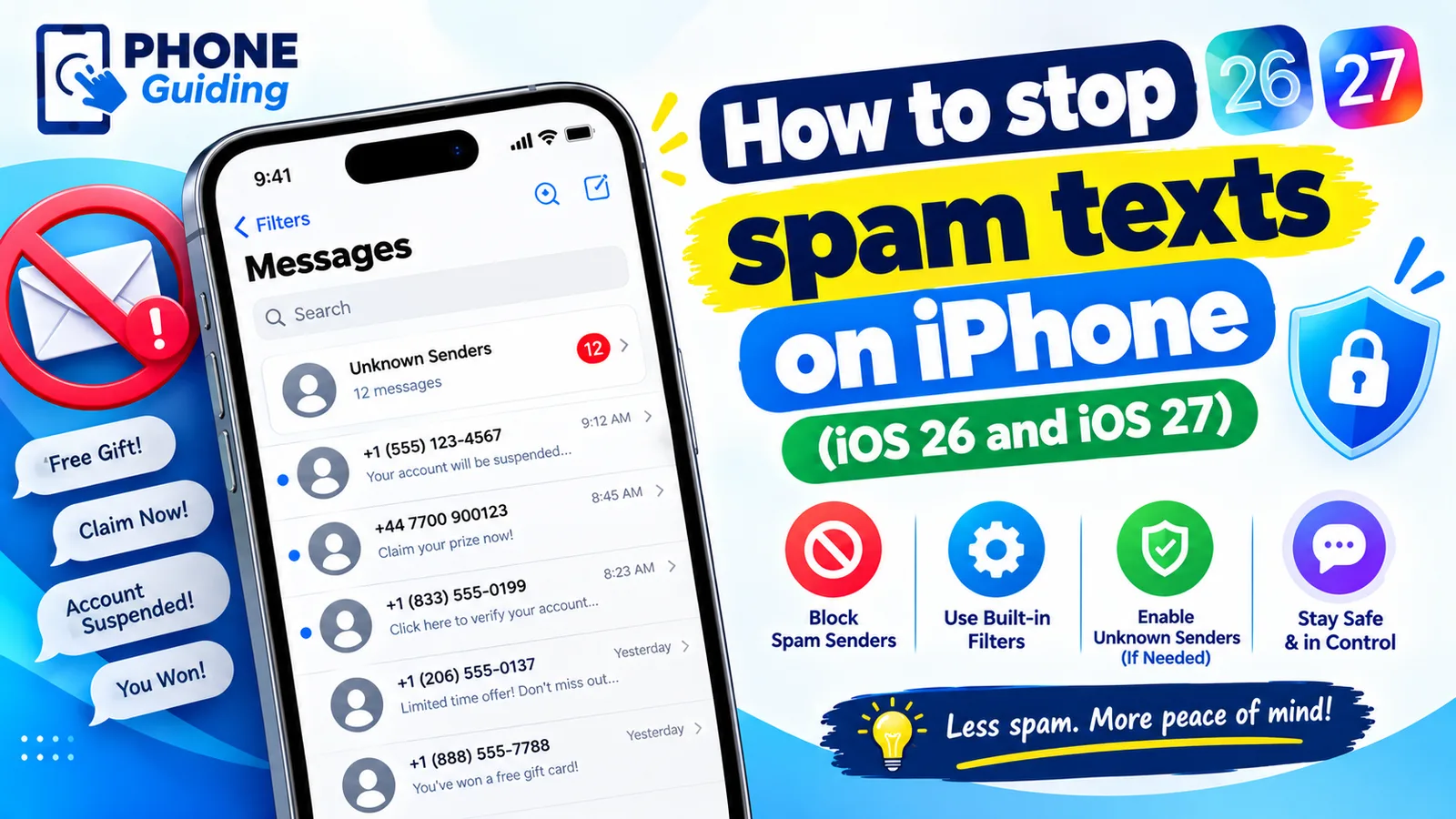
Stop spam texts on iPhone
Stop spam texts on iPhone with iOS 26 spam filtering, Screen Unknown Senders, blocking, reporting and forwarding to 7726. Plus how to spot scam texts.
More guides you may need
Phone bill too high
Why is my phone bill so high this month? Check these 9 common causes, from expired promos to device payments and fees, and learn how to fix each one.
Print texts from Android
Print text messages from your Android phone for free with scrolling screenshots, Google Messages for web, or an export app that keeps names and dates for court.