

Pixel Says Wi-Fi Is "Low Quality": What It Means and How to Fix It
The bars look full, yet the phone calls your Wi-Fi poor and quietly moves to mobile data. The warning is about how the connection behaves, not how strong it looks.
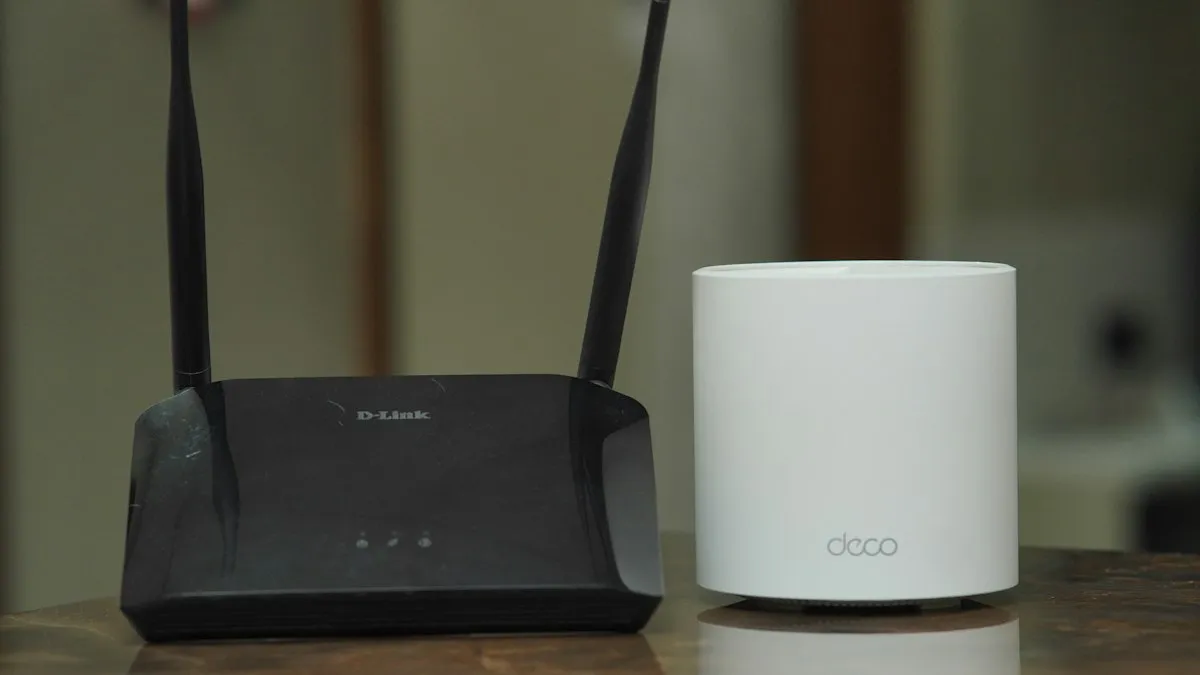
Photo by TechieTech Tech on Unsplash
You are at home. The Wi-Fi icon shows full bars. Then the phone tells you the network is low quality, a video stalls and your mobile data starts ticking. It feels like a bug, because the signal looks perfect.
It usually is not a bug. The phone is reading something the bars do not show. Google has no help page for this exact message, so this guide uses what network testers and Pixel owners have reported, and it tells you where a step is a reported fix rather than a Google instruction.
What does "low quality" mean on a Pixel?
Signal bars show how loud the router is where you stand. They say nothing about how clean the line is. In a NetSpot community thread about this warning, a reply explains that Android can weigh signal strength, link speed, packet retries, failed transmissions and whether the phone can reach the gateway or the internet. A connection with full bars and many retries can still be rated poorly.
Think of a phone call. A loud line full of crackle is worse than a quiet clear one. Your phone is measuring the crackle.
Why your Wi-Fi gets rated low
- Interference on 2.4 GHz. Wireless cameras, Bluetooth devices, old appliances and a neighbor's router crowd this band. Threads on the warning name it as a common cause.
- Walls and distance. Thick walls, metal and cinderblock weaken the link between phone and router, even when the bars hold.
- A weak mesh link. Your phone may talk well to a mesh node while that node talks badly to the main router. The phone side looks fine, the real path is poor.
- A problem upstream. If the internet line drops packets, Android can blame the Wi-Fi it is connected to.
- A flaky signal that keeps changing. A link that drops and returns quickly looks untrustworthy to the phone.
Fix 1: Check a second device
Before changing anything on the phone, open a video on a laptop or another phone on the same Wi-Fi. If it stutters too, the phone is innocent. Go straight to Fix 2 and Fix 3. If the other device runs smoothly, skip to Fix 4.
Fix 2: Restart the router and modem
Unplug the router and the modem. Wait a full minute, plug the modem in first, wait until its lights settle, then plug in the router. This clears a clogged connection and fixes more cases than any setting. Do the same for mesh nodes if you have them.
Fix 3: Move closer or change the band
- Stand in the same room as the router and see if the warning goes away. If it does, distance or walls are the cause.
- If your router has separate names for 2.4 GHz and 5 GHz, join the 5 GHz one. It is faster and less crowded, with a shorter range.
- If you use a mesh system, move the node a little closer to the main router. A node placed too far away gives a poor link behind a healthy-looking signal.
- Keep the router off the floor and away from microwaves, cordless phones and metal shelves.
Fix 4: Forget the network and rejoin
On your Pixel
- 1
Open Settings and tap Network & internet.
- 2
Tap Internet, then the gear icon next to your Wi-Fi name.
- 3
Tap Forget.
- 4
Choose the network again and enter the password.
This builds a fresh connection and clears a bad saved profile.
Fix 5: Stop the phone jumping to mobile data
Pixel phones have a setting called Adaptive connectivity. AT&T's Pixel guides describe it as optimizing Wi-Fi and mobile data switching for the best connection and power use. When it sees a weak Wi-Fi link, it can send traffic over mobile data instead. That is the "it keeps leaving my Wi-Fi" behavior.
Turn it off
- 1
Open Settings, then Network & internet.
- 2
Tap Adaptive connectivity.
- 3
Turn off the option that switches you to the mobile network.
Newer Android builds are reported to split this into two switches, one named "Auto-switch to mobile network" and one named "Optimize network for battery." Turn off the first to stay on Wi-Fi.
Fix 6: Run a wired test to find the real fault
If you can, plug a laptop into the router with an Ethernet cable and run a speed test while the Pixel shows the warning. If the wired test is also slow or drops, the problem is the router or the internet line, and your provider is the one to call. If the wired test is steady, the weak spot is the wireless part, which points back to placement, band and interference.
Fix 7: Update, restart and, last, reset network settings
- Restart the Pixel. A restart clears a stuck connection state.
- Open Settings, System, System update and install any pending update. Owners have linked past Wi-Fi bugs to specific builds.
- As a late step, open Settings, System, Reset options and choose Reset Wi-Fi, mobile & Bluetooth. This erases saved Wi-Fi networks, paired Bluetooth devices and mobile settings, so note your Wi-Fi passwords first.
If you use Wi-Fi calling
Wi-Fi calling depends on a steady link even more than browsing does. A low quality rating may be the reason calls drop at home. If you have no cell signal indoors, fix the router first. Our guide to how Wi-Fi calling works explains what it needs to stay clear.
Which fix fits your situation?
- Every device is slow: restart the router and modem, then run the wired test.
- Only the Pixel complains: forget the network, turn off the auto-switch, then update.
- Worse in one room: move the router or mesh node, or use 5 GHz.
- Mobile data keeps climbing: turn off the switch to the mobile network.
- Nothing helps and the router is fine: reset network settings, then contact Google or your provider.
Frequently asked questions
What does "low quality" Wi-Fi mean on a Pixel?
It means Android judged the connection poor, even if the signal bars are full. Reports from users and network testers say the rating can weigh link speed, packet retries, failed transmissions and whether the phone can reach the router or the internet.
Why does my Pixel switch to mobile data when Wi-Fi is connected?
Pixel phones have an Adaptive connectivity setting that manages Wi-Fi and mobile data switching. When it sees a weak connection, it can move traffic to mobile data. Turning off the auto-switch option keeps the phone on Wi-Fi.
Will turning off auto-switching use more battery?
Google describes Adaptive connectivity as a way to improve performance and battery life, so turning it off can cost some battery on a weak network. The trade is more stable Wi-Fi use and no surprise mobile data charges.
Is the problem my phone or my router?
Test a second device on the same Wi-Fi. If a laptop or another phone struggles too, the router, mesh or internet line is the cause. If only the Pixel struggles, work through the phone fixes.
Do I need to reset network settings?
Only as a late step. It erases saved Wi-Fi networks, Bluetooth pairings and mobile settings. Try the router fixes, forgetting the network and the Adaptive connectivity switch first.
What to try next
People also ask
Why is my hotspot connected but has no internet?
Your plan may block or have used up its hotspot data, or a VPN or data saver is in the way. Check your carrier app for hotspot data left.
Read the full guide: Android hotspot not workingWhy is my Pixel call so quiet?
Common causes are weak mobile signal, a Bluetooth device taking the audio, a case or screen protector over the earpiece, or dirt in the speaker. Google's help page lists each as a check.
Read the full guide: Pixel call volume too lowIs it my phone or my router?
If every device drops at the same time, it is the router or internet. If only your phone does, work through the phone fixes.
Read the full guide: Android Wi-Fi disconnectingWhat does it mean when Google Messages says the recipient is offline?
Your message went out as an RCS chat, which needs data or Wi-Fi on both phones, and the other phone is not reachable right now. It stays queued until they reconnect, unless you resend it as a text.
Read the full guide: Google Messages recipient is offlineRelated guides

Android hotspot not working
Android hotspot not working or connected with no internet? Check your plan, switch to 2.4 GHz, turn off data saver and the timeout, and try 5 more fixes.
Pixel call volume too low
Pixel call volume too low or the caller sounds quiet and unclear? Check signal, Bluetooth, Wi-Fi, the case and the speaker with Google's own steps. 8 fixes.
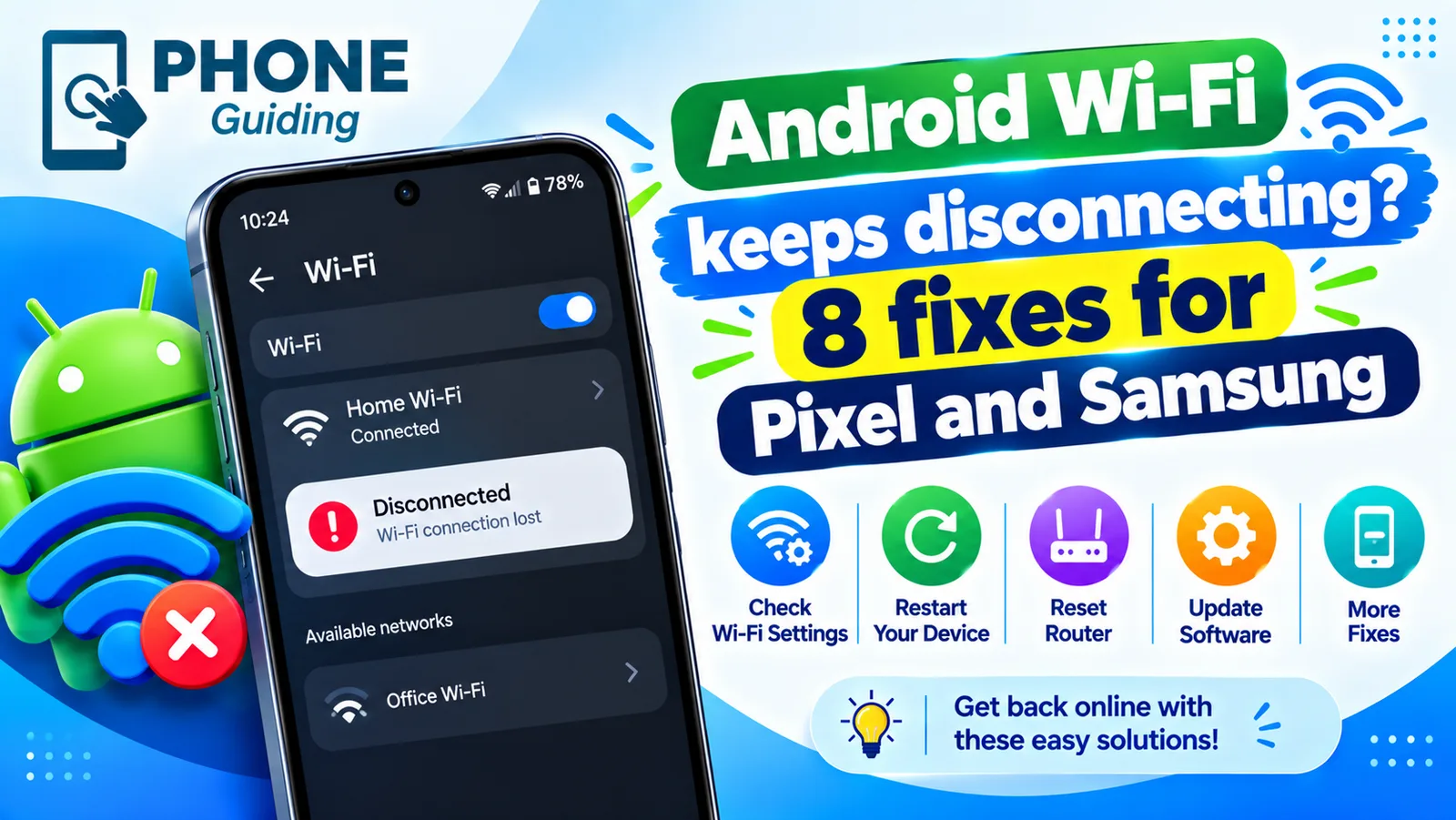
Android Wi-Fi disconnecting
Android Wi-Fi keeps disconnecting and reconnecting? Turn off randomized MAC, Adaptive connectivity and Switch to mobile data, and check the router in 8 steps.
Google Messages recipient is offline
Google Messages recipient is offline but they are not? Turn on resend as text, verify your number, check data and RCS, and test with SMS. 6 fixes for Android.
More guides you may need

Samsung moisture detected
Samsung moisture detected warning won't go away? Dry the port, clean it safely, charge wirelessly, restart and fix a false alarm. Know when to get it repaired.

Samsung My FanCam
Samsung My FanCam uses Galaxy AI to follow one person in a video and crop around them. See the steps, which phones Samsung lists, the limits and why it fails.