

Android Wi-Fi keeps disconnecting? 8 fixes for Pixel and Samsung
Android’s smart Wi-Fi features and privacy MAC addresses are the usual cause of drops with some routers.
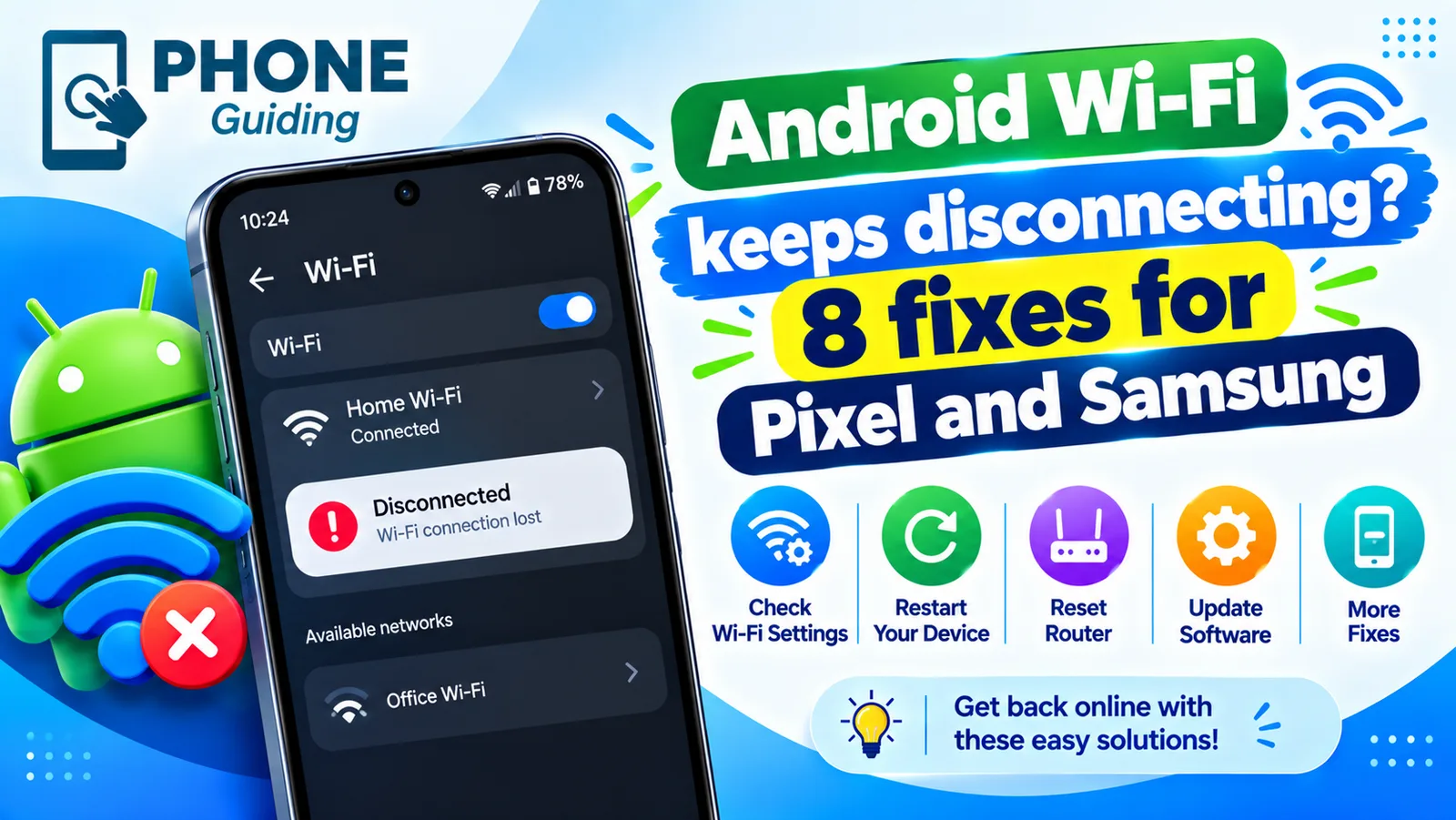
When Wi-Fi on an Android phone keeps dropping and reconnecting, the cause is often not the signal. Android has several smart features that watch the connection and switch away from it, plus a privacy feature that changes the phone’s address on every network. Both can confuse certain routers. The steps below start with these likely causes and then move on to the router, the system and the hardware.
How to stop Android Wi-Fi from disconnecting
The fix
8 fixes, in order
- 1
Restart the router and the phone.
- 2
Forget the network and join again.
Tap the network in Wi-Fi settings, choose Forget, then join with the password.
- 3
Use device MAC.
Tap the network › Privacy (or MAC address type) › Use device MAC.
- 4
Pixel: turn off Adaptive connectivity.
Settings › Network & internet › Adaptive connectivity.
- 5
Samsung: turn off Switch to mobile data.
Settings › Connections › Wi-Fi › ⋮ › Intelligent Wi-Fi.
- 6
Turn off battery saver and any VPN.
- 7
Update Android.
- 8
Reset network settings.
Samsung: General management › Reset. Pixel: System › Reset options › Reset Mobile Network Settings and Wi-Fi & Bluetooth.
Why does my Android keep disconnecting from Wi-Fi?
The main causes are privacy and smart switching. Randomized MAC gives the phone a different address for each network, and some routers treat a changed address as a new device and drop it. Adaptive connectivity on Pixel and Intelligent Wi-Fi on Samsung switch to mobile data or another network when they judge the Wi-Fi to be poor, sometimes when it is fine. After those come weak signal, battery saving that limits Wi-Fi during sleep, an overloaded or out of date router, a VPN that restarts, and bugs in a system update. Each can be tested on its own.
Is it every device or only your phone?
Check one other device before you change anything.
- Every device drops: the router, modem or line is the problem. Restart them and check for an outage.
- Only your Android drops: work through the phone fixes above.
- Drops only at home: the router’s band, channel or security setting is likely the cause.
- Drops on every network: the phone’s software, or its Wi-Fi hardware.
Use the device MAC address instead of a random one
Open Settings › Network & internet › Wi-Fi on a Pixel, or Settings › Connections › Wi-Fi on a Samsung. Tap the gear icon next to your network, and look for Privacy or MAC address type. Change it from Use randomized MAC to Use device MAC, then rejoin the network. A fixed address is safe at home, because only you use that network. Keep the random address for coffee shops, hotels and airports, where it helps stop tracking. On some Samsung phones, the setting sits under View more or Advanced.
Turn off the smart switching features
On Pixel, open Settings › Network & internet › Adaptive connectivity and switch it off. On Samsung, go to Settings › Connections › Wi-Fi, tap the three dots, choose Intelligent Wi-Fi, and turn off Switch to mobile data. You can leave Auto reconnect on. On Samsung phones with One UI 6 or newer, the same menu may sit under Advanced settings. If drops stop after you turn these off, keep them off. You can still use mobile data by turning off Wi-Fi when you leave home. If you want to see how that affects the plan, check the phone’s data usage page.
Check sleep, battery and background limits
Android turns Wi-Fi down when the screen is off, and battery optimization can make it worse. Turn off battery saver or power saving, and try the phone for a day. On Samsung, check Settings › Battery › Background usage limits and remove Wi-Fi related apps from the sleeping apps list. On Pixel, check Battery saver and Adaptive battery. Some phones also have a setting for keeping Wi-Fi on during sleep in the advanced Wi-Fi menu. Drops that only happen with the screen off almost always trace back to power settings.
Pick the right band and channel
Most routers offer 2.4 GHz and 5 GHz. The 5 GHz band is fast but loses range quickly, so a phone in the next room may keep dropping and reconnecting. The 2.4 GHz band is slower, but it reaches farther and passes through walls better. Join the band that suits where you sit. In the router’s app, turn off band steering or smart connect for a test, since it can push phones back and forth. Set the channel to Auto, or choose a quiet one, and make sure the security mode is WPA2 or WPA3.
Check for a VPN, a bad app or a system bug
A VPN or a security app that filters traffic can restart the connection and look like a drop. Turn it off and test. To check for a bad app, restart the phone in Safe mode, which turns off third party apps. If the Wi-Fi stays steady, an app is the cause, so remove recent installs one by one. Also install the latest system update, since drops that began after an update are often fixed in the next one. See how to update an Android phone if you are unsure where to start.
Check the Wi-Fi scanning and auto reconnect options
Android keeps a few background options that affect the connection. Wi-Fi scanning, found under Location services, lets the phone look for networks even when Wi-Fi is off, and it can make switching jumpy. Turning it off is safe for most people. Auto reconnect on Samsung brings back a known network after a drop, and you want it on. Also look at the saved network list and forget old or weak networks, such as a neighbor’s or a public one, because the phone may jump to them when your own signal dips. Fewer saved networks means fewer wrong choices.
Samsung-only and Pixel-only checks
- Samsung: turn off Wi-Fi power saving mode in the advanced Wi-Fi menu, and turn off the Adapt to your usage option under battery if it limits background use.
- Samsung: check Settings › Device care › Battery for apps that are set to sleep, and remove the Wi-Fi apps you rely on.
- Pixel: turn off Adaptive Wi-Fi if you see it, and check Battery Saver is off.
- Pixel: in Developer options, make sure Wi-Fi scan throttling is not changing the behavior, then restart.
If the drops only began after a system update, wait for the next patch and keep the phone updated. Makers often fix Wi-Fi bugs within a few weeks, and a forgotten and re-added network helps right after an update.
Reset network settings the right way
A network reset clears saved Wi-Fi networks, Bluetooth pairings and mobile settings. It keeps your photos, apps and messages. On Samsung go to Settings › General management › Reset › Reset network settings. On Pixel go to Settings › System › Reset options and choose Reset Wi-Fi, mobile and Bluetooth. Write down the Wi-Fi passwords you need first. After the reset, join your network fresh and use the device MAC address again.
When to repair the phone or replace the router
If the phone drops on every network after a reset and a system update, the Wi-Fi hardware may be faulty. A drop, water or a very hot phone can damage it. A repair shop or the manufacturer can test it, and a quote helps you decide between repair and replacement. If instead many devices drop at home, the router is the likely cause. A router older than five or six years often struggles with modern phones, so ask your provider for a new one, or buy a mesh system for a big home. For drops on other phones, see Wi-Fi drops on any phone, and for a phone that works as a backup connection, read about hotspot problems.
If the Wi-Fi is fine but Bluetooth also cuts out, look at Bluetooth that keeps disconnecting. iPhone users can read the same issue on iPhone.
Frequently asked questions
Is it my phone or my router?
If every device drops at the same time, it is the router or internet. If only your phone does, work through the phone fixes.
Is it safe to use the device MAC address?
Yes on your home network. Keep the randomized MAC for public Wi-Fi.
Why does my Samsung disconnect from Wi-Fi when the screen turns off?
Battery optimization and power saving can limit Wi-Fi during sleep. Turn off power saving, and check Intelligent Wi-Fi under the advanced Wi-Fi menu.
Will resetting network settings delete my data?
No. It clears saved Wi-Fi networks, Bluetooth pairings and mobile network settings, but your photos, apps and messages stay.
What to try next
People also ask
Why does Wi-Fi drop only when the screen is off?
Battery saving turns Wi-Fi down while the phone sleeps. Turn off battery saver or Low Power Mode to test.
Read the full guide: Phone Wi-Fi keeps droppingWhy does my iPhone Wi-Fi keep turning off by itself?
Check for a Shortcuts automation that turns Wi-Fi off, Airplane Mode turning on, and a weak signal that makes the iPhone drop the network. Then update iOS and reset network settings if it continues.
Read the full guide: iPhone Wi-Fi keeps disconnectingWhy does Bluetooth disconnect when my screen turns off?
Battery optimization is putting Bluetooth or the device’s app to sleep. Set both to Unrestricted in their battery settings.
Read the full guide: Android Bluetooth disconnectingWhat does "low quality" Wi-Fi mean on a Pixel?
It means Android judged the connection poor, even if the signal bars are full. Reports from users and network testers say the rating can weigh link speed, packet retries, failed transmissions and whether the phone can reach the router or the internet.
Read the full guide: Pixel Wi-Fi low qualityRelated guides
Phone Wi-Fi keeps dropping
Phone keeps disconnecting from Wi-Fi? Find out if it is the router or the phone, then restart, forget the network and turn off smart Wi-Fi switching.
iPhone Wi-Fi keeps disconnecting
iPhone Wi-Fi keeps disconnecting or going in and out? Turn off Private Wi-Fi Address, forget weak networks, restart the router and try 6 more fixes.
Android Bluetooth disconnecting
Android Bluetooth keeps disconnecting from headphones, car or watch? Stop battery saving from cutting it, pair again, clear the Bluetooth cache and more.
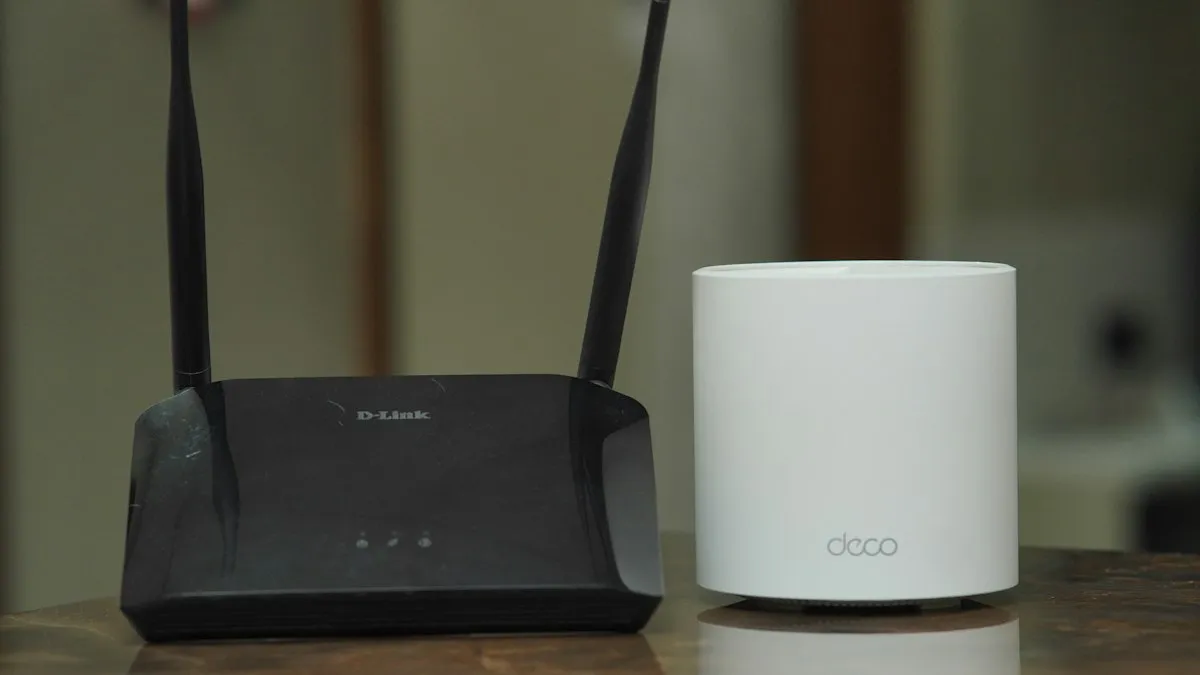
Pixel Wi-Fi low quality
Pixel says your Wi-Fi is low quality even with full bars? Learn what the warning measures, why the phone jumps to mobile data and how to make it stay on Wi-Fi.
More guides you may need
Message blocking is active
Samsung shows message blocking is active and your texts will not send? Check blocked numbers, your carrier block and account settings with these steps.

Motion Assist on Android
Motion assist on Android 17 shows moving bubbles to help reduce motion sickness in a car. Find the setting, add the Quick Settings tile and customize it.