

AirTag vs Tile: which tracker is better for your keys, bag or wallet?
The right tracker depends on which phone you carry. Here is the plain comparison, without the ad copy.
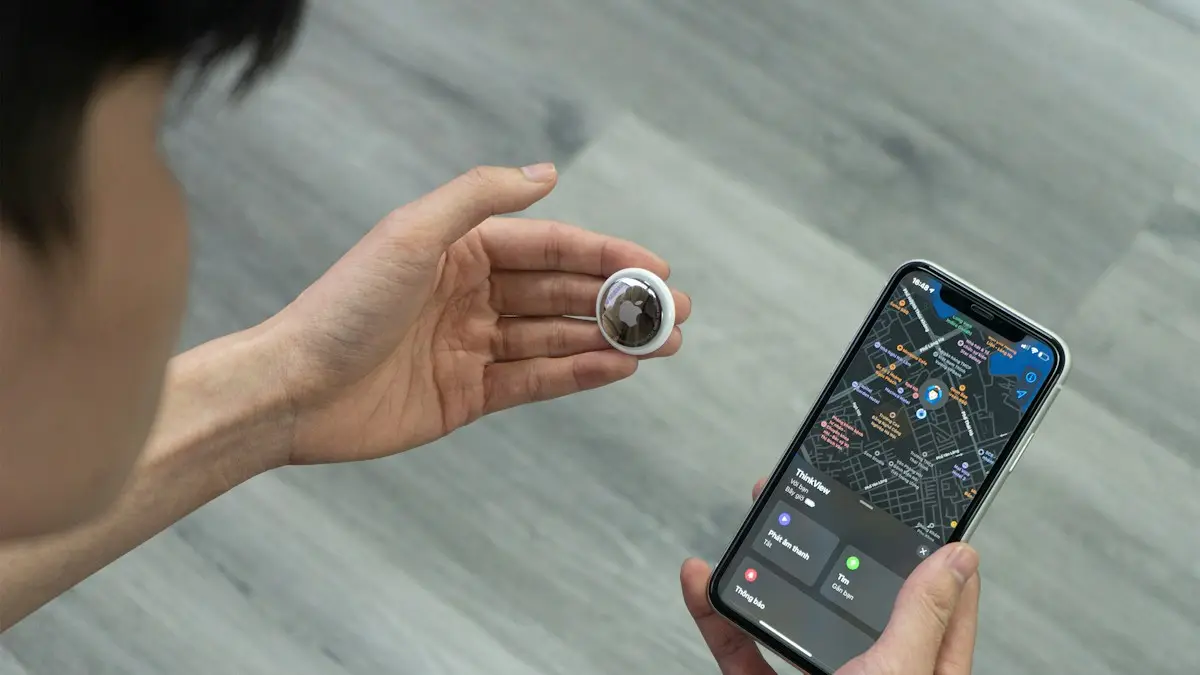
Photo by Đức Trịnh on Unsplash
Bluetooth trackers help you find keys, a wallet, a backpack or a suitcase. They do not use GPS. They send a small Bluetooth signal, and nearby phones in the tracker's network report where it was seen. So the quality of the network, and which phone you use, matter more than the price. This guide compares the two best-known options on the things that decide the choice, then gives a pick for each kind of phone and explains the limits.
AirTag vs Tile at a glance
- Phone support: AirTag needs an iPhone or iPad. Tile works with iPhone and Android.
- Network: AirTag uses Apple's Find My network of Apple devices. Tile uses its own network of phones running the Tile app, and it now belongs to Life360.
- Precision finding: AirTag can guide you to the item with on-screen arrows on iPhones that have the right chip. Tile rings and shows a rough range.
- Sound: both ring. AirTag is small and quiet, and Tile models are generally louder.
- Attaching it: AirTag has no hole, so it needs a holder. Many Tile models have a built-in hole or loop.
- Battery: AirTag uses a coin battery you can replace. Tile has models with replaceable batteries and models with sealed ones.
- Cost: AirTag has no subscription. Tile's basic use is free, with a paid plan for extras.
Network size: the biggest difference
A tracker is only as useful as the number of phones that can notice it. Apple's Find My network uses the iPhones, iPads and Macs of everyone nearby, anonymously and encrypted, so an AirTag can be located almost anywhere that people carry Apple devices. Tile's network is much smaller, and depends on people having the Tile app and Bluetooth turned on. In a city, both work. In a rural place, a sparse network means an old location that does not update. If you often lose things in places with few people, neither will help much, and you may prefer a different approach.
Precision finding and sound
Precision Finding on an AirTag uses ultra-wideband to show a direction and a distance on newer iPhones, which makes finding something in your house or in a dark bag much easier. Tile relies on sound and the strength of the signal. For a louder sound that you can hear from a couch cushion or another room, Tile's speaker is often better. If you lose items in your home, either works. If you lose them in crowded places, the network matters more than the sound.
Unknown tracker alerts and safety
Trackers can be misused to follow people. AirTags warn an iPhone when an unknown AirTag has been moving with you, and Android phones can scan for unknown trackers too, using the built-in alerts and manual scan in recent versions. Other tracker makers have added similar features. If you get an alert, treat it seriously. See how to check whether your phone or belongings are being tracked. Use trackers only on your own belongings.
Which one should you buy?
A quick guide
You have an iPhone
Buy AirTag. It uses a larger network, finds items precisely and does not need a subscription. See how to set it up in the guide below.
You have an Android phone
Buy a tracker that works with your phone. Tile works with Android, and some Android makers and accessory brands sell trackers that use Google's Find Hub network. AirTag will not work.
Your household has both
Tile works for everyone, and a family member with an iPhone can still use an AirTag for their own items.
You want a wallet card
Look at slim card trackers, since an AirTag is thick. Check that they work with your phone's network.
To set up an AirTag, read how to set up and use Apple AirTag.
What trackers cannot do
- They do not track in real time like GPS, so a moving item shows a delayed position.
- They need a phone nearby to report a location, so a remote place may show nothing.
- They have a limited range for Bluetooth, around a room or two when you are close.
- A thief who knows the tracker is there can remove it, and your phone may warn them.
- They are not a substitute for locking your car or protecting your phone.
Tips for using a tracker
- 1
Attach it securely.
Use a holder or loop that will not fall off, and hide it in a bag lining or luggage.
- 2
Turn on notifications for leaving items behind.
Both services can alert you when you walk away from your keys or bag.
- 3
Check the battery.
Replace it when the app warns you, so the tracker does not die when you need it.
- 4
Know what to do if an item is lost.
Use Lost Mode or the lost item option, and add a contact so a finder can reach you.
- 5
Use real police reports for theft.
Do not go after a stolen item yourself. Give the location to the police.
What about finding your phone?
Your phone already has a tracker built in. Use Find My on an iPhone or Find Hub on Android to find it, lock it and mark it lost. See how to find a lost iPhone and how to find a lost Android phone. A separate tracker is for things that cannot track themselves.
Battery life and replacement
AirTag uses a standard CR2032 coin battery that lasts about a year, and you replace it yourself by twisting off the back. Tile models vary: some have replaceable batteries, others are sealed and designed to last a few years before you replace the whole tracker. Check the model before buying if you want to avoid throwing the tracker away later. Some CR2032 batteries with bitter coatings do not fit well in AirTag, so buy plain ones.
Subscriptions
AirTag has no subscription. Every feature works for free. Tile works for free for basic finding, but features like smart alerts when you leave something behind and longer location history need a paid Tile Premium plan. Factor that into the real cost over a few years.
If you use Android
AirTag needs an iPhone or iPad to set up and track. An Android phone can only scan for an unknown AirTag. Tile works on both iPhone and Android, which makes it the easier choice for families with mixed phones. Android users should also look at trackers built for Google's Find My Device network, which works like Apple's network on Android.
Keys, wallets, luggage and pets
- Keys: both work well. AirTag needs a holder or key ring since it has no hole.
- Wallets: Tile makes thin card shaped trackers that fit in a wallet slot. AirTag is a thick disc.
- Luggage: AirTag's larger network helps in airports. Put it inside the bag, not on the outside.
- Pets: neither is a real pet tracker. They update only when a phone passes nearby. For a dog that runs off, a GPS collar with cellular service is better.
Durability
AirTag is rated IP67 for water and dust. Tile models carry their own ratings, and sizes vary from slim stickers to rugged models. If the tracker will be outside on a bike or bag, check the rating on the box.
The short answer
If everyone in your home uses an iPhone, AirTag is the easy choice: no subscription and the largest finding network. If you use Android, or a mix of phones, Tile or a tracker for Google's Find Hub network fits better.
Frequently asked questions
Does AirTag work with Android?
Not for setup or tracking. An AirTag needs an iPhone or iPad to set up and to find it. An Android phone can detect an unknown AirTag nearby and alert you, but it cannot manage one.
Does Tile work with iPhone?
Yes. Tile has an app for iPhone and Android and works on both, which makes it a better fit for mixed households.
Which has the better network for finding lost items?
AirTag uses Apple's Find My network of hundreds of millions of Apple devices, which is hard to beat in cities. Tile's network is smaller, and depends on people having the Tile app.
Do trackers need a subscription?
AirTag works without one. Tile's basic features are free, and its premium plan adds extras such as smart alerts and longer location history.
What to try next
People also ask
Why won’t my AirTag connect?
Turn on Bluetooth, Find My and Location Services. If it was used before, it must be removed from the old owner’s Find My or reset.
Read the full guide: Set up an AirTagIs Qi2 the same as MagSafe?
Not exactly. MagSafe is Apple's system, and Qi2 is an open standard from the Wireless Power Consortium that uses the same magnet idea. Apple's MagSafe technology helped shape Qi2, and many Qi2 chargers work with MagSafe iPhones.
Read the full guide: MagSafe vs Qi2Is Google Photos or iCloud better for iPhone?
iCloud Photos is better integrated and simpler on an iPhone. Google Photos is a strong choice if you also use Android, a Windows PC or want its search and sharing tools.
Read the full guide: Google Photos vs iCloudIs prepaid coverage worse than postpaid?
No, prepaid plans use the same towers as the carrier behind them. The difference is priority: when a tower is busy, prepaid users may get slower data than postpaid users.
Read the full guide: Prepaid vs postpaidRelated guides
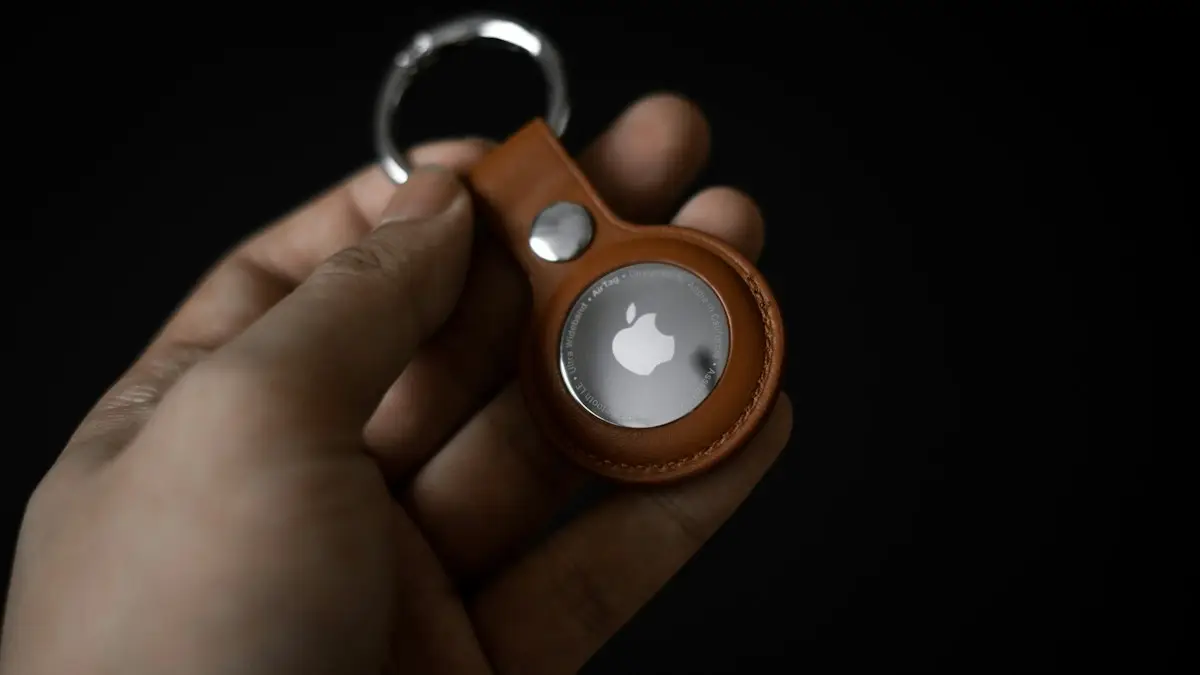
Set up an AirTag
Set up an AirTag with your iPhone in under a minute, name it, and use Find My to ring it, get Precision Finding directions or put it in Lost Mode.
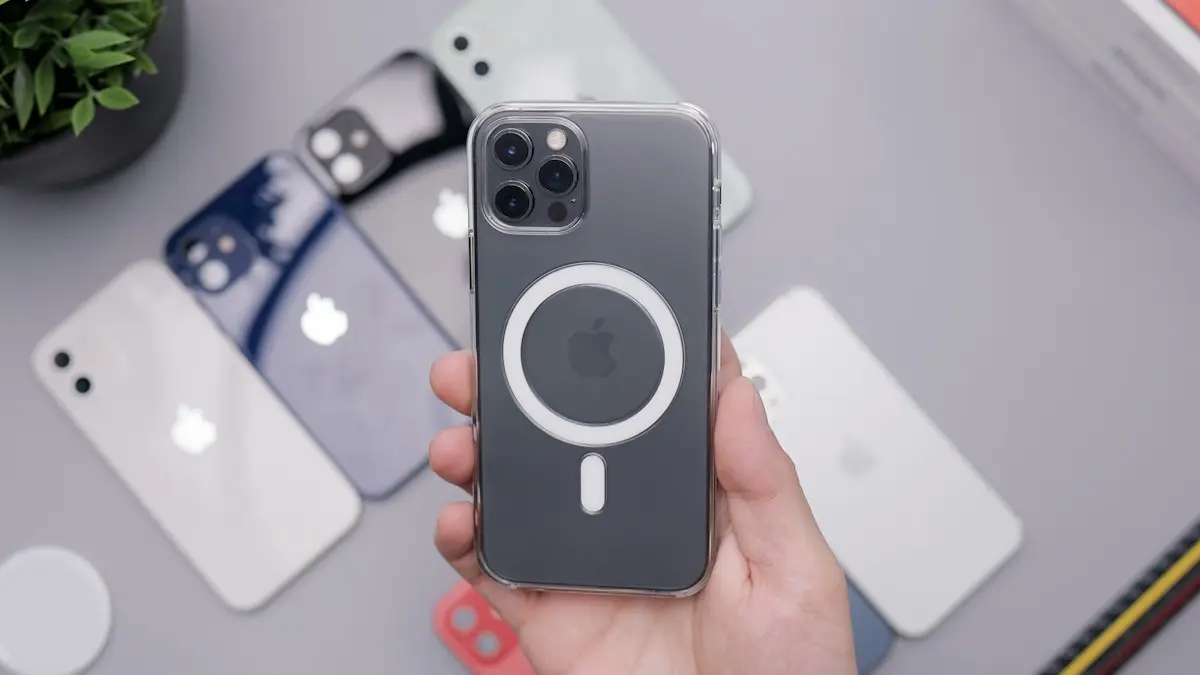
MagSafe vs Qi2
MagSafe vs Qi2: how they differ, which phones work with each, charging speeds, case rules and what to look for when you buy a magnetic wireless charger.
Google Photos vs iCloud
Google Photos vs iCloud compared on price, free storage, quality, sharing and privacy. See which fits your iPhone or Android and how to switch safely.
Prepaid vs postpaid
Prepaid vs postpaid phone plans compared: price, coverage, data priority, phones, credit checks and perks, so you can pick the right plan and stop overpaying.
More guides you may need
Best iPhone for seniors
Choosing an iPhone for a parent or grandparent? Check screen size, Face ID or Touch ID, software support, battery and safety features, then set it up simply.
How long iPhones last
How long do iPhones last? Most last five to seven years if the battery and updates hold. Learn the signs to upgrade and how to make yours last longer.