

Is it bad to charge your phone overnight? The real answer
Modern phones stop charging when full. Heat and a poor charger are what you should avoid.
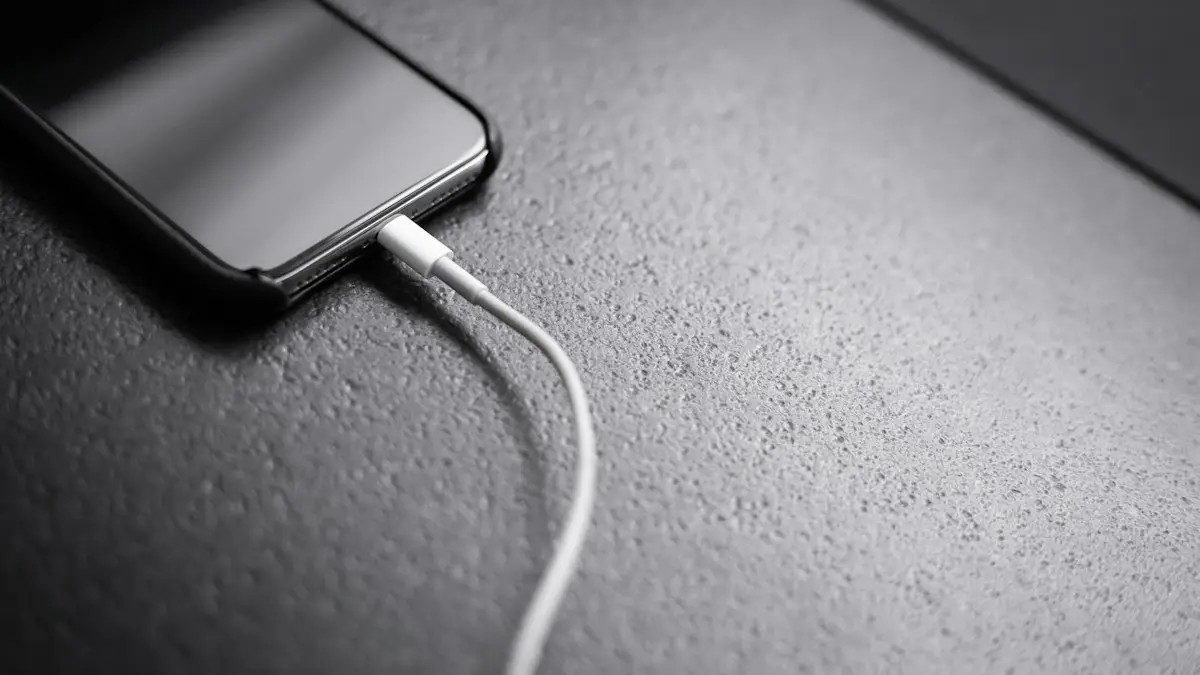
Photo by Andreas Haslinger on Unsplash
The advice to unplug your phone at 100% comes from older battery types and older phones. Today’s iPhones, Galaxy and Pixel phones manage charging themselves, and they include features built specifically for overnight charging. That does not mean every habit is equally good for the battery. Here is what really wears a battery out, what your phone does while you sleep, and the few habits that do make a difference.
Why overnight charging is safe on modern phones
Every phone has a charging controller that cuts the current once the battery is full. After that, the phone runs mostly from the charger and only tops the battery up when it drops a little. There is no “overcharging” in the old sense. Batteries also have protection circuits that stop charging if the voltage or temperature goes outside safe limits.
What really wears a phone battery
- Heat: the biggest factor by far. Warm batteries age faster, and charging adds heat.
- Time spent at 100%: a lithium-ion battery kept full for hours ages a little faster than one kept around 80%.
- Charge cycles: every full cycle of use adds a small amount of wear. This is unavoidable and normal.
- Deep discharges: regularly running down to 0% is harder on the battery than topping up.
Overnight charging only touches the second point, and phone makers have already solved it with the features below.
The built-in features that protect your battery
- iPhone: Optimized Battery Charging learns your routine and holds at 80% until shortly before you usually unplug. iPhone 15 and later can also cap charging at a fixed limit. See what Optimized Battery Charging does.
- Samsung Galaxy: Battery protection in Settings › Battery offers modes such as Adaptive, which holds at 80% overnight, and Maximum, which stops at 80%.
- Pixel: Adaptive Charging slows charging overnight to finish around your alarm time, and newer models can limit charging to 80%.
Leave these on and overnight charging becomes close to ideal for the battery, with no effort from you.
Is it bad to charge your phone overnight? Only in these cases
- The phone is under a pillow, on a bed or wrapped in a blanket, which traps heat.
- You use a cheap, uncertified charger or a damaged cable.
- The phone sits in a thick case on a wireless pad and gets hot every night.
- The battery is already swollen or damaged.
- The room itself is very hot, such as in summer without air conditioning.
The fix
Safe overnight charging
- 1
Use the original or a certified charger.
- 2
Charge on a hard surface, away from pillows and blankets.
- 3
Take off a thick case if the phone gets warm.
- 4
Turn on your phone’s battery protection feature.
iPhone: Optimized Battery Charging. Samsung: Protect battery. Pixel: Adaptive Charging.
What about the 20% to 80% rule?
Keeping a battery between roughly 20% and 80% does reduce wear, because the extremes stress lithium-ion cells the most. But the difference over the life of a phone is modest, and constantly watching the percentage is not how most people want to live. A practical middle ground: let the overnight protection features do their job, top up during the day when convenient, and avoid regularly running down to zero. If your day never uses more than 80%, a fixed 80% limit is an easy win.
Fast charging overnight
Fast charging is only fast at the start. As the battery fills, every phone slows charging down on its own, and the last stretch to 100% is always slow and gentle. Overnight you do not need the speed, so a standard charger is perfectly fine and runs slightly cooler. Some Galaxy phones let you turn off fast charging in Settings › Battery › Charging settings, which is an option if the phone runs warm at night.
Myths about charging overnight
- “Turn the phone off to charge it.” Not needed. It charges fine while on, and alarms need it on.
- “Let it hit 0% before charging.” That advice was for old nickel batteries. Lithium-ion prefers partial top-ups.
- “Only the original charger is safe.” Any certified charger from a reputable brand is fine.
- “It wastes a lot of electricity.” A full phone charge uses very little energy, well under a cent at typical US electricity prices.
Watches, earbuds and tablets
The same logic applies to your other devices. Apple Watch and AirPods have their own Optimized Battery Charging, turned on by default, and Galaxy Watch and Pixel Watch have similar features. Tablets charge fine overnight too, but kids’ tablets often end up charging on beds or under covers, so give them a spot on a desk or dresser.
Cheap chargers and fire safety
Phone fires are rare, and when they happen, a damaged battery or a poor-quality charger is usually involved. Buy chargers and cables from Apple, Samsung, Google or well-known brands, and look for safety certification such as UL listing on US products. Replace cables with exposed wires or bent plugs, and do not use a charger that gets very hot, buzzes or smells. Plug into a wall outlet or a quality power strip rather than a chain of extension cords.
Where to charge in the bedroom
A nightstand, dresser or desk is ideal: a hard surface with air around the phone. Keep it off the mattress and away from pillows, curtains and anything that could cover it. If you like the phone within reach, a short cable to the nightstand is safer than a long one running into the bed. Placing the phone face down or turning on a Sleep Focus also keeps notifications from lighting up the room and waking you. A working smoke alarm in or near the bedroom is good practice for any device you charge overnight.
Hot rooms, travel and power banks
- In a hot room in summer, charge the phone in the coolest spot you have, or charge it in the evening and unplug before bed.
- In hotels, bring your own charger rather than using unknown USB ports, and keep the phone on a hard surface away from the bed.
- Charging from a power bank overnight is fine with a quality bank, but put both on a hard surface, since the power bank also warms up.
- On long trips, a small travel adapter and one good cable are safer than a tangle of cheap accessories bought on the road.
Wireless charging overnight
Wireless chargers are convenient on a nightstand, but they waste some energy as heat. Line the phone up properly with the pad, since a misaligned phone gets warmer and charges more slowly. Choose a pad or MagSafe charger with good airflow, remove thick or metal-backed cases, and keep the battery protection feature on so the phone spends the night near 80% rather than full.
Signs your battery needs attention
- It gets hot on the charger every night, even with a good charger and no case. See why an iPhone gets hot.
- Battery health on iPhone is below 80%, or Samsung diagnostics report a battery problem. See how to check iPhone battery health.
- The phone dies early in the day or shuts down at 20% or 30%.
- The screen or back is lifting. Stop charging it and get it repaired.
A worn battery is not a reason to stop charging overnight, but it is a reason to consider a replacement, which usually costs far less than a new phone. With AppleCare+, an iPhone battery that has dropped below 80% health is replaced at no charge, and Samsung Care+ plans include battery service on many Galaxy models. Check your coverage before paying for a repair.
The bottom line
Charge overnight without worry. Use a certified charger, keep the phone on a hard surface in a cool spot, and leave the phone’s own battery protection turned on. Those three habits matter far more than when you plug in or unplug. The phone handles the rest, and the battery will last the life of most phones before it needs replacing.
Frequently asked questions
Can a phone overcharge?
No. The phone stops charging at 100 percent and only tops up small drops.
Is charging under my pillow dangerous?
Yes. It traps heat, which damages the battery and can be a fire risk. Leave the phone on a hard, open surface.
Is wireless charging overnight bad?
It is safe with a certified charger, but wireless charging makes more heat than a cable. Use a pad with good airflow, remove thick cases, and keep battery protection features on.
Should I keep my phone between 20% and 80%?
It helps a little, but it is not worth stressing over. Letting the phone’s own 80% features handle overnight charging gets you most of the benefit without any effort.
What to try next
People also ask
Does fast charging reduce battery life?
A little, because faster charging produces more heat and every battery wears with use. Modern phones slow down as they warm up, so the difference over a few years is usually small.
Read the full guide: Is fast charging bad?What charger do I need for fast charging?
At least 20W USB-C Power Delivery for iPhone, and a 25W or stronger USB-C PD charger with PPS for Samsung Super Fast Charging. Newer iPhone 17 and 18 models charge faster still with 40W or 60W.
Read the full guide: Phone charging slowlyShould I leave Optimized Battery Charging on?
Yes, for most people. It only delays the last 20% when your iPhone predicts it will be plugged in for a long time, like overnight.
Read the full guide: Optimized Battery ChargingCan I put my phone in the fridge?
No. Fast temperature changes can cause condensation inside. Let it cool in the shade with the case off.
Read the full guide: Android phone overheatingRelated guides
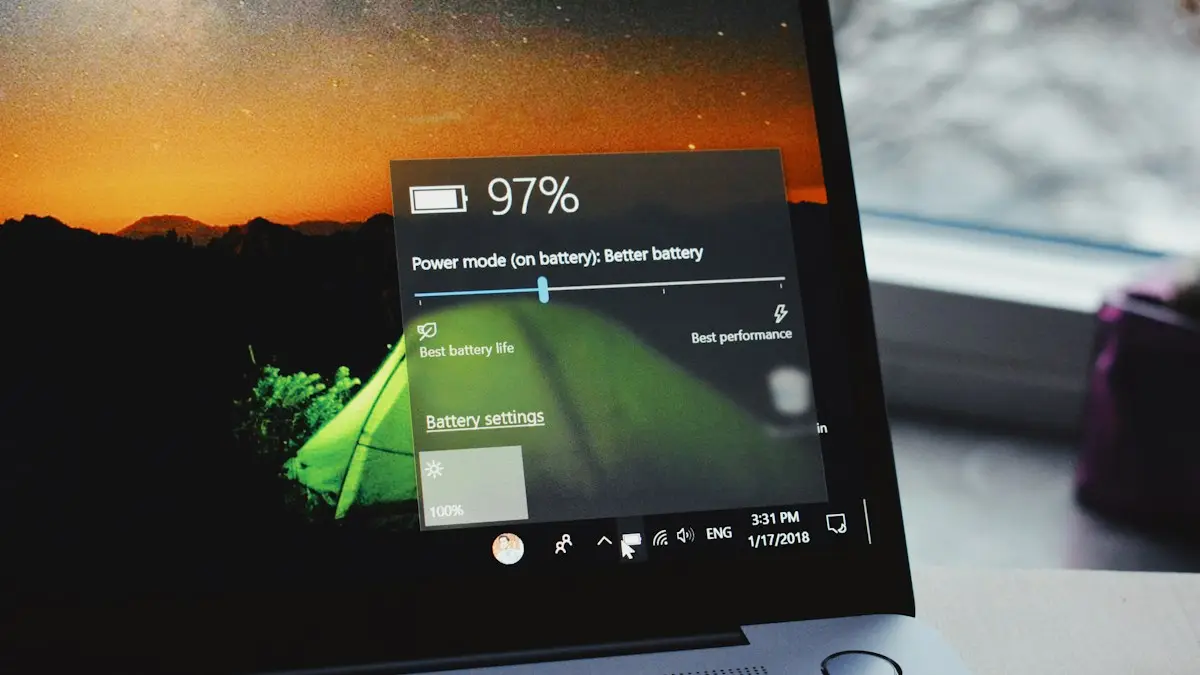
Is fast charging bad?
Is fast charging bad for your battery? Mostly no, but heat is. Learn how phones protect themselves, which settings slow charging and when to go slower.
Phone charging slowly
Phone charging slowly? Use a stronger wall charger and good cable, clean the port, keep it cool and check settings that cap charging on iPhone and Android.
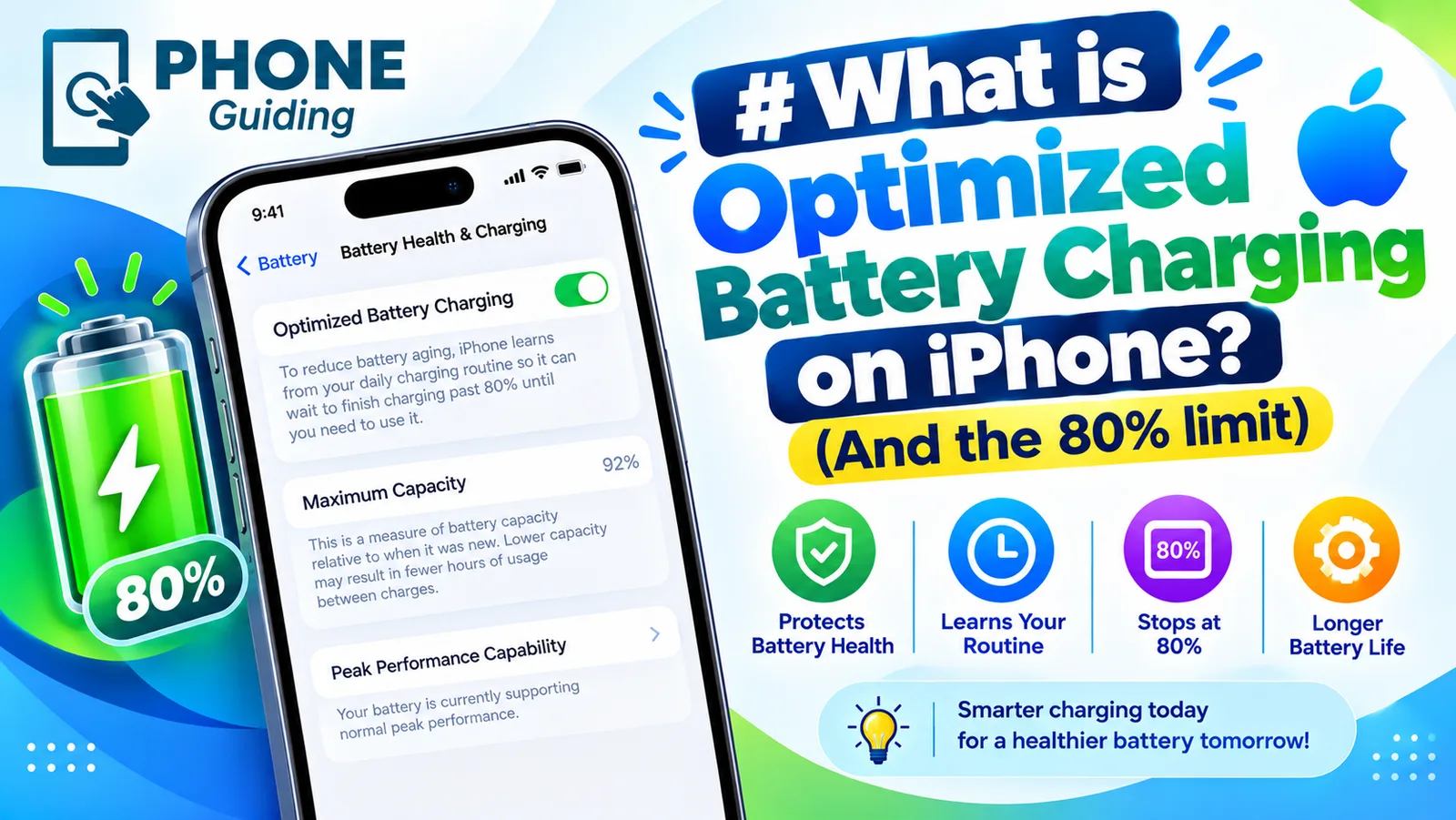
Optimized Battery Charging
Optimized Battery Charging holds your iPhone at 80% until you need it, to reduce battery wear. See how it differs from the Charge Limit and when to turn it off.
Android phone overheating
Android phone overheating while charging, gaming or doing nothing? Cool it down safely, find the app working it hard and fix the settings behind the heat.
More guides you may need
eSIM on a locked iPhone
A carrier locked iPhone only takes an eSIM from its own carrier. See how to check the lock in Settings, why a travel eSIM will not activate, and how to unlock.
MagSafe vs Qi2
MagSafe vs Qi2: how they differ, which phones work with each, charging speeds, case rules and what to look for when you buy a magnetic wireless charger.