

Best iPhone for seniors: how to choose one that is easy to use
The best iPhone for an older adult is one that still gets updates, has a screen they can read and a battery that lasts the day. The settings matter as much as the model.
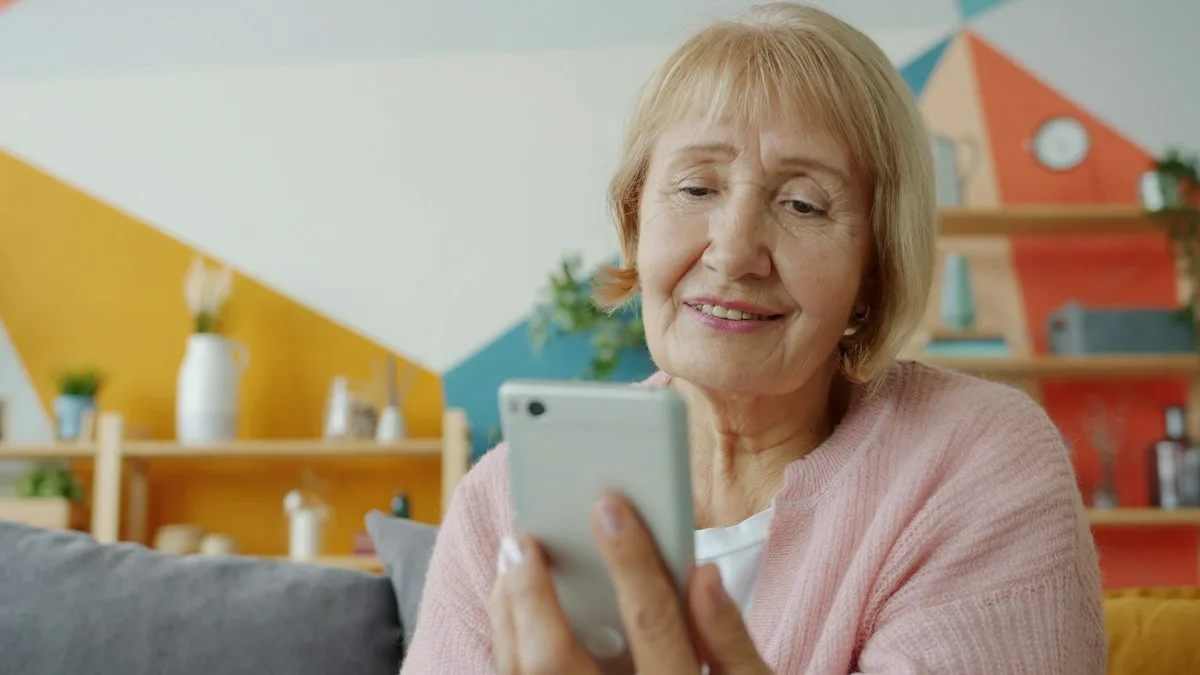
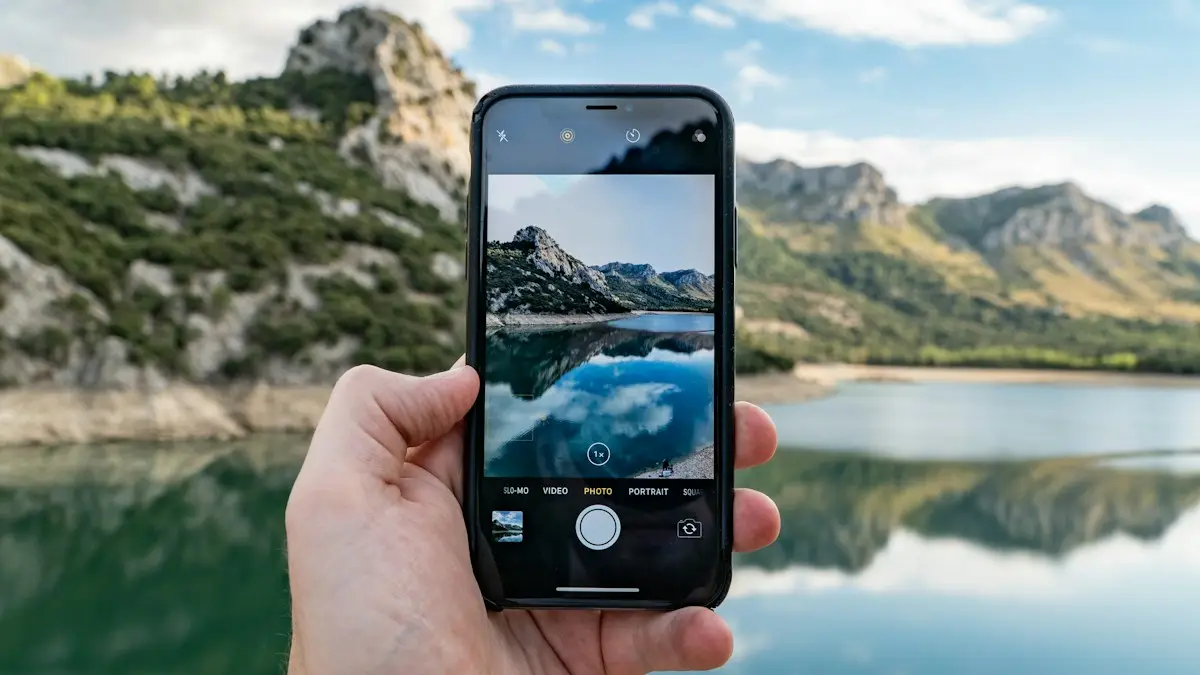
Photo by Vitaly Gariev on Unsplash
Most lists of the best iPhone for older adults name one model and move on. The model changes every year, so the checks matter more than the name. Use the seven below, and you will pick well even when a new iPhone comes out.
1. Which model still gets software updates?
An iPhone that no longer gets updates stops getting security fixes, and apps eventually stop working. Apple lists iOS 27 as available for iPhone 11 and later, so an iPhone from that list is a safe floor today. A newer model will get updates for more years. Our iOS and Android updates tracker shows the current version.
2. What screen size can they read and hold?
- Bigger screen: easier to read and to tap, but heavier and harder to hold in one hand.
- Smaller screen: lighter and easier to hold, but the text is smaller unless you raise Text Size.
- Go to a store and let them hold the phone. This decides more than any spec.
3. Face ID or a Home button: which is easier?
Face ID unlocks the phone when you look at it, which many older adults find easier than a fingerprint. Some people prefer a Home button because it gives them a button to press when they feel lost. Models with a Home button are older designs, so check software support first.
4. How much battery life and storage do they need?
Buying used? Check Settings › Battery › Battery Health. Look for 85% or more, and see our guide to checking iPhone battery health. For storage, 128 GB is a comfortable minimum for photos of grandchildren. If the iPhone fills up, iCloud storage can help; see how much iCloud storage you need.
5. Which safety features help most?
- Emergency SOS and Medical ID work on every modern iPhone. See how to call for help on the lock screen.
- iPhone 14 and later add Crash Detection and Emergency SOS via satellite.
- Find My lets a family member see where the phone is, with permission.
Our guide to making an emergency call on iPhone covers the lock screen button, Medical ID and what happens after a call.
6. Should you buy new, refurbished or used?
New gives the longest support and a full warranty. A refurbished iPhone from Apple or a trusted seller is cheaper and still comes with a warranty. A used phone from a stranger is the riskiest: it can be locked to someone else's Apple Account or have a worn battery. Read our checklist for buying a secondhand phone. AppleCare+ is worth a look for anyone likely to drop the phone; see AppleCare+ and what it costs.
7. How do you set it up to be easy?
- 1
Make text bigger.
Open Settings › Display & Brightness › Text Size and drag the slider. Turn on Bold Text in Accessibility › Display & Text Size.
- 2
Try Assistive Access.
It gives a simpler home screen with large buttons for a few chosen apps. Open Settings › Accessibility › Assistive Access to set it up.
- 3
Fill in Medical ID and emergency contacts.
Open the Health app, tap the profile picture, then Medical ID. Turn on Show When Locked.
- 4
Turn on automatic updates.
Settings › General › Software Update › Automatic Updates.
- 5
Share location with family, if they agree.
Use Find My › People › Share My Location.
Our guide to iPhone display settings shows where text size, brightness and Auto-Lock are. For a first-time setup, see setting up a new iPhone.
Which features do older adults use most?
A few features matter more than the model. Emergency SOS lets the phone call for help, Medical ID shows allergies and contacts to responders, and Assistive Access gives a simplified Home Screen with large buttons. Larger Text, Bold Text and the Magnifier help with reading. Siri and voice dictation reduce typing. For hearing, ask about AirPods with hearing features, which Apple offers on some models in some regions. Many of these live in Settings › Accessibility.
What are the budget options and where should you buy?
A lower priced model such as the iPhone SE line or the iPhone 16e is often enough, and a recent refurbished iPhone from Apple or a carrier can save more. Avoid a very old used phone that no longer gets updates. When you compare, include the price of a case and a screen protector. Our guides on buying a secondhand phone and how to tell if an iPhone is refurbished help you avoid problems.
How do you set it up and keep it safe?
Set the phone up with them, not for them. Use how to set up a new iPhone for the steps, move their contacts, and add family numbers to Emergency Contacts. Turn on scam call protection, as covered in blocking spam calls on iPhone, and teach them to ignore texts that ask for money. If they are leaving a basic phone, see moving contacts from a Jitterbug.
Frequently asked questions
What is the best iPhone for an elderly person?
A recent model that still receives iOS updates, with a screen size they can read and a good battery. Face ID is easier for many people than a fingerprint, but some prefer a Home button. Try holding one before you buy.
Is an older used iPhone fine for a senior?
Yes, if it is on Apple's list for the current iOS, has good battery health and is not locked to someone else's Apple Account. Check these before you pay.
How do I make an iPhone easier for an older adult?
Turn on Larger Text and Bold Text, and try Assistive Access, which gives a simpler home screen with big buttons. Add emergency contacts in Medical ID and teach the Emergency button on the lock screen.
Which iPhone safety features help older adults?
Emergency SOS, Medical ID and Find My on every modern iPhone. iPhone 14 and later also add Crash Detection and Emergency SOS via satellite.
What to try next
People also ask
Is it safe to buy a used phone?
Yes, if you check the IMEI, confirm it is unlocked and not reported stolen, test the hardware and pay in a way that protects you. Buying from a store or marketplace with a return policy lowers the risk further.
Read the full guide: Buy a used phoneWhat is the most important thing when choosing a cell phone plan?
Coverage where you live, work and travel. A cheap plan is no bargain if the signal is weak at home or on your commute.
Read the full guide: Choose a cell phone planDoes iPhone have a built-in VPN?
No. iPhone supports VPN connections in Settings, but you need a VPN service or your workplace's details. iCloud Private Relay is a related privacy feature for Safari, but it is not a full VPN.
Read the full guide: Use a VPN on iPhoneIs a screenshot of a video lower quality?
Yes. A screenshot is saved at your screen’s resolution and can include black bars, while a 4K video frame has more detail. On iOS 27, Save Video Frame as Photo keeps the full video resolution instead.
Read the full guide: Take a photo from a video on iPhoneRelated guides
Buy a used phone
How to buy a used phone without getting a locked, stolen or worn-out one. Follow a 10-point checklist for IMEI, unlock status, battery, payment and returns.
Choose a cell phone plan
How to choose a cell phone plan in 7 steps: check coverage, measure your data, compare real monthly costs, read the fine print and test before you commit.
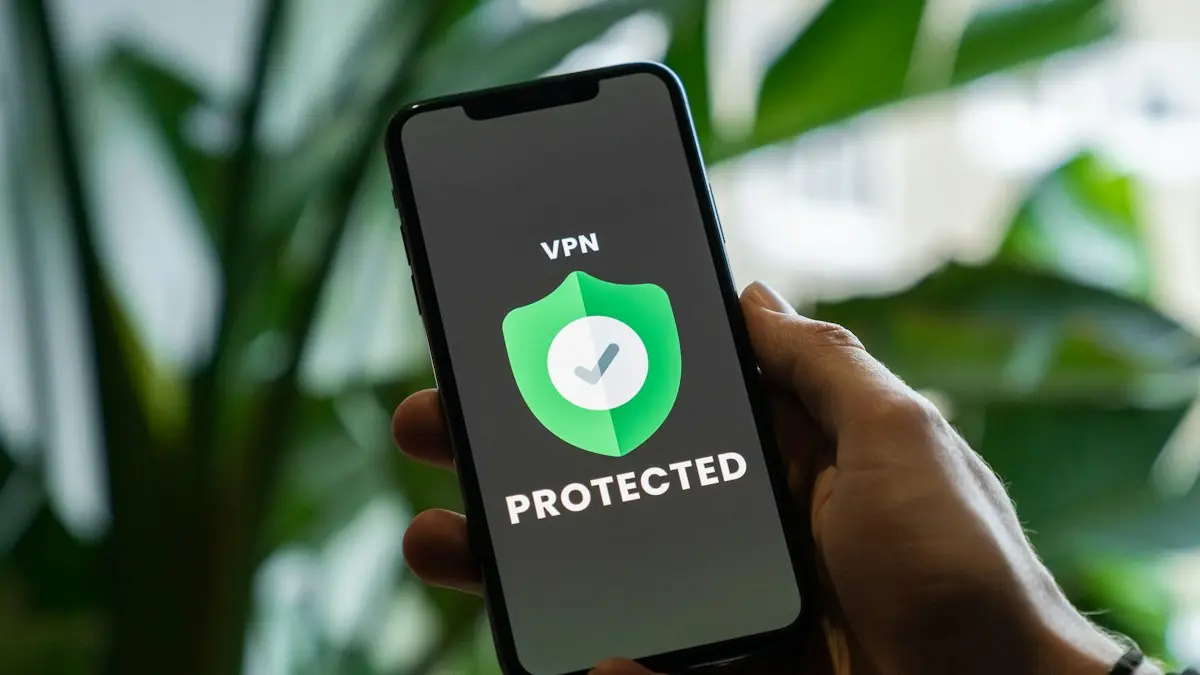
Use a VPN on iPhone
How to use a VPN on iPhone in minutes: install an app, allow the VPN setting, turn it on and off, and learn when a VPN helps and when it does not.
Take a photo from a video on iPhone
Get a still photo from a video on iPhone: use Save Video Frame as Photo in iOS 27, take a clean screenshot, pick a Live Photo frame, or export it on a Mac.
More guides you may need
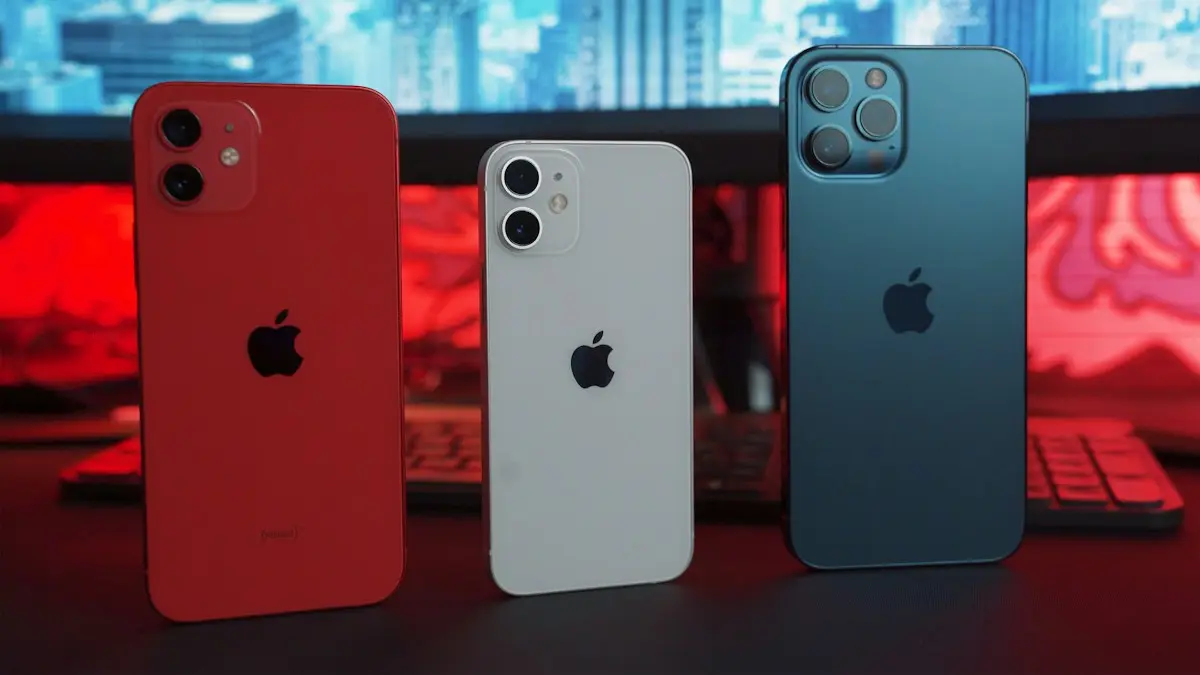
How long iPhones last
How long do iPhones last? Most last five to seven years if the battery and updates hold. Learn the signs to upgrade and how to make yours last longer.
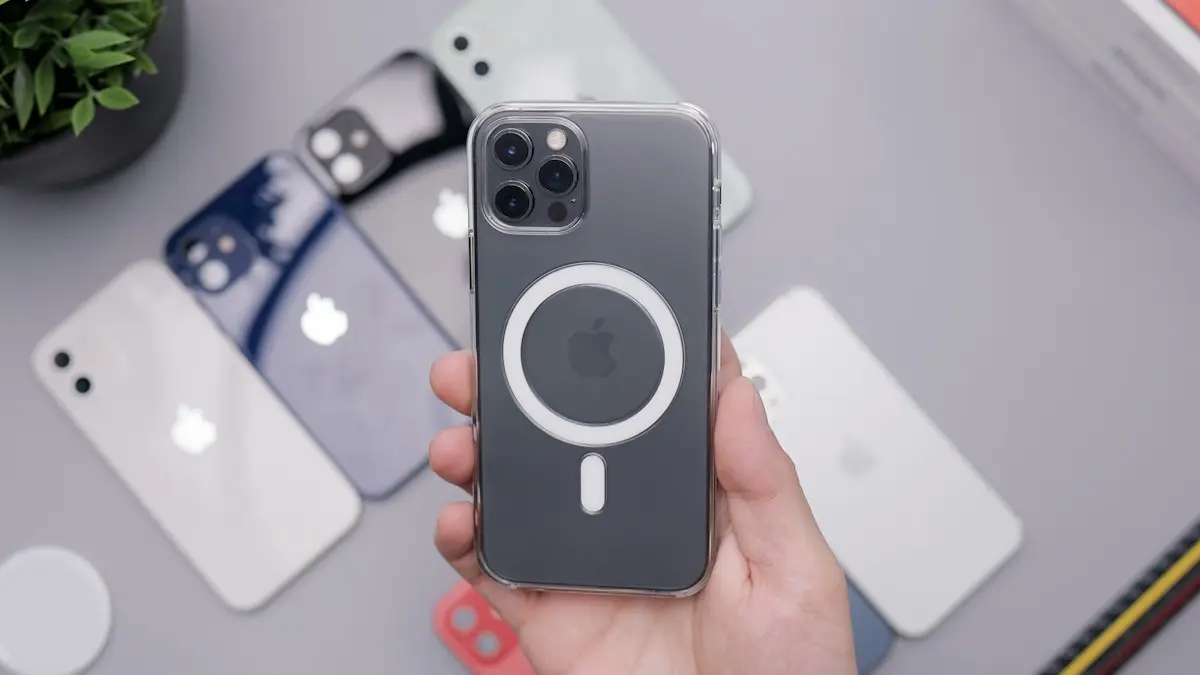
MagSafe vs Qi2
MagSafe vs Qi2: how they differ, which phones work with each, charging speeds, case rules and what to look for when you buy a magnetic wireless charger.