

How to change an album cover on iPhone Photos
Touch and hold a photo inside the album and choose Make Key Photo. That picture becomes the cover.
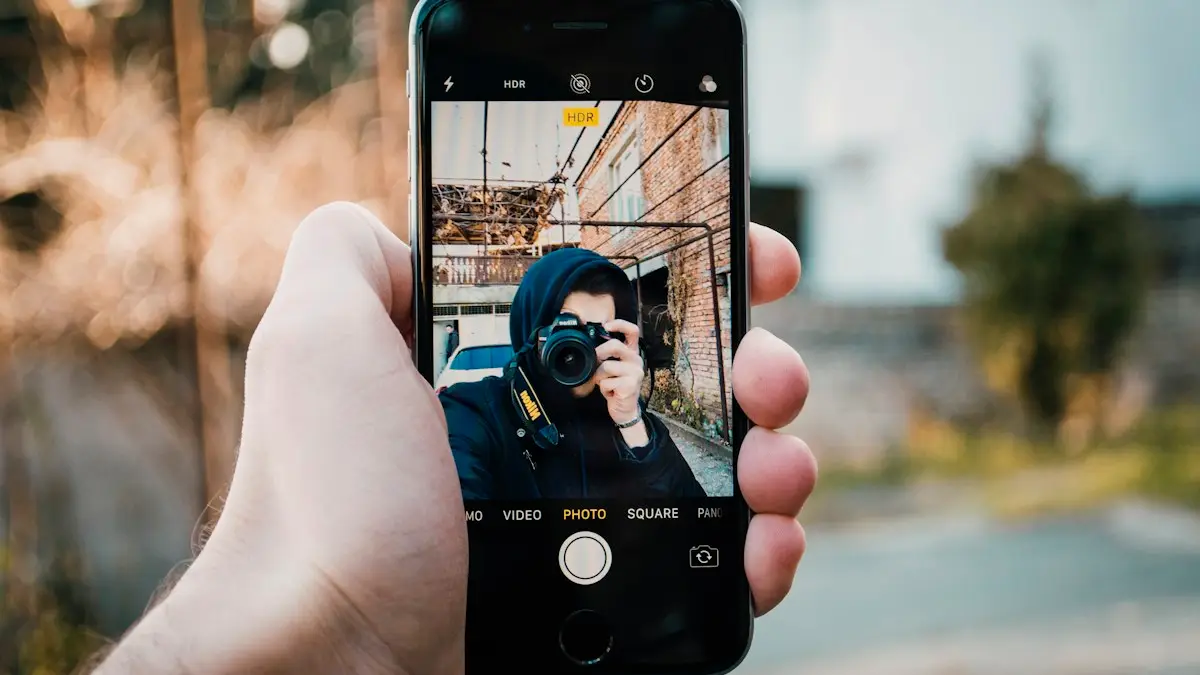
Photo by Nika Tabatadze on Unsplash
The fix
Set a new cover
- 1
Open Photos and tap the album.
- 2
Touch and hold the photo.
- 3
Tap Make Key Photo.
What is the album cover on iPhone?
Apple calls the cover the key photo. By default, the Photos app uses the most recent photo you added to an album as its cover. That is why album covers seem to change on their own: every time you add a picture, it may become the new cover. Setting a key photo yourself fixes the cover so it stays put until you change it again.
How to change album cover on iPhone, step by step
- Open the Photos app.
- Find your album. In iOS 18 and later, scroll down the main screen to Albums and tap the album, or tap Albums to see the full list. In older versions, tap the Albums tab at the bottom.
- Inside the album, touch and hold the photo you want as the cover. Do not tap it, just hold until a menu appears.
- Tap Make Key Photo.
- Go back to the album list. The new cover shows right away.
If you open the photo full screen first, you can also tap the ••• button at the top right and look for Make Key Photo there.
Albums where you cannot change the cover
Some albums are made by the Photos app, not by you. Their covers are chosen automatically and Make Key Photo does not appear. These include:
- Recents (Library) and Favorites
- Media type albums such as Videos, Selfies, Live Photos, Portrait, Panoramas and Screenshots
- Recently Deleted, Hidden and Imports
- Smart Albums synced from a Mac
If you want control over the cover, create your own album with the same photos. Tap the + button in Albums, choose New Album, name it, add photos, then set the key photo.
Shared albums
Shared albums in iCloud work differently. The cover is usually the newest item added by anyone in the album. Recent iOS versions may not show Make Key Photo for shared albums at all. If the option is missing, the only workaround is to add the photo you want as the cover last, or ask the album owner to do it. Shared album covers can look different on each person's device.
Change the cover on Mac and iPad
On iPad, the steps are the same as on iPhone. On a Mac, open Photos, open the album, select the photo and choose Image › Make Key Photo from the menu bar. With iCloud Photos turned on in Settings › your name › iCloud › Photos, the key photo you choose on one device syncs to your others.
People, Pets and Memories covers
The People and Pets section shows a face for each person. To change it, open the person, touch and hold a photo where their face is clear and choose Make Key Photo. On some versions you tap ••• then Choose Key Photo. For a Memory, play it, tap the ••• button and look for Edit Title or Choose Key Photo, depending on your iOS version.
Featured Photos and the widget
The photos that show in the Photos widget and in Featured Photos are picked by the iPhone, not by album covers. To stop a picture from appearing there, open it, tap ••• and choose Feature this Photo Less or Remove from Featured Photos.
Organize your albums
- Rename an album: touch and hold it in the album list and tap Rename Album.
- Reorder albums: in the full album list, tap Sort or Edit and drag them, depending on your iOS version.
- Group albums into folders: tap + and choose New Folder.
- Delete an album: touch and hold it and tap Delete Album. The photos stay in your library.
Album covers in Google Photos
If you keep your albums in Google Photos instead, open the album, tap a photo, tap the ••• button and choose Use as album cover. It syncs to every device signed in to that Google account. Our comparison of Google Photos and iCloud explains which service suits you.
Make Key Photo is missing or does nothing
- Check the album type. Built in and shared albums may not offer it.
- Make sure you touch and hold, not tap.
- Restart the iPhone and try again. Photos can stop updating thumbnails until it restarts.
- If the old cover keeps returning, iCloud may still be syncing. Leave the iPhone on Wi-Fi and charging for a while.
- Update iOS in Settings › General › Software Update.
Why the cover matters
Covers are how you find albums at a glance, especially once you have dozens. A clear, recognizable photo, like a face for a family album or a landmark for a trip, saves scrolling. It is a small change, but it makes the Photos app much easier to use.
Pick a photo that works as a cover
Album covers appear as small squares, so the Photos app crops your key photo to fit. A wide landscape shot may lose its subject at the edges. Close ups, faces and photos with one clear subject in the middle work best. If you want a specific crop, make a copy of the photo first: open it, tap ••• and choose Duplicate. Then crop the copy to a square with Edit › Crop and set that copy as the key photo. The original stays untouched.
Use a video as the cover
Videos can be key photos too. The cover shows the video's thumbnail frame. To pick a better frame, edit the video and trim the start so the frame you want comes first, or take a screenshot of the right moment and use that image instead.
The cover keeps changing back
If your album jumps back to the newest photo every time you add something, the key photo was not saved. Set it again and wait a minute before closing Photos, so iCloud has time to sync. Also check that you are setting the cover on the album itself and not inside a folder view or a search result. Albums synced from a computer through Finder or iTunes are read only on the iPhone, so their cover must be changed on the computer.
Hide a photo you do not want as a cover
If a private photo keeps showing as a cover, move it out of the album, or hide it. Open the photo, tap ••• and choose Hide. It moves to the Hidden album, which is locked with Face ID on recent iOS versions, and it no longer appears as a cover anywhere.
Quick recap
Open the album, touch and hold the photo, tap Make Key Photo. That is all it takes for albums you made. For built in albums the cover is automatic, and for shared albums the newest photo usually wins. If your photo library is getting too big to manage, our guide to freeing up iPhone storage can help you tidy up.
Change the cover of a shared iCloud album you own
If you created a shared album, you have the most control over it. Open the album, tap the people icon to check who can add photos, and turn off Subscribers Can Post if you want only your photos in it. With fewer new uploads, the cover changes less often. Then add the photo you want as the cover last, so it shows as the newest item.
Does the cover change the photo?
No. Making a photo the key photo does not edit, move or copy it. The picture stays where it was in your library and in any other albums. You can choose a different key photo at any time without losing anything.
If you manage many albums for family events or trips, setting covers once you finish adding photos saves you from fixing them again later. It is one of the small habits that keeps a large photo library easy to browse.
Frequently asked questions
Why can’t I change the Favorites cover?
Built in and smart albums like Recents and Favorites always use the newest photo. Only albums you made can be changed.
The cover did not change. What now?
Close and reopen Photos. If iCloud Photos is still syncing, the cover can take a moment to update.
Why can't I change the cover of an album on my iPhone?
Smart and built in albums like Recents, Favorites, Videos and Screenshots pick their cover automatically. Only albums you created let you choose a key photo.
Does changing the album cover change it on my Mac too?
Yes, if iCloud Photos is on. The key photo syncs to your Mac and iPad within a few minutes.
People also ask
How do I print a smaller label from my iPhone?
Open Print Options and choose the label paper size, such as 4 x 6, if your printer offers it. If the printer keeps printing on the wrong size, set the paper size in the printer’s own app or on its control panel.
Read the full guide: Change print size on iPhoneIs JPG worse than HEIC?
Quality looks the same, but JPG files are about twice as large, so they use more storage.
Read the full guide: Change HEIC to JPG on iPhoneWhy does my iPhone camera go back to 4:3?
The Camera app resets to its default each time unless Preserve Settings is on. Go to Settings › Camera › Preserve Settings and turn on Creative Controls.
Read the full guide: Change aspect ratio on iPhoneHow do I add a photo to Featured Photos on iPhone?
You cannot add one directly. Tap the heart to favorite the photo, which makes it more likely to be picked, or put it in an album and set the Photos widget to that album.
Read the full guide: Change Featured Photos on iPhoneRelated guides
Change print size on iPhone
Change print size on iPhone 3 ways: set the paper size in the Print menu, print a photo at an exact size, or scale in your printer's app (HP, Canon, Epson).
Change HEIC to JPG on iPhone
Make your iPhone take JPG photos instead of HEIC with one setting, and convert photos you already have to JPG for free with the Files app. No extra app needed.
Change aspect ratio on iPhone
Change your iPhone camera aspect ratio to 16:9, 4:3 or square, pin the control to the top bar in iOS 27, keep it as default, and reshape photos you took.
Change Featured Photos on iPhone
Change what appears in Featured Photos and the Photos widget on iPhone. Remove photos, feature people less, favorite the ones you want or turn it off.
More guides you may need
Jitterbug contacts to iPhone
Move contacts from a Jitterbug Smart or Jitterbug Flip to an iPhone. Use Move to iOS, sync with Google, or copy them over when you have a Flip phone.
Turn off Liquid Glass
Learn how to turn off Liquid Glass on iPhone as far as Apple allows. Use the iOS 27 slider, Tinted mode and Reduce Transparency to make menus solid and clear.