

How to change km to miles on iPhone: Apple Maps, Google Maps and system units
On recent iPhones, Apple Maps takes its distance units from Settings › General › Language & Region › Measurement System, not from the Maps app. Google Maps and Waze have their own unit settings. Temperature has a separate setting.
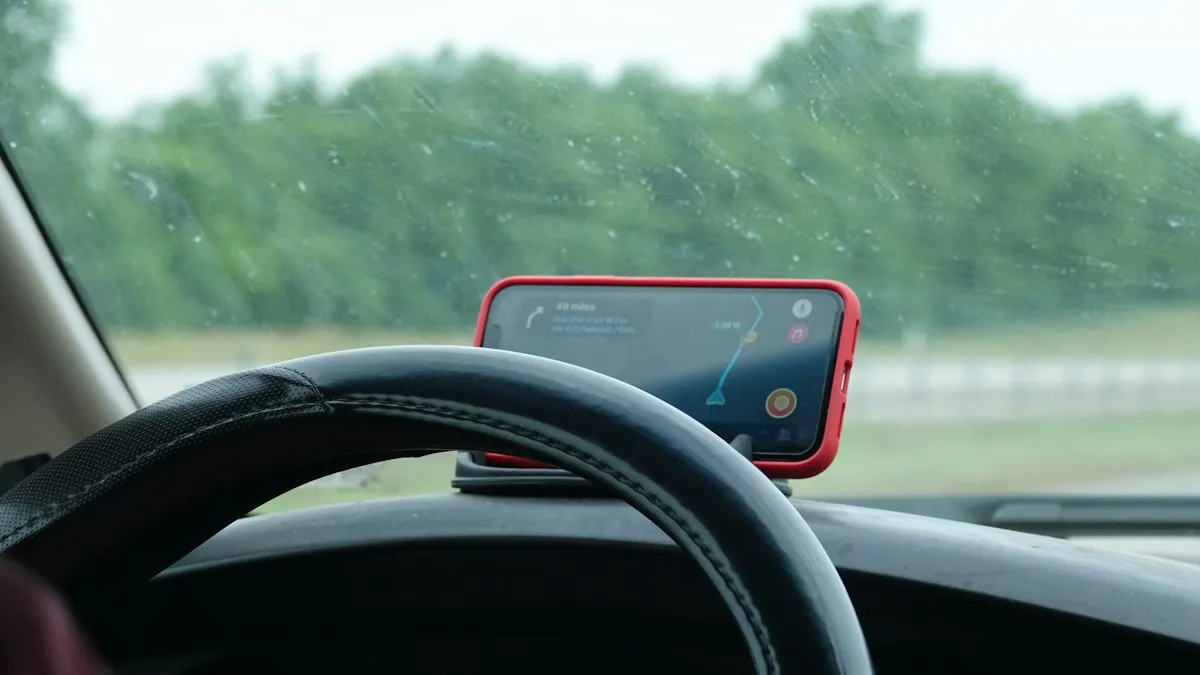
Photo by Sean on Unsplash
You moved, you are traveling, or you simply grew up with a different system, and now your iPhone shows distances in kilometers when you want miles, or the other way round. The fix depends on the app. On recent iPhones, Apple Maps does not have its own unit switch any more, and uses a system setting instead. Google Maps and Waze have their own. This guide covers each one, plus temperature, so every app agrees. Menu names can differ slightly by iOS version.
How do you change km to miles in Apple Maps?
Change the measurement system
- 1
Open Settings › General › Language & Region.
- 2
Scroll to Measurement System and tap it.
- 3
Choose US for miles or Metric for kilometers.
UK uses miles for road distances and metric for some other units.
- 4
Open Apple Maps and start a route.
Distances now use the new unit.
Why is there no distance setting in the Maps app?
On iOS 15 and earlier, Settings › Maps had a Distance option with Automatic, Miles and Kilometers. Apple removed it from Maps in iOS 16, and Maps now follows the Measurement System in Language & Region. If an older guide tells you to look in Maps settings, it is describing an older version. That is also why you only see choices called US, UK and Metric, not Miles and Kilometers.
How do you change units in Google Maps?
Switch Google Maps to miles
- 1
Open Google Maps and tap your profile picture.
- 2
Tap Settings, then Navigation settings.
On some versions, Distance units is directly in Settings.
- 3
Tap Distance units and choose Miles or Kilometers.
Automatic follows your region.
The setting applies to directions and distances inside Google Maps, and does not change Apple Maps.
How do you change units in Waze?
Open Waze, tap the menu, go to Settings and look for Distance units under the navigation or general options. Choose Miles or Kilometers. The location of this option has moved between versions, so use the search box in Waze settings if you cannot find it.
How do you change the temperature from Celsius to Fahrenheit?
Open Settings › General › Language & Region and tap Temperature Unit, then choose Celsius or Fahrenheit. The Weather app also has a Units option in its menu if you want to change only the Weather app. Many apps follow the system setting, so one change can fix several places at once.
Does the measurement system change other apps?
Yes. The setting is system-wide, so other Apple apps and many third-party apps follow it for distance, and sometimes for weight and height. Health and fitness apps often have their own unit options as well, so check the app’s settings if workouts or body measurements still show the wrong unit. If you change it and do not like the result, set it back the same way.
What if you are moving to another country?
Changing units is separate from changing your Apple Account country, which controls the App Store and payment. If you are moving, you may want to change both, as explained in how to change country on iPhone. For a short trip, you do not need to change anything, and you can switch units while you are there.
Why do distances look wrong after the change?
Restart the app, or the iPhone, so that apps pick up the new setting. In Apple Maps, end the current route and start it again. If a navigation voice still says the old unit, check the language and region of the voice under Settings › Maps › Navigation Voice or in the Google Maps voice settings.
What about CarPlay and the car display?
CarPlay uses the same Maps settings as your iPhone, so changing the Measurement System should change CarPlay too. Your car’s own screen may have its own unit settings for speed and trip data, which you change in the car’s menu. If CarPlay does not behave after changes, restart the iPhone and reconnect.
How do you check distance on a trip abroad?
Download offline maps before you leave, check that Wi-Fi Calling and data roaming are set up, and make sure the time zone updates. See an iPhone time zone that will not change automatically and how to use your phone in Europe for trip planning.
Quick checklist
How do you change speed units on a map?
Speed and speed limits in Apple Maps follow the same Measurement System. With US selected, speeds show in miles per hour, and with Metric they show in kilometers per hour. In Google Maps, the speedometer and limits follow the distance units you picked, so set Miles in Google Maps if you want mph. Your car’s own screen may have a separate speed unit.
How do you change units in the Weather app?
Open the Weather app, tap the list icon and then the three dots, and choose Units. You can set temperature, wind speed, precipitation and pressure. These apply only to the Weather app. To change the temperature everywhere, use Settings › General › Language & Region › Temperature Unit.
Why does the iPhone use miles or kilometers by default?
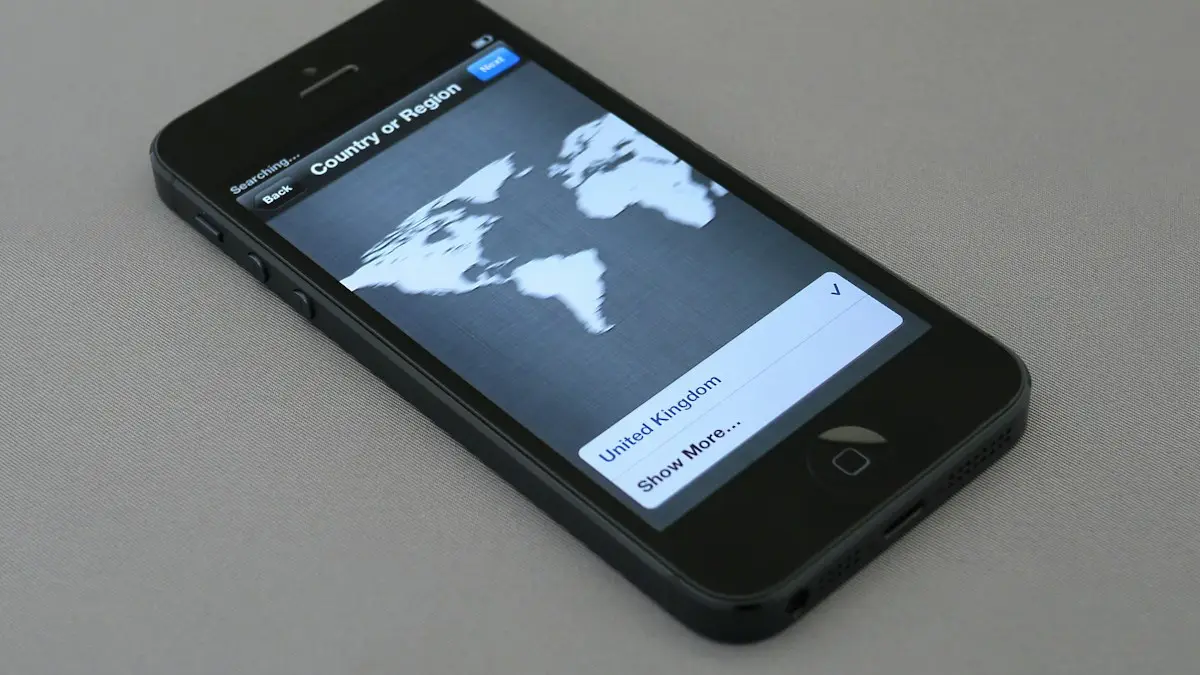
When you set up the iPhone, it picks a Region, such as United States, and the Region sets the default measurement system, date format and currency. If you bought the phone in a different country, or you restored from a backup made in another region, the default may not match what you want. Changing Region in Language & Region updates several formats at once, and Measurement System lets you set only the units.
How do you change units on an iPad or a Mac?
On an iPad, the path is the same: Settings › General › Language & Region › Measurement System. On a Mac, open System Settings › General › Language & Region and look for Measurement system, Temperature and the other options. Maps on a Mac follows the same setting.
How do you change units in Health and Fitness?
Health and workout units are often separate. In the Fitness app, look at the profile and workout settings for Units, and in the Health app, look in the profile and each data type for a unit option, such as kilometers or miles for walking and running distance. On an Apple Watch, you can set the workout units in the Watch app under Workout. Menu names vary, so use search in the app if you cannot find it.
Why does Find My show the wrong distance unit?
Find My follows the Measurement System, so changing it in Language & Region changes how far away a person or device appears. If you still see the old unit, close and reopen Find My, or restart the iPhone. For help with location sharing itself, see how to share location on iPhone.
What if Measurement System is missing?
Make sure iOS is up to date, then check Settings › General › Language & Region again. If your iPhone is managed by a work or school profile, the setting may be locked. Check Settings › General › VPN & Device Management, and ask the administrator if you need to change it.
Does Siri use the same unit?
Yes. When you ask Siri how far a place is, the answer follows your Measurement System. If Siri answers in the wrong unit, change the setting above and ask again. You can also say the unit in your question, such as how many miles to the airport.
- Apple Maps follows Settings › General › Language & Region › Measurement System.
- Google Maps and Waze have their own distance setting.
- Temperature unit is changed separately.
- You restarted the app after changing the setting.
- You checked health and workout apps for their own unit options.
Frequently asked questions
How do I change Apple Maps from kilometers to miles?
Go to Settings › General › Language & Region › Measurement System and pick US for miles or Metric for kilometers. On iOS 15 and earlier, use Settings › Maps › Distance.
How do I change kilometers to miles in Google Maps on iPhone?
Open Google Maps, tap your profile picture, then Settings, then Navigation settings, and choose Distance units. Pick Miles, Kilometers or Automatic.
Why can't I find a miles or kilometers option in the Maps settings?
On iOS 16 and later, Apple removed it from Maps. Apple Maps now uses the Measurement System in Language & Region.
Does changing the measurement system change other apps?
Yes. Many apps and system features follow it, including distance in other Apple apps. Change it back if you only wanted one app changed.
What to try next
People also ask
Does the iPhone user need Google Maps?
No, but it helps. Without it, they can open your link in Safari. With a Google account in Google Maps, they see you on their map.
Read the full guide: Share location Android to iPhoneWhy hasn’t my new avatar shown up on my other devices?
Changes sync through iCloud and can take a little while. Make sure you are signed in with the same Apple Account and connected to the internet on each device.
Read the full guide: Change your iPhone avatarWhy can't I change my country on my iPhone?
Apple blocks the change if you have a balance, an active subscription, a pending purchase or a Family Sharing group with members in another country. Clear those first.
Read the full guide: Change country on iPhoneHow do I change Google Maps from kilometers to miles on iPhone?
Open Google Maps, tap your profile picture, then Settings, then Distance units and choose Miles. Google Maps does not follow the iPhone setting.
Read the full guide: iPhone region settingsRelated guides
Share location Android to iPhone
Share your live location from an Android phone with an iPhone user using Google Maps or Find Hub, for an hour or until you turn it off. No extra app needed.
Change your iPhone avatar
Change your iPhone avatar: the Apple Account photo in Settings and the Contact Photo and Poster people see when you call. Use a photo, Memoji or initials.
Change country on iPhone
How to change country on iPhone: change your Apple Account country or region for the App Store, plus the device region. Steps, limits and what to do first.
iPhone region settings
Change iPhone region settings in one guide: App Store country, phone number, in-app purchases, Maps voice, miles or kilometers and which apps see your location.
More guides you may need
Change Gmail password
Change your Gmail password on iPhone in the Gmail app or Safari, then update it in iPhone Mail so email keeps arriving. Plus what to do if you forgot it.
Change group chat name on iPhone
How to change group chat name on iPhone: open the group in Messages, tap the names and choose Change Name and Photo. Fix a group that can't be renamed.