

iPhone hotspot not working? 9 fixes when it won’t show up
Most hotspot problems come from a setting on the iPhone, not the laptop. Maximize Compatibility fixes a lot of them.
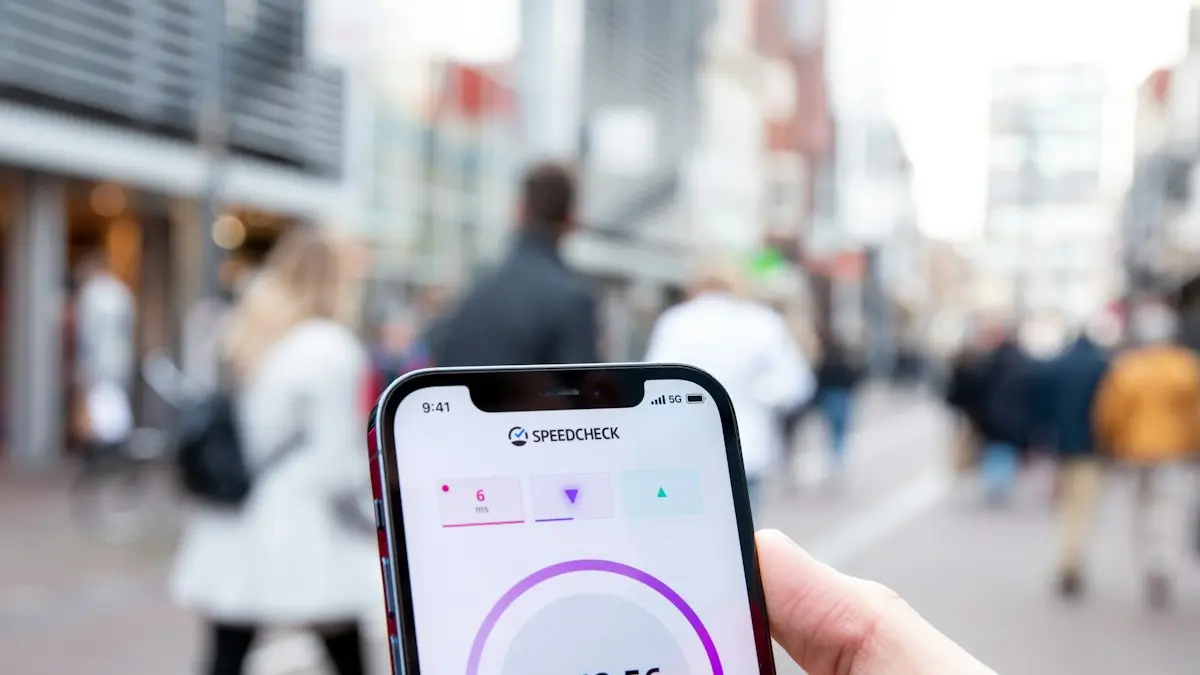
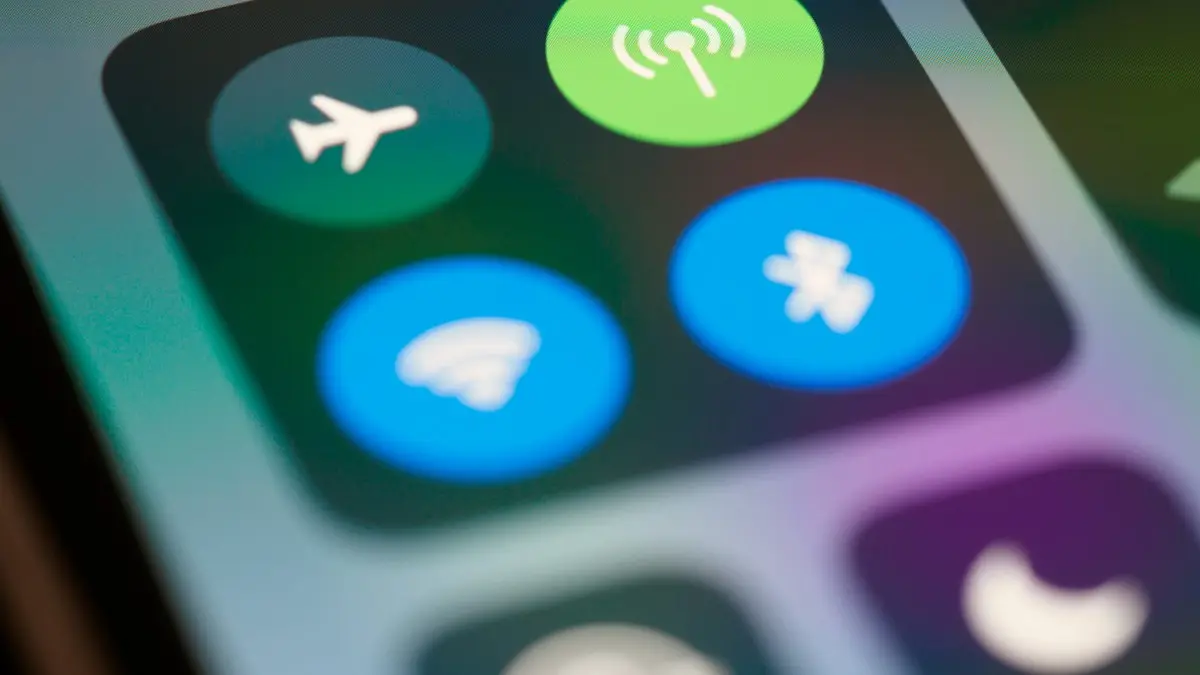
Photo by Frederik Lipfert on Unsplash
A hotspot turns your iPhone’s cellular data into a Wi-Fi network for your laptop, tablet or another phone. When it fails, the symptom varies: the network does not appear, it appears but will not connect, it connects with no internet, or it drops after a few minutes. The fixes below follow that order, from the common settings to your plan and the hardware.
How to fix an iPhone hotspot that isn’t working
The fix
9 fixes, in order
- 1
Turn on Allow Others to Join.
Settings › Personal Hotspot.
- 2
Turn on Maximize Compatibility.
It switches to 2.4 GHz, which older laptops and cars need.
- 3
Keep the Personal Hotspot screen open while the other device searches.
- 4
Make sure Cellular Data is on.
Settings › Cellular, and check that you have signal bars.
- 5
Turn off Low Data Mode and Low Power Mode.
- 6
Restart the iPhone and the other device.
- 7
Forget the hotspot on the other device and join again.
- 8
Install a carrier settings update.
Settings › General › About.
- 9
Reset network settings.
Settings › General › Transfer or Reset iPhone › Reset › Reset Network Settings.
Why is my iPhone hotspot not working?
The causes fall into three groups. The first is settings: Allow Others to Join is off, Maximize Compatibility is off, or Low Data Mode and Low Power Mode are limiting the connection. The second is your plan: some plans block hotspot, limit it to a set amount of data, or slow it down after that. The third is the signal and the hardware: weak cellular coverage, an old carrier profile, a corrupted network setting, or a fault in the antenna. Starting with settings costs nothing, so begin there.
Personal Hotspot is missing or greyed out
If you cannot find Personal Hotspot in Settings, or the switch is grey, the iPhone is telling you it is not allowed to share data. First, make sure Cellular Data is on and you have signal. Then update the carrier settings under Settings › General › About, where a prompt appears if one is waiting. Restart the iPhone. If it is still missing, contact your carrier. In the US, whether hotspot is included depends on the plan with Verizon, AT&T and T-Mobile, and prepaid plans or older plans may not include it, or may cap it. Ask them to enable it or add a hotspot add-on, and ask what speed you get after the high speed data is used.
Hotspot shows up but won’t connect
Stay on the Personal Hotspot screen while the other device searches. The iPhone stops advertising the network when the screen is idle. Turn on Maximize Compatibility, which uses the 2.4 GHz band that older laptops, cars and game consoles need. On the other device, forget the iPhone’s network, wait a few seconds, then join again and enter the password. Make sure the password has no unusual characters that are easy to mistype, and change it in Settings › Personal Hotspot › Wi-Fi Password if you want a simpler one. Turn off any VPN on the other device while you connect.
Connected, but no internet
If the laptop joins and pages will not load, test the iPhone first. Open Safari on the iPhone and visit a web page using cellular data. If it fails, the problem is cellular signal or your plan. Check the bars, toggle Airplane Mode for ten seconds, and see whether your data allowance has run out in your carrier app. If the iPhone works but the other device does not, turn off any VPN there, restart its Wi-Fi, and check the date and time. Some plans slow hotspot traffic heavily after the high speed amount is used, which makes pages look like they are not loading.
Connect by USB or Bluetooth instead
A cable is the most reliable way to share. Connect the iPhone to a Mac or Windows PC, tap Trust This Computer, and the iPhone appears as a network option. On Windows, you may need the Apple Devices app or iTunes installed so that the driver is available. It also charges the phone while it shares, which helps the battery. Bluetooth works too: pair the iPhone with the other device, then choose it as a network. It is slower than Wi-Fi, but it uses less power. For Macs, Instant Hotspot lets a Mac on the same Apple Account join from the Wi-Fi menu with no password.
Family Sharing and sharing with other people
In Settings › Personal Hotspot, open Family Sharing to choose whether family members can join with no password. This is handy for kids’ devices. If a family member’s iPhone will not connect, check that they are in your Family Sharing group and that Family Sharing is not set to ask for approval. For a friend who is not in the group, share the Wi-Fi password and turn the hotspot off when they are done. Remember that every connected device uses your plan’s data, so watch the number of devices.
Why does my hotspot keep disconnecting?
The iPhone shuts the hotspot off when no device uses it for a while, to save battery. Low Power Mode makes it stricter, and a hot phone may drop it to cool down. Keep the phone charging, out of the sun and out of a thick case, and turn off Low Power Mode and Low Data Mode while sharing. Make sure the other device does not go to sleep and drop the connection. Weak cellular signal also causes drops, since the iPhone has to pass everything through the same radio. Move near a window or a higher floor and see whether it holds.
Check cellular signal and plan limits
- Look at the signal bars and the network label, such as 5G or LTE. One bar means a slow and unstable hotspot.
- If 5G keeps switching, try LTE for a steadier link. See the guide to 5G settings on iPhone.
- Check your carrier app for the hotspot data allowance and what happens when it runs out.
- Be aware that carriers may slow video or hotspot speeds on some plans, even when it is not out of data.
- If hotspot is part of your work, ask your carrier about an unlimited plan with a larger hotspot amount.
Hotspot on a laptop, tablet or car
Different devices fail in different ways. Windows laptops sometimes need Wi-Fi turned off and on before the iPhone appears. Macs on the same Apple Account join from the Wi-Fi menu without a password. Many cars and smart TVs see only 2.4 GHz, so Maximize Compatibility is a must for them. Game consoles may need a few tries before they pick the network up.
Reset network settings and carrier settings
If nothing has worked, reset network settings in Settings › General › Transfer or Reset iPhone › Reset › Reset Network Settings. It clears saved Wi-Fi networks, Bluetooth pairings and VPN profiles, and it rebuilds the cellular settings. It does not delete photos or apps. Install any carrier settings update afterwards from Settings › General › About. If you changed your SIM or moved to a new carrier recently, remove and reinsert the SIM, or ask the carrier to refresh your plan so that hotspot is on. If it still fails and cellular data works, the antenna may need service, so contact Apple. A hotspot that also drops calls points to the same problem, covered in dropped calls and weak cellular signal.
If your laptop joins other Wi-Fi networks with ease and drops on the hotspot only, read iPhone Wi-Fi dropping out. For Android phones, see hotspot problems on Android.
Frequently asked questions
Why is Personal Hotspot greyed out or missing?
Your plan may not include hotspot, or cellular data is off. Turn on Cellular Data, install a carrier settings update, and ask your carrier to enable it.
Why does my hotspot keep disconnecting?
The iPhone turns hotspot off when nothing is connected for a while, and Low Power or Low Data Mode can cut it. Turn those off and keep the phone charging.
Does using a hotspot cost extra?
That depends on your plan. Many unlimited plans include a set amount of high speed hotspot data, then slow it down, and some cheaper plans charge for it or block it. Check your carrier app or account page.
Why can my laptop see the hotspot but not get internet?
The iPhone may have no cellular signal or data, the plan may be out of hotspot data, or a VPN is in the way. Open a web page on the iPhone first to check that cellular data works.
What to try next
Sources
Official pages these steps are based on. Menus can differ by software version.
People also ask
Why is my hotspot connected but has no internet?
Your plan may block or have used up its hotspot data, or a VPN or data saver is in the way. Check your carrier app for hotspot data left.
Read the full guide: Android hotspot not workingWhere are APN settings on iPhone?
Open Settings › Cellular and tap Cellular Data Network (on some versions it is under Cellular Data Options). If you do not see it, your carrier manages the settings for you.
Read the full guide: Find APN settings on iPhoneI changed my router password. Why won’t my iPhone connect?
It still has the old one saved. Tap the info button next to the network, choose Forget This Network, then join again with the new password.
Read the full guide: Change Wi-Fi password on iPhoneWhy is Wi-Fi greyed out on my iPhone?
A software glitch, a restriction, or a failed Wi-Fi chip. If a reset and update do not bring the switch back, it is almost always hardware.
Read the full guide: iPhone Wi-Fi won’t turn onRelated guides
Android hotspot not working
Android hotspot not working or connected with no internet? Check your plan, switch to 2.4 GHz, turn off data saver and the timeout, and try 5 more fixes.
Find APN settings on iPhone
Find APN settings on your iPhone in Settings › Cellular › Cellular Data Network. Learn why the menu can be missing, what each field means and how to reset it.
Change Wi-Fi password on iPhone
Change your home Wi-Fi password from your iPhone with the router app or admin page, update a saved Wi-Fi password, or change your Personal Hotspot password.
iPhone Wi-Fi won’t turn on
iPhone Wi-Fi won’t turn on, greyed out or stuck off? Check Airplane Mode and Screen Time, reset network settings, update iOS and know when the chip is at fault.
More guides you may need
iPhone coverage expired
iPhone says coverage expired in Settings? Learn what it means, how to check the real dates, when you can still renew AppleCare and what to do if it is wrong.
iPhone Duo apps not optimized
iPhone Duo apps not optimized? See why some apps sit in a small centered window, what you can and can't fix, and how to check and update your apps.