

YouTube not working? How to fix videos that won't play
When YouTube will not load or play, the fix depends on where you watch. These steps cover the phone app first, then browsers.
Photo by Christian Wiediger on Unsplash
Fix YouTube on your phone
The fix
9 fixes to try in order
- 1
Check for an outage.
If Downdetector shows a spike in reports, wait. Nothing on your phone will fix a YouTube outage.
- 2
Close and reopen the app.
Swipe YouTube away from recent apps, then open it again.
- 3
Restart your phone.
This clears most playback glitches.
- 4
Update the YouTube app.
Install the latest version from the App Store or Google Play Store.
- 5
Check your connection.
Run a speed test, switch between Wi-Fi and cellular data, or restart your router.
- 6
Lower the video quality.
Tap the gear icon in the video, choose Quality and pick a lower setting on a slow connection.
- 7
Turn off VPN and ad blockers.
VPNs and ad-blocking apps can stop videos from loading. Turn them off and test again.
- 8
Set the date and time automatically.
A wrong date or time can break secure connections to YouTube.
- 9
Clear cache (Android) or reinstall (iPhone).
Android: Settings › Apps › YouTube › Storage › Clear cache. iPhone: touch and hold the app, tap Remove App › Delete App, then reinstall it from the App Store.
YouTube not working in a browser?
- Reload the page, then try a private or incognito window.
- Update your browser and clear its cache and cookies.
- Turn off extensions one at a time, especially ad blockers.
- Turn off hardware acceleration in the browser settings and restart the browser.
Why does YouTube stop working?
YouTube needs three things at once: a working connection, an app that is up to date and a clean login and device clock. When one fails, you see a black screen, a spinning circle, an error such as Something went wrong or an endless loading wheel. Most problems are local: a slow connection, a stale cache or an app bug. A true outage is rare, but it is worth a quick check on Downdetector before you spend half an hour on fixes.
Match the symptom to the fix
- Black screen with sound: update the app, turn off hardware acceleration in a browser, restart the phone.
- Endless spinner or buffering: lower the quality and test your speed. See YouTube keeps buffering.
- Video stops by itself: see YouTube keeps pausing.
- Error 400 or 503: a server or app problem. Wait, update, then clear the cache.
- Cannot sign in: check your Google password and update the app.
- Some videos missing: check Restricted Mode and region limits.
Check your internet speed and DNS
YouTube needs about 3 to 5 Mbps for standard HD video, and more for 4K. Run a speed test. If your Wi-Fi is slow, move closer to the router, restart it and test again. If other apps load but YouTube does not, switch your phone to cellular data for a minute. If cellular works and Wi-Fi does not, the router is the problem. A restart usually fixes it. On a laptop, some people also switch DNS to a public service, but that is rarely needed.
Fix YouTube on iPhone
- Open Settings › General › iPhone Storage and make sure at least a few GB are free.
- Update YouTube in the App Store and iOS in Settings › General › Software Update.
- Turn off Low Power Mode and Low Data Mode, since both can limit video quality or loading.
- Check Settings › Cellular and make sure YouTube is allowed to use cellular data.
- Delete the app and reinstall it. Your subscriptions and history are tied to your Google account, not the app.
Fix YouTube on Android
- Go to Settings › Apps › YouTube › Storage and tap Clear cache. If that fails, tap Clear storage, which also signs you out.
- Open the Play Store, search for YouTube and tap Update. Also update Android System WebView and Google Play services.
- Turn off Data Saver in Settings › Network & internet.
- Check Settings › Apps › YouTube › Mobile data & Wi-Fi so background data is allowed.
- Restart, then uninstall updates for YouTube (on phones where it is a system app) and install the latest again.
Our guide to speeding up an Android phone helps when the whole phone is slow and YouTube is only one symptom.
YouTube on a smart TV, Roku or Fire TV
On a TV, close the app and reopen it, then restart the TV by unplugging it for a minute. Update the app in the TV's store. If the app still fails, sign out and in, or remove the app and reinstall it. If your TV is old, YouTube may have dropped support for it, and a streaming stick is a cheap fix. If you cast from a phone, make sure both devices use the same Wi-Fi network.
Check YouTube Premium, family plans and billing
If ads appear even though you pay, or you cannot play in the background, sign in with the account that has the subscription. Open Settings › Purchases and memberships in the YouTube app to confirm the plan is active. A failed payment can pause Premium. Update the card in your Google payments settings. If you are in a Family plan, the family manager may need to confirm that you are still a member.
When the problem is your account or region
Some videos are blocked in certain countries, some are age restricted and some are private. Restricted Mode is common on school and work devices and hides many videos. If a single video fails but others play, the video may be removed. If you see an error about a copyright or a blocked account, the issue is not on your phone. Use the Help Center for the exact message.
Signs that the problem is your phone and not YouTube
- Other video apps, such as Netflix or TikTok, also fail. See TikTok not loading if that app has trouble too.
- Web pages load slowly or not at all.
- The phone is hot, nearly full or has not been restarted for weeks.
- Other people on the same Wi-Fi watch YouTube without trouble.
If several apps struggle, fix the connection or the phone first. Check how to speed up a slow iPhone or the Android version, since a phone that is short of memory makes every video app stutter.
Is it safe to clear data or reinstall?
Yes. Your subscriptions, playlists and watch history belong to your Google account. Clearing cache removes only temporary files. Clearing storage or reinstalling signs you out of the app, so keep your Google password handy. Downloaded videos in YouTube Premium are removed and must be downloaded again. Do the cache step first, since it keeps you signed in.
Browsers: the extra checks that help
If YouTube fails only in your browser, open it in a private window. If it works there, an extension or saved data is the cause. Turn off ad blockers and VPN extensions one at a time. Update the browser, then clear cookies for youtube.com and google.com. In Chrome, open Settings › System and turn off Use hardware acceleration when available, then restart. Also try a second browser such as Safari, Edge or Firefox to see whether the browser or the video is the problem.
Sound plays but there is no picture, or the reverse
A video that plays sound with a black screen is usually a graphics or app bug. Update the app, restart the phone and lower the quality. If there is a picture but no sound, check that the phone is not on silent, the volume for media is up and Bluetooth is not connected to a speaker or headphones that are off. On an iPhone, the ring switch does not mute YouTube video, but the Silent setting in the app can. If your speaker seems broken in every app, see phone speaker not working.
Date, time and region settings
A wrong clock breaks secure connections, so check that date and time are automatic. Also check the country in your Google account. YouTube shows different videos and features by region, and a VPN that places you in another country can change what is available.
Frequently asked questions
Why does YouTube say “Something went wrong”?
Usually a connection or app glitch. Tap Retry, restart the app, and if it keeps happening, clear the app cache on Android or reinstall the app on iPhone.
Why can’t I see some videos on YouTube?
Restricted Mode may be on, which hides videos that could be inappropriate. Turn it off in the YouTube app under Settings › General › Restricted Mode, unless it is managed by a school, work or parent account.
Why does YouTube work on Wi-Fi but not on cellular data?
Cellular data may be off for the app, Data Saver may be on, or your plan may be capped. Check the app's data settings and your plan.
Why does YouTube work on my phone but not on my smart TV?
TV apps run on their own software and cache. Restart the TV, update the YouTube app, sign out and back in, and check that the TV's date, time and internet connection are correct.
What to try next
People also ask
Why does Spotify say I am offline?
Offline mode may be on, or Spotify cannot use mobile data. Turn off Offline mode in Settings › Playback and allow mobile data for Spotify.
Read the full guide: Spotify not workingWhy does YouTube buffer when my internet is fast?
The phone may be on a crowded 2.4 GHz band, a VPN may be slowing YouTube down, or the app cache is corrupted. Try the other Wi-Fi band and turn off the VPN.
Read the full guide: YouTube keeps bufferingWhy won’t Netflix work with my VPN?
Netflix blocks many VPNs and proxies. Turn the VPN off and restart the app.
Read the full guide: Netflix app not workingWill clearing Play Store data delete my apps?
No. It only resets the Play Store’s own settings. Your installed apps and purchases stay.
Read the full guide: Google Play Store not workingRelated guides
Spotify not working
Spotify not working, crashing or not playing? Check for an outage, turn off Offline mode, clear Spotify’s cache and try 6 more fixes for iPhone and Android.

YouTube keeps buffering
YouTube keeps buffering on your phone? Lower the video quality, switch Wi-Fi band, turn off your VPN, clear the app cache and try 5 more fixes that work.
Netflix app not working
Netflix app not working, stuck loading or showing an error? Check for an outage, sign out and back in, clear the app data and try 6 more fixes on your phone.
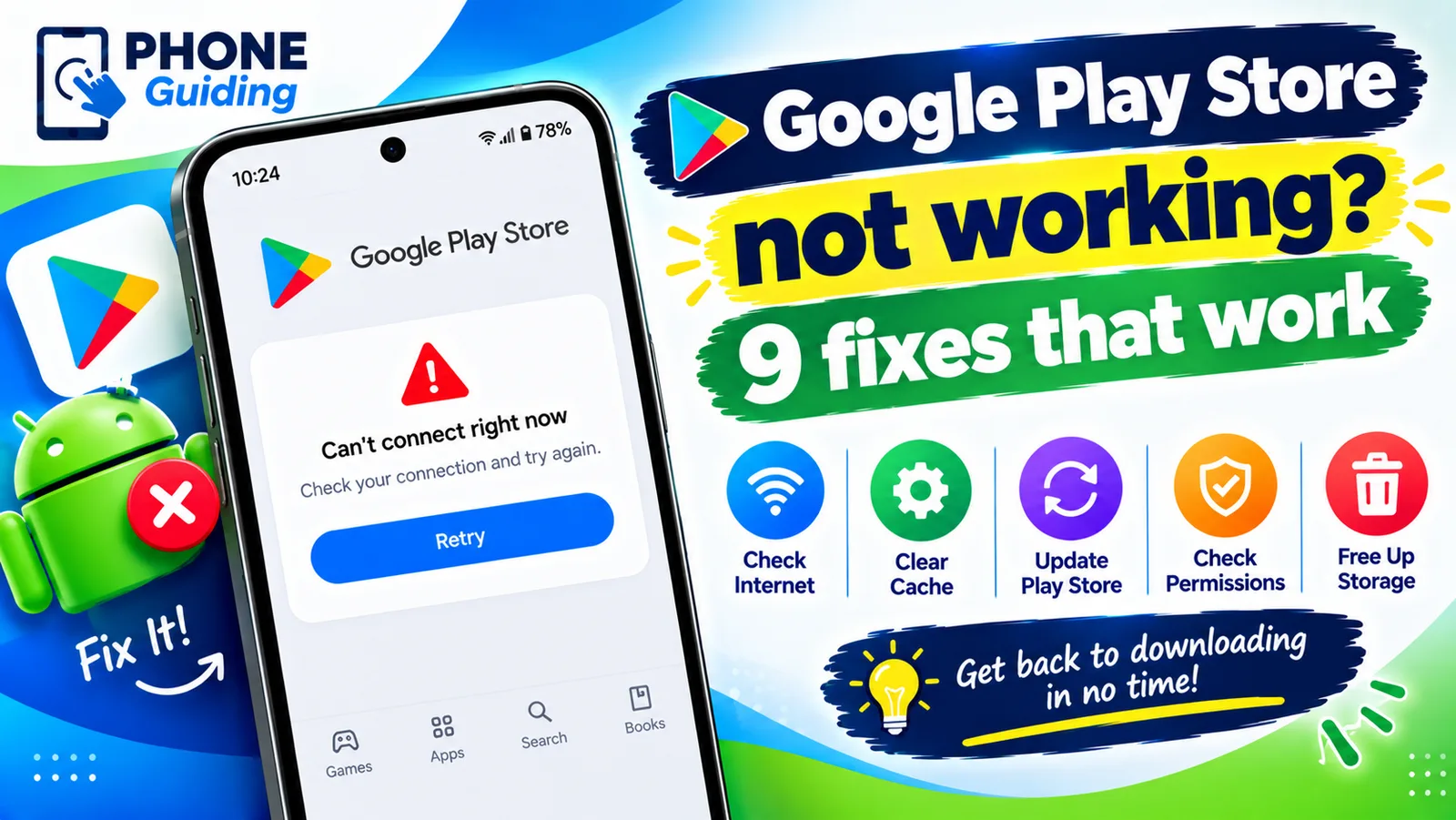
Google Play Store not working
Google Play Store not working, keeps stopping or will not open? Force stop it, clear the cache, update Google Play services and try 6 more fixes on Android.
More guides you may need
TikTok not loading
TikTok not loading videos or your For You feed? Check for an outage, clear TikTok’s cache, turn off Data Saver and your VPN, and try 5 more quick fixes.
TikTok stuck on 0 views
TikTok video stuck on 0 views? Check your account and video privacy, look for a review or violation in Account status, and fix posting habits that limit views.