

iPhone Duo apps not optimized? Why apps look small and what to do
Many apps still run on the iPhone Duo in a small centered window with empty space around it. This guide explains why, what is normal, what you can do, and how to use Split View.
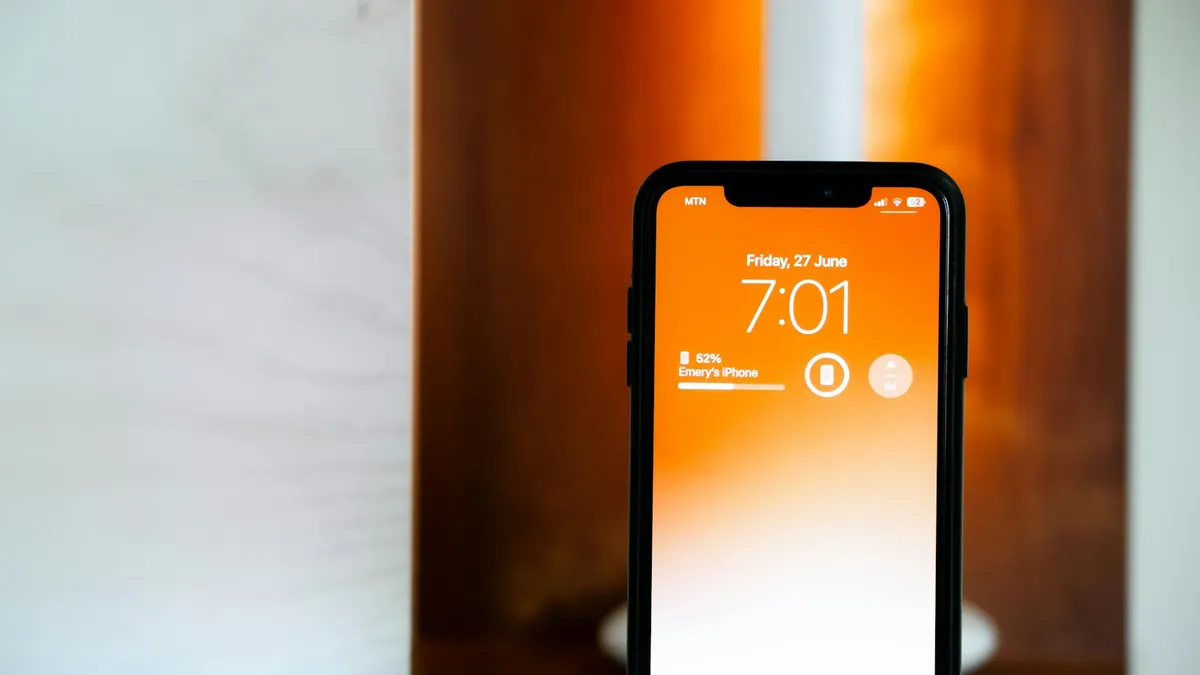
Photo by Anastasiya Badun on Unsplash
You unfolded your new iPhone Duo, opened a favorite app, and it looks like a small phone floating in the middle of a big screen. That is a real thing, and it is not a fault in your phone. This guide explains why it happens, how to tell normal behavior from a real problem, and what you can do about it today.
What does "not optimized" mean on iPhone Duo?
Apple's developer pages explain it. How an app looks on the Duo depends on the software kit, called an SDK, that the developer used to build it. It does not depend on the iOS version on your phone. That is why two apps can look very different on the same Duo.
| Built with | Phone open (inner display) | Phone closed (outer display) |
|---|---|---|
| iOS 26 SDK or earlier | Appears in the center with empty space around it | Content sits to the left of the status bar and camera |
| iOS 27 SDK | Fills most of the inner display, still avoiding the status bar on the right edge | Apple does not describe it separately |
| iOS 27.1 SDK or later | Uses the full display, with toolbars and tab bars moving to the side | Apple does not describe it separately |
In Apple's words, an older app "will appear in the center of the display, with empty space surrounding the window" when the device is open. News coverage calls this black borders or black bars. Apple also says apps built with the iOS 27.1 SDK or later "will extend to use the full display."
Is my iPhone Duo broken, or is this normal?
Apple says existing App Store apps run on the iPhone Duo automatically. So an app that opens and works, but looks small, is behaving as designed. Use this table to sort out what you see.
| What you see | Most likely meaning | What to do |
|---|---|---|
| App sits in a small centered window when open | App was built with an older SDK | Update the app, then wait for the developer |
| App content is to the left of the camera when closed | Same cause, on the outer display | Same fix. Nothing is wrong with the phone |
| Buttons, the Dynamic Island area or the right edge look wrong | App layout bug on this device | Update the app and tell the developer |
| App crashes or freezes | A normal app problem, not a display one | Restart the phone, update, then reinstall |
| Split View won't open | Phone not open in landscape, or wrong gesture | Follow the Split View steps below |
Why can't I just fix it myself?
Because the layout is part of the app. The developer has to rebuild it with the newer tools and send an update. MacRumors reported on October 5, 2026 that only apps built with the iOS 27.1 SDK or later can resize to fill the whole inner display. I found no Apple setting that forces an older app to stretch. If you see a site or video that claims it can, be careful, and never install a tool or profile from a source you do not trust.
iPhone Duo apps not optimized: a checklist to fix what you can
None of these steps forces a full screen layout. They make sure you get the newest version of the app as soon as the developer ships it.
Owner checklist
- 1
Update iOS.
Open Settings, tap General, then Software Update. Apple released iOS 27.2 on October 26, 2026, and it is available for iPhones that run iOS 27, including the Duo.
- 2
Update your apps.
Open the App Store and check for updates. Developers can submit Duo apps now, so an update may already be waiting. If updates fail, see our guide on an App Store that is not working.
- 3
Check the app's App Store page.
Apple says that when a developer submits iPhone Duo screenshots, the product page shows a badge saying the app is optimized for iPhone Duo. No badge does not prove an app is broken, but it is a good hint.
- 4
Read the update notes.
Developers often say what changed in the What's New section. Look for a mention of iPhone Duo or foldable support.
- 5
Contact the developer.
Use the Support link on the App Store page. Say which app, your iOS version and what you see.
- 6
Restart the phone if an app crashes or freezes.
This helps with glitches. It will not change how big an older app looks.
Deleting and reinstalling an app will not change the layout either. The app is the same one, so the size on screen stays the same.
How to use Split View on iPhone Duo
Split View puts two apps side by side, and it is one of the best reasons to use the big screen. Apple says it works when the iPhone Duo is open in landscape, and that the two apps share the screen equally.
Open a second app in Split View
- 1
Open the Duo and turn it to landscape.
- 2
Open your first app.
- 3
Swipe up from the bottom, pause in the center, then drag the app to the left or right side.
The app moves to the side and shows your Home Screen.
- 4
Tap the second app on your Home Screen or in App Library.
There is another way. Touch and hold an app on the Home Screen or in App Library, then tap Open in Split View. Then pick the second app.
- Swap sides: swipe up from the bottom of one app, pause in the center, and move it to the other side.
- Two windows of one app: for apps that support it, such as Mail, Notes, Safari or Files, tap the app's icon again to open a second window.
- Pair two apps: tap the divider so the two apps open together next time.
- Go back to one app: drag the divider all the way to the left or right edge. This also unpairs them.
I found no Apple page that says how an older app behaves inside Split View, so try your own apps. If one looks wrong there, treat it like any other layout problem in the table above.
Does iOS 27.2 fix apps that are not optimized?
Not as far as I can tell. 9to5Mac reported on October 26, 2026 that iOS 27.2 brings Apple Pencil (USB-C) support to the Duo and an Edge Light feature that adds a ring of light around the display for calls. Its report does not mention any change to how apps are displayed. Because layout depends on how each app was built, a system update alone is not expected to resize an older app. Still, install it, because it carries other changes.
Which problems have people reported?
BGR reported on October 29, 2026 that many popular apps in social media, banking, gaming and productivity were still not optimized, and that some show black bars. It also reported that developer Christian Selig said the Dynamic Island and the right side of an app's layout can look wrong, and that some apps updated for iOS 27 do not handle Live Activities correctly on the Duo. It cited Mashable for camera orientation errors in some apps. These are reports, not Apple statements, and Apple has not announced a fix for them.
If an app's camera view looks sideways, our guide on an iPhone screen that won't rotate covers the basic rotation settings. If the phone gets very hot while apps run, read about why an iPhone gets hot.
How long until my apps are updated?
Nobody knows for sure. Apple let developers submit Duo apps on October 5, 2026, and its developer news page says that starting April 2027, any apps or games submitted will need to include iPhone Duo screenshots. That suggests more apps will adapt over time. But each developer decides when to update. Some developers may update quickly and others may take longer. Check the App Store page of the apps you use most.
Common mistakes
- Resetting the phone. It will not change how an app is laid out, and you may lose data.
- Blaming your iOS version. Apple ties the layout to the SDK the app was built with.
- Assuming every app is broken. Apple says existing apps run, and apps built with newer tools use more of the screen.
- Trusting tools that promise to stretch any app. Apple does not offer one. Some may be scams.
- Skipping the developer. A short report helps them find layout bugs on this device.
Quick compatibility checklist before you rely on an app
- Is the app updated to the latest version?
- Does its App Store page show an iPhone Duo badge or Duo screenshots?
- Does it work in both the open and closed positions?
- Does it work in Split View, if you need that?
- Does the developer say anything about iPhone Duo support?
When should I contact Apple Support?
Contact Apple if something is wrong with the phone itself. That includes a cracked display, a stuck hinge, or a screen that does not respond. For cracked screens, read our guide on iPhone Duo screen cracking. Contact the app's developer for layout problems in one app. If you are still deciding whether the Duo is right for you, our article on what Apple has confirmed about the iPhone Duo has the price and launch facts.
The short version
Older apps run on the iPhone Duo, but they may look small until the developer updates them. Update iOS and your apps, look for the Duo badge, and tell the developer if something looks wrong. Use Split View to make the big screen useful today.
Frequently asked questions
Why are some apps small on my iPhone Duo?
Apple says apps built with the iOS 26 SDK or earlier appear in the center of the inner display with empty space around them. The developer has to update the app to fix that.
Can I make an app fill the whole screen on iPhone Duo?
I found no Apple setting that forces an older app to fill the inner display. The fix is an app update from the developer, so update the app and wait for it.
Will iOS 27.2 fix apps that don't fill the screen?
Not by itself. The iOS 27.2 coverage I read lists Apple Pencil (USB-C) support and Edge Light for the Duo, and none of it mentions a change to how older apps are displayed.
Does Split View work on iPhone Duo?
Yes. Apple says that when the iPhone Duo is open in landscape, you can use two different apps, or two windows of one app, side by side.
What to try next
Sources
Official pages these steps are based on. Menus can differ by software version.
- Three steps to make your app shine on iPhone Duo (Apple Developer)
- Prepare and submit your apps for iPhone Duo (Apple Developer News)
- Open two apps in Split View on iPhone Duo (Apple Support)
- What's new with iPhone Duo (Apple Support)
- Apple opens iPhone Duo app submissions (MacRumors, October 5, 2026)
- iPhone Duo just got two new features in iOS 27.2 (9to5Mac, October 26, 2026)
People also ask
How much does the iPhone Duo cost?
Apple lists $1,999 as the U.S. starting price, or $83.29 a month for 24 months. Storage options are 256GB, 512GB, 1TB and 2TB, so higher storage costs more. Check Apple's store page for each tier.
Read the full guide: iPhone Duo price and release dateIs the iPhone Duo screen cracking problem real?
Owners have posted about it, and Apple said it is aware of an inner display issue on a small number of iPhone Duo units. Apple has not said how many units or what the cause is.
Read the full guide: iPhone Duo screen crackingShould I leave Optimized Battery Charging on?
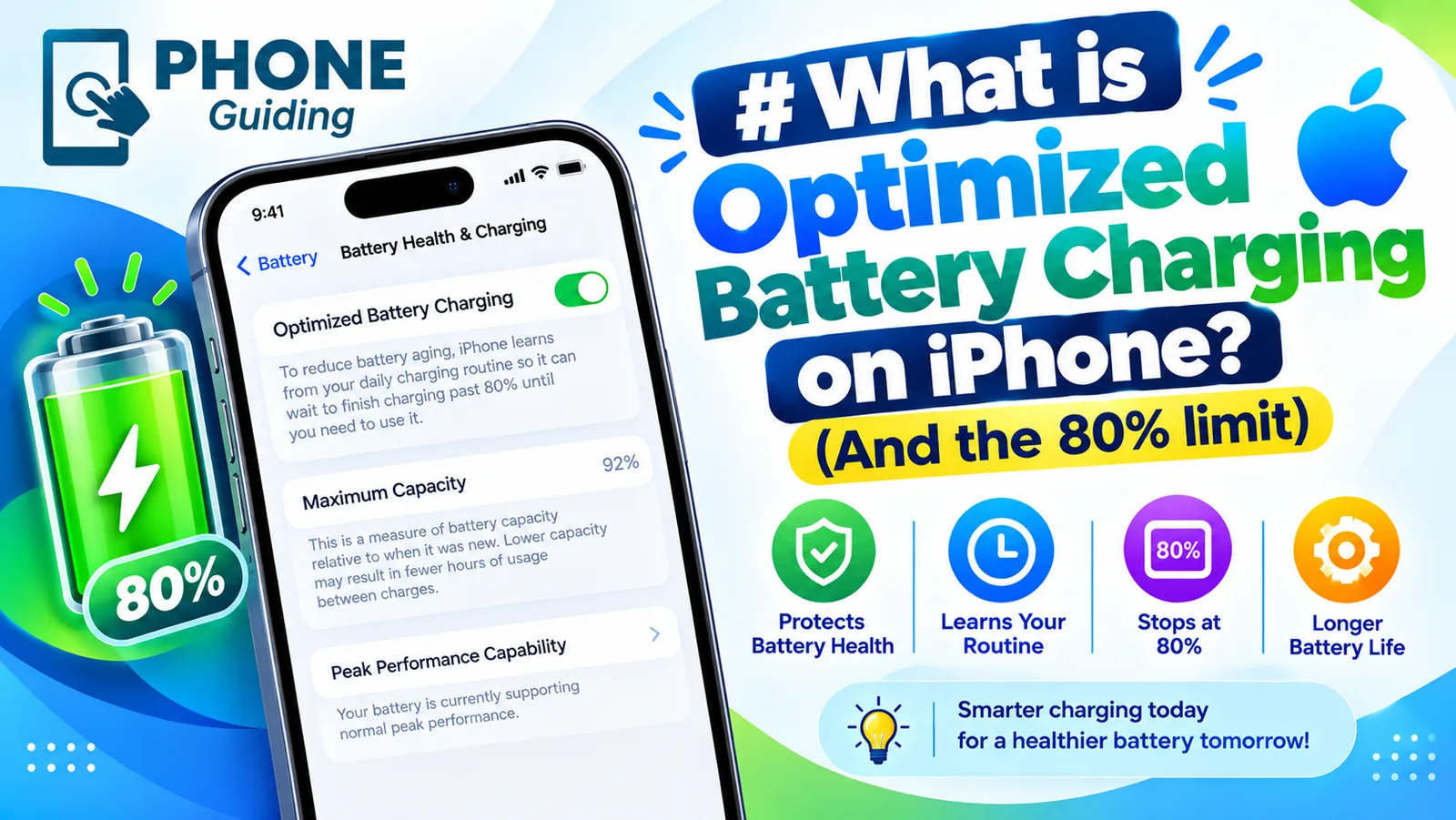
Yes, for most people. It only delays the last 20% when your iPhone predicts it will be plugged in for a long time, like overnight.
Read the full guide: Optimized Battery ChargingRelated guides
iPhone Duo price and release date
iPhone Duo price and release date from Apple's own pages: $1,999 start, October 23 availability, storage, colors, eSIM-only and trade-in credit explained.

iPhone Duo screen cracking
iPhone Duo screen cracking reports are growing. See what Apple said on October 26, what owners report, repair costs, and what to do if your screen fails.
Optimized Battery Charging
Optimized Battery Charging holds your iPhone at 80% until you need it, to reduce battery wear. See how it differs from the Charge Limit and when to turn it off.
More guides you may need
Safari wrong location
Safari showing the wrong city or state on your iPhone? Find out why sites guess your location from your IP address and how to fix it with a few settings checks.
See blocked numbers
Learn how to see blocked numbers on iPhone, Samsung and Pixel, where the list lives on iOS 26 and older versions, and how to unblock a number by mistake.