

Samsung Wi-Fi calling not working? 7 fixes for Galaxy phones
Wi-Fi Calling needs your carrier to support it, your SIM to be active and your phone to be set up for it. When one piece is missing, the option disappears or calls fail.
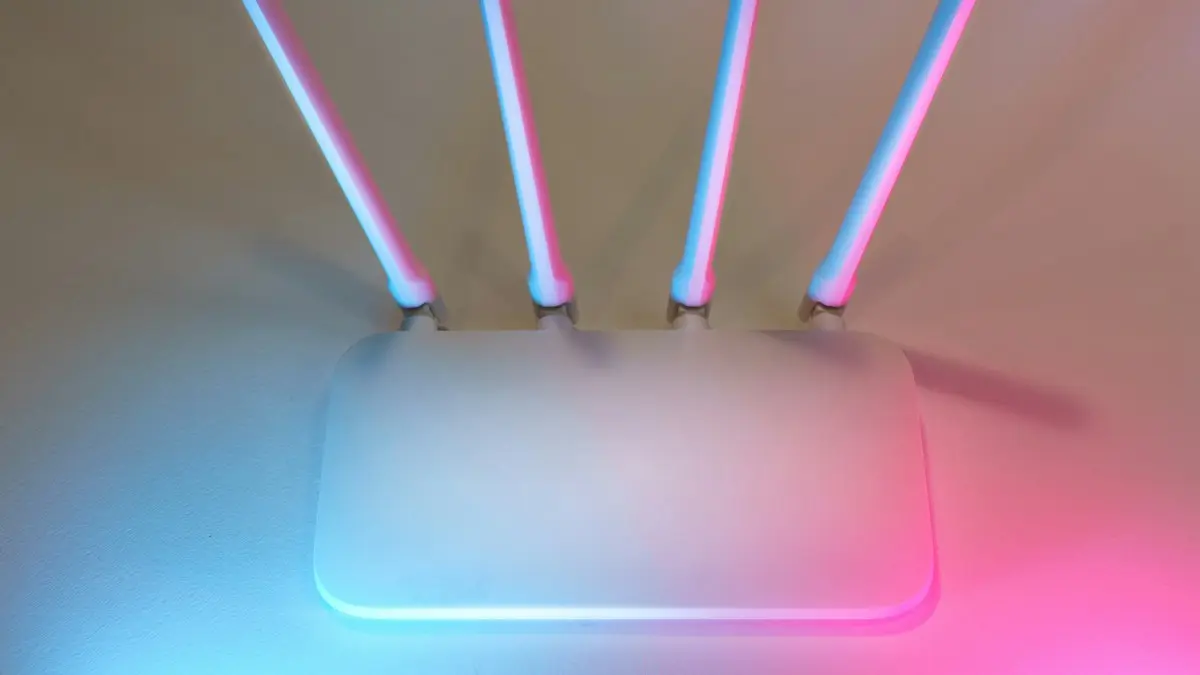
Photo by Jakub Żerdzicki on Unsplash
Wi-Fi Calling lets your Galaxy place and receive calls over Wi-Fi when cell signal is weak. When it fails, you may see no option at all, a message that registration failed, or calls that drop after a few seconds. The fixes below are in order, from the quick ones to the changes that take longer.
Why Wi-Fi Calling stops working on a Galaxy
Wi-Fi Calling is not only a phone setting. Your carrier has to support it on your plan, your SIM or eSIM has to be provisioned for it, and your Wi-Fi network has to let the call through. If any of the three fails, the feature either disappears from Settings or shows an error. That is why the same phone can work at home and fail at the office.
The fix
Fix 1: Turn Wi-Fi Calling on and connect to Wi-Fi
- 1
Connect to a working Wi-Fi network.
Open a web page to prove the network has internet.
- 2
Open Settings › Connections and tap Wi-Fi calling.
On some One UI versions and carriers it is in the Phone app instead: open Phone, tap the three dots, then Settings, then Wi-Fi calling.
- 3
Turn on the switch and follow any prompts.
US carriers ask you to confirm an emergency address the first time. Fill it in accurately. Emergency services use it to find you when you call 911 over Wi-Fi.
Fix 2: Restart the phone and toggle Airplane mode
Restart your Galaxy. Then turn on Airplane mode for 20 seconds, turn it off, and reconnect to Wi-Fi. This forces the phone to register with your carrier again, which fixes many cases where the switch is on but calls still go over cellular or fail.
Fix 3: Update the software and the carrier settings
Open Settings › Software update › Download and install. Carriers deliver Wi-Fi Calling fixes through updates, and an old build can lose the feature after a carrier change. For the steps, see installing Android updates. Also check that your carrier’s own app, if you use one, is updated.
The fix
Fix 4: Check your SIM and your carrier
- 1
Make sure the SIM or eSIM is active.
If you changed phones or carriers recently, the new line may not be fully provisioned for Wi-Fi Calling yet.
- 2
Check that VoLTE or HD Voice is on.
Many carriers need it for Wi-Fi Calling. Look in Settings › Connections › Mobile networks, or on your carrier’s support page.
- 3
Contact your carrier and ask them to enable Wi-Fi Calling on your line.
If the option is missing, this is often the only fix. Ask them to refresh your line’s registration and confirm your plan and your phone model support it.
Fix 5: Check the Wi-Fi network
Some routers, guest networks, hotel and office Wi-Fi block the type of traffic that Wi-Fi Calling uses. Try another network or your phone’s own hotspot from another device. If calls work on a different network, your original router or firewall is the cause. Look for a setting called VPN passthrough, IPsec passthrough or SIP ALG in the router and try turning off SIP ALG. If you use a VPN on the phone, turn it off and test again.
Fix 6: Reset network settings
Open Settings › General management › Reset › Reset network settings and confirm. This clears saved Wi-Fi passwords, Bluetooth pairings and mobile network settings, so you will have to reconnect afterward. It does not delete your photos or apps. After it finishes, turn Wi-Fi Calling back on and add your emergency address again.
Fix 7: Factory reset only as a last step
If every other step fails and the carrier says the line is set up correctly, a factory reset can clear a corrupted phone profile. Back up first, because a reset erases the phone. Our guide to factory resetting a Samsung lists what to save beforehand. Try Safe mode before this step to see whether an app is interfering.
What to tell your carrier
When the option is missing or keeps failing, the fix is often on the carrier’s side, so a clear call saves time. Have your phone’s model and your number ready, and say exactly what you see: the switch is missing, it turns on and then off, or it shows a registration error. Ask the agent to confirm four things: that your plan includes Wi-Fi Calling, that your line is provisioned for it, that VoLTE is enabled on the account, and that the emergency address is on file. Ask them to refresh the line’s network registration, which they can do from their side while you stay on the phone.Menu names and requirements differ a little between Verizon, AT&T and T-Mobile, and between phones bought from a carrier and unlocked phones. If you bought an unlocked Galaxy, make sure the carrier lists your exact model as supported, because some features depend on carrier approval for that model.
How to tell if a call is using Wi-Fi
When Wi-Fi Calling is working, the status bar usually shows a Wi-Fi call icon or the words Wi-Fi Calling next to your carrier name. If you see your carrier name with a normal signal bar and no mention of Wi-Fi, calls are going over cellular. To test, turn on Airplane mode, turn Wi-Fi back on, and place a short call to a friend. If the call connects, Wi-Fi Calling is working. If it fails right away, return to the fixes above and check the carrier step again.
Calls drop or sound choppy on Wi-Fi
If Wi-Fi Calling connects but the audio cuts in and out, the problem is usually the signal or the network, not the phone. Move closer to the router, switch to the 5 GHz band if you have one, and pause large downloads. Open Settings › Connections › Wi-Fi calling and look for a calling preference. Choose Wi-Fi preferred if you want calls over Wi-Fi at home, or Cellular preferred if you want the phone to use the towers first. Wi-Fi that keeps dropping is a separate problem, covered in our guide to Wi-Fi that keeps dropping on Android.
Should you rely on it?
Wi-Fi Calling is a good backup for homes, basements and offices with weak signal. It should not replace a working cell signal everywhere. If you need it every day, your coverage may be the real issue. Compare your carrier’s coverage at your address, and ask about a signal booster or a different carrier. Our guide to switching phone carriers covers the steps and costs. If your phone shows SOS or No Service as well, see a phone that says SOS.
Quick checklist
- Wi-Fi works and the network is not a guest or public network.
- Wi-Fi calling is on in Settings › Connections and the emergency address is saved.
- The phone is restarted and the software is up to date.
- The SIM or eSIM is active and VoLTE or HD Voice is on.
- The carrier confirmed Wi-Fi Calling is enabled on your line.
- VPN is off and the router is not blocking calls.
- Network settings have been reset if nothing else worked.
Frequently asked questions
Why is there no Wi-Fi Calling option on my Samsung?
Your carrier may not support it on that plan or phone, the SIM may not be fully activated, or Samsung’s software is out of date. Update the phone first, then ask your carrier to enable Wi-Fi Calling on your line.
Does Wi-Fi Calling use my data or minutes?
It uses your Wi-Fi connection instead of cell towers, and calls in the US are normally treated like regular calls on your plan. Check your carrier’s terms for calls made abroad.
Why does Wi-Fi Calling keep turning off by itself?
A carrier software update, a network reset or a poor Wi-Fi connection can switch it off. Turn it back on, and check that the emergency address is still saved.
Is Wi-Fi Calling safe on public Wi-Fi?
Wi-Fi Calling is encrypted between your phone and your carrier. Public networks can still block it or make calls choppy, so cellular is often the better option in busy places.
What to try next
People also ask
Is Wi-Fi Calling free?
On major US carriers, calls to US numbers are free or count like normal minutes. Calls to other countries may cost extra.
Read the full guide: What is Wi-Fi CallingDoes Wi-Fi Calling cost extra?
Not on major US carriers. Calls to US numbers count like normal calls. Calls to international numbers can be charged at your plan’s international rates.
Read the full guide: Turn on Wi-Fi CallingWhy does call forwarding show an error?
Some carriers, such as Verizon, do not support the menu. Dial *72 plus the number to forward and *73 to stop.
Read the full guide: Forward calls on SamsungWhy does my Samsung restart at night?
That is almost certainly Auto restart, a Samsung feature that restarts the phone on a schedule to keep it running smoothly. You can turn it off in Settings › Device care › Auto optimization.
Read the full guide: Samsung phone keeps restartingRelated guides
What is Wi-Fi Calling
Wi-Fi Calling lets your phone make normal calls and texts over Wi-Fi when cell signal is weak. How it works, what it costs and how to turn it on.
Turn on Wi-Fi Calling
Turn on Wi-Fi Calling on your iPhone in Settings › Cellular, add your emergency address, and fix it when the option is missing or calls still drop.
Forward calls on Samsung
Forward calls on your Samsung Galaxy from the Phone app settings: always, when busy, unanswered or unreachable. Plus carrier codes and how to turn it off.
Samsung phone keeps restarting
Samsung Galaxy keeps restarting on its own? Check Auto restart, test in Safe mode, run Samsung Members diagnostics and try 6 more fixes before a reset.
More guides you may need
Samsung screen keeps dimming
Samsung screen keeps dimming by itself? Check Adaptive brightness, Extra dim, power saving, screen timeout and heat. 7 fixes for Galaxy phones, step by step.
Samsung unlocking in pocket
Samsung phone keeps unlocking or pocket dialing? Turn on Accidental touch protection, turn off Lift to wake and Double tap to wake, and check Extend Unlock.