

iPhone Wi-Fi won’t turn on or is greyed out? 7 fixes
When the Wi-Fi switch will not move at all, the iPhone cannot talk to its Wi-Fi chip. Settings fix it sometimes, repair the rest.
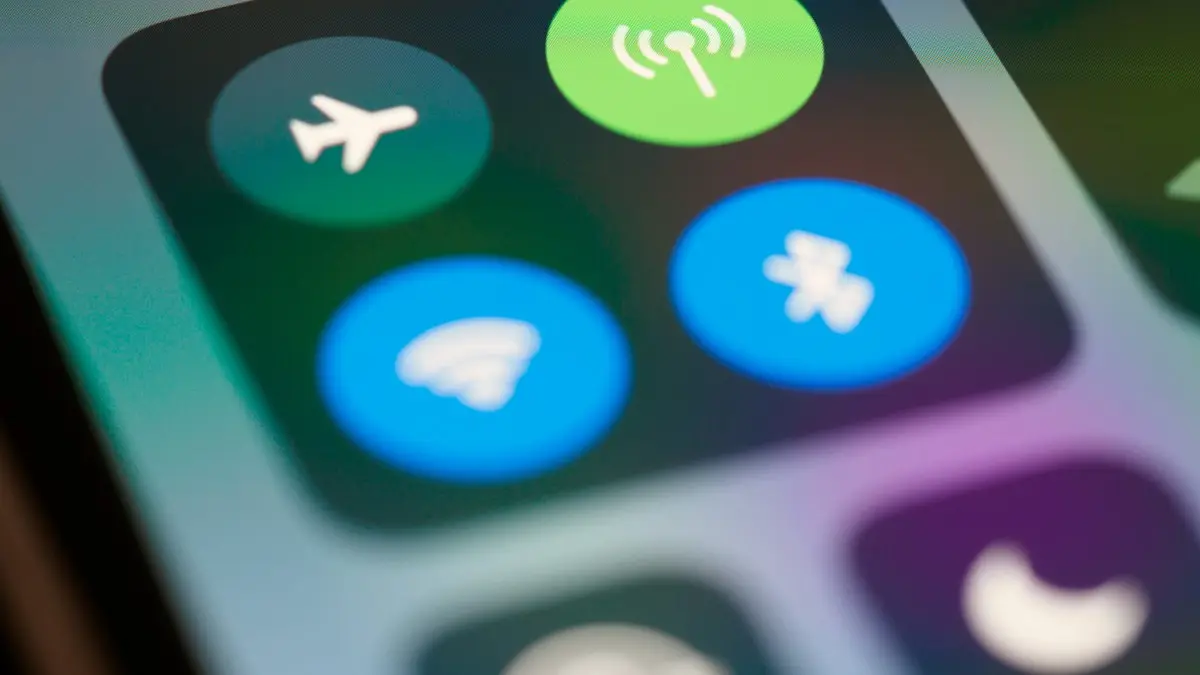
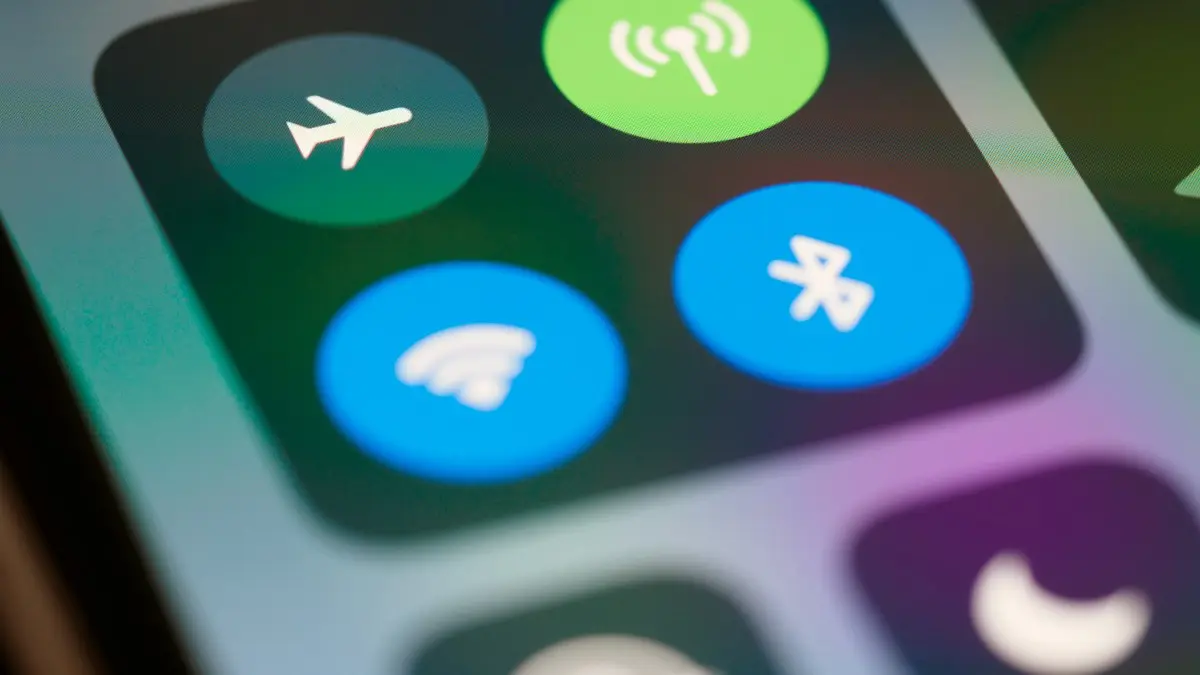
Photo by Brett Jordan on Unsplash
There is a big difference between Wi-Fi that will not connect and Wi-Fi that will not turn on. In the second case, the switch in Settings is grey, it slides back to off, or it shows a spinning wheel forever. The iPhone is not failing to find a router. It cannot start its Wi-Fi radio at all. That narrows the cause to a short list, and the first few checks cost nothing.
How to fix an iPhone Wi-Fi switch that won’t turn on
The fix
7 fixes, in order
- 1
Turn off Airplane Mode.
Open Control Center and check the airplane icon. Tap the Wi-Fi icon again after you turn it off.
- 2
Restart the iPhone.
Hold the side button and a volume button, slide to power off, wait 30 seconds and start it again.
- 3
Check Screen Time.
Settings › Screen Time › Content & Privacy Restrictions. Allow changes to cellular and other settings.
- 4
Let a hot iPhone cool down.
Take off the case and move it to a cool spot for 15 minutes.
- 5
Reset network settings.
Settings › General › Transfer or Reset iPhone › Reset › Reset Network Settings.
- 6
Update iOS with a Mac or PC.
Connect with a cable, choose the iPhone in Finder or the Apple Devices app, and click Update.
- 7
Back up, erase and set it up again, or book a repair.
Why is Wi-Fi greyed out on my iPhone?
The iPhone greys out the Wi-Fi switch when it cannot reach the chip that handles Wi-Fi. A software fault after an update can cause that, as can a setting such as Airplane Mode, or a restriction that blocks changes. Heat is another cause, since the iPhone shuts down radios to protect itself when it is too warm. A drop, water or a failing chip are the hardware causes. The pattern matters. If the Wi-Fi works some days and not others, or turns on after the phone cools down, think about heat or a loose connection. If it never works, think about the chip.
Check Airplane Mode and Control Center
Airplane Mode turns off Wi-Fi, Bluetooth and cellular together, and a plane icon in the status bar tells you it is on. Swipe down from the top right to open Control Center, tap the airplane icon off, and then tap Wi-Fi on. Sometimes the Wi-Fi icon is off while the settings switch is greyed out because of Airplane Mode. After you turn it off, wait a few seconds. If the Wi-Fi icon in Control Center will not turn blue, go to Settings › Wi-Fi and try the switch there.
Check Screen Time restrictions
If the iPhone is a work phone or a child’s phone, Screen Time or a device profile may block settings. Go to Settings › Screen Time › Content & Privacy Restrictions. If the restrictions are on, look at Allow Changes for cellular and data options. Enter the Screen Time passcode if you have one. A work phone may carry a management profile that locks the network, and then only your IT team can change it. Look in Settings › General › VPN & Device Management for a profile you do not recognize.
Is the iPhone too hot?
A warm iPhone may show a temperature warning and turn off some features. If the phone sat in a hot car, in the sun, or on a charger under a pillow, let it cool down in the shade for at least 15 minutes with the case off. Then restart it and try Wi-Fi again. If it works after cooling and fails again when warm, the phone may have a heat related fault. Read an iPhone that runs hot for the causes and fixes.
Reset network settings and update from a computer
Resetting network settings clears every saved Wi-Fi network, Bluetooth pairing and VPN profile. It does not delete photos or apps. Go to Settings › General › Transfer or Reset iPhone › Reset › Reset Network Settings. If the switch is still stuck, update iOS from a Mac or Windows PC, which can repair system files that an over-the-air update cannot. Connect with a cable, tap Trust, open Finder or the Apple Devices app, choose your iPhone and click Update. This keeps your data. Use Restore only after a backup, because it erases everything.
Does Bluetooth work?
Wi-Fi and Bluetooth share a wireless chip on many iPhones, so testing Bluetooth gives a hint. If Bluetooth is also greyed out or fails, the shared chip is the likely fault. If Bluetooth works fine and only Wi-Fi fails, the chip may still be at fault, but there is a better chance that a software reset helps. Check Bluetooth that fails as well for the steps.
Force restart and the Wi-Fi switch spinner
A normal restart sometimes leaves the radio stuck, and a force restart clears it. On an iPhone 8 or newer, press and release volume up, press and release volume down, then hold the side button until the Apple logo appears. On an iPhone 7, hold volume down and the side button together. On older models, hold the Home button and the top or side button. After it restarts, wait a minute before you open Settings. If the Wi-Fi switch spins forever and then slides back to off, that is the classic sign of a chip that cannot start. A force restart may bring it back for a while, but the problem tends to return.
Signs that point to the chip
- The Wi-Fi switch is grey and will not move, even after a restart and a reset.
- Bluetooth is also missing or greyed out, since many models share the chip.
- The problem began after a drop, a spill or exposure to water.
- The iPhone showed a warning that it was too hot before the switch stopped working.
- Wi-Fi works only when the phone is cold, or after you press on the back of the phone.
If you see two or more of these, stop resetting. Each reset and restore costs time, and your data is safe only if you have a backup. Save your photos and data to iCloud or a computer, then book a repair. Do not press on the back of the phone to keep it working. It may help for a day, but it can damage the board.
What to do when the chip has failed
If a computer restore did not bring the switch back, you need a repair. Check your coverage first by entering the serial number on Apple’s support page. A phone still in warranty or with AppleCare+ may be repaired or swapped for a small fee. Without coverage, ask Apple and an authorized shop for a quote. Wi-Fi chip faults can be a board level repair, and some local shops offer it for less, but the work is delicate, so choose a shop with good reviews and a warranty. Read AppleCare+ plans if you have no plan yet.
Repair, trade in or replace?
Compare the repair price with the phone’s value. If the iPhone is more than four or five years old and the quote is high, a trade-in credit toward a newer phone may be better value. Carriers and Apple offer credit even for damaged phones, and the amount depends on the model and the condition. While you decide, use cellular data, a hotspot or a USB Wi-Fi adapter on a computer to stay online. Back up the iPhone to iCloud or a computer before you hand it over.
If Wi-Fi turns on but will not connect, read about an iPhone that will not join a network. If it connects and then drops, try Wi-Fi that turns on but keeps dropping.
Frequently asked questions
Why is Wi-Fi greyed out on my iPhone?
A software glitch, a restriction, or a failed Wi-Fi chip. If a reset and update do not bring the switch back, it is almost always hardware.
Does Bluetooth also not work?
If both are broken, the shared wireless chip is likely damaged. That needs Apple or an authorized repair shop.
How much does it cost to fix a Wi-Fi chip on an iPhone?
The price depends on the model and on whether the fix is a board repair or a phone swap. Ask Apple or a shop for a quote first, since the fee can come close to the value of an older phone.
Can a software update fix a greyed out Wi-Fi switch?
Sometimes, when a bug caused it. Updating or restoring from a computer rules out software, and if the switch stays grey the cause is hardware.
What to try next
People also ask
Why is Personal Hotspot greyed out or missing?
Your plan may not include hotspot, or cellular data is off. Turn on Cellular Data, install a carrier settings update, and ask your carrier to enable it.
Read the full guide: iPhone hotspot not workingWhy does holding the side button open Siri?
On iPhone X and later, holding the side button alone activates Siri. To turn the phone off, hold the side button and either volume button together until the slider appears.
Read the full guide: iPhone won't turn offWhy won’t my iPhone turn on even when charging?
The cable or adapter may be faulty, the port may be blocked with lint, or the battery may be so drained it needs up to an hour before the screen responds. Try another cable and leave it on a wall charger for an hour.
Read the full guide: iPhone won't turn onDoes Wi-Fi Calling cost extra?
Not on major US carriers. Calls to US numbers count like normal calls. Calls to international numbers can be charged at your plan’s international rates.
Read the full guide: Turn on Wi-Fi CallingRelated guides
iPhone hotspot not working
iPhone hotspot not working, not showing up or disconnecting? Turn on Maximize Compatibility, keep the hotspot screen open, turn off Low Data Mode and more.
iPhone won't turn off
iPhone won't turn off? On newer models you hold the side and volume buttons, not just the side button. Here are 5 ways to shut it down, even when frozen.
iPhone won't turn on
iPhone won't turn on or stuck on a black screen? Charge it, force restart it the right way, and use recovery mode with these 7 fixes before paying for repair.
Turn on Wi-Fi Calling
Turn on Wi-Fi Calling on your iPhone in Settings › Cellular, add your emergency address, and fix it when the option is missing or calls still drop.
More guides you may need
Erase All Content and Settings fails
Erase All Content and Settings not working? Fix Find My and Apple Account blocks, eSIM prompts and stuck erases, or erase from a computer or iOS Recovery.
Face ID move iPhone lower
Face ID keeps saying move iPhone lower or higher? Clean the camera area, remove the screen protector, restart and reset Face ID, then know when it is hardware.