

iPhone stuck on Verifying Update? What to do (without losing data)
Verifying Update is your iPhone checking the download with Apple. It is slow, not broken, far more often than people think.
Photo by Zulfugar Karimov on Unsplash
You tapped Download and Install, the progress bar finished, and now the screen has said Verifying Update for what feels like forever. Take a breath. This is one of the most common update hiccups, and in almost every case your photos, messages and apps are safe. The key is knowing what the phone is doing, how long is normal, and which fixes are safe. This page also covers a phone stuck on Preparing Update, which has the same causes.
What “Verifying Update” means
After downloading an update, your iPhone checks it with Apple’s servers before installing. If the servers are busy, your Wi-Fi drops, or the download is damaged, that check can hang. Your photos, messages and apps are not at risk during this step.
The stages of an iPhone update, and how long each takes
- Downloading: the file arrives over Wi-Fi. This depends on your connection and can take a few minutes to an hour.
- Preparing Update: the iPhone unpacks the file. This needs free storage and usually takes a few minutes.
- Verifying Update: the iPhone confirms with Apple that the file is genuine. Usually 5 to 20 minutes, longer on release day.
- Installing: the iPhone restarts and shows the Apple logo with a progress bar. This can take 15 to 30 minutes or more.
The first three stages happen while you can still use the phone. Only the last one takes the iPhone away from you. If you are stuck in stage two or three, nothing has been changed on the phone yet, which is why waiting and restarting are safe.
The fix
6 safe fixes, in order
- 1
Wait, on Wi-Fi and power.
Give it at least 30 minutes. On days when a big update comes out, a few hours is not unusual.
- 2
Check Apple’s system status.
Visit Apple’s System Status page and look for iOS Software Update.
- 3
Force restart the iPhone.
Press volume up, press volume down, then hold the side button until the Apple logo appears. Your data stays.
- 4
Delete the update and download it again.
Go to Settings › General › iPhone Storage, find the iOS update in the list, tap it and choose Delete Update. Then go to Software Update and download it again.
- 5
Make sure you have enough space.
An update needs several gigabytes free to unpack and install. Clear space if storage is nearly full.
- 6
Update with a computer.
Connect the iPhone to a Mac (Finder) or Windows PC (Apple Devices app), select it and click Check for Update, then Download and Update. This keeps your data.
Why the check gets stuck
- Busy servers. In the first hours after a new iOS release, Apple’s servers handle a huge load. Verifying slows down for everyone.
- A weak Wi-Fi connection. The phone needs to reach Apple during the check. A router that keeps dropping, a VPN or a sign-in Wi-Fi network at a hotel or cafe can block it.
- A damaged download. If the file did not arrive intact, verification cannot finish. Deleting it and starting again fixes this.
- Low storage. The iPhone needs room to unpack the update. Preparing and verifying stall when there is not enough.
- Low battery or Low Power Mode. iOS can pause some background work when the battery is low, which can freeze the progress.
Fix the connection before you try again
Before you delete the update, try to make the connection reliable. Turn off any VPN, move closer to the router and switch to your home Wi-Fi if you are on a public network. If it keeps failing, go to Settings › General › Transfer or Reset iPhone › Reset › Reset Network Settings. This forgets saved Wi-Fi networks and passwords, so have your Wi-Fi password ready, but it does not erase photos, apps or messages. Reconnect and try the update again.
Also turn off Low Power Mode in Settings › Battery, and keep the iPhone plugged in while it updates. Make sure the phone is on Wi-Fi, because large iOS updates may not download over cellular unless you allow it in the Software Update settings.
How much space does an iOS update need?
The update file itself is often several gigabytes, and the iPhone needs extra room to unpack it. If Settings › General › iPhone Storage shows the bar nearly full, the update may stall at Preparing or Verifying. Delete large videos you have already backed up, offload apps you rarely use and clear old message attachments. A few gigabytes of room is usually enough, but more is safer. See iPhone storage cleanup for the quickest wins.
Should you back up first?
Yes, if you can. Updates almost never erase data, but a fresh backup means a failed update is an inconvenience instead of a disaster. Go to Settings › your name › iCloud › iCloud Backup › Back Up Now, or back up to a computer. If iCloud is full, a computer backup works just as well. Our guide on an iPhone backup guide walks through both ways.
Updating with a computer, step by step
A computer update skips the part of the process that got stuck on the phone. On a Mac, open Finder. On Windows, install the Apple Devices app from the Microsoft Store. Connect the iPhone with a cable, unlock it and tap Trust This Computer if asked. Select the iPhone in the sidebar, click Check for Update, then Download and Update, and enter your passcode when asked. Keep the cable connected until the iPhone has restarted and shows the Hello or lock screen.
If the computer asks whether you want to Update or Restore, choose Update every time. Restore wipes the iPhone and installs a clean copy of iOS, which makes sense only when nothing else has worked and you have a backup.
When the iPhone will not start after the update
If a force restart did not help and the iPhone is stuck on the Apple logo, connect it to a computer and put it in recovery mode: press and release volume up, press and release volume down, then hold the side button until the computer and cable screen appears. On the computer, choose Update, not Restore. The computer reinstalls iOS without erasing your data. If the download takes more than about 15 minutes, the iPhone leaves recovery mode, so repeat the steps and try again. See what to do for an iPhone stuck on the Apple logo for more.
How to avoid this next time
- Wait a few days. Updating on release day means the busiest servers and the first round of bugs.
- Update on home Wi-Fi, plugged in. Do not start an update when the battery is low.
- Keep some space free. Aim for several gigabytes free before you start.
- Back up the night before. It takes a few minutes and removes the worry.
If your iPhone is several years old and updates are slow every time, the battery or the storage may be the real problem. Check whether a battery replacement is worth it, and see installing the latest iOS for the usual steps once this is fixed.
When to contact Apple
If the update fails in recovery mode with an error number, or the iPhone keeps restarting before it reaches the Apple logo, contact Apple Support or visit an Apple Store. Give them the exact message and what you have already tried, and say whether you made a backup. They can run diagnostics that rule out a hardware problem, such as failing storage or a worn battery. Do not pay for a third-party unlock or repair service before Apple has looked at the phone, because most update problems are software and cost nothing to fix.
Frequently asked questions
How long should Verifying Update take?
Usually 5 to 20 minutes. On release day, when millions of people update at once, it can take much longer. Wait at least 30 minutes on Wi-Fi and power before assuming it is stuck.
Will force restarting during Verifying Update erase my iPhone?
No. A force restart interrupts the check, but it does not delete your data. Restoring the iPhone with a computer is what erases it.
Why does my iPhone say Preparing Update for so long?
It is unpacking the download and getting the phone ready, which needs free space and a steady battery. A nearly full iPhone is the most common reason it drags on.
Can I use the iPhone while it says Verifying Update?
Yes, if you are still at the Settings screen and the phone has not restarted. Verifying runs in the background, but heavy use can slow it down.
What to try next
People also ask
How long should Update Requested take?
Usually a few minutes. On the day a big iOS update comes out it can take an hour or more because many people download it at once. After a few hours with no change, treat it as stuck.
Read the full guide: iPhone stuck on Update RequestedHow long should the Apple logo stay on screen?
A normal startup takes under a minute. During an iOS update the logo and progress bar can stay for 30 minutes or more. Only treat it as stuck if the progress bar has not moved for at least an hour.
Read the full guide: iPhone stuck on Apple logoHow long should I wait on the Apple logo?
During an update, the logo and progress bar can stay for up to an hour. If the bar has not moved in an hour, it is stuck.
Read the full guide: iPad stuck on Apple logoHow long does an iPhone update take?
Small updates take 10 to 20 minutes. Major updates can take 30 minutes to an hour, longer on release day when Apple’s servers are busy.
Read the full guide: Update your iPhoneRelated guides
iPhone stuck on Update Requested
iPhone stuck on update requested and not downloading? Check Wi-Fi and storage, delete the update, reset network or update from a computer. 7 fixes.
iPhone stuck on Apple logo
iPhone stuck on the Apple logo or in a boot loop? Try a force restart, then use recovery mode and choose Update to reinstall iOS without erasing your data.
iPad stuck on Apple logo
iPad stuck on the Apple logo or restarting over and over? Force restart it the right way for your model, then use recovery mode and choose Update to keep data.
Update your iPhone
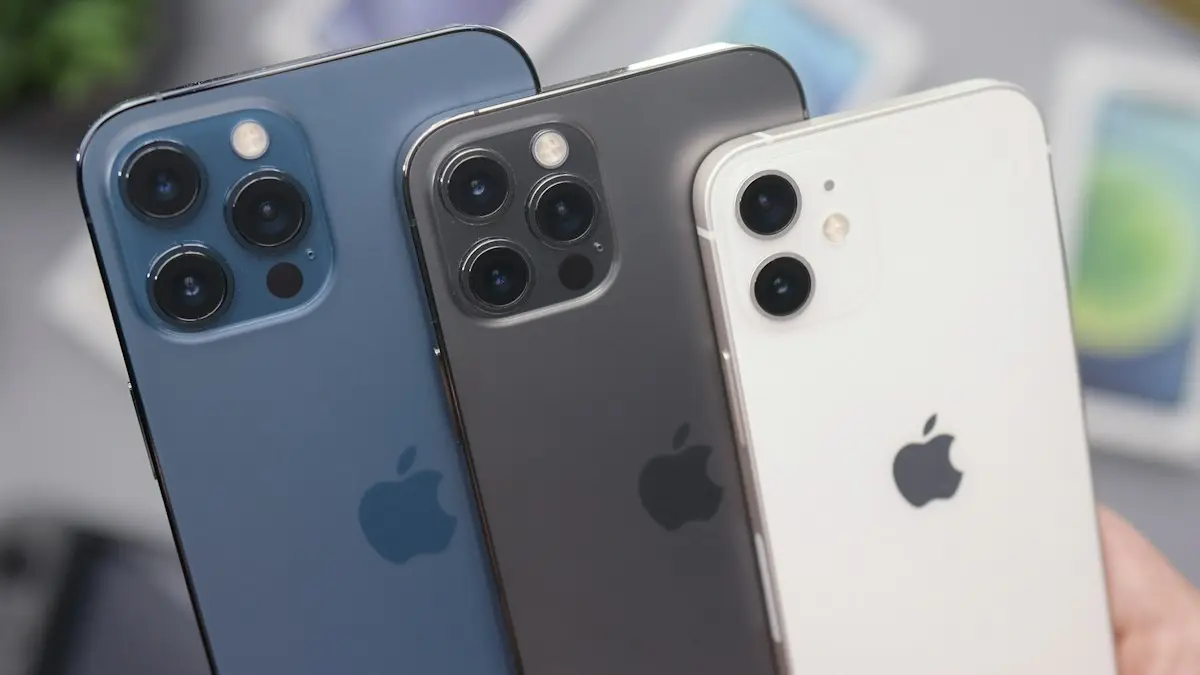
Update your iPhone to the latest iOS over Wi-Fi or with a computer, turn on automatic updates, and fix an update that is not showing or will not install.
More guides you may need
iPhone accessory not supported
iPhone says accessory not supported or may not be supported? Fix a bad cable, clean the port, update iOS and learn what to do when nothing is plugged in.
iPhone screen won't rotate
iPhone screen won't rotate with the lock off? Check Control Center, the app, Display Zoom and the Measure app Level test, then restart or reset it.