

iPhone storage stuck on calculating: why it happens and how to fix it
The iPhone Storage screen can hang on Calculating when your phone is nearly full, has a lot of cached data, or hits a software glitch. A restart often fixes it, and freeing a little space speeds it up.
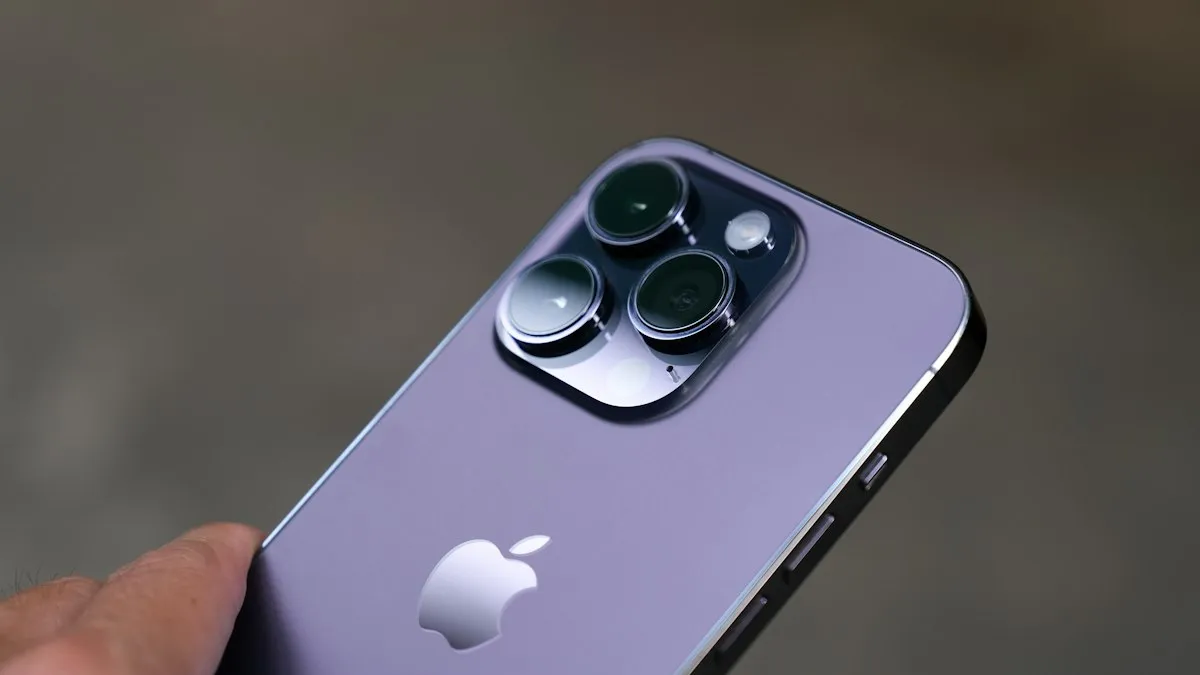
Photo by Thai Nguyen on Unsplash
You open Settings › General › iPhone Storage to see what is eating your space. The bar at the top stays gray, the word Calculating sits there, and the app list never fills in. Minutes later, nothing has changed. This is a common iPhone annoyance, and it usually has an ordinary cause. Your phone has to count every app, photo, message and cache before it can draw the chart, and that takes work. This guide explains why the count can stall, how long to wait, and the fixes in the order that works best, from a simple restart to checking your storage from a computer.
What does Calculating mean on iPhone Storage?
When you open iPhone Storage, iOS scans the data on your phone and groups it into categories such as Apps, Photos, Messages, iOS, System Data and Other. The word Calculating shows while that scan runs. On a healthy phone the bar fills in within seconds, and the app list loads after it. If you recently installed a big update, restored a backup, or filled the phone with photos, the scan takes longer. A screen that stays on Calculating well past a few minutes is stuck, not busy.
Why is my iPhone storage stuck on calculating?
- The phone is almost full: the less free space you have, the longer the scan takes and the more likely it is to hang. A very full phone also struggles to write the temporary data the scan needs.
- Large caches: browsers, Messages, streaming and social apps store a lot of temporary data that the scan has to count.
- A background task is running: an update, a backup or Photos indexing can slow the scan.
- A glitch in Settings: the storage page sometimes needs a restart, especially after an update. Past iOS versions have also shown wrong numbers, and Apple has said that kind of bug does not change the space you actually have.
- An iOS bug in your version: an update later may fix it.
How do you fix iPhone storage stuck on calculating?
The fix
Work through these in order
- 1
Wait three to five minutes.
Leave Settings open on the storage screen with the iPhone unlocked and plugged in. A large library can take that long.
- 2
Leave the screen and reopen it.
Swipe up to close Settings, open it again, and tap General › iPhone Storage.
- 3
Restart the iPhone.
Hold the side button and a volume button, drag the slider, wait 30 seconds, and turn it back on. Then open iPhone Storage again.
- 4
Force restart the iPhone.
Press and release Volume Up, press and release Volume Down, then hold the side button until the Apple logo appears. This does not erase anything.
- 5
Free a little space.
Delete a few large videos, a game you do not play, or clear the Downloads in a browser. Even 1 GB of free space helps the scan finish.
- 6
Update iOS.
Open Settings › General › Software Update. See how to update your iPhone if the update fails.
After each step, give the storage screen a minute before you decide it did not work. Most people see it load after the restart.
What if Settings will not even open iPhone Storage?
If the screen freezes or the whole Settings app crashes, try these before anything drastic.
- Turn off Low Power Mode in Settings › Battery, since it slows background work.
- Connect to power and Wi-Fi, which lets background tasks such as Photos indexing finish.
- Close other apps and restart again.
- Delete a heavy app and redownload it later.
- Turn off a VPN if one is running, then try again.
How can you check storage from a computer?
A computer gives you a second view that does not depend on the Settings page. On a Mac, connect the iPhone with a cable, unlock it, tap Trust This Computer if asked, and open Finder. Select the iPhone in the sidebar and look at the bar at the bottom of the window. It shows how much space is used by Apps, Photos, Media and Other. On a Windows PC, the Apple Devices app can show a similar bar. This does not fix the Settings page, but it tells you how full the phone is, which decides what to do next.
What if the numbers do not add up?
Sometimes the storage screen loads, but the numbers look wrong: a huge System Data category, Photos that do not match, or an Apps total that is too small. Reasons include cached data, local copies of iCloud files, and a bug that recalculates only after a restart. Reload the screen, restart the phone and give it a day. If System Data stays large, read about what Other storage on iPhone is. If the phone really is almost full, follow how to free up iPhone storage.
Should you offload apps or move photos?
Yes, if the phone is near its limit. Offloading removes an app but keeps its documents and data, so you can reinstall it later. You find it by tapping an app in iPhone Storage once the list loads, or by turning on Offload Unused Apps under Settings › Apps › App Store. For photos, turn on iCloud Photos with Optimize iPhone Storage, or move them to a computer. If your iCloud plan is the problem, read about an iCloud storage that is full.
What if nothing works?
Last resorts, in order
- 1
Reset all settings.
Go to Settings › General › Transfer or Reset iPhone › Reset › Reset All Settings. This keeps your data but resets preferences such as Wi-Fi passwords and wallpapers.
- 2
Back up the iPhone.
Use iCloud or a computer, and confirm the backup finished.
- 3
Erase and restore.
Choose Erase All Content and Settings, then restore from the backup. See how to restore an iPhone from a backup and check the backup first.
- 4
Contact Apple Support.
If the screen still fails on a freshly restored phone, the cause may be hardware, such as failing storage. Apple can run diagnostics.
Why does it take longer after an iOS update?
After an update, the iPhone rebuilds its search index, re-checks photos, and runs cleanup tasks in the background. These tasks use the same resources as the storage scan, so the screen can stay on Calculating for longer in the first day or two. Leave the phone plugged in overnight on Wi-Fi with the screen locked, and check again in the morning. If the numbers still do not load after a full day, restart and continue with the steps above.
Does a stuck storage screen mean a hardware fault?
Rarely. A stuck count is almost always software. Signs of a real storage problem look different: apps crash when they save data, photos fail to save, the phone restarts at random, or an error appears during restore. If you see those signs together with the stuck screen, back up while you still can, then ask Apple to run diagnostics. Do not buy a cleaning app for this. Such apps cannot fix a failing chip, and some are not safe.
What if the storage bar loads but one category is missing?
A bar that shows only some colors, or an app list with no sizes, means the scan stopped partway. Open another page of Settings, wait a minute and return, or restart. If one app always shows no size, delete and reinstall that app, because a damaged app container can block the count.
How much free space should you keep?
Keep at least several gigabytes free so iOS can install updates, process photos and write temporary files. A phone that sits at 99 percent full is slow and prone to glitches, including this one. If you cannot stay below that line, a larger-capacity phone or a cloud plan can be cheaper than the time you spend clearing space every week. Our guide to iCloud storage plan sizes helps you weigh the cost.
Frequently asked questions
How long should iPhone storage take to calculate?
A few seconds to a couple of minutes is normal, and longer on a nearly full phone. If it is still calculating after about five minutes, restart the iPhone.
Why does iPhone storage keep loading forever?
The phone may be very full, have a large amount of cached data, or hit a software glitch in Settings. Restarting and freeing a little space usually fixes it.
Can I see my iPhone storage without opening Settings?
Yes. Connect the iPhone to a Mac and select it in Finder, where a storage bar shows what is using space. Windows users can try the Apple Devices app.
Does calculating mean my storage is full?
Not by itself. A nearly full phone calculates slowly, but a stuck screen can also be a glitch. Check the real free space once the bar loads.
What to try next
Related guides

FaceTime sensitive content warning
FaceTime paused your call with a sensitive content warning? Learn what triggers it, how it works on your iPhone, and where to turn it off in Settings.
iPhone coverage expired
iPhone says coverage expired in Settings? Learn what it means, how to check the real dates, when you can still renew AppleCare and what to do if it is wrong.

Mail unsent message
Mail on your iPhone shows 1 unsent message and will not clear? Open the Outbox, send or delete the stuck email, then check the server settings and account.
No backups available
Getting no backups available when you restore an iPhone? Check your Apple Account, Wi-Fi, iOS version and iCloud backup list to find the backup that is missing.
More guides you may need

Use a VPN on iPhone
How to use a VPN on iPhone in minutes: install an app, allow the VPN setting, turn it on and off, and learn when a VPN helps and when it does not.
Face ID move iPhone lower
Face ID keeps saying move iPhone lower or higher? Clean the camera area, remove the screen protector, restart and reset Face ID, then know when it is hardware.