

iOS 27.0.1: what Apple fixed and whether you should update
iOS 27.0.1 is a small bug-fix update. Apple lists three fixes, and only one of them applies to every iPhone. Here is what changed, who should install it, and what it does not fix.
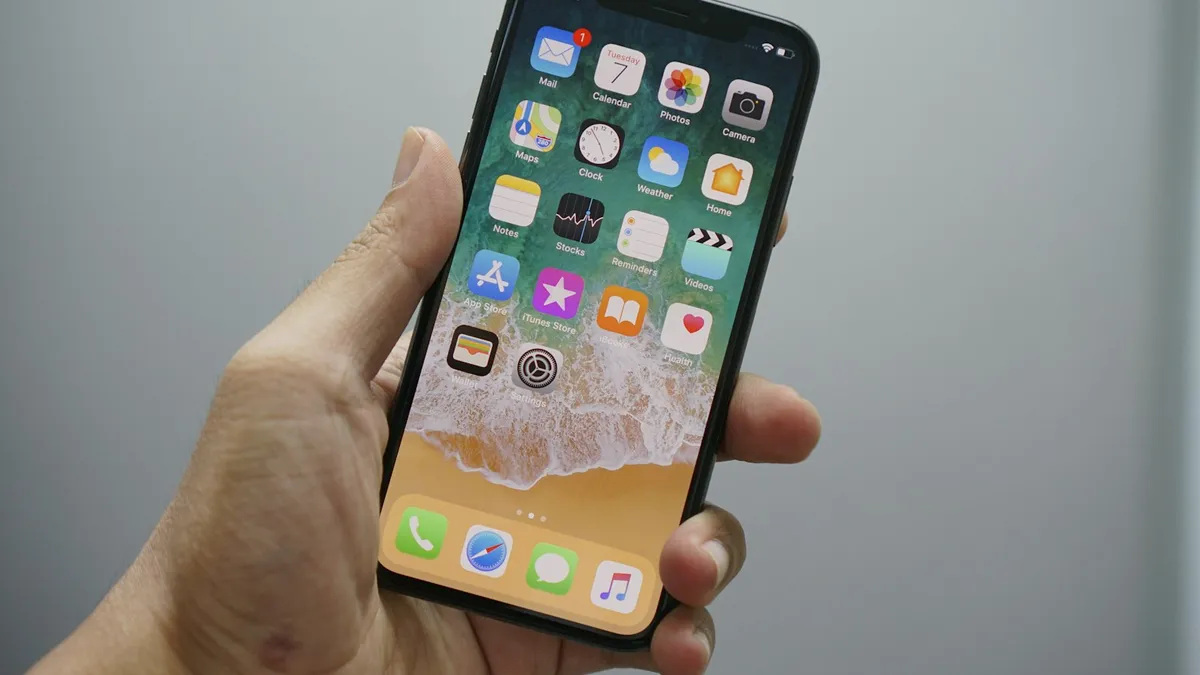
Photo by Bagus Hernawan on Unsplash
A few weeks after a big iOS release, Apple usually ships a small update that cleans up the problems people found in the first days. For iOS 27, that update is iOS 27.0.1. It is not a feature update, and it is easy to skip if you only read the version number. This guide goes through what Apple actually lists, which of those fixes matter for your iPhone, how to install it, and what it does not do, so that you can decide in a minute whether it is worth your time. Everything about the fixes comes from Apple's own page on iOS 27 updates. Where we mention what users report, we say so.
What is iOS 27.0.1?
iOS 27.0.1 is the first point update after iOS 27. Apple's page describes it as providing bug fixes for iPhone. The page, which Apple dated 29 September 2026, does not give iOS 27.0.1 a separate release date of its own, and it does not list a full set of supported devices for this update. News sites reported the release on 28 September 2026.
The version number tells you something useful. A change from 27 to 27.0.1 is a very small step. It is meant to fix specific faults, and it rarely changes how the phone looks or works day to day.
What does iOS 27.0.1 fix?
Apple lists three fixes. We quote them closely, because the wording shows which iPhones are involved.
- Face ID restart: “iPhone 18 Pro and iPhone 18 Pro Max may unexpectedly restart when Face ID fails to authenticate.”
- Photo color artifact: “A color artifact may appear on photos captured at 2x under certain lighting conditions at f/1.48.” Apple names iPhone 18 Pro models for this one as well, and the page describes it as affecting a small number of them.
- Frozen touchscreen: “Opening Notification Center and Control Center simultaneously may cause the touchscreen to become unresponsive.”
Apple's regional pages are not identical. A search summary of the Australian and Indian versions of the page showed only two of the three items. If your copy of the page looks different, the list above is from the US page.
Which of these fixes affect your iPhone?
That depends on the model. Two of the three fixes are written for the iPhone 18 Pro and iPhone 18 Pro Max, so owners of those phones gain the most. The third, the frozen touchscreen, is not tied to a model in Apple's wording. In practice it can affect any iPhone that runs iOS 27. If you own an iPhone 14, an iPhone 15 or an iPhone 16, the touchscreen fix is the part that is meant for you.
You can trigger the touchscreen problem by accident. Swiping down from the top left of the screen opens Notification Center, and swiping down from the top right opens Control Center. If both panels end up open together, the screen could stop responding before this update. After you install iOS 27.0.1, you should not need to be careful about it.
Is iOS 27.0.1 a security update?
Apple's page on iOS 27 updates does not list security fixes for this release. It tells readers who want security details to visit Apple's security releases page, and we link it in the sources below. A search summary of the Canadian version of that page said that iOS 27.0.1 has no published CVE entries. Read the page yourself for the current status, because Apple can update it. Some websites claim the update carries critical security patches. We could not find any specifics behind those claims, so we do not repeat them.
How to install iOS 27.0.1
Update to iOS 27.0.1
- 1
Plug the iPhone in and connect to Wi-Fi.
A small update downloads quickly, but it still needs a stable connection and enough battery.
- 2
Open Settings, tap General, then tap Software Update.
Your phone checks for updates. It can take a moment.
- 3
Tap Update Now when iOS 27.0.1 appears.
If you see a larger update such as a newer iOS 27 release, that one includes the 27.0.1 fixes.
- 4
Enter your passcode if you are asked and wait.
The phone restarts by itself. Do not turn it off in the middle.
If you need more detail, or the update will not start, see our full guide on how to update an iPhone. If the phone says it cannot verify the update, our guide on a stuck verification explains what to do.
Should you install it?
For most people, yes. A bug-fix update is low risk and brings fixes without new features to learn. These points help you decide.
- Install it now if: you own an iPhone 18 Pro or iPhone 18 Pro Max, you have seen your touchscreen freeze, or you like to keep your phone current.
- Wait a day or two if: you are about to travel or give an important presentation. Updates are safe, but it is better to install them when you do not need the phone at once.
- Back up first if: you have not backed up recently. A backup is cheap protection against any update going wrong. See how to back up your iPhone.
Will iOS 27.0.1 help an iPhone 14, 15 or 16?
Mostly in a quiet way. The two fixes for the iPhone 18 Pro will not change anything on other models. The touchscreen fix is the one that applies to you, and it only matters if you ever open both panels at once. Nothing in Apple's list changes battery life, speed or features. If you are happy with how your phone works today, installing it is mainly about staying on the latest build, because later updates build on it. Apple often rolls the fixes from a small update into the next one, so skipping it is not harmful, but there is little reason to wait.
What iOS 27.0.1 does not fix
Apple lists three items, and the update is not a cure for every complaint about iOS 27. News reports describe other issues that users raise, such as battery use and heat after updating. Cybernews reported complaints about drained battery life and overheating on several models, while another outlet said it had found no reports of worse battery life caused by the update. These are news reports, not Apple statements, and they disagree, so treat them as background.
Extra battery use after any large update is normal for a few days, because the phone finishes work in the background. If you see a message in Settings that your iPhone has been used more than usual since upgrading, read our guide on that battery message. If the phone feels busy or warm while it re-indexes, see iOS 27 indexing in progress.
What to do if the update causes a problem
- Restart the iPhone once and give it a day, because many post-update oddities clear on their own.
- Check the Settings, Battery screen for an Ongoing iOS Update note, which means background work is still finishing.
- Update your apps in the App Store, since older app versions can misbehave on a new iOS.
- Read our guide on problems after an iOS update for the usual fixes in order.
- If something is clearly broken, contact Apple Support and mention the exact version, 27.0.1.
How to check which version you have
Open Settings, tap General, then tap About, and look at iOS Version. If it says 27.0.1 or a higher number, you already have these fixes. If it says 27 or 27.0, the update is waiting for you in Software Update. You can also see all recent releases in our iOS and Android updates tracker.
Still unsure about updating?
If your iPhone works well and you are not on an iPhone 18 Pro, the touchscreen fix is the main reason to install. It takes a few minutes. If you prefer to wait, check Apple's page for newer notes before you decide, since the list of fixes can change as Apple adds later releases.
Frequently asked questions
What does iOS 27.0.1 fix?
Apple's notes list three fixes: unexpected restarts after a failed Face ID attempt on iPhone 18 Pro and Pro Max, a color artifact in some 2x photos on some iPhone 18 Pro models, and a touchscreen that could become unresponsive when Notification Center and Control Center were opened together.
Does iOS 27.0.1 fix battery drain?
Apple does not list a battery fix. After any big update the phone does extra work in the background, which can use more battery for a few days.
Is iOS 27.0.1 a security update?
Apple's update page points to its security releases page for security content and does not list security fixes itself. Check that page for the current details.
Should I install iOS 27.0.1 on an older iPhone?
Yes, if you are on iOS 27. One of the three fixes, the touchscreen freeze, applies to all iPhones, and small updates are the safest way to stay current.
What to try next
Sources
Official pages these steps are based on. Menus can differ by software version.
People also ask
What is the latest iOS version?
iOS 27.0.1, released on September 28, 2026, according to Apple's security releases page. It works on iPhone 11 and later.
Read the full guide: iOS and Android updates trackerIs the iPhone 18 Pro Face ID problem hardware or software?
Apple fixed it with software in iOS 27.0.1, so for most people no repair or replacement should be needed. If Face ID still fails or the phone still restarts after installing the update, ask Apple to run diagnostics.
Read the full guide: iPhone 18 Pro Face ID bugHow much charge does an Apple Watch need to update?
Apple says the watch needs at least 50 percent charge, and it should stay on its charger during the update.
Read the full guide: Apple Watch won't updateHow long should Update Requested take?
Usually a few minutes. On the day a big iOS update comes out it can take an hour or more because many people download it at once. After a few hours with no change, treat it as stuck.
Read the full guide: iPhone stuck on Update RequestedRelated guides
iOS and Android updates tracker
The latest iPhone and Android software updates in one place: iOS 27.0.1 fixes, Pixel update dates, who can update, and our guides for problems after an update.
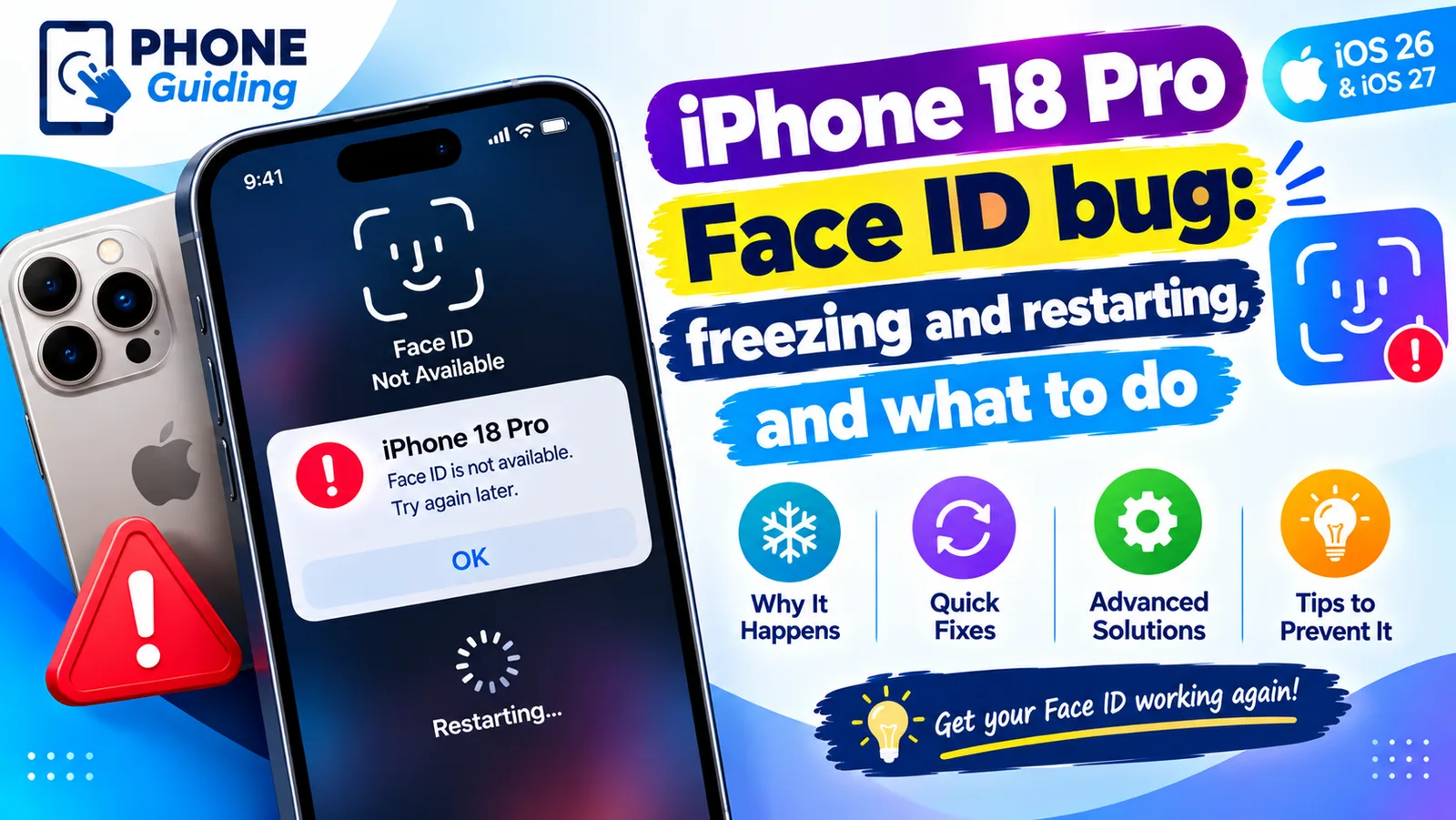
iPhone 18 Pro Face ID bug
iPhone 18 Pro or Pro Max freezing and restarting after Face ID fails? Here is what triggers the bug, a safe workaround, and the iOS 27.0.1 update that fixes it.
Apple Watch won't update
Apple Watch won't update or says Unable to Verify Update? Check charge, Wi-Fi, storage and the update file. 8 fixes straight from Apple's own steps.
iPhone stuck on Update Requested
iPhone stuck on update requested and not downloading? Check Wi-Fi and storage, delete the update, reset network or update from a computer. 7 fixes.
More guides you may need
Storage stuck calculating
iPhone storage stuck on calculating or not loading? Wait it out, restart, free some space and update iOS, or check storage from a computer when Settings fails.
iPhone stuck on charging screen
iPhone stuck on a battery or charging screen? Charge it for an hour, check the cable and port, force restart, and learn when the battery needs replacing.