

iPhone Bluetooth not working? 9 fixes for pairing problems
Most Bluetooth problems are on the accessory side: it is not in pairing mode, or it is still connected to another device.
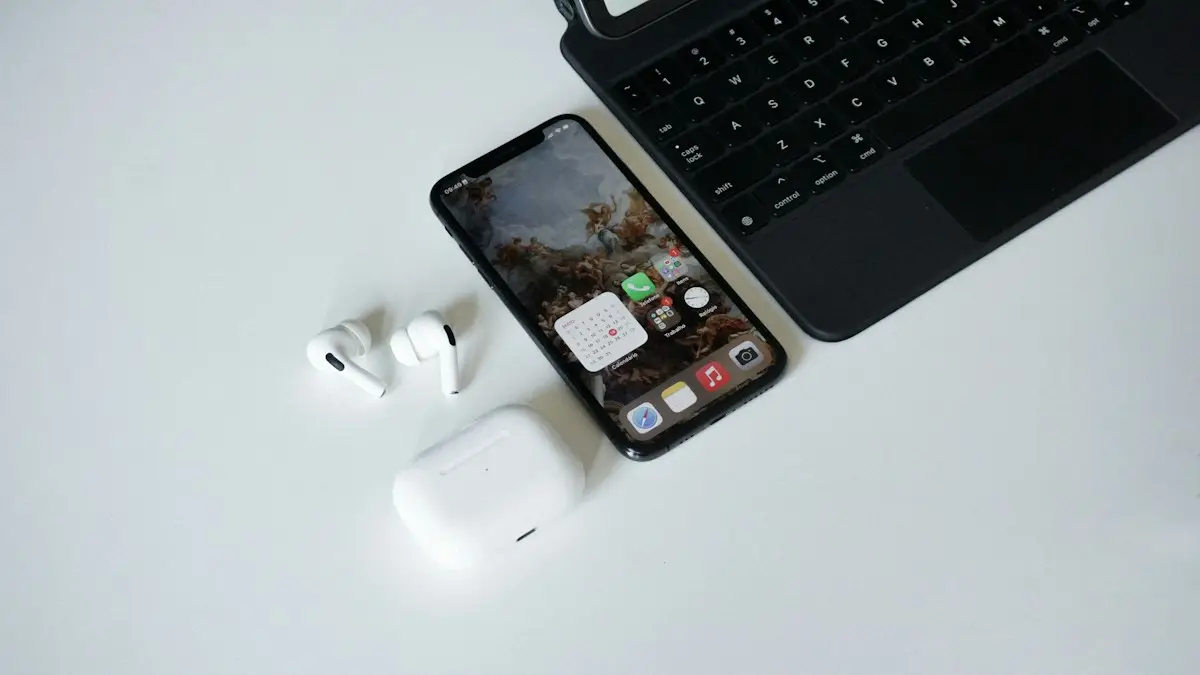
Photo by Victor Carvalho on Unsplash
Bluetooth problems feel like an iPhone fault, but most of the time the phone is fine. The accessory is asleep, still tied to another device, or holding a stale pairing. This guide starts with those simple causes and moves toward resets only when they fail. Each step takes under a minute, so you can work through the list without much effort.
How to fix an iPhone with Bluetooth not working
The fix
9 fixes, in order
- 1
Toggle Bluetooth in Settings.
Settings › Bluetooth, off for 10 seconds, then on.
- 2
Put the accessory in pairing mode.
Usually by holding its power or Bluetooth button until a light flashes. Check its manual.
- 3
Disconnect it from other devices.
Turn off Bluetooth on other phones, tablets and computers nearby.
- 4
Charge the accessory.
Low battery headphones often refuse to pair.
- 5
Move closer.
Stay within about 30 feet, away from walls and metal.
- 6
Forget the device and pair again.
Tap the ⓘ next to it, then Forget This Device.
- 7
Restart the iPhone.
- 8
Update iOS.
Settings › General › Software Update.
- 9
Reset network settings.
Settings › General › Transfer or Reset iPhone › Reset › Reset Network Settings. This clears all paired devices.
Why does Bluetooth stop working on an iPhone?
Bluetooth is a short-range radio link between two devices that agree on a saved pairing. A failure can happen on either end or in the pairing record they share. The accessory may be off, flat, out of range or set to talk to a different phone. The iPhone may have Bluetooth switched off, a glitch after an update, or a pairing record that no longer matches what the accessory remembers. Interference from Wi-Fi routers, USB 3 hard drives and microwave ovens can also swamp the signal in the 2.4 GHz band. Knowing which side is at fault saves a lot of time, which is why the test with a second phone is so useful.
Settings versus Control Center: the Bluetooth switch trap
The Bluetooth icon in Control Center looks like an off switch, but it is not one. When you tap it, the iPhone disconnects from accessories for now and turns Bluetooth back on tomorrow. AirDrop, Apple Watch and some location features keep using the radio. If a device will not connect, go to Settings › Bluetooth and flip the real switch. Wait ten seconds, then switch it back on. That full cycle restarts the radio, which Control Center does not do.
Pairing mode: the step most people miss
A paired accessory that is not in pairing mode will not show up in the list of devices near you. Pairing mode is different on each product, and the light pattern is the clue. Many earbuds flash white or blue when you hold the button on the case for five seconds or more. Speakers often have a Bluetooth button with a symbol. Car stereos hide it in a Phone or Bluetooth menu. Keyboards and mice usually have a small connect button underneath. If your accessory has no light or screen, check the manual or the maker’s website for the exact button press. A device that connects automatically to a phone it already knows may never advertise itself to your iPhone, so disconnect it from the other phone first.
Accessory connected to another device
Many headphones and speakers connect to the last device they used. If that was a laptop, a tablet or a family member’s phone in the next room, your iPhone cannot take the connection. Turn Bluetooth off on those devices, or forget the accessory there. Some models can hold two connections at once, but they may switch between them in odd ways. If audio jumps to a different device mid-song, this is the reason. Keep only one device connected until the pairing is stable.
Forget the device and pair again
A saved pairing can go bad after an iOS update, a firmware update on the accessory or a factory reset on either side. The fix is to delete it on both ends. Open Settings › Bluetooth, tap the ⓘ next to the device and choose Forget This Device. On the accessory, clear its pairing list if it has that option. Many headphones do this when you hold the power button for 10 to 15 seconds. Then put it in pairing mode and add it again from the list. If the accessory keeps a list of remembered phones, delete the old entries so there is room for the new pairing.
Bluetooth problems with headphones, cars and smartwatches
- Headphones and speakers: check the accessory’s own app for firmware updates, and keep it away from USB 3 devices and routers while pairing.
- Cars: most head units store only a few phones. Delete old phones in the car’s menu, then pair fresh. See the guide on a Bluetooth that will not connect to your car.
- Smartwatches and fitness trackers: these often need their own companion app to stay linked. Open the app, allow Bluetooth permission and turn on background refresh.
- Keyboards and game controllers: some must be paired in a special mode and may need the battery replaced before they connect.
App permissions and Bluetooth sharing
Apps need your permission to use Bluetooth. If a fitness band or smart home gadget works in Settings but not in its app, go to Settings › Privacy & Security › Bluetooth and make sure that app has access. While there, check that you did not deny the permission when it first asked. Also remember that an iPhone connected to a hotspot, a Mac with Handoff or an Apple Watch can all compete for the same radio, so a very busy setup may behave badly until you remove some of them.
Reduce interference and keep a clear signal
Bluetooth shares the 2.4 GHz band with many home devices. A crowded router, a baby monitor or a nearby microwave can make audio skip or stop a connection from forming. Stay in the same room as the accessory during pairing and keep metal objects and your own body out of the direct line. If your earbuds work at home but cut out on the street, the cause may be a crowded area with many radios, not a broken phone. A case that blocks signal, such as a thick metal one, can also cut the range noticeably.
Update iOS and reset network settings
Apple fixes Bluetooth bugs in system updates, so install the newest iOS in Settings › General › Software Update. If that does not help, reset network settings under Settings › General › Transfer or Reset iPhone › Reset › Reset Network Settings. You will need to re-enter Wi-Fi passwords and pair your Bluetooth devices again, but no photos or apps are lost. It is a strong fix, because it clears the radio’s stored state. As a last software step, you can back up the iPhone and reset all settings, though that step is rarely required for Bluetooth alone.
When Bluetooth still won’t work: hardware and repair
If no accessory will pair with your iPhone, yet they all work with other phones, and the Bluetooth switch in Settings is greyed out, the problem may be in the phone itself. Water damage, a drop or a failed logic board part can stop the radio. Book a check at an Apple Store or an authorized repair provider and ask for a quote. Weigh the cost against the phone’s age, and look at your carrier’s trade-in and upgrade offers before paying for a big repair. A weak battery can also cause odd wireless behavior, so it is worth checking your iPhone’s battery health at the same time. If the trouble is with wireless earbuds only, read about AirPods that will not pair.
Frequently asked questions
Why can’t my iPhone find my Bluetooth device?
The device is probably not in pairing mode, or it is connected to another phone, tablet or computer. Turn Bluetooth off on those, then put the accessory into pairing mode.
Does the Bluetooth button in Control Center turn Bluetooth off?
No. It only disconnects accessories until tomorrow. To turn Bluetooth fully off and on, use Settings › Bluetooth.
Will resetting network settings delete my photos?
No. It removes saved Wi-Fi networks, paired Bluetooth devices, cellular settings and VPN settings. Your photos, apps and messages stay.
Why does my Bluetooth device connect and then drop?
A weak accessory battery, distance, interference or a second device grabbing the connection are the usual causes. Charge it, move closer and turn off Bluetooth on other devices nearby.
What to try next
People also ask
Why does my phone connect to the car but play no sound?
The car may be on another audio source, or media audio is turned off for that connection. Pick Bluetooth as the source on the car screen and check the device’s settings on your phone.
Read the full guide: Bluetooth won’t connect to carWhy does CarPlay need Siri?
CarPlay is built around voice control for safety, so you can send messages and get directions without touching the phone. If Siri is turned off, CarPlay will not start. Turn on Siri in Settings › Siri (or Siri & Search).
Read the full guide: CarPlay not workingWhat is the Bluetooth PIN to pair an iPhone with a laptop?
There is usually none to type. Your iPhone and the laptop show a number, and you confirm it matches on both. If a device asks for a code, try the one in its manual.
Read the full guide: iPhone won't pair with laptopWhy is only one AirPod connecting?
The other AirPod is usually flat or dirty. Put both in the case, check the charging contacts and the inside of the case are clean, charge for 30 minutes and try again. If it still fails, reset the AirPods.
Read the full guide: AirPods not connectingRelated guides
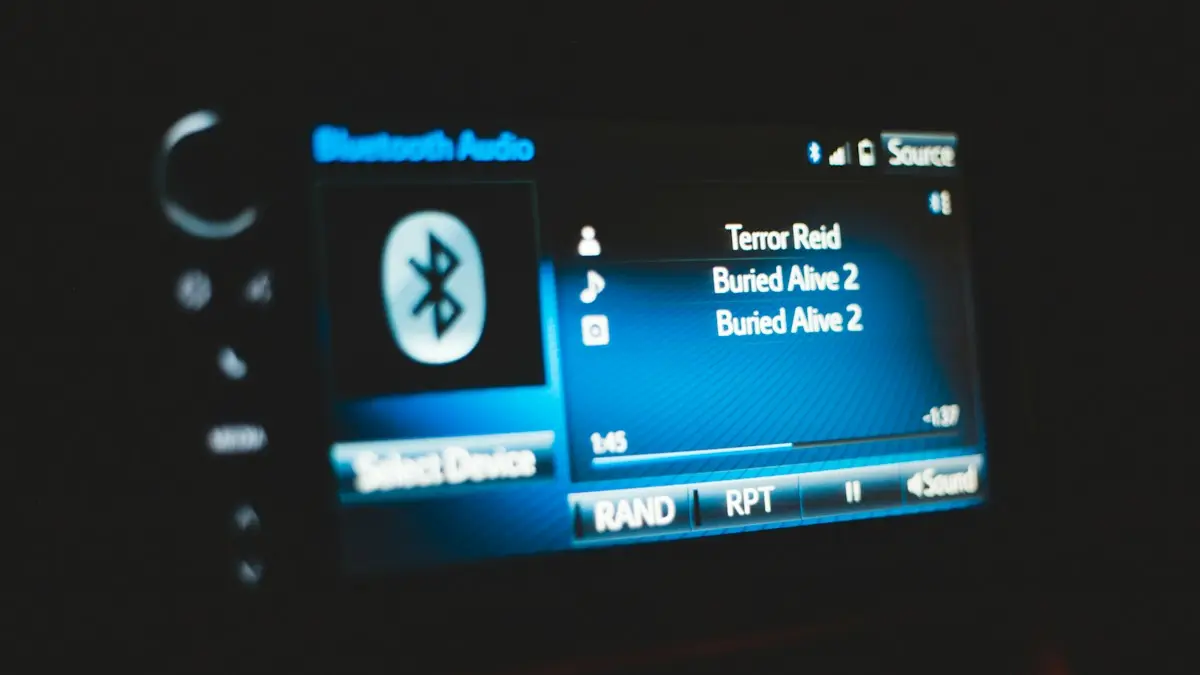
Bluetooth won’t connect to car
Phone Bluetooth won’t connect to your car? Forget and re-pair it on both sides, clear old devices from the car, check audio settings and try 6 more fixes.
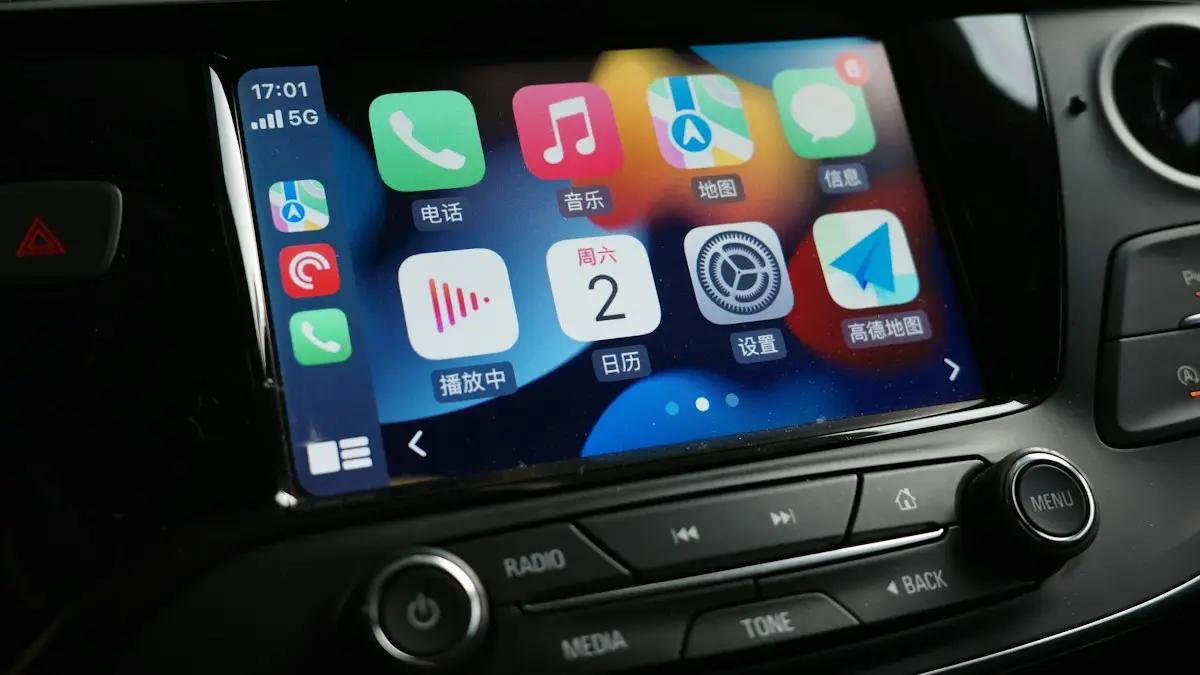
CarPlay not working
Apple CarPlay not working or not connecting? Check Siri, Screen Time, the cable and your car’s settings, then re-pair your iPhone with these 10 fixes.

iPhone won't pair with laptop
iPhone Bluetooth not pairing with your Windows or Mac laptop, or the code never shows? Keep Bluetooth settings open, forget the device on both sides, restart.
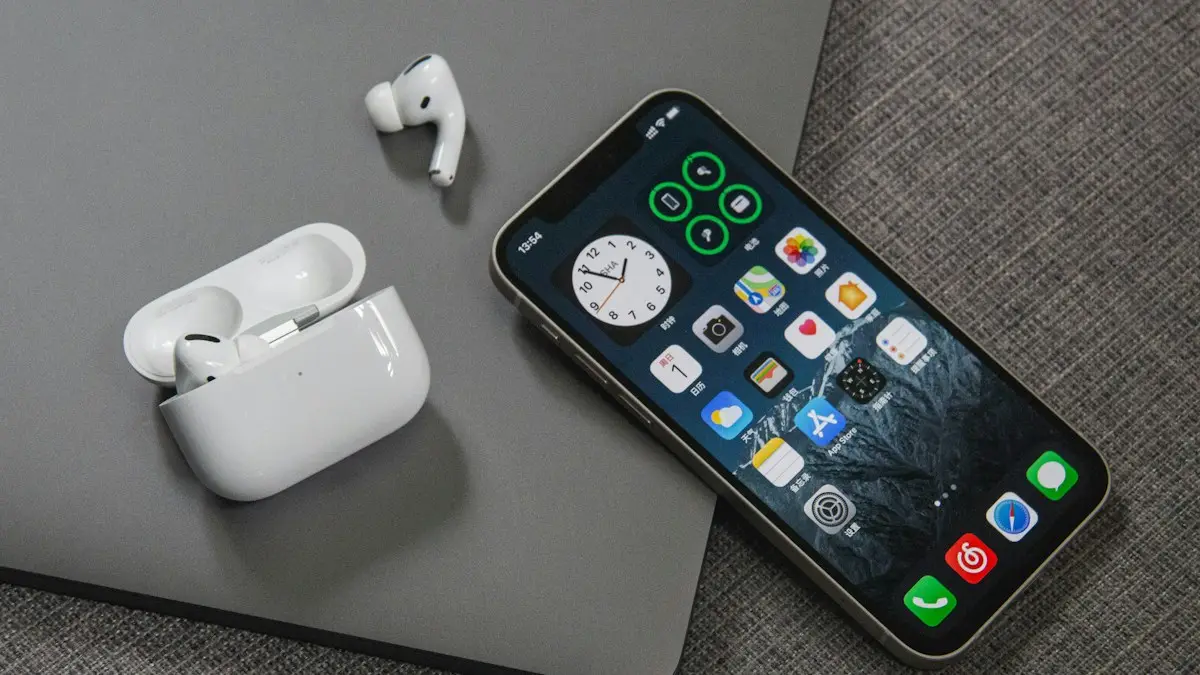
AirPods not connecting
AirPods not connecting to your iPhone or stuck on connecting? Charge the case, check Bluetooth, forget and re-pair, and reset your AirPods with these 8 fixes.
More guides you may need
iPhone Mail not updating
iPhone Mail not updating or not syncing new emails? Check Fetch settings, Background App Refresh, Low Power Mode and storage, then re-add the account. 8 fixes.
Mail unsent message
Mail on your iPhone shows 1 unsent message and will not clear? Open the Outbox, send or delete the stuck email, then check the server settings and account.