

Notifications silenced in Messages: what it means and how to turn it off
The words notifications silenced under a message mean the other person has a Focus turned on, not that they blocked you. Here is what it means, how to use Notify Anyway, and how to stop showing it yourself.
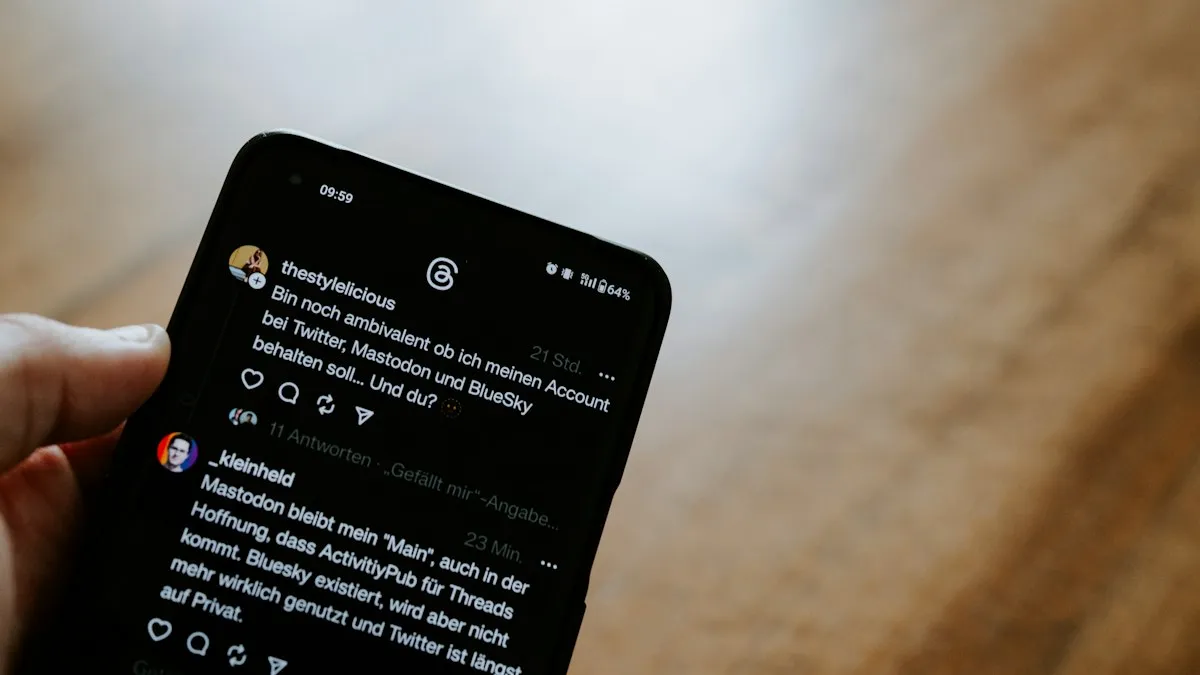
Photo by Claudio Schwarz on Unsplash
You send a text and a small line appears under it: the name followed by has notifications silenced. Nothing else changes. The message is blue, it says Delivered, and the person does not reply. It is easy to read the note as a rejection. It is not. It is a courtesy label that Apple adds when the other person has a Focus turned on, such as Do Not Disturb, Sleep or Work. This guide explains what the words mean, what you can do as the sender, and how to control the label on your own iPhone.
What does notifications silenced mean in Messages?
A Focus is a mode that quiets alerts, and it lets the iPhone owner decide which people and apps can break through. Apple lets a Focus share its status with Messages, so when someone texts you, they see that your notifications are silenced. The sender sees only that fact. They do not see which Focus is on, why, or for how long. Your iPhone still receives the message, and it waits for you to open the app. The label is simply a hint that you may not answer right away.
Does it mean you were blocked?
No, and this is the part people worry about most. Apple does not announce a block to the sender, so this label is not how you would find out. What it does show is that the person’s phone is applying a Focus. If you suspect a block, read our guide to being blocked on iMessage for the real signs.
What can you do as the sender?
If the message is urgent
- 1
Look for the Notify Anyway button.
It appears under the message when the other person’s Focus is on. Apple says people can choose to notify you anyway if something is urgent.
- 2
Tap Notify Anyway.
The recipient’s phone sends the alert through the Focus.
- 3
Add a short reason in the message.
A line like the car is not starting, or I am at your door, helps the person decide quickly.
- 4
Call if it is an emergency.
Phone calls follow separate Focus rules. A second call within a few minutes can also break through if the person allowed repeated calls in that Focus.
Use Notify Anyway sparingly. The person chose to be left alone, and each override is a small interruption. A normal text, such as dinner plans, can wait until their Focus ends.
Why does the label appear on your own phone?
If friends tell you they see the label under their messages to you, your Focus is sharing. Several common settings cause this:
- A scheduled Focus: Sleep, Work, Driving, or Personal may turn on by schedule, location or app. You might not notice them.
- Share Focus Status is on: Apple turns this on by default for Focus profiles you set up, and it works with Messages and some other apps.
- Share Across Devices: a Focus on your iPad or Mac, signed in to your Apple Account, can turn on the same Focus on your iPhone.
- Driving Focus: your iPhone may turn on a Driving Focus when it connects to a car, and it can tell people you are driving.
How do you stop sharing your Focus status?
Turn off Share Focus Status
- 1
Open Settings and tap Focus.
- 2
Tap Focus Status.
- 3
Turn off Share Focus Status.
If you leave it on, you can choose which Focus profiles share the label, such as Sleep but not Work.
- 4
Check each Focus too.
Open a Focus such as Do Not Disturb, tap Focus Status inside it, and make sure it matches what you want.
Menu wording may differ slightly across iOS versions. After you turn the switch off, your contacts stop seeing the label. It can take a minute to take effect.
How do you stop it for one person only?
Per-conversation control
- 1
Open Messages and tap the conversation.
- 2
Tap the contact name or icon at the top.
- 3
Turn off Share Focus Status.
Only this person stops seeing the label. Everyone else still does.
This is useful if you want your boss, or a family member, to see nothing. It is also useful in the other direction: you can leave sharing on for the people who might need to reach you urgently.
Why does it say silenced when your Focus is off?
- Another device has a Focus on: an iPad or Mac signed in to the same Apple Account may carry a Focus with Share Across Devices turned on. Check Control Center on each device and turn the Focus off there.
- A schedule or automation turned it on: go to Settings › Focus, open each Focus and look at Add Schedule or Automation, and switch off any you do not want.
- A Focus is paused in Control Center: open Control Center and look at the Focus tile. If it shows a mode, tap it to turn it off.
- You are sharing across devices: if the cause is another device, turn off Share Across Devices in Settings › Focus.
One Apple Community user traced silenced texts on an iPhone to an iPad that used iMessage on Wi-Fi only. Turning the Focus off on the iPad fixed it. If the label still appears after you check all your devices, restart the iPhone and sign out and back in to iMessage.
How do you let certain people and apps through your Focus?
Silencing everything is rarely what you want. Open Settings › Focus, pick a Focus, and look at the allowed people and apps. Add your partner, your children, or an important coworker as allowed people, and they will get through even when others are silenced. Add apps such as a calendar or a delivery app if you need them. For deeper changes, see our guide to changing Do Not Disturb on iPhone.
What if the message shows Delivered but not Read?
That is normal when someone has a Focus on. Delivered means the message arrived on at least one of their devices. Read receipts only show if the person turned them on. Neither proves a block, and neither shows if they ignored you. If your message is blue and labeled Not Delivered in red, that is a different problem, and iMessage not delivered explains it.
Is the label a privacy risk?
It shares a small piece of information, namely that your notifications are silenced. It does not say where you are or what you are doing, and it does not name the Focus. Even so, some people prefer not to tell anyone when they are away. If that is you, turn the feature off for everyone or for specific people with the steps above. If you want the benefits of a Focus without notes, keep the Focus on and turn off Share Focus Status.
How can you use Focus to get more done?
What is the difference between Silenced and Do Not Disturb?
Do Not Disturb is one of several Focus modes, and Silenced is the label other people see when any shared Focus is on. Sleep, Work, Driving, Personal and a custom Focus all produce the same note. The sender cannot tell which one you chose. On your side, each Focus has its own list of allowed people and apps, its own schedule and its own options. Think of Focus as the setting and the label as the message that tells others about it.
Does Notify Anyway work on a Mac or iPad?
Notify Anyway is part of the Messages conversation, so it works from any device that can send the message. The alert reaches the devices that have the Focus on, and the person can then open Messages and reply. If you send from a Mac and the person has a Focus on only one device, the sync may still carry the status. If you are unsure, send from the iPhone, where the button is easiest to find.
Should you ever turn off Focus status entirely?
Turn it off if the label causes awkward questions at work or at home, or if you prefer not to say when you are away from your phone. Keep it on if it saves you from answering why you did not respond, because it explains the delay for you. Either choice is safe. It changes only what other people see and not what your phone does.
- Make a Work Focus with a schedule so your phone quiets during meetings.
- Allow only a few people to ring through at night.
- Use Sleep Focus for bedtime and let a partner or family member through.
- Turn on Driving Focus and let people know you will reply later.
- Review your Focus list every few months, because old schedules pile up.
Frequently asked questions
Does notifications silenced mean I was blocked?
No. It means the other person has a Focus on and shares their Focus status. The message is delivered and waits for them.
What is Notify Anyway?
It is a button that appears under the label so you can send an alert through the Focus. Apple says people can choose to notify you anyway if something is urgent.
How do I stop showing notifications silenced to others?
Open Settings › Focus › Focus Status and turn off Share Focus Status. You can also turn it off for one person from the conversation.
Why does my iPhone show it when my Focus is off?
A Focus on another device signed in to your Apple Account can share its status. Check your iPad and Mac, or turn off Share Across Devices.
What to try next
People also ask
Why does Do Not Disturb keep turning on by itself?
A schedule or automation is turning it on, or Share Across Devices is copying it from your iPad, Mac or Apple Watch. Check Set a Schedule in Settings › Focus › Do Not Disturb, and turn off Share Across Devices in Settings › Focus if needed.
Read the full guide: Change Do Not Disturb on iPhoneWhy are my iPhone notifications not showing on the Lock Screen?
Usually the Lock Screen option is off for that app, Display As is set to Count, a Focus is hiding alerts, or the alert went to the Scheduled Summary. Check Settings › Notifications and the app's own entry.
Read the full guide: iPhone notifications not showing on lock screenWhy does my Galaxy Watch not buzz when I use my phone?
Smart device selection hides watch alerts while you use the phone. Set Phone notifications on watch to Always show on both if you want alerts on both devices.
Read the full guide: Galaxy Watch not getting notificationsWhy is my Apple Watch not vibrating for texts?
The most common reasons are Haptic Alerts set to Off, a Focus or Do Not Disturb that is on, or your iPhone being unlocked so the text appears there instead. Messages notifications can also be set to custom or off in the Watch app.
Read the full guide: Apple Watch not vibratingRelated guides
Change Do Not Disturb on iPhone
Change Do Not Disturb on iPhone: turn it on or off, let family and repeated calls through, set a schedule, and stop it from turning on by itself.
iPhone notifications not showing on lock screen
iPhone notifications not showing on lock screen? Check the app's Lock Screen switch, Display As, Focus and Scheduled Summary, then try 4 more fixes.
Galaxy Watch not getting notifications
Galaxy Watch not getting notifications from your phone? Check Phone notifications on watch, app switches, Do Not Disturb and battery limits. 9 fixes.

Apple Watch not vibrating
Apple Watch quiet for texts, calls or notifications? Check haptic alerts, Focus, the iPhone unlock rule and per-app settings before you reset or repair it.
More guides you may need

iPhone flashlight not working
Fix an iPhone flashlight that will not turn on, is greyed out, missing from Control Center or too dim. Step by step, and how to tell a bug from a failed LED.
iPhone flashlight turns on by itself
iPhone flashlight turns on by itself in your pocket or when you wake the screen? Why it happens and 7 ways to stop it, from Tap to Wake to the Action button.