

Motorola stuck on Hello Moto screen? 6 fixes to get it booting
A Moto stuck on the logo usually has a software problem after an update. Several fixes keep your data.
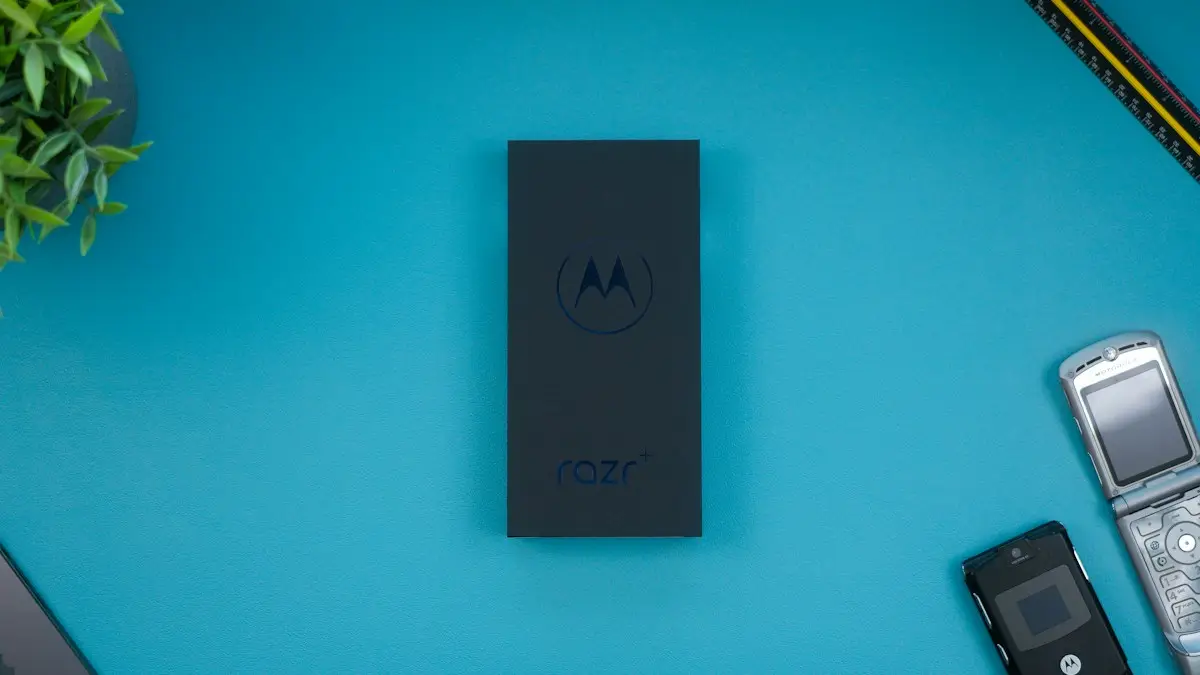
Photo by Daniel Romero on Unsplash
A Motorola phone shows the Motorola logo, often with a Hello Moto animation, and then a Powered by Android screen before it reaches the lock screen. If it stays on one of these screens, or keeps cycling between them, Android cannot finish starting. In most cases this is a software problem, and several fixes below keep your data.
How to fix a Motorola stuck on the Hello Moto screen
The fix
6 fixes, in order
- 1
Force restart.
Hold Power for 10 to 20 seconds, or Power and Volume Down on some models.
- 2
Charge it for 30 minutes.
- 3
Try safe mode.
Hold Volume Down as it starts. If it boots, remove recent apps.
- 4
Wipe the cache partition.
With it off, hold Volume Down and Power, choose Recovery mode, then Wipe cache partition.
- 5
Use Motorola Software Fix.
Install Rescue and Smart Assistant on a Windows PC and follow the Software Fix steps.
- 6
Factory reset from recovery as a last step.
Why does a Moto get stuck on the logo?
The usual reasons are an Android update that did not finish, a corrupted system file, an app that crashes at startup, a battery too low to complete the start, or storage that is almost full. Moto G and Moto E phones have modest storage, so a full drive is a more common cause on these phones than on a flagship. A drop or water damage can also cause it, and then the problem is hardware.
- After an update: the install may have failed. A cache wipe or the Software Fix tool usually helps.
- After a new app: try safe mode and remove the app.
- After a drop or water: hardware is likely. Stop charging and visit a repair shop.
- Nothing changed: charge it and force restart first.
Is it stuck or just taking its time?
After a large update the first start can take several minutes. Keep the phone plugged in and wait about 15 minutes. If the screen has not changed, it is stuck. If it shows the logo, goes black and starts over, it is in a boot loop. The fixes are the same in both cases.
Force restart and charge
A weak battery can keep a phone looping on the logo. Plug it into a wall outlet with the original charger and cable for 30 minutes to an hour. Then hold the Power button for 10 to 20 seconds until the screen goes dark. Some Moto models need Power and Volume Down together, so try that if the first method does nothing. Disconnect any USB accessory, take out the SIM tray and any memory card while you test, then try starting again.
Try safe mode
Safe mode starts Android with your downloaded apps switched off. As the logo appears, press and hold Volume Down until the lock screen shows and you see Safe mode at the bottom. If the phone gets that far, an app is the cause. Open Settings › Apps and remove what you added most recently, starting with launchers, cleaners, VPNs and anything installed from outside the Play Store. Then restart normally.
How to open recovery mode and wipe the cache
Turn the phone off. Press and hold Volume Down and Power together until the Fastboot screen appears, which lists options in a small menu. Use the volume keys to move down to Recovery mode and press Power to select it. A screen with an Android robot and No command may appear. Hold Power and press Volume Up once, then let go, and the recovery menu opens.
In the recovery menu, choose Wipe cache partition and confirm. The cache holds temporary system files, and clearing it does not delete your photos, apps or messages. Then choose Reboot system now. The first start takes longer than usual. Menu wording varies slightly by model and Android version.
Use Motorola’s Software Fix tool
Motorola provides a free program for Windows called Rescue and Smart Assistant, also known as Lenovo Moto Smart Assistant. It can reinstall the phone’s software from a computer. Download it from Motorola’s support site, open it, connect the phone with a data cable, and choose the rescue or Software Fix option. The program identifies your model and downloads the right software.
Read each prompt. Motorola warns that this process may erase personal data, so use it after the cache wipe and safe mode. Keep the phone connected until it finishes, and use a stable internet connection. If the program does not see the phone, try another cable and USB port. Support for the tool depends on your model and region, so if yours is not listed, a carrier store or repair shop can do the same job.
Factory reset as the last step
If nothing else works, choose Wipe data/factory reset from the recovery menu. It erases everything on the phone and puts the software back to its original state. After it finishes, reboot and sign in with your Google account. The phone offers to restore from your backup. If Google account protection is on, you must enter the account that was on the phone before. See factory resetting Android for the full process.
Can I save my data first?
A phone that will not start cannot be copied in the usual way. Check Google Photos online to see whether your pictures were backed up, since contacts and calendar usually sync with your Google account as well. If the pictures matter and are not backed up, ask a repair shop whether data recovery is possible before you reset. There is no guarantee. After the phone works again, turn on a backup, and see how to back up an Android phone.
When the problem is the battery or the board
If a clean software reinstall does not fix it, the cause is probably hardware. Signs include a phone that was dropped or soaked, a swollen back, heat while stuck, or a loop that returns at once after a reset. A failing battery is the cheapest hardware repair. A main board fault is costly, and on a budget Moto it may cost close to the price of a new phone.
Warranty, carrier and replacement
Motorola phones come with a limited warranty, and many US buyers get them from a carrier or a prepaid brand. A phone that fails to start with no sign of damage may be covered. Contact Motorola, or the carrier that sold it, and have your IMEI ready. You can find it on the box or the SIM tray. Rules differ by model, country and plan, so ask instead of assuming.
If the phone is out of warranty, compare the quote with the price of a replacement. For a low cost Moto, a new phone on sale can be cheaper than a board repair. Remember to move your data across with a backup, and check for a trade in offer before you throw the old one away.
Moto G, Moto E, Edge and Razr: do the steps differ?
The Fastboot and recovery steps are shared across most current Motorola phones, but the exact wording of the menu and the button for confirming can differ. Moto G and Moto E phones are the most likely to get stuck because of full storage. Razr foldables and Edge phones carry more storage, but the same update and app problems apply. If volume keys do not move the menu, try again after a fresh charge, and make sure you are holding the right keys at the same time. Motorola’s support site lists steps for each model if yours behaves differently.
If your phone came from a US carrier, the carrier version may use its own software, and its store can often reflash it. Prepaid brands often sell Motorola models, and their stores can check the phone in person. Bring the charger, since a good charge matters for every step above.
How to avoid it next time
- Charge the phone above 30% before an update, and leave it alone while it installs.
- Keep some storage free, since a full drive makes startup fail.
- Install apps from the Play Store only.
- Turn on Google backup for photos and data.
- Restart the phone every week or so.
Frequently asked questions
How do I get into recovery mode on a Motorola?
Turn it off, hold Volume Down and Power until the Fastboot screen shows, then use the volume keys to pick Recovery mode and press Power.
Does the Software Fix tool erase my data?
It can. Motorola warns that reinstalling the software may remove personal data, so use it after safer fixes.
What does Powered by Android mean when my Moto is stuck?
It is the second startup screen. A phone that stays there, or loops between it and the logo, has a software or storage problem and needs the same fixes.
Is my Moto G dead if it is stuck on the logo?
Usually not. Most cases are software faults. If a clean software reinstall does not help, the cause is probably the battery or the main board.
What to try next
People also ask
How long should I wait before I force restart a Pixel stuck on the logo?
Give it about 15 minutes after an update, since the first start can be slow. If the logo has not changed after that, hold the power button for 30 seconds.
Read the full guide: Pixel stuck on Google logoDoes wiping the cache partition delete my data?
No. It only clears temporary system files. Your photos, apps and messages stay.
Read the full guide: Samsung stuck on logoWhat does "No command" mean on Android?
It means the phone is in the recovery system and is waiting for a command. The robot with the exclamation mark is the gate to the recovery menu, not an error that wipes anything.
Read the full guide: Android no command screenDoes my unlocked Moto work on my carrier?
Most do on AT&T, T-Mobile and Verizon, but some models miss bands. Check the model on your carrier’s compatibility page.
Read the full guide: Motorola losing networkRelated guides

Pixel stuck on Google logo
Google Pixel stuck on the Google logo or in a boot loop? Force restart, charge it, try safe mode and the Pixel Repair Tool before you use recovery mode.
Samsung stuck on logo
Samsung stuck on the logo or restarting in a loop? Force restart it, charge it, boot into safe mode and wipe the cache partition before a factory reset.
Android no command screen
Android no command screen with a lying robot? It is the recovery gate, not a crash. Use the button combo to get past it and reboot without wiping your data.
Motorola losing network
Motorola phone keeps losing network or showing no service? Toggle Airplane mode, reseat the SIM, change network type, reset APN and network settings.
More guides you may need
Galaxy Watch authentication required
Galaxy Watch says authentication required in Play Store, Gmail or Wallet? It lost its Google sign-in. Remove and re-add your account from the phone to fix it.
Galaxy Watch keeps opening Samsung Pay
Samsung Pay or Wallet keeps opening on your Galaxy Watch? A pressed or failing Back button is the usual cause. Check the button first, then the apps list.