

Phone speaker not working? 9 fixes for iPhone and Android
No sound usually means the audio is going somewhere else, not that the speaker is broken. Rule that out first.
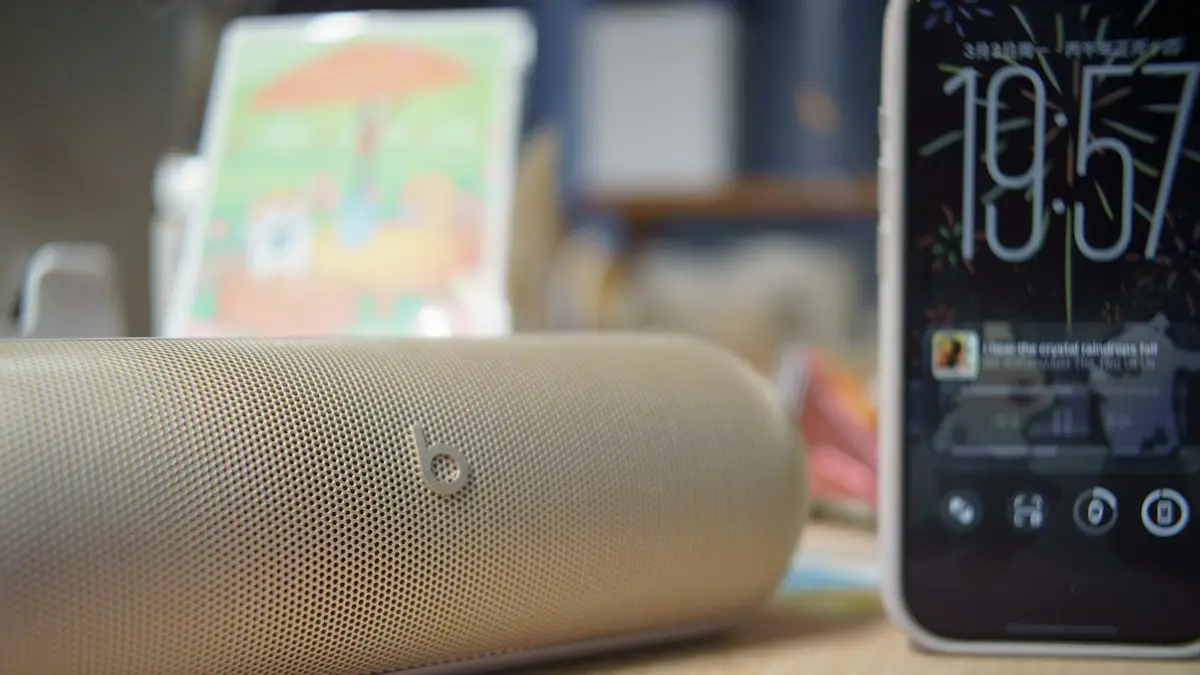
Photo by Shawn Rain on Unsplash
When a phone goes silent, the speaker itself is rarely the problem. Far more often the sound is going somewhere else, such as a car or earbuds over Bluetooth, or a setting has muted it. The fixes below start with those quick checks and then help you tell whether the speaker needs repair. They work on iPhone, Samsung Galaxy, Pixel, Motorola and most other Android phones.
Speaker or earpiece? Know which one is failing
- Loudspeaker (bottom): plays music, videos, ringtones, alarms and speakerphone.
- Earpiece (top): plays the other person’s voice when you hold the phone to your ear. On most recent phones it also acts as the second stereo speaker.
If calls sound fine but videos are silent, look at the loudspeaker. If videos play but you cannot hear callers, the earpiece or its grille is the issue. If nothing makes any sound, the problem is almost certainly a setting or where the audio is routed.
How to fix a phone speaker not working
The fix
9 fixes, most likely first
- 1
Raise the volume while media plays.
Press volume up while a video is playing to change media volume, not ringer volume.
- 2
Turn off Silent mode.
iPhone: switch or Action button. Android: Sound mode in Quick Settings.
- 3
Disconnect Bluetooth.
Turn Bluetooth off for a test. Audio often stays routed to a car or earbuds.
- 4
Turn off Do Not Disturb or Focus.
- 5
Restart the phone.
- 6
Clean the speaker grille.
Use a soft, dry toothbrush. No pins, liquids or compressed air.
- 7
Take off the case.
Some cases cover the speaker holes.
- 8
Update the software.
iPhone: Settings › General › Software Update. Android: Settings › System or Software update.
- 9
Reset all settings.
iPhone: Settings › General › Transfer or Reset iPhone › Reset › Reset All Settings. Samsung: General management › Reset › Reset all settings.
Check where the sound is going
The most common reason for silence is audio going to another device. On iPhone, open Control Center, touch and hold the music card, and tap the AirPlay icon to see the output. Choose iPhone. On Android, pull down Quick Settings and tap the output button on the media player, then choose This phone or Phone speaker. Cars, smart TVs, Bluetooth speakers and earbuds sitting in a pocket or case are the usual culprits.
Samsung phones also have Separate app sound in Settings › Sounds and vibration. If it is on, one app’s sound can be sent to a Bluetooth device while everything else plays from the phone, which makes that app seem silent. Turn it off if you did not set it up on purpose yourself.
Silent mode, Focus and notification sounds
- iPhone 15 Pro and later: Silent mode is set with the Action button or in Control Center. Older iPhones have a switch on the side; an orange line means silent.
- Silent mode mutes ringtones and alerts, not music and videos. If videos are also silent, the cause is elsewhere.
- Focus and Do Not Disturb silence calls and notifications but not media.
- Notification sounds only: check each app’s notification settings, where sound can be turned off separately.
Test the speaker with built-in tools
- iPhone: go to Settings › Sounds & Haptics and drag the Ringtone and Alert Volume slider. You should hear the ringtone. Then record a few seconds in Voice Memos and play it back.
- Samsung: open Samsung Members › Support › Phone diagnostics and run the Speaker and Receiver tests.
- Pixel: dial *#*#7287#*#* to open the Pixel Diagnostic app on supported models, and run the audio tests.
If the built-in test is silent or distorted after a restart and with Bluetooth off, the hardware is at fault. Note which test failed, loudspeaker or earpiece, because it tells the repair shop exactly which part to check and can make the visit quicker. If both tests pass but one app is still silent, the problem is in that app or its settings, not the phone. That distinction saves a lot of time and money: nobody wants to pay for a speaker repair when the real cause was a muted app or a forgotten Bluetooth connection in the car outside.
How to clean phone speaker grilles safely
- 1
Turn the phone off and remove the case.
- 2
Brush the grille gently with a soft, dry, clean toothbrush.
Brush across the holes, with the grille facing down so loosened dust falls out.
- 3
Lift stubborn lint with a small piece of painter’s tape or sticky putty.
Press lightly and peel off. Do not push anything into the holes.
- 4
Skip liquids, pins and compressed air.
They can push debris deeper or damage the mesh and the water seal.
No sound after a software update
If the speaker went quiet right after an iOS or One UI update, restart the phone first, then check that the volume, Silent mode and output settings were not changed. Some updates reset accessibility and sound settings. Install any follow-up update, since sound bugs are often fixed within a week or two. If a single app lost sound after the update, update or reinstall that app.
Muffled, crackling or distorted sound
- Muffled: lint or dust in the grille, a case covering the holes, or water still inside after a splash. Clean gently and let a wet phone dry for a day.
- Crackling at low volume: usually a damaged speaker, often after a drop or water. It rarely fixes itself.
- Distorted only at full volume: some distortion at maximum is normal on small speakers. Lower it a notch.
- Only in one app: check the app’s own volume and sound settings, update it, or reinstall it.
After water exposure, see what to do if your phone gets wet. Apps and shortcuts that play tones to “eject” water may help a little with a damp grille, but time and air flow do most of the work.
iPhone 15 Pro: bottom speaker silent, top still works
Recent iPhones play stereo from the bottom loudspeaker and the earpiece at the top. If only the top works, music and videos sound thin and quiet, and the speakerphone may fail. To narrow it down:
- 1
Remove the case and any screen protector or sticker covering the bottom edge.
- 2
Play a ringtone in Settings › Sounds & Haptics and listen at the bottom edge.
This tests the loudspeaker without an app in the way.
- 3
Clean the grille.
Use a soft dry brush. Do not push anything into the holes.
- 4
Restart the iPhone, then check again.
If the bottom speaker is still silent after these steps, it is a hardware fault. You cannot force audio to come only from the bottom speaker, because iPhone chooses the speakers itself.
Sound only from one side
Stereo phones play from both the bottom speaker and the earpiece. If one side is quiet, check the balance setting first. On iPhone, go to Settings › Accessibility › Audio & Visual and center the Balance slider, and turn off Mono Audio if you want stereo. On Samsung, look in Settings › Accessibility › Hearing enhancements for Left/right sound balance. If the balance is centered and one side is still silent, that speaker or its grille needs attention.
Low call volume or speakerphone problems
During a call, press volume up to raise call volume, which is separate from media volume. Clean the earpiece grille at the top of the screen gently with a soft, dry brush, since it collects skin oil and makeup. A thick screen protector can also partly cover the earpiece; check its cutout lines up. If only the speakerphone button is silent, test the loudspeaker with a video as described above.
Repair or replace?
A speaker replacement is one of the more affordable phone repairs. If the phone is under warranty and the speaker failed on its own, the repair is covered. Accidental damage from drops or water is covered under AppleCare+, Samsung Care+ or carrier insurance for a fee. See AppleCare+ costs and coverage. Back up the phone before sending it in, and try the fixes above first, since most silent phones are not broken at all. Until the repair, a pair of wired or Bluetooth earbuds keeps you able to take calls and hear alarms.
Frequently asked questions
Why does my iPhone 15 bottom speaker not work but the top one does?
The bottom loudspeaker may be blocked by lint, covered by a case, wet, or damaged. Clean the grille gently, remove the case and test with a ringtone. If only the top works after that, the bottom speaker needs a repair.
Why can I hear calls but not music?
Calls use the earpiece at the top; music uses the loudspeaker at the bottom. If only music is silent, the loudspeaker, its grille or a media volume setting is the issue.
My phone got wet and sounds muffled. What should I do?
Let it dry completely at room temperature with the speaker facing down. Do not use heat or rice. If sound does not return after a day, get it checked.
How do I test my phone speaker?
On iPhone, drag the ringtone slider in Settings › Sounds & Haptics. On Samsung, run the speaker test in Samsung Members › Support › Phone diagnostics. If you hear nothing, the speaker or its connection is at fault.
Is a phone speaker repair expensive?
It is usually one of the cheaper repairs. It is covered under warranty if the speaker failed on its own, and under AppleCare+ or Samsung Care+ for accidental damage, for a service fee.
What to try next
Sources
Official pages these steps are based on. Menus can differ by software version.
People also ask
Why does my iPhone say headphones are connected when they are not?
It may still be routing audio to a Bluetooth device nearby, or the charging port may be detecting an accessory because of debris or moisture. Check both.
Read the full guide: iPhone stuck in headphone modeWhy does only the front or back camera work?
If one lens works and the other stays black after a restart, that camera module is likely damaged and needs repair.
Read the full guide: Phone camera not workingWhy can people hear me on speaker but not normally?
Phones use a different mic for each mode. The bottom mic may be blocked or damaged. Clean it and test again.
Read the full guide: Phone microphone not workingWhat is a PUK code?
PUK stands for PIN Unlock Key. It is a longer code, usually eight digits, that your carrier can give you to unlock a SIM after too many wrong PIN attempts.
Read the full guide: SIM card locked (PUK code)Related guides
iPhone stuck in headphone mode
iPhone stuck in headphone mode with no sound from the speaker? Check Bluetooth, the audio output, the charging port and Silent mode. 8 fixes that work.

Phone camera not working
Phone camera showing a black screen or not opening? Close the app, switch lenses, check permissions and storage, restart and try 4 more fixes.

Phone microphone not working
People can’t hear you on calls? Test your phone microphone with a voice memo, disconnect Bluetooth, check permissions, clean the mic holes and try 5 more fixes.
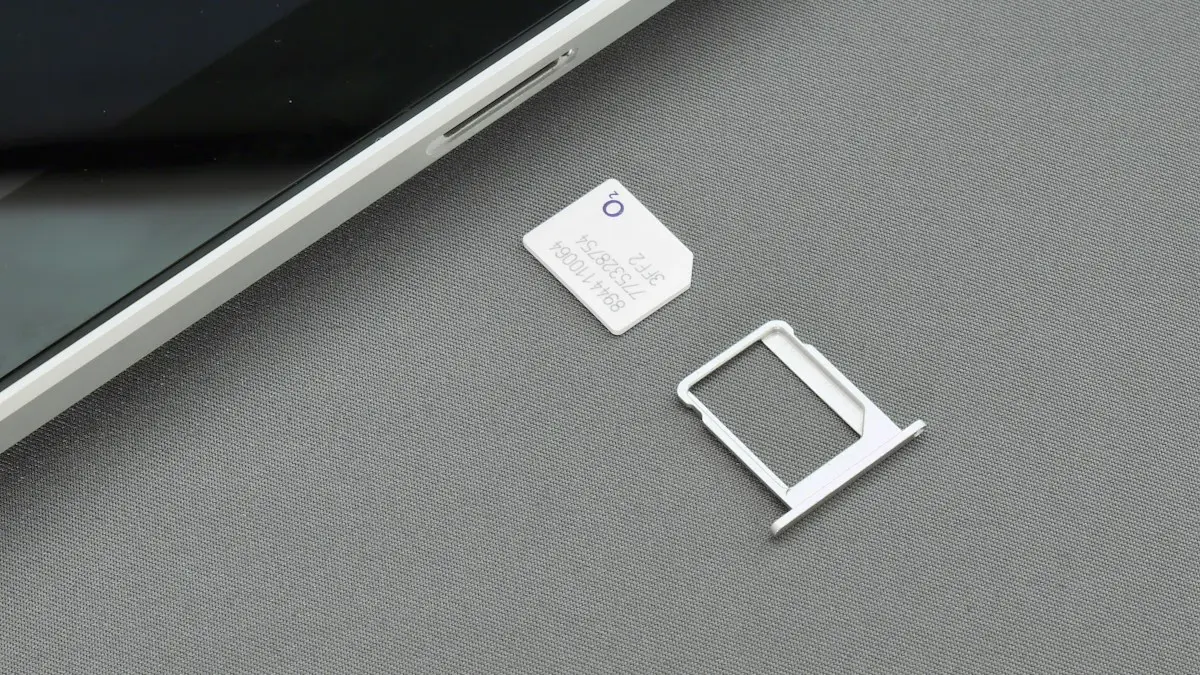
SIM card locked (PUK code)
SIM card locked and asking for a PUK code? Learn what SIM PIN and PUK mean, how to get your PUK from your carrier and how to fix a blocked SIM.
More guides you may need
Verizon verification code
Verizon not sending verification code texts for logins and apps? Check blocked short codes, spam filtering, your plan blocks and port delays, then call Verizon.
All circuits are busy
Hearing all circuits are busy on a cell phone call? Learn what it means, how to tell if it is your carrier or theirs, and how to get your call through.