

What to do if your phone gets wet (and why not rice)
Speed matters, but rice does not help. Air flow and patience do.
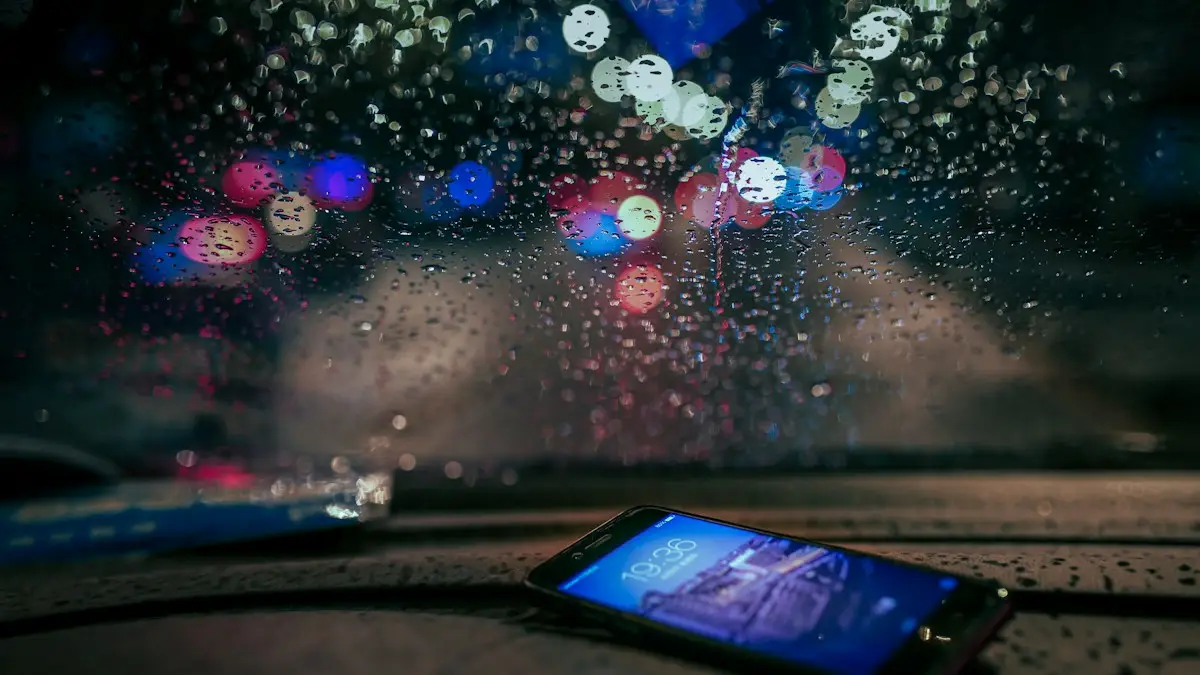
Photo by Zhuojun Yu on Unsplash
A phone in the sink, the pool or the toilet is one of the most common accidents there is, and what you do in the first few minutes matters more than anything after. The good news: most modern iPhones, Galaxy and Pixel phones are water resistant and survive a quick dunk in fresh water. The bad news: water resistance is not waterproofing, and damage can show up days later. Here is what to do, what not to do, and how to tell whether you need a repair.
What to do if your phone gets wet: the first 5 minutes
The fix
Right away
- 1
Get it out and turn it off.
Power it down even if it seems fine. A phone that is off is much less likely to short circuit while water is inside. Do not press buttons over and over to test them.
- 2
Unplug everything and remove the case.
Cases trap water against the phone. Take out the SIM tray too, if your phone has one, so air can reach the slot.
- 3
Wipe it dry and tap it with the ports facing down.
Use a soft, lint-free cloth. Hold the phone with the charging port pointing down and tap it gently against your palm to shake out water.
- 4
Leave it in a dry spot with a fan or air flow for 24 hours.
Stand it upright, port down, in front of a fan on the cool setting or in a room with good air flow.
- 5
Charge only when fully dry.
Water in the port plus power can corrode the pins. If the phone shows a moisture warning, wait until it clears.
What not to do
- No heat: a hair dryer, oven, microwave or radiator can warp parts, weaken the adhesive seals and damage the battery.
- No compressed air: it can push water deeper inside.
- Nothing in the ports: cotton swabs and paper towels leave fibers behind and can bend the pins.
- No charging to “test” it: power plus water is what causes most lasting damage.
- No opening it yourself: modern phones are sealed with adhesive, and opening one breaks the water seal and can void coverage.
Salt water, pool water, soda or coffee
Fresh water is the easy case. Salt, chlorine, sugar and milk leave residue that keeps corroding the metal inside long after the phone looks dry. Apple and Samsung both advise rinsing the phone briefly in clean tap water after contact with liquids other than water, then drying it as above. It feels wrong, but a short rinse removes the residue that does the real harm. If the phone went into the ocean or a sugary drink and was not water resistant, take it to a repair shop soon, even if it seems to work.
Dropped in the toilet?
Get it out quickly, turn it off and follow the same drying steps. To clean it, wipe the outside with a 70% isopropyl alcohol wipe or disinfecting wipe, which Apple says is safe for the exterior, while keeping liquid out of the openings. Do not spray cleaner onto the phone or soak it.
Liquid Detected on iPhone
iPhone XS and later can detect liquid in the Lightning or USB-C port. If you plug in a cable while the port is wet, you will see a Liquid Detected or Charging Not Available alert. Unplug the cable, tap the iPhone gently with the port facing down, and leave it somewhere dry with air flow. Wait at least 30 minutes before trying again, and longer if the alert comes back. There is an emergency override option in the alert, but Apple recommends using it only in an emergency, because charging while wet can damage the port and the phone. See what to do when your iPhone says liquid detected.
Moisture detected on Samsung
Galaxy phones show a “Moisture has been detected in your charging port” message, with a water drop icon, and stop cable charging until the port is dry. Dry the port with a soft cloth, shake the phone gently with the port facing down, and let it air dry. The alert clears on its own once the port is dry. If it stays for days after the phone has been dry, the port may be dirty or damaged; a repair shop can clean or replace it.
Is my phone waterproof? What IP68 really means
Most recent flagship phones are rated IP68. The 6 means dust tight, and the 8 means it survived the manufacturer’s own submersion test. Apple rates iPhone 12 and later to a depth of up to 6 meters for up to 30 minutes, and Samsung and Google rate recent Galaxy S and Pixel phones to 1.5 meters for up to 30 minutes. Those tests use still, fresh water in a lab.
- Resistance wears down over time as the adhesive seals age.
- A drop, a cracked back or a past repair can break the seal.
- Pressure from swimming, waves, jets or a shower is not the same as still water.
- Hot water, steam, soap and salt are not covered by the rating.
- Apple, Samsung and Google warranties do not cover liquid damage, even on IP68 phones.
In short, the rating makes survival more likely, not guaranteed. Treat every dunk as a potential problem.
Signs of hidden water damage
A wet phone can work fine for a day and then fail as corrosion spreads. Over the next few weeks, watch for:
- Fog or droplets inside the camera lens.
- A muffled speaker or microphone. Water in the speaker grille often clears in a day; if not, see fixing a phone speaker that is not working.
- A screen that flickers, shows lines or registers touches on its own.
- Charging that starts and stops, or a battery that drains fast or gets hot.
- Random restarts, or a phone that will not turn on at all.
- On iPhone, a red liquid contact indicator inside the SIM tray slot, which a technician can check.
It still will not turn on: repair or replace?
After 48 hours of drying, try charging it. If nothing happens, see what to do when a phone will not turn on. If it still fails, you have three routes:
- AppleCare+ or Samsung Care+: accidental damage, including liquid, is covered for a service fee. With AppleCare+, that is $99 for “other damage” on iPhone. See whether AppleCare+ pays off.
- Carrier protection or insurance: Verizon, AT&T and T-Mobile plans cover liquid damage for a deductible that depends on the phone. File the claim through your carrier. Some credit cards and renters or homeowners policies also cover phones, so check before paying out of pocket.
- Independent repair: a good shop can clean corrosion from the board, which sometimes saves a phone, or recover your data even when the phone cannot be saved. Ask for a diagnosis and a quote first.
If the phone is several years old and the repair quote is high, replacing it may make more sense. A dead phone often still has trade-in or parts value. See how much your iPhone is worth.
How to protect your phone next time
- Keep photos and messages backed up automatically to iCloud or Google.
- Use a waterproof pouch at the beach, pool or on a boat.
- Do not take the phone into the shower or a hot tub, even if it is rated IP68.
- Replace a cracked back or screen promptly, since cracks let water in.
- Consider AppleCare+ or Samsung Care+ if you are often near water or have kids.
Frequently asked questions
My iPhone says Liquid Detected. What now?
Unplug the cable, tap the phone gently against your hand with the port facing down, and wait at least 30 minutes before trying a cable again.
It fell in salt water or soda. What should I do?
Rinse it briefly in clean tap water, since salt and sugar corrode faster, then dry it and take it for repair.
How long should a wet phone dry before I turn it on?
Give it at least 24 hours in a dry place with moving air. If it was fully submerged or was not water resistant, 48 hours is safer.
Does insurance cover a water damaged phone?
AppleCare+, Samsung Care+ and most carrier protection plans cover accidental liquid damage for a service fee or deductible. Standard manufacturer warranties do not.
What to try next
People also ask
Is a cracked phone screen dangerous?
It can cut your fingers or face, and broken glass can scratch your skin. It can also let in water and dust. If the glass is shattered or flaking, treat it as unsafe.
Read the full guide: Cracked phone screenHow long does it take for the liquid detected alert to go away?
Apple says to wait at least 30 minutes before trying again, and that it can take up to 24 hours for the port to dry fully. Leave the iPhone in a dry place with some airflow in the meantime.
Read the full guide: iPhone liquid detectedCan I recover photos from a phone that will not turn on?
Often yes, if they were backed up to iCloud, Google Photos or another cloud service. If not, a professional lab may recover them from the storage chip, depending on the damage and the encryption.
Read the full guide: Recover data from a dead phoneHow long is a phone warranty?
Major brands typically offer a one-year limited warranty on new phones in the US, which covers defects but not accidental damage. Extended plans such as AppleCare+ or Samsung Care+ add more time and cover accidents.
Read the full guide: Check phone warrantyRelated guides
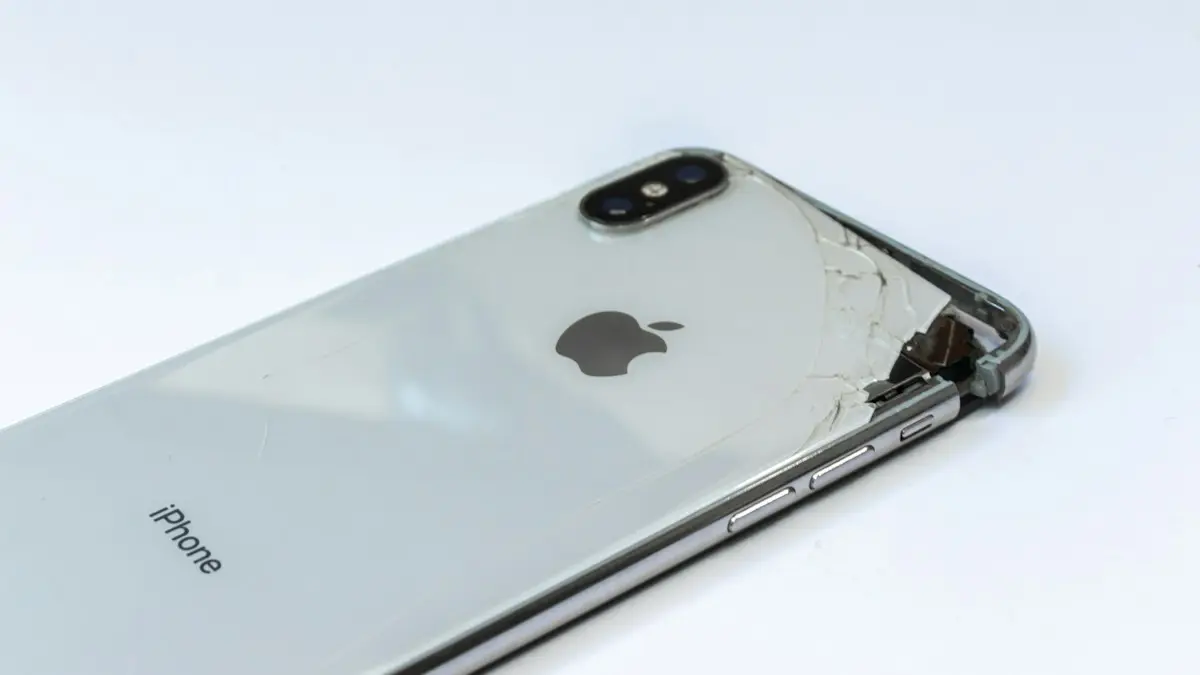
Cracked phone screen
Can you use a phone with a cracked screen? Yes, briefly, but cracks spread and let in water. Learn the risks, how to protect it now and when to repair.
iPhone liquid detected
iPhone liquid detected alert even when it is dry? Learn why it happens, how long to wait, when Emergency Override is safe and 7 fixes to charge again.
Recover data from a dead phone
How to recover data from a dead phone, starting with free options. Check cloud backups, try a charge and force restart, and know when a lab is worth paying.
Check phone warranty
How to check phone warranty status in under a minute. Look up your iPhone, Samsung or Pixel by serial number or IMEI and learn what the warranty really covers.
More guides you may need
Cracked phone screen
Can you use a phone with a cracked screen? Yes, briefly, but cracks spread and let in water. Learn the risks, how to protect it now and when to repair.
Emergency calls only
Phone says emergency calls only? It means your carrier is not accepting your line. Try these 8 fixes for iPhone and Android before you call your carrier.