

Phone keeps disconnecting from Wi-Fi? Fixes for iPhone and Android
If every device drops, fix the router. If only your phone drops, a few phone settings are usually the cause.
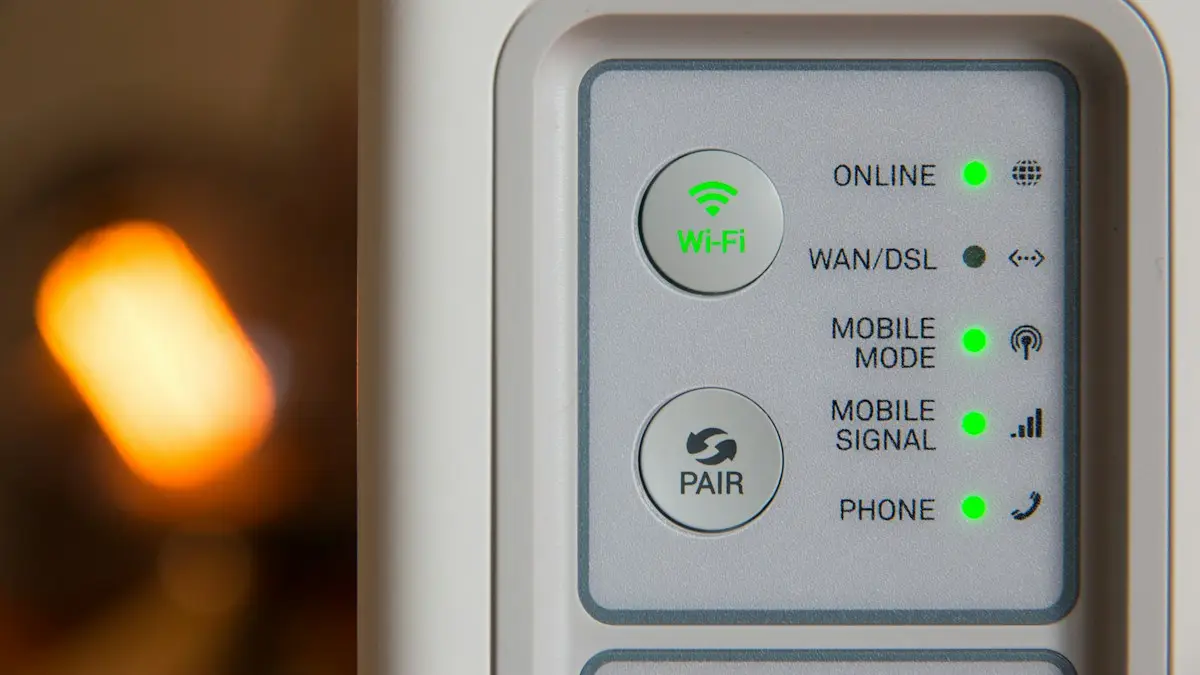
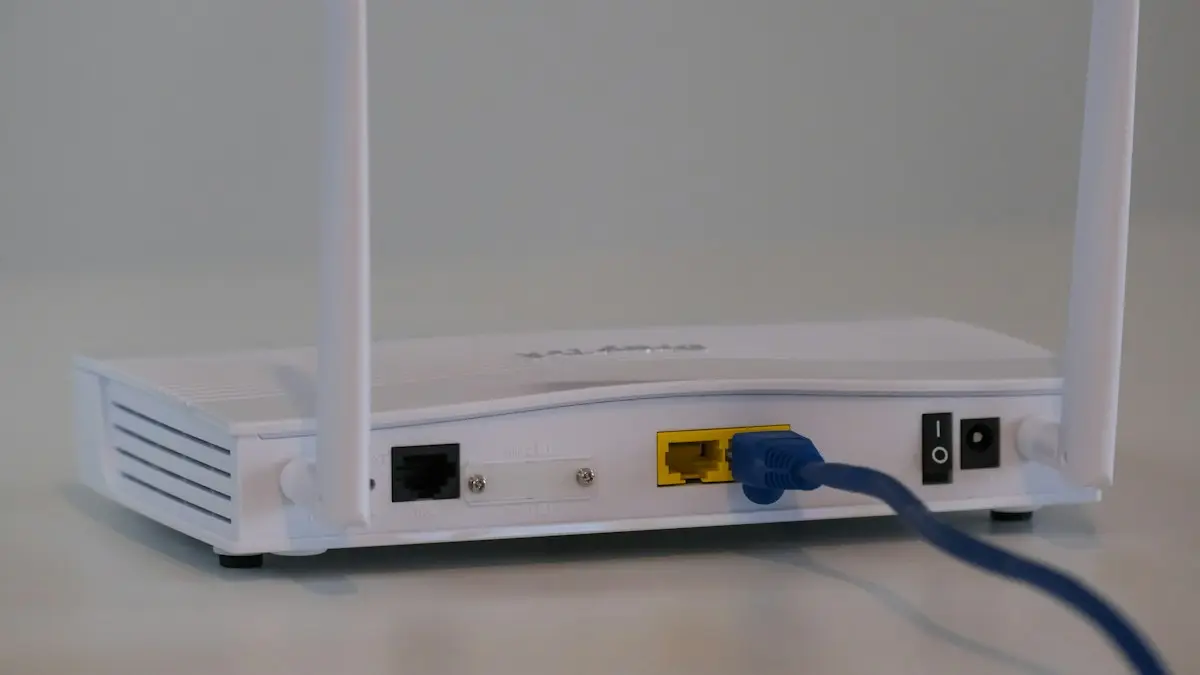
Photo by Stephen Phillips - Hostreviews.co.uk on Unsplash
Wi-Fi that keeps dropping has two possible owners: the phone or the network. If you fix the wrong one, nothing changes. So the first job is to find out whose fault it is. Once you know, the fixes are short. This guide works on both iPhone and Android, and it points to the detailed guides for each phone type when you need the menu paths.
How to fix a phone that keeps dropping Wi-Fi
The fix
8 fixes, in order
- 1
Check if other devices drop too.
Watch a laptop, a TV or a second phone for a few minutes.
- 2
Restart the router and the phone.
Unplug the router for 30 seconds and wait for the lights to settle.
- 3
Forget the network and join again.
Enter the password again, and check for typos.
- 4
Move closer to the router or use the 5 GHz network.
- 5
Turn off battery saver or Low Power Mode.
- 6
iPhone: turn off Wi-Fi Assist in Settings › Cellular.
- 7
Android: turn off Adaptive connectivity or Switch to mobile data.
- 8
Reset network settings.
Why does my phone keep disconnecting from Wi-Fi?
Phones drop Wi-Fi for a few reasons. The signal may be weak, so the phone lets go and looks for a stronger source. The router may be overloaded, out of date or running too hot. Phone settings may cut the connection to save power, or switch to mobile data when Wi-Fi seems slow. A privacy setting may change the phone’s address and confuse the router. Or the phone and router may disagree about a security mode or channel after an update. Most of these are easy to test one at a time.
Is it your phone or your router?
Compare what happens on different devices and in different places.
- Every device drops at once: the router, the modem or your internet line is at fault.
- Only your phone drops at home: a phone setting or the way it talks to the router.
- Your phone drops at home but not elsewhere: the home router, its channel or its settings.
- Your phone drops everywhere: the phone’s software or its Wi-Fi hardware.
Improve the signal and the router position
Wi-Fi gets weaker with distance and with every wall, floor, mirror and large metal object between you and the router. Put the router in a central spot, up high and in the open, away from the microwave and from cordless phones. Point any adjustable antennas straight up. If your router has two bands, use 5 GHz close by for speed and 2.4 GHz farther away for reach. In a big home, a mesh system with two or three nodes gives a steadier signal than one router or an extender.
Why does Wi-Fi drop when the screen is off?
Phones turn Wi-Fi down when they sleep, to save battery. That is fine most of the time, but some phones and routers handle it badly, and the connection drops until you wake the screen. On iPhone, turn off Low Power Mode in Settings › Battery. On Android, turn off battery saver and check that the Wi-Fi app is not limited in Settings › Apps › your app › Battery. Some Samsung and Xiaomi phones also have an option to keep Wi-Fi on during sleep under the advanced Wi-Fi menu. If the drops stop when you turn power saving off, you have found the cause.
Turn off the smart switching features
Both iPhone and Android have features that move you to mobile data when Wi-Fi seems weak. On iPhone it is Wi-Fi Assist, at the bottom of Settings › Cellular. On Pixel it is Adaptive connectivity under Network & internet, and on Samsung it is Switch to mobile data under Intelligent Wi-Fi. They are useful when you are on the move, but at home they can switch away from a fine connection. Turn them off to test. If drops stop, keep them off and use the cellular data manually when you need it. The detailed steps are in the guides for detailed iPhone Wi-Fi fixes and detailed Android Wi-Fi fixes.
Check the router’s channel, band and firmware
Open the router’s app or admin page. Set the channel to Auto, or pick a quiet one if you live in a crowded building. Give the 2.4 GHz and 5 GHz networks different names so you can pick one on purpose. Make sure the security mode is WPA2 or WPA3. Install the latest firmware, which often contains fixes for drops with new phones. If your router has a feature called smart connect or band steering, turn it off to test, since it can bounce a phone between bands. Restart the router once a month or schedule a restart in the middle of the night.
Interference from other devices
- Microwaves, baby monitors and cordless phones use the 2.4 GHz band and cause drops. Move the router away from them.
- Bluetooth speakers and many smart home devices crowd the same band.
- A router buried in a cabinet or behind a TV loses a lot of range.
- Neighbors’ routers on the same channel slow everything in an apartment block.
- A USB 3 hard drive plugged in next to the router can add noise on 2.4 GHz.
Reset network settings and check the phone
If your phone drops on every network, reset network settings. On iPhone go to Settings › General › Transfer or Reset iPhone › Reset › Reset Network Settings. On Samsung go to Settings › General management › Reset › Reset network settings. On Pixel go to Settings › System › Reset options. This clears saved Wi-Fi networks, so keep your passwords nearby. Update the phone’s system too. If drops still happen on a fresh network, the phone’s Wi-Fi hardware may be at fault, and a repair shop can check it. If your phone will not join a network at all, see a phone that will not join at all.
Change the DNS server
Sometimes the Wi-Fi stays connected but pages stop loading, and the phone says the connection dropped. A slow or failing DNS server from your provider is a common cause. You can set a public one on the phone. On iPhone, tap the info button next to the network, choose Configure DNS, switch to Manual and add 8.8.8.8 and 1.1.1.1. On Android, open the network’s settings, change IP settings to Static, and enter the same DNS servers, or use Private DNS under Network & internet. This does not make the signal stronger, but it removes a common cause of pages that stall while the Wi-Fi looks fine.
Check for an outage before you troubleshoot
Before you spend an hour on settings, check whether the internet is down for everyone. Look at your provider’s app or outage page on cellular data, and ask a neighbor if they have the same trouble. A provider fault shows up as Wi-Fi that works on and off all day on every device. If there is an outage, the fix is waiting, or using your phone’s hotspot. If there is none, restart the modem and the router together, wait three minutes, and look at the lights. A red or blinking light on the modem points to the line, and a call to the provider is the next step.
When to call your provider or replace the router
If every device drops, the router is old, or your plan is slow for the number of devices you have, talk to your internet provider. Ask them to test the line, check for outages and swap a worn out router. Many providers send a newer one for free or for a small monthly fee. Compare that with buying your own, which pays for itself after a couple of years. In the meantime, you can keep working with a hotspot from your phone plan, as covered in a hotspot as a backup connection.
Frequently asked questions
Why does Wi-Fi drop only when the screen is off?
Battery saving turns Wi-Fi down while the phone sleeps. Turn off battery saver or Low Power Mode to test.
Should I update my router?
Yes. Router firmware updates often fix drops with newer phones. Check the router’s app or admin page.
How do I know if my router is too old?
A router that is five or six years old, or one that struggles when several people stream at once, is a good candidate to replace. Check whether it supports Wi-Fi 6 or newer.
Does a Wi-Fi extender fix dropping?
Only when the cause is a weak signal in one room. A cheap extender can add its own drops, so a mesh system is often better for a large home.
What to try next
People also ask
Is it my phone or my router?
If every device drops at the same time, it is the router or internet. If only your phone does, work through the phone fixes.
Read the full guide: Android Wi-Fi disconnectingWhy does my iPhone Wi-Fi keep turning off by itself?
Check for a Shortcuts automation that turns Wi-Fi off, Airplane Mode turning on, and a weak signal that makes the iPhone drop the network. Then update iOS and reset network settings if it continues.
Read the full guide: iPhone Wi-Fi keeps disconnectingWhy does Bluetooth disconnect when my screen turns off?
Battery optimization is putting Bluetooth or the device’s app to sleep. Set both to Unrestricted in their battery settings.
Read the full guide: Android Bluetooth disconnectingI changed my router password. Why won’t my iPhone connect?
It still has the old one saved. Tap the info button next to the network, choose Forget This Network, then join again with the new password.
Read the full guide: Change Wi-Fi password on iPhoneRelated guides
Android Wi-Fi disconnecting
Android Wi-Fi keeps disconnecting and reconnecting? Turn off randomized MAC, Adaptive connectivity and Switch to mobile data, and check the router in 8 steps.
iPhone Wi-Fi keeps disconnecting
iPhone Wi-Fi keeps disconnecting or going in and out? Turn off Private Wi-Fi Address, forget weak networks, restart the router and try 6 more fixes.
Android Bluetooth disconnecting
Android Bluetooth keeps disconnecting from headphones, car or watch? Stop battery saving from cutting it, pair again, clear the Bluetooth cache and more.
Change Wi-Fi password on iPhone
Change your home Wi-Fi password from your iPhone with the router app or admin page, update a saved Wi-Fi password, or change your Personal Hotspot password.
More guides you may need
SIM card locked (PUK code)
SIM card locked and asking for a PUK code? Learn what SIM PIN and PUK mean, how to get your PUK from your carrier and how to fix a blocked SIM.
Straight Talk IMEI invalid
Straight Talk says your IMEI is invalid or the phone can’t be activated? Check the number, the compatibility tool, the carrier lock and the blocked status.