

AirPods keep beeping? 7 reasons and how to stop it
AirPods beep for a reason, usually a low battery tone, a Find My sound, a mode-change chime or an announcement. Work out which sound you hear, and each one has a setting to change.
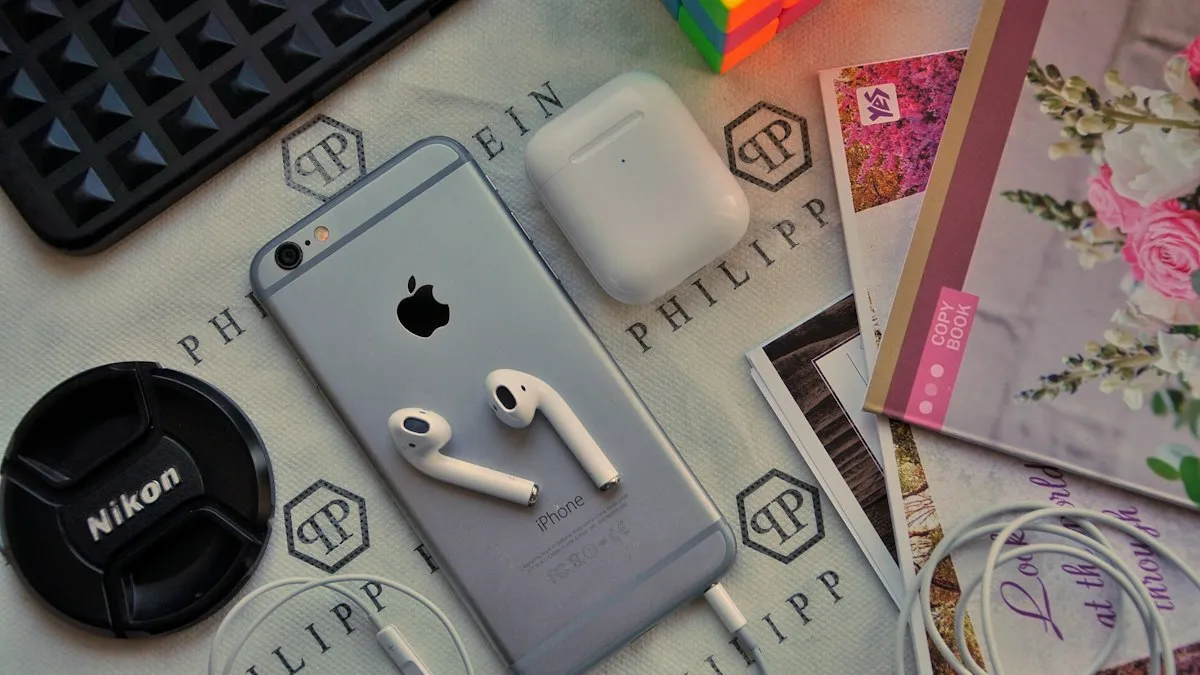
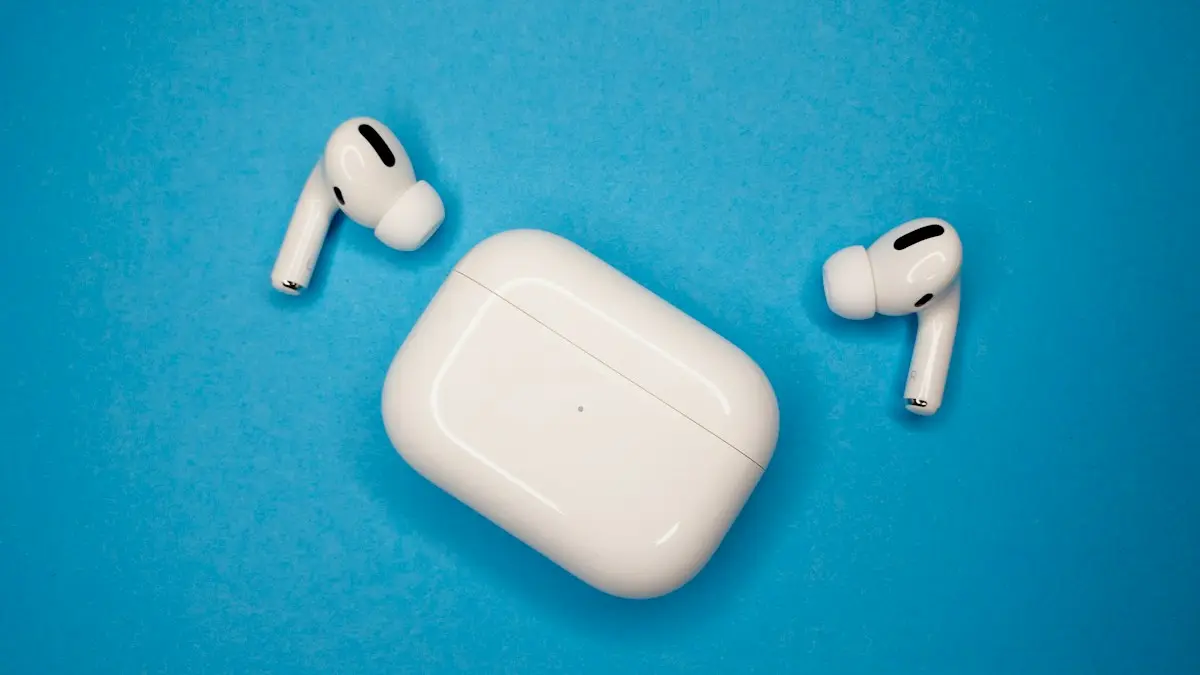
Photo by Viacheslav Bublyk on Unsplash
A beep that comes from nowhere is unsettling, especially when you are not using the AirPods or when it comes from the case in your bag. Most of the sounds AirPods make are on purpose, and each one has a trigger. Apple has no single page listing every tone, so this guide groups the common causes by when the sound happens. Behavior varies by model, firmware and iOS version, so treat the details as a guide.
Why do my AirPods keep beeping?
Start by asking yourself three questions. Does the beep play in your ears or from the case? Does it happen while you listen, or when the AirPods sit unused? Does it repeat at the same time or the same battery level? Your answers narrow down the cause quickly:
- In your ears, battery is low: a low battery tone.
- In the case or earbuds, getting louder: Find My is playing a sound.
- When you squeeze or press the stem: a mode-change or control chime.
- When a text or alert arrives: Siri or an app is announcing it.
- When the AirPods are away from your iPhone: a separation or unknown tracker alert.
- On and off with static: a weak Bluetooth link.
The fix
Fix 1: Charge the AirPods and the case
- 1
Put the AirPods in the case and plug the case in.
Use a wall charger or a MagSafe or Qi charger. Check that the light turns on.
- 2
Let them charge for at least 15 to 30 minutes.
A low battery tone is usually a short chime in your ears as the charge drops.
- 3
Check the levels.
Open the case near your iPhone and look at the battery card, or add the Batteries widget to your Home Screen.
If the AirPods drain very fast, or one earbud will not charge, see our guide to AirPods that are not charging.
Fix 2: Stop a Find My “Play Sound”
Find My can make your AirPods or case beep so you can find them. The sound starts quiet and grows louder. If you or someone in your Family Sharing group pressed Play Sound, the beeping will continue until it is stopped. Open the Find My app, tap Devices, choose your AirPods, and tap Stop Sound. If the sound is coming from a pair you cannot find, use Play Sound on purpose and follow the beeps. Make sure the earbuds are not in your ears when you test it.
If Find My cannot see your AirPods at all, read about AirPods showing no location found and Find My not updating location.
Fix 3: Look at listening mode and control chimes
AirPods Pro and AirPods Max play a short tone when you switch between Noise Cancellation, Transparency and Adaptive modes. Other models play a chime when you press or squeeze a control. If you keep touching the stem or the crown by accident, for example with a hat, hair or a scarf, you will hear it often. Open Settings, tap your AirPods near the top, and review the controls under Press and Hold AirPods or Press and Hold. Switch a mode you do not use off so you do not cycle through it, and use Automatic Ear Detection so the sounds only play when the AirPods are in your ears.
Fix 4: Check announcements and notification sounds
Siri can read your messages and notifications into your ears. If you hear a chime followed by a voice, or a chime alone before a message, this is likely on. Open Settings › Notifications › Announce Notifications and turn it off, or restrict it to selected apps. Also check Settings › Siri to see if Announce Calls is on. Alerts from fitness, timer and navigation apps can also sound through the AirPods.
Fix 5: Check for a separation or tracker alert
Apple builds safety alerts into Find My. If AirPods that are not yours travel with you, your iPhone can warn you, and some Apple accessories may play a sound after being away from their owner for a while. If you hear a beep from AirPods you do not own, or the iPhone says an item is moving with you, tap the alert and follow the steps. If it is your own AirPods, this can happen when they are away from your iPhone for a long time. Bring them near your iPhone and the alert should stop.
Fix 6: Clean the contacts and check for a weak connection
Lint or dirt on the charging contacts can interrupt charging and cause odd behavior. Use a dry, soft brush or a clean dry cotton swab to wipe the metal contacts in the case and on the earbuds. Do not use liquid or sharp tools. A weak Bluetooth link, from a crowded area or a distance from the iPhone, can cause crackle and sounds. Keep the iPhone close, toggle Bluetooth off and on, and check our guide to AirPods that keep disconnecting if they drop out as well.
Fix 7: Update the firmware and reset the AirPods
Update and reset
- 1
Keep the AirPods in the case, near your iPhone, with the case plugged in.
Firmware updates install on their own when the AirPods are charging and in range. Wait about 30 minutes.
- 2
Check the firmware number.
Open Settings, tap your AirPods, scroll to About and look at Firmware Version.
- 3
If the beeping continues, reset.
Forget the AirPods in Settings › Bluetooth, put them in the case, hold the setup button until the light flashes amber and then white, and pair again. The details are in our guide to how to reset AirPods.
A reset clears a stuck setting or state. It does not erase anything on your iPhone. See how to reset AirPods for each model.
The beep is in one ear only
If only one AirPod beeps, that earbud may have a lower battery than the other. It can also have a dirty contact or a problem with its connection to the case. Charge both, clean the contacts, and reset. If one earbud still behaves differently from the other, it may be a hardware fault in that unit. The earbuds can be replaced on their own for a fee, which is cheaper than a full set.
When beeping points to a hardware problem
- The beep repeats with no trigger after a reset, a full charge and an update.
- The case or an earbud gets hot, swells or will not hold a charge.
- The sound is a crackle or buzz, not a clear tone.
- The problem began after water, a drop or a long time in a hot place.
Check your coverage in Settings › your AirPods › About, or on Apple’s Check Coverage page, and see whether AppleCare is worth it if your AirPods are out of warranty.
Which AirPods model do you have?
The sounds differ by model. Standard AirPods and older versions mostly play a connection chime and a low battery tone. AirPods Pro add tones for switching between Noise Cancellation, Transparency and Adaptive modes, and newer cases have a small speaker for Find My. AirPods Max play a tone when you press the noise control button and when the battery is low. Check the model under Settings, then your AirPods, then About, or on the underside of the case lid. That helps you match what you hear to the right fix.
A beep that wakes you up at night
If the beeping starts while the AirPods sit in the case on your nightstand, it is almost always Find My, a firmware update that just finished or a low battery in the case itself. Check Find My for a Play Sound request, and look at the case light. If someone in your family has your Apple Account on a shared device, they may be playing the sound without knowing. Put the case on its charger overnight to rule out the battery.
Quick checklist
- Both earbuds and the case are fully charged.
- No Find My Play Sound is running.
- Controls and Announce Notifications are set the way you want.
- The contacts are clean and the iPhone is close.
- Firmware is current and you tried a reset.
Frequently asked questions
Why are my AirPods beeping?
The most common reasons are a low battery tone, a Find My Play Sound request, a chime when you change listening mode, or an app or Siri announcement. A weak connection or dirty contacts can also set off sounds.
How do I stop my AirPods from beeping?
Charge them, stop any Play Sound in Find My, and review Settings › Bluetooth › your AirPods for the controls that make sounds. Resetting them clears a stuck state.
Why does my AirPods case beep?
Cases on newer models have a small speaker. It can play a sound for Find My, and it can chime during pairing and charging. A case beeping alone with no one using Find My is worth checking in Settings.
Is beeping a sign my AirPods are broken?
Usually not. Most beeps are alerts the AirPods are designed to play. A sound that repeats with no cause, even after a reset, may mean a fault and is worth an Apple check.
What to try next
People also ask
Why do my AirPods switch to my Mac or iPad?
Automatic switching moves them to whichever Apple device starts playing. Set Connect to This iPhone to When Last Connected to This iPhone.
Read the full guide: AirPods keep disconnectingWhy is only one AirPod charging?
Dirt on that AirPod’s stem or the bottom of its slot is blocking contact. Clean both gently with a dry soft brush and make sure the AirPod sits fully down.
Read the full guide: AirPods not chargingWhy does one AirPod sound quieter than the other?
Earwax or dust in the speaker mesh is the most common cause. A skewed audio balance setting on the iPhone can also do it. Clean the mesh with a dry cotton swab and check Settings › Accessibility › Audio & Visual.
Read the full guide: AirPods one side not workingWhy won’t my AirPods light flash amber?
The case may be too low on battery, or the AirPods are not seated. Charge the case for 30 minutes, clean the contacts and try again with the lid open.
Read the full guide: Reset AirPodsRelated guides
AirPods keep disconnecting
AirPods keep disconnecting from your iPhone? Turn off automatic switching and ear detection, charge both buds, forget and pair again, and reset if needed.
AirPods not charging
AirPods or the case not charging? Clean the contacts, try another cable and outlet, check the case battery, turn off optimized charging and try 4 more fixes.
AirPods one side not working
Fix AirPods when one side is silent, quiet or louder than the other. Check balance, clean the mesh, reset the pair and learn when a single bud needs replacing.
Reset AirPods
Reset any AirPods in under a minute: the setup button for older models, the case tap for AirPods 4 and Pro 3, and the two buttons on AirPods Max.
More guides you may need

Apple Account cannot be created
Apple Account cannot be created or says 'cannot create at this time'? Check your connection, software, VPN and details, or sign up on the web. 7 fixes.
Apple Watch keeps opening Compass
Apple Watch keeps opening Compass or will not leave it? Change Return to Clock, turn off Return to App, end Backtrack and check the Action button. 7 easy fixes.