

AirPods one side not working? 9 fixes for a silent or quiet earbud
When one AirPod goes quiet, the cause is usually earwax in the mesh, a balance setting or a dead battery in that bud. Hardware failure comes last, not first.
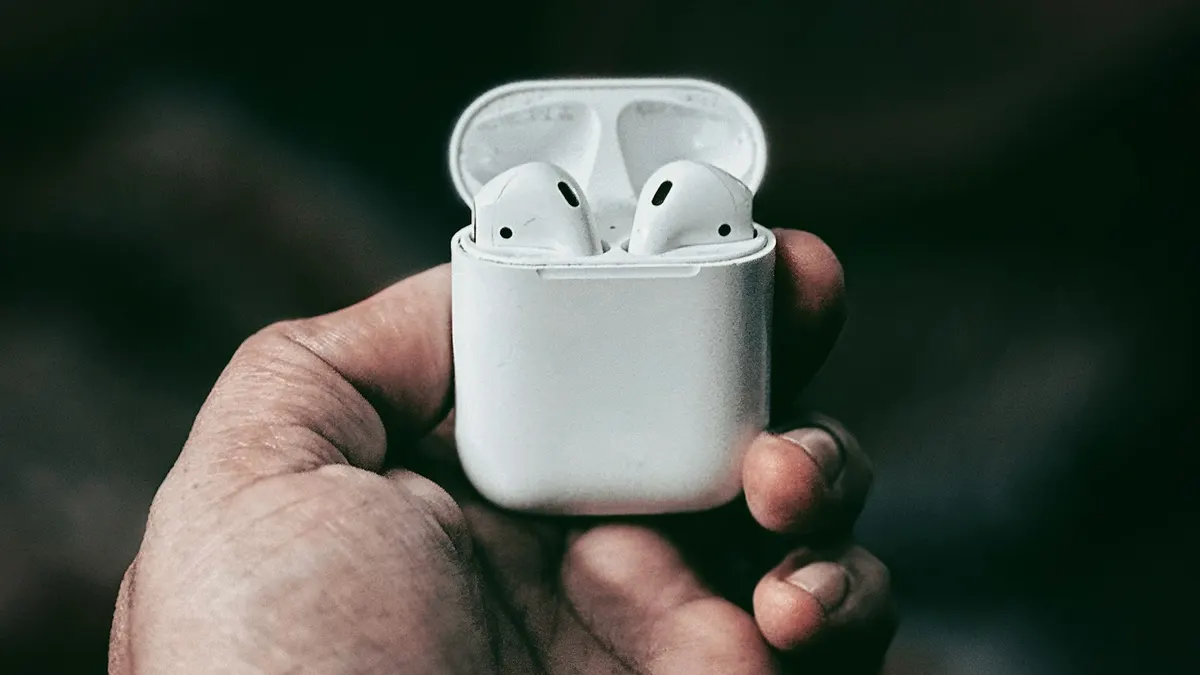
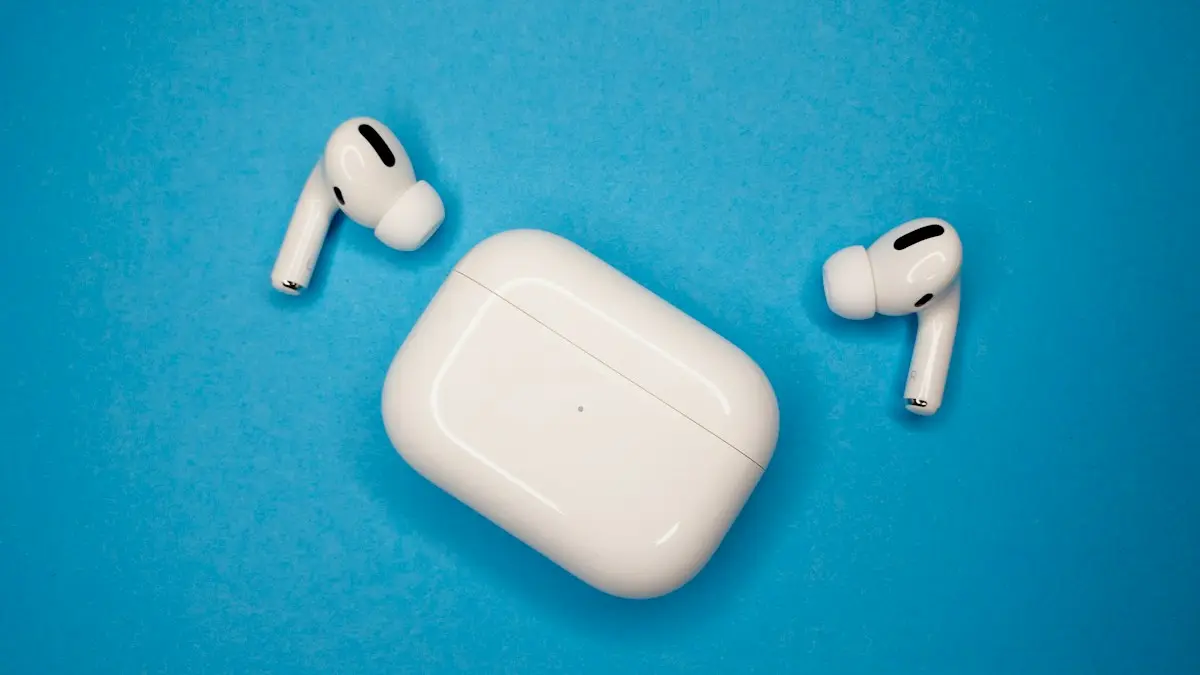
Photo by Nitin M Nisar on Unsplash
You put your AirPods in, press play, and the music only plays in one ear. Or both buds work but one is clearly quieter. It is annoying and it looks like a dead earbud, but in most cases the bud is fine. Dirt, a setting or a low battery gets in the way far more often than a broken part.
Below are nine fixes in the order that saves you the most time, from the thirty-second checks to the repair route. They apply to AirPods (all generations), AirPods Pro and AirPods Max where the steps match. Where a step differs, the text says so.
Why do AirPods lose sound on one side?
- Wax, dust or lint in the speaker mesh. This is the top cause of one side that sounds weak or muffled.
- A low or dead battery in one bud. The two buds drain at different rates, because one is used more for calls and the microphone.
- A balance or accessibility setting. The iPhone can send more sound to one ear without you meaning to.
- A pairing glitch. One bud connects to the phone and the other does not, or the two fall out of sync.
- Dirty charging contacts. The bud does not charge properly, so it dies fast.
- Water, a drop or age. A damaged driver or battery inside the bud makes the sound quiet or gone.
Fix 1: Check that both AirPods are charged
Put both buds in the case, close the lid and charge the case for at least fifteen minutes. Open the lid next to your iPhone and look at the battery card on the screen. It shows the level of the left bud, the right bud and the case. If one bud shows a very low level, or no level at all, that bud is your problem. A bud that does not charge points to dirty contacts or a worn battery, which later steps cover.
Fix 2: Reset the audio balance and turn off Mono Audio
On iPhone or iPad
- 1
Open Settings › Accessibility › Audio & Visual.
- 2
Find the Balance slider.
It should sit in the exact middle. If it is nudged toward L or R, one side will be louder. Drag it back to the center.
- 3
Check Mono Audio.
With Mono Audio on, both ears hear the same sound mixed together. This is helpful for people with hearing in one ear, but it can sound as if one side is wrong. Turn it off if you do not need it.
- 4
Also check Headphone Accommodations.
In the same menu, if Headphone Accommodations is on, turn it off for a moment and test. A custom setting can lower one side.
On a Samsung, Pixel or other Android phone the balance control is in Settings › Accessibility, usually under Hearing or Audio, and the wording changes with the brand. Look for Left/right sound balance or Audio adjustment.
Fix 3: Clean the speaker mesh and the charging contacts
Earwax is the biggest hidden cause. It blocks the small mesh over the speaker, so the bud sounds quiet or dead even though it is working. Cleaning takes a minute.
- 1
Wipe the outside with a soft, dry, lint-free cloth.
- 2
Gently brush the speaker mesh with a dry cotton swab or a clean, soft, dry brush.
Use light pressure. Brush from the edge toward the center, then tap the bud against your palm to shake out loose debris.
- 3
Clean the metal charging contacts on the bud and in the case.
Use a dry cotton swab. If there is dirt that will not move, a lightly dampened swab works, then dry it right after.
- 4
Take off the silicone ear tips on AirPods Pro and wipe them.
Wash the tips with water, dry them completely and press them back on until they click.
Fix 4: Put the buds in the case and try again
Place both AirPods in the case, close the lid and wait thirty seconds. Open the lid and put them back in your ears. This forces each bud to reconnect to the phone and to each other, and it fixes many cases where one bud sits idle. Then play something and test each side. Take out one bud at a time to check them separately. If the left works alone and the right works alone, the buds are fine and the problem is in how they pair together.
Fix 5: Turn Bluetooth off and on, then restart the iPhone
Open Control Center, turn Bluetooth off, wait a few seconds and turn it back on. If that does not help, restart the phone. A restart clears stuck audio processes. If your AirPods connect to a Mac, an iPad or an Apple TV as well, disconnect them from those too, because a second device can grab one side.
Fix 6: Forget the AirPods and reset them
The fix
A full reset takes about two minutes
- 1
Put both AirPods in the case and close the lid for thirty seconds.
- 2
Open Settings › Bluetooth, tap the info button next to your AirPods and choose Forget This Device.
- 3
With the lid open, hold the setup button on the back of the case.
Keep holding until the status light flashes amber, then white. This takes about fifteen seconds.
- 4
Hold the case next to your iPhone and follow the prompt to connect.
Test both sides with some music. If you need more detail, see our full guide to resetting AirPods.
Fix 7: Update the AirPods firmware
AirPods update on their own, but only when they are in the case, charging, within range of an iPhone that is on Wi-Fi. To check, open Settings › Bluetooth, tap the info button next to the AirPods and look at the firmware version. Leave the case near the phone on a charger for an hour. You cannot force an update, but keeping them connected and charging helps. Updating the iPhone to the latest iOS also helps, because older iOS versions had audio bugs for some AirPods models.
Fix 8: Check each bud for charging and battery problems
If one bud is always the one that dies first, its battery may be wearing out. Lithium batteries in earbuds lose capacity over time, and a pair used daily for two years or more can show a clear gap between the left and right. Signs of a worn battery include a bud that lasts only a short time, a bud that shuts off at forty or fifty percent and a bud that will not reach full charge. If the contacts are clean and the bud still does not hold a charge, Fix 9 is the next step. For other charging trouble, read about charging problems with AirPods.
Fix 9: Get a replacement for one AirPod
If a bud is still silent, quiet or dead after the steps above, the speaker or battery has probably failed. Apple replaces a single AirPod, so you do not have to buy a new pair. You can book a visit at an Apple Store, use mail in service or call Apple Support. Have the serial number ready. You can find it in Settings › Bluetooth next to the AirPods, or printed on the underside of the lid and on the bud.
- In warranty or covered by AppleCare+: a replacement can be free or cost a small fee. Use this warranty guide to see how to look up coverage by serial number.
- Out of warranty: Apple charges a fee for each bud. Check Apple's service page for the current price for your model.
- Compare with a new pair. On older AirPods, the combined cost of a bud and the time it takes can come close to the price of a new pair. If yours are several years old, a new set may be the better value.
Left bud or right bud: which fix helps most?
- One bud is silent, the other is fine: start with cleaning the mesh and the contacts, then reset the pair. A truly silent bud that stays silent after a reset is usually a failed bud.
- One bud is quieter: balance, Headphone Accommodations and wax cause most of these. Check the settings first, then clean.
- One bud dies much faster: that bud has a worn battery or dirty contacts. Clean it, then consider a replacement.
- Sound cuts in and out on one side: look at range, interference and the pairing. See our guide to AirPods that keep dropping out.
- One bud works only in the case or when you press it: a loose connection inside. Service is the answer.
How to stop it from happening again
- Clean the mesh and the contacts every few weeks, and always when the sound changes.
- Put the AirPods in the case after use so both buds charge evenly.
- Do not wear them in a sweaty workout without wiping them afterward.
- Keep the case lid closed in a pocket or bag so lint stays out.
- Alternate which bud you use for calls, if you often use only one.
- Keep the iPhone updated so the AirPods firmware and the phone stay in sync.
Frequently asked questions
Why does one AirPod sound quieter than the other?
Earwax or dust in the speaker mesh is the most common cause. A skewed audio balance setting on the iPhone can also do it. Clean the mesh with a dry cotton swab and check Settings › Accessibility › Audio & Visual.
Can I fix one AirPod that stopped working?
Often yes. Charge both buds, clean them, forget and reset the pair, and update the firmware. If the bud still makes no sound, it needs a single replacement from Apple.
Why is only one AirPod charging in the case?
The charging contacts on that bud or in that case slot may be dirty, or the bud may not sit all the way in. Wipe the contacts with a dry cloth and place the bud firmly in the case.
Does Apple replace a single AirPod?
Yes. Apple replaces a single AirPod or the charging case. If the pair is under warranty or covered by AppleCare+, it can be free or cost less than a new pair. Out of warranty it costs a fee.
What to try next
People also ask
Why is only one AirPod charging?
Dirt on that AirPod’s stem or the bottom of its slot is blocking contact. Clean both gently with a dry soft brush and make sure the AirPod sits fully down.
Read the full guide: AirPods not chargingWhy are my AirPods beeping?
The most common reasons are a low battery tone, a Find My Play Sound request, a chime when you change listening mode, or an app or Siri announcement. A weak connection or dirty contacts can also set off sounds.
Read the full guide: AirPods keep beepingWhy do my AirPods switch to my Mac or iPad?
Automatic switching moves them to whichever Apple device starts playing. Set Connect to This iPhone to When Last Connected to This iPhone.
Read the full guide: AirPods keep disconnectingWhy won’t my AirPods light flash amber?
The case may be too low on battery, or the AirPods are not seated. Charge the case for 30 minutes, clean the contacts and try again with the lid open.
Read the full guide: Reset AirPodsRelated guides
AirPods not charging
AirPods or the case not charging? Clean the contacts, try another cable and outlet, check the case battery, turn off optimized charging and try 4 more fixes.
AirPods keep beeping
AirPods keep beeping in your ears or from the case? Check battery tones, Find My Play Sound, Announce Notifications and dirty contacts. 7 causes and easy fixes.
AirPods keep disconnecting
AirPods keep disconnecting from your iPhone? Turn off automatic switching and ear detection, charge both buds, forget and pair again, and reset if needed.
Reset AirPods
Reset any AirPods in under a minute: the setup button for older models, the case tap for AirPods 4 and Pro 3, and the two buttons on AirPods Max.
More guides you may need
CarPlay keeps disconnecting
CarPlay keeps disconnecting and reconnecting? Swap the cable, clean the port, stop your iPhone joining public Wi-Fi and try 6 more fixes for a steady link.
iPad attempting data recovery
iPad attempting data recovery or stuck on a data recovery failed screen? Wait, force restart, update in recovery mode and restore safely. 6 steps.