

How to connect AirPods to iPhone (first time and new phone)
Open the case next to your unlocked iPhone and tap Connect. That is it for most people.
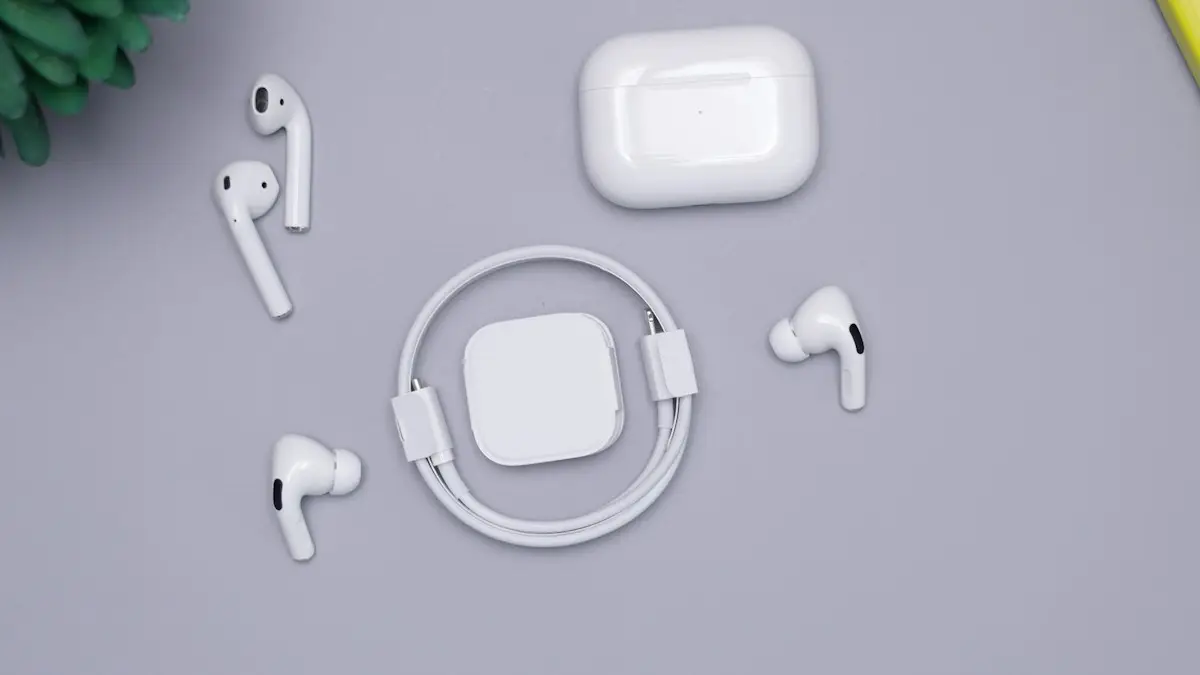
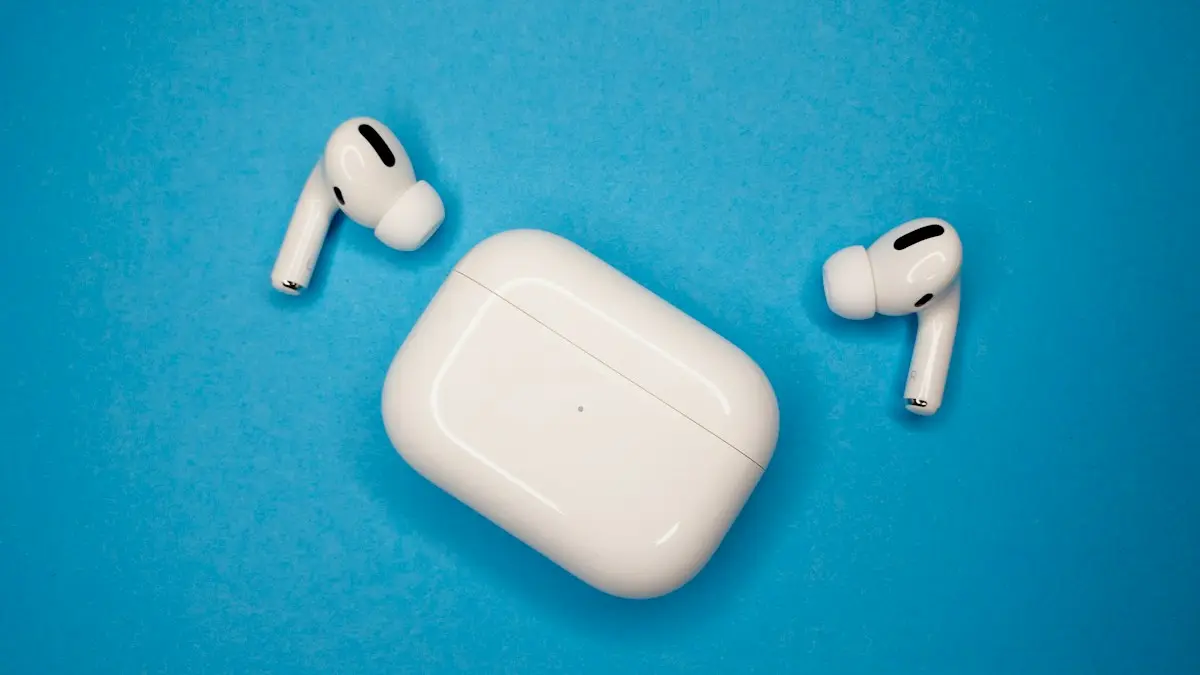
Photo by Daniel Romero on Unsplash
Pairing AirPods with an iPhone is meant to be the easiest Bluetooth setup you will ever do, because both are made by Apple. The setup card appears on its own, and one tap finishes the job. The steps below cover that normal route, the manual route for when the card does not show, a new iPhone, used AirPods, and a few settings worth checking right after you connect.
How to connect AirPods to an iPhone
The fix
First time setup
- 1
Unlock the iPhone and turn on Bluetooth.
Swipe down from the top right to open Control Center and check that the Bluetooth icon is blue.
- 2
Open the case next to the iPhone with the AirPods inside.
Hold it within a few inches, with the lid open and both AirPods in place.
- 3
Tap Connect, then follow the steps on screen.
The card may ask you to try Spatial Audio or set up Siri. You can skip those and change them later.
- 4
Tap Done.
Play a song to check that sound comes from both AirPods.
The fix
If no card appears
- 1
Open the case lid.
- 2
Hold the setup button on the back until the light flashes white.
On AirPods 4 and Pro 3, double tap the front of the case.
- 3
Go to Settings › Bluetooth and tap your AirPods.
Look under Other Devices if they are not in My Devices yet.
How to connect AirPods to a new iPhone
Sign in with the same Apple Account on the new phone, and your AirPods usually appear by themselves in Settings › Bluetooth, since the pairing syncs through iCloud. Open the case near the new iPhone and tap Connect if the card shows. If they appear in the list but will not connect, tap the info button, choose Forget This Device, and pair them again with the first-time steps. This also works when you moved to a new phone using a backup, because the Bluetooth pairing is not always carried across.
Pairing different AirPods models
The card works the same on every model. The manual button is the part that changes.
- AirPods 1, 2 and 3: hold the round setup button on the back of the case.
- AirPods Pro 1 and 2: the same setup button on the back of the case.
- AirPods 4 and AirPods Pro 3: double tap the front of the case, since the newer cases use touch.
- AirPods Max: hold the noise control button until the light flashes white, then pick them in Bluetooth.
How to connect AirPods you bought used
AirPods stay tied to the Apple Account of the first owner until that person removes them in Find My. If your iPhone says the AirPods are connected to another account, you cannot fully use them. Ask the seller to open Find My, tap Devices, choose the AirPods and tap Remove This Device. Then reset them with the steps in how to reset AirPods and pair them again. Be careful with very cheap pairs. Fake AirPods exist, and they may pair with the wrong name or lack features. If the iPhone does not recognize the model, ask for a refund.
Switch AirPods between your devices
Once paired, your AirPods can move between your iPhone, iPad and Mac. Tap the AirPlay icon in Control Center on the device you want and pick your AirPods. On supported models, they switch automatically to the device that starts playing. That is handy, but it can also pull the audio away when you do not want it. To change it, go to Settings › your AirPods › Connect to This iPhone and choose When Last Connected to This iPhone. If your AirPods keep jumping, read about AirPods that keep dropping.
Connect AirPods to Android or Windows
AirPods work with other devices as normal Bluetooth headphones. Open the case, hold the setup button until the light flashes white, then open Bluetooth settings on the Android phone or Windows PC and choose AirPods from the list. You get sound and the mic, but you lose automatic ear detection, Siri and the neat battery card. They still pair with your iPhone later, but you may need to put them in pairing mode again.
Settings to check after you connect
- Name: Settings › your AirPods at the top › Name. A clear name helps when you share a house with other pairs.
- Press and hold: choose noise control or Siri for each side.
- Microphone: leave it on Automatic so calls work with either bud.
- Automatic Ear Detection: turn it off if audio pauses by itself.
- Battery widget: add it to the Home Screen so you can see each bud and the case.
More options sit in the audio menu, which is covered in headphone settings on iPhone.
How to tell when the AirPods are really connected
After you tap Connect, check three things. Open Control Center and look at the audio card, where the AirPods name should show under the playing song. Open the battery widget or lift the case lid near the phone, and a card shows the charge of each bud and the case. Then play a song and cover each ear in turn, to confirm that both sides work. If sound still comes from the iPhone speaker, tap the AirPlay icon in Control Center and pick the AirPods by hand. Each time you pair, the iPhone remembers the choice, so the next time you open the case it connects in a few seconds.
Common reasons the setup card does not appear
- Bluetooth is off. Turn it on in Control Center or Settings.
- The iPhone is locked, or you are inside an app. Go to the Home Screen first.
- The case is flat. Charge it for 30 minutes and try again.
- The AirPods are already connected to another device nearby, such as an iPad or Mac.
- The iOS version is too old for the model. Update the iPhone, since new AirPods need a recent iOS.
- The AirPods are tied to an old pairing. Forget them in Bluetooth and put them in pairing mode again.
Newer AirPods need a recent version of iOS, so an iPhone that has not been updated for years may not show the card at all. Check Settings › General › Software Update. If your iPhone is too old to update, you can still pair the AirPods through the Bluetooth menu, but you may lose features such as Spatial Audio and automatic switching.
Share audio with a second pair of AirPods
You can listen to the same movie or song with a friend. Connect your AirPods, play something, then open Control Center and tap the AirPlay icon in the audio card. Choose Share Audio, and hold the second pair of AirPods, with the lid open, near your iPhone. Tap Share Audio when the prompt shows. Each person can set their own volume. Sharing works with most recent AirPods and Beats models, and it needs a fairly recent iOS.
AirPods will not connect? Try this
Most failures come from a flat case, Bluetooth being off, or an old pairing that is stuck. Charge the case for 30 minutes, turn Bluetooth off and on, and restart the iPhone. Forget the AirPods in Settings › Bluetooth, then pair again. If it still fails, reset them and keep the lid open. The full checklist is in troubleshooting AirPods that will not pair. If the iPhone itself has Bluetooth trouble, see Bluetooth that will not turn on.
Frequently asked questions
Why does no setup card appear?
Make sure Bluetooth is on and the iPhone is unlocked on the Home Screen. If it still does not show, hold the setup button on the case or reset the AirPods.
Can I connect AirPods that belonged to someone else?
Yes, if they removed them from Find My. Otherwise the iPhone shows they are linked to another Apple Account and some features will not work.
Do I need to pair AirPods again on every Apple device?
No. Once you pair them with one device signed in to your Apple Account, they appear on your other Apple devices by themselves.
Can I connect two pairs of AirPods to one iPhone?
Yes. Play audio from the Control Center audio card, tap the AirPlay icon, and choose Share Audio. A second pair can join and both hear the same sound.
What to try next
Sources
Official pages these steps are based on. Menus can differ by software version.
People also ask
Why does my phone connect to the car but play no sound?
The car may be on another audio source, or media audio is turned off for that connection. Pick Bluetooth as the source on the car screen and check the device’s settings on your phone.
Read the full guide: Bluetooth won’t connect to carWhy do my AirPods switch to my Mac or iPad?
Automatic switching moves them to whichever Apple device starts playing. Set Connect to This iPhone to When Last Connected to This iPhone.
Read the full guide: AirPods keep disconnectingWhy is only one AirPod connecting?
The other AirPod is usually flat or dirty. Put both in the case, check the charging contacts and the inside of the case are clean, charge for 30 minutes and try again. If it still fails, reset the AirPods.
Read the full guide: AirPods not connectingWhy won’t my AirPods light flash amber?
The case may be too low on battery, or the AirPods are not seated. Charge the case for 30 minutes, clean the contacts and try again with the lid open.
Read the full guide: Reset AirPodsRelated guides
Bluetooth won’t connect to car
Phone Bluetooth won’t connect to your car? Forget and re-pair it on both sides, clear old devices from the car, check audio settings and try 6 more fixes.
AirPods keep disconnecting
AirPods keep disconnecting from your iPhone? Turn off automatic switching and ear detection, charge both buds, forget and pair again, and reset if needed.
AirPods not connecting
AirPods not connecting to your iPhone or stuck on connecting? Charge the case, check Bluetooth, forget and re-pair, and reset your AirPods with these 8 fixes.
Reset AirPods
Reset any AirPods in under a minute: the setup button for older models, the case tap for AirPods 4 and Pro 3, and the two buttons on AirPods Max.
More guides you may need
Turn on data roaming on iPhone
Turn data roaming on or off on iPhone in Settings › Cellular › Cellular Data Options. Check your plan first to avoid charges, and fix it if it won't connect.
Send a voice message on iPhone
Send a voice message on iPhone from the plus menu in Messages, review it before sending, and stop audio messages from disappearing after 2 minutes.