

AirPods not charging? 8 fixes for the case and earbuds
Dirt on the contacts and a flat case cause most AirPods charging problems. Both take a minute to check.
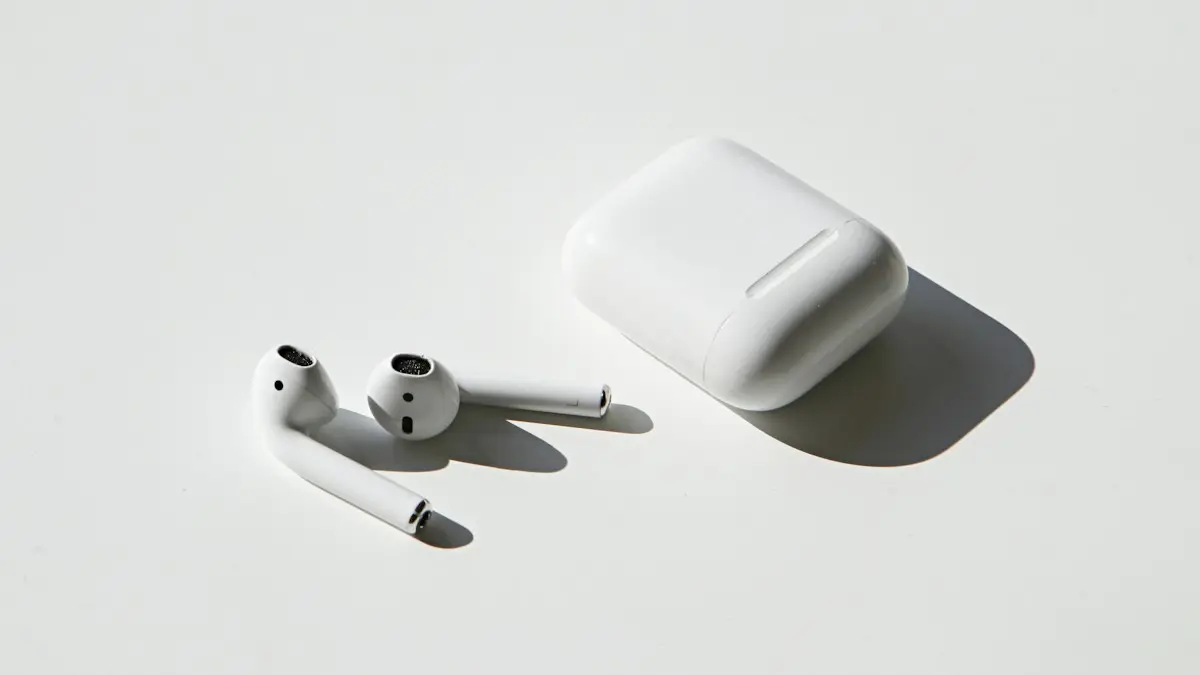
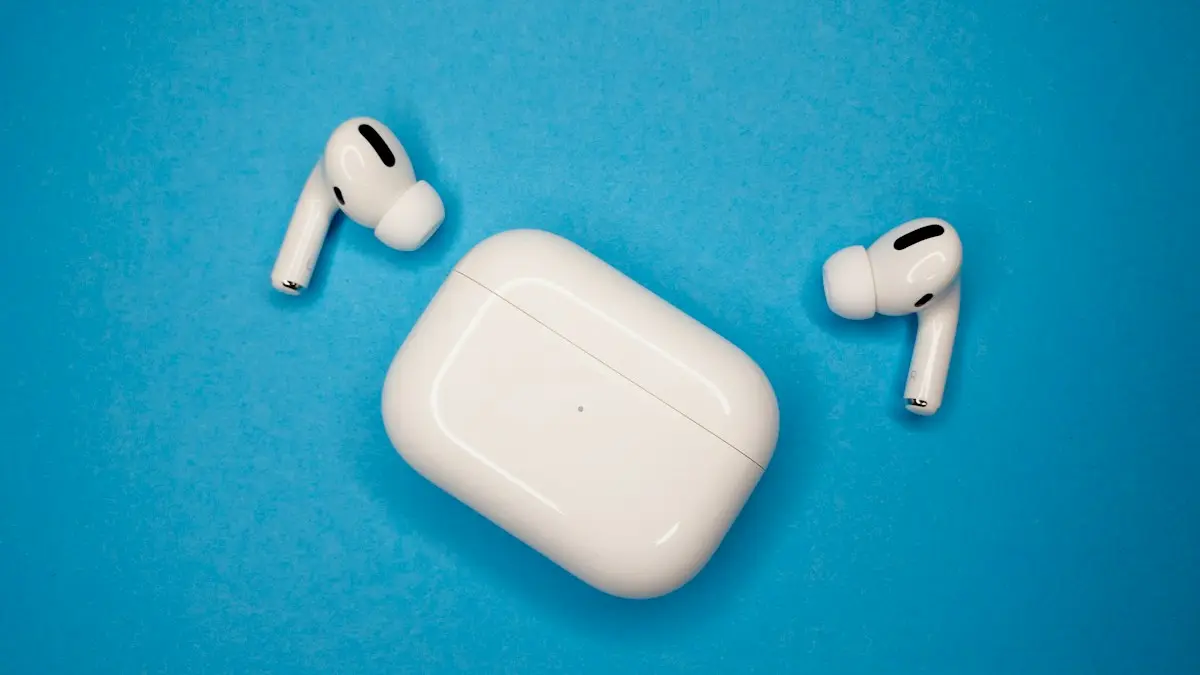
Photo by Dagny Reese on Unsplash
AirPods charge in two stages. The case charges from a cable or a wireless pad, and then the case charges the earbuds through tiny metal contacts. A fault at either stage looks the same from outside: the light is wrong, or the percentage does not move. Work out which stage failed, and the fix is usually quick.
How to fix AirPods that won’t charge
The fix
8 fixes, in order
- 1
Try another cable and wall adapter.
- 2
Charge the case alone first.
If the case is under 10 percent it cannot charge the AirPods.
- 3
Clean the contacts.
Use a dry soft brush or cotton swab on the stems and slots. Do not use liquids or sharp tools.
- 4
Seat each AirPod fully.
The status light should blink when they drop in.
- 5
Center the case on a wireless charger.
The light should turn on for a few seconds.
- 6
Turn off Optimized Charging.
Settings › your AirPods › Optimized Charge Limit or Optimized Battery Charging.
- 7
Update the firmware.
Leave the case charging near your iPhone for 30 minutes.
- 8
Reset the AirPods.
Why are my AirPods not charging?
The reasons fall into a short list. Lint, earwax and skin oil build a film on the metal contacts, and the AirPod no longer touches the case properly. A cable or an adapter that is weak or damaged cannot charge the case. A case with an empty battery cannot charge the earbuds. A software setting, such as optimized charging, may hold the charge. And after a few years, the batteries wear out. Each of these has a different test, so a little checking saves a lot of guessing.
What the case light is telling you
The status light on the case, or inside it, gives a quick read. The exact spot and colors vary by model.
- Green or white: charged, or ready.
- Amber or orange: not fully charged. When the AirPods are in the case, it shows that they are still charging. If the AirPods are out, it shows how much charge the case has left.
- Flashing amber: the AirPods need to be reset, or the pairing has a problem.
- Flashing white: ready to pair.
- No light: the case is flat, or it is not getting power.
Is it the case or the earbuds?
Test each part on its own so you know where to look.
- Case will not charge: the problem is the cable, adapter, charger or the case itself.
- Case charges, one AirPod does not: that AirPod’s contacts are dirty, or its battery is damaged.
- Case charges, both AirPods do not: the case contacts are dirty, or its hinge or lid does not close fully.
- Charges, but runs out too fast: the batteries are worn.
Check the cable, adapter and outlet
Use the cable that came with the AirPods, or a certified one, and a wall adapter. A computer port or an old power bank may give too little power. Plug the cable firmly into the case. Look for lint in the port, using a flashlight. Lift it out gently with a wooden toothpick, and do not use metal. Try a different outlet and a second cable. If a different cable works, the first one is the problem. Leave the case on the charger for at least 30 minutes, since a very flat case may show nothing at first.
Clean the contacts the safe way
The metal contacts at the bottom of each AirPod, or on the stem, touch matching pins in the case. A thin film of dirt can break the link. Take the AirPods out. Use a dry, soft, lint-free cloth, or a soft brush, to wipe the contacts. A dry cotton swab can clean the bottom of each slot. For stuck residue, dampen a swab very slightly with isopropyl alcohol, wipe, and let it dry fully before you put the AirPods back. Do not use sharp tools, do not spray liquids into the case, and do not use compressed air, which can push dirt deeper. Check the speaker mesh as well, but be gentle.
Seat the AirPods and close the lid
Place each AirPod so it drops all the way down in its slot. Magnets pull them into place, and the status light should react. If an AirPod sits crooked, check for dirt or lint under it. Close the lid fully. A bent hinge, or a thick case cover, can stop the lid from closing, or stop the contacts from lining up. Remove any silicone cover and test without it.
Wireless charging placement
If you use a wireless charger, the case must have wireless charging support. Check the model, since some cases charge by cable only. Place it in the center of the pad, with the status light facing up if the pad requires it. The light should show for a few seconds. If it does not, move the case, remove any thick cover, and try the cable to see whether the pad is the problem. A pad that is not centered, or one with a weak power adapter, is a common cause of a case that never gains charge.
Why do AirPods stop at 80%?
On supported AirPods, Optimized Battery Charging learns your routine and holds the charge at 80% until you need it. This slows battery wear. It is not a fault. If you want a full charge, open Settings on your iPhone with the AirPods connected, tap your AirPods near the top, and look for Optimized Charge Limit or Optimized Battery Charging, then turn it off. The names change with the model and the iOS version. You can read about the idea in how optimized charging works.
Update the firmware and reset the AirPods
AirPods update their own firmware, and a bug can affect charging or battery reporting. Put the AirPods in the case, close the lid, and leave them near your iPhone, which must be on Wi-Fi and charging, for 30 minutes. You can see the version in Settings › Bluetooth › your AirPods › info button › About. If that does not help, reset them. Put the AirPods in the case with the lid open, press and hold the setup button on the back of the case for about 15 seconds, until the light flashes amber and then white. Then pair them again. The full steps are in the guide to resetting your AirPods.
When the battery has worn out
AirPods have tiny batteries that cannot be changed at home. After a couple of years, they hold less charge, and listening time falls. If an AirPod dies in under an hour, or one lasts far less than the other, the battery is worn. It is not a cleaning problem. Apple offers battery service and single AirPod or case replacements, and the fee depends on the model and on whether you have AppleCare+. Look up your serial number on Apple’s coverage page to see what applies. Read AppleCare+ costs and coverage for help with the decision.
Repair, replacement or a new pair?
Ask for the price of each option. A single replacement AirPod or a new case can cost much less than a new pair, and it works if only one part has failed. If both earbuds are worn, and the pair is old, a new set may be better value, especially if a trade-in or sale price is on offer. Beware of very cheap third party replacements, since they may not pair, and fake AirPods are common online. Buy from Apple or a trusted seller.
How to keep AirPods charging well
- Wipe the contacts and slots every few weeks.
- Keep the case closed, and do not keep it with coins or keys in a pocket.
- Use a certified cable and a wall adapter.
- Do not let the case sit at 0% for weeks.
- Keep your iPhone updated so the AirPods can update too.
Frequently asked questions
Why is only one AirPod charging?
Dirt on that AirPod’s stem or the bottom of its slot is blocking contact. Clean both gently with a dry soft brush and make sure the AirPod sits fully down.
Why do my AirPods stop at 80 percent?
Optimized Battery Charging holds them at 80 percent to protect the battery. It finishes later, or you can turn it off in the AirPods settings.
What does the orange light on the AirPods case mean?
On many cases, an amber light means the AirPods are not fully charged, or that the case needs attention. A white light means charged. If it stays amber after a long charge, clean the contacts and reset them.
How long should AirPods last before the battery wears out?
Their batteries lose capacity with use, often noticeably after a couple of years of daily use. When they hold only a short time, a battery service or a replacement is the fix.
What to try next
Sources
Official pages these steps are based on. Menus can differ by software version.
People also ask
Why does one AirPod sound quieter than the other?
Earwax or dust in the speaker mesh is the most common cause. A skewed audio balance setting on the iPhone can also do it. Clean the mesh with a dry cotton swab and check Settings › Accessibility › Audio & Visual.
Read the full guide: AirPods one side not workingWhy are my AirPods beeping?
The most common reasons are a low battery tone, a Find My Play Sound request, a chime when you change listening mode, or an app or Siri announcement. A weak connection or dirty contacts can also set off sounds.
Read the full guide: AirPods keep beepingWhy do my AirPods switch to my Mac or iPad?
Automatic switching moves them to whichever Apple device starts playing. Set Connect to This iPhone to When Last Connected to This iPhone.
Read the full guide: AirPods keep disconnectingWhy won’t my AirPods light flash amber?
The case may be too low on battery, or the AirPods are not seated. Charge the case for 30 minutes, clean the contacts and try again with the lid open.
Read the full guide: Reset AirPodsRelated guides
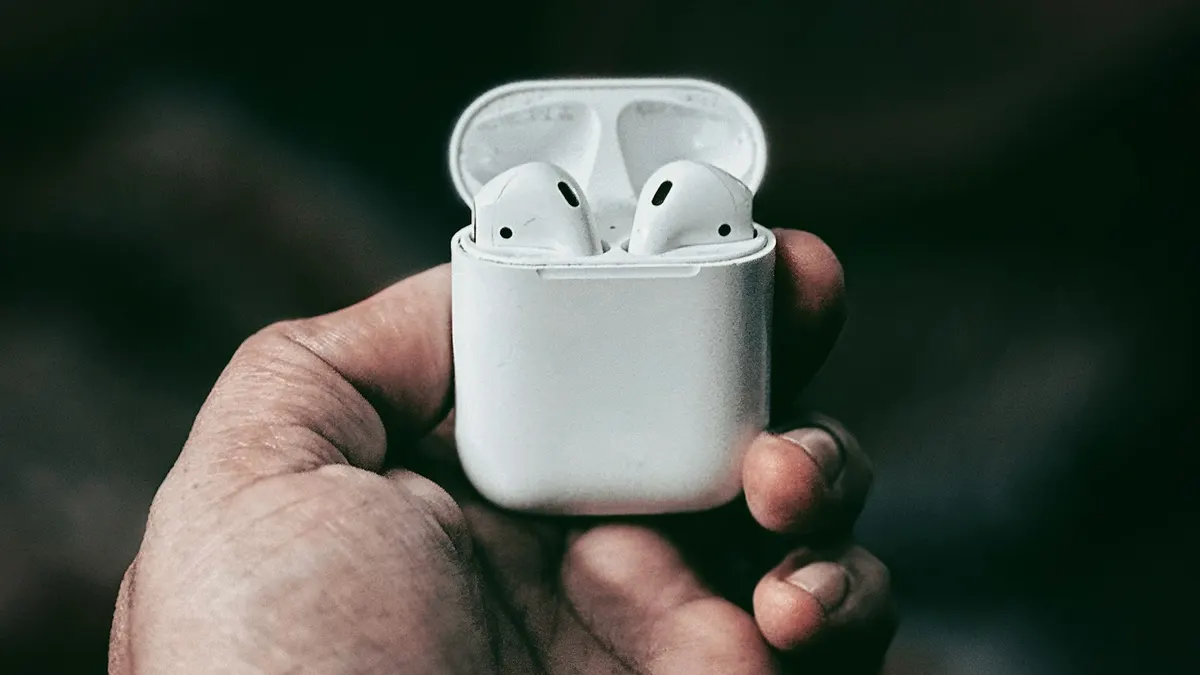
AirPods one side not working
Fix AirPods when one side is silent, quiet or louder than the other. Check balance, clean the mesh, reset the pair and learn when a single bud needs replacing.
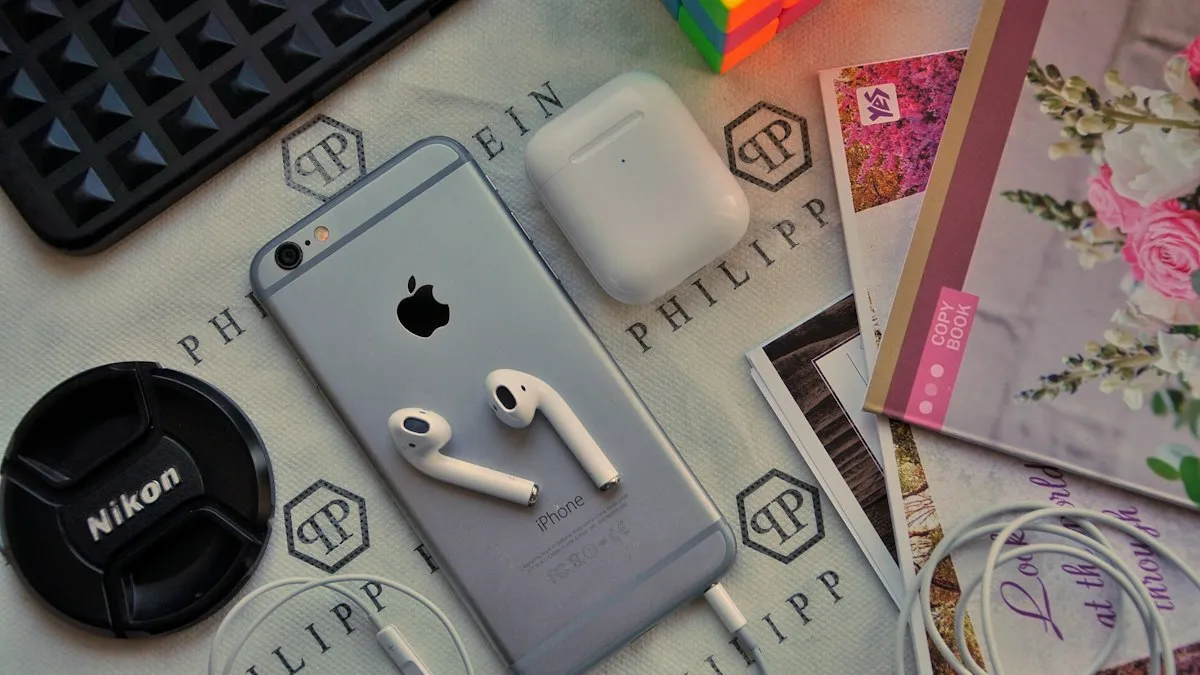
AirPods keep beeping
AirPods keep beeping in your ears or from the case? Check battery tones, Find My Play Sound, Announce Notifications and dirty contacts. 7 causes and easy fixes.
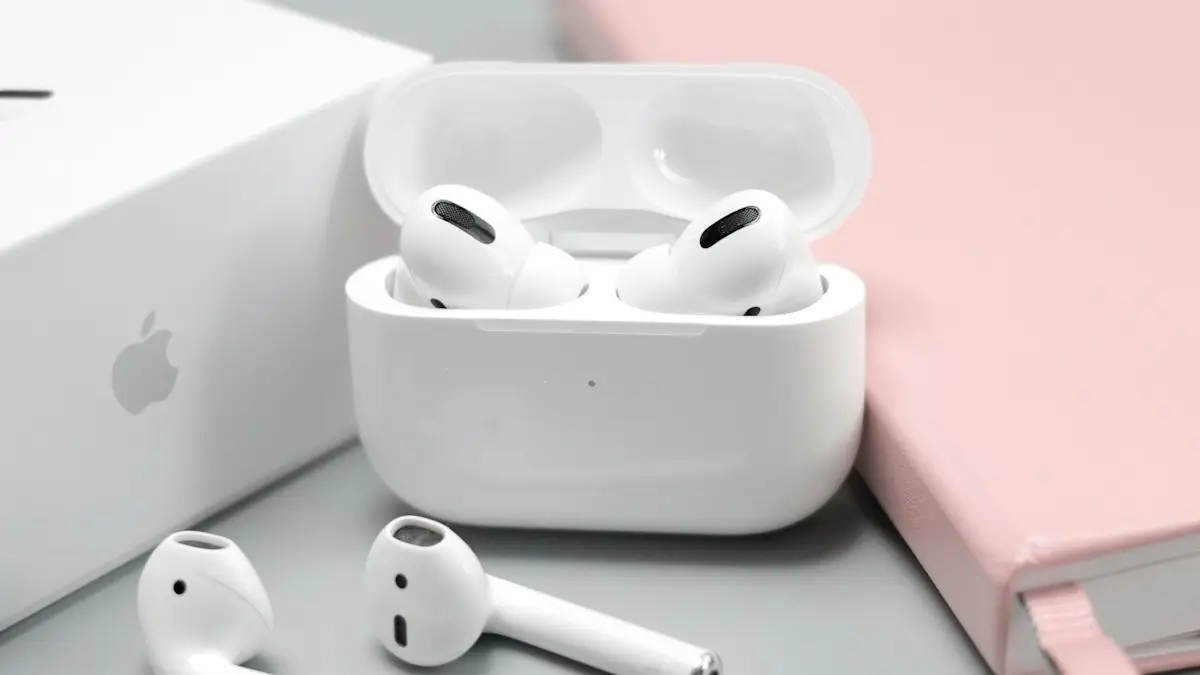
AirPods keep disconnecting
AirPods keep disconnecting from your iPhone? Turn off automatic switching and ear detection, charge both buds, forget and pair again, and reset if needed.
Reset AirPods
Reset any AirPods in under a minute: the setup button for older models, the case tap for AirPods 4 and Pro 3, and the two buttons on AirPods Max.
More guides you may need
AirPods keep beeping
AirPods keep beeping in your ears or from the case? Check battery tones, Find My Play Sound, Announce Notifications and dirty contacts. 7 causes and easy fixes.
AirPods one side not working
Fix AirPods when one side is silent, quiet or louder than the other. Check balance, clean the mesh, reset the pair and learn when a single bud needs replacing.