

How to reset AirPods, AirPods Pro and AirPods Max
A reset fixes most pairing and sound problems, and you need it before selling or giving away your AirPods.
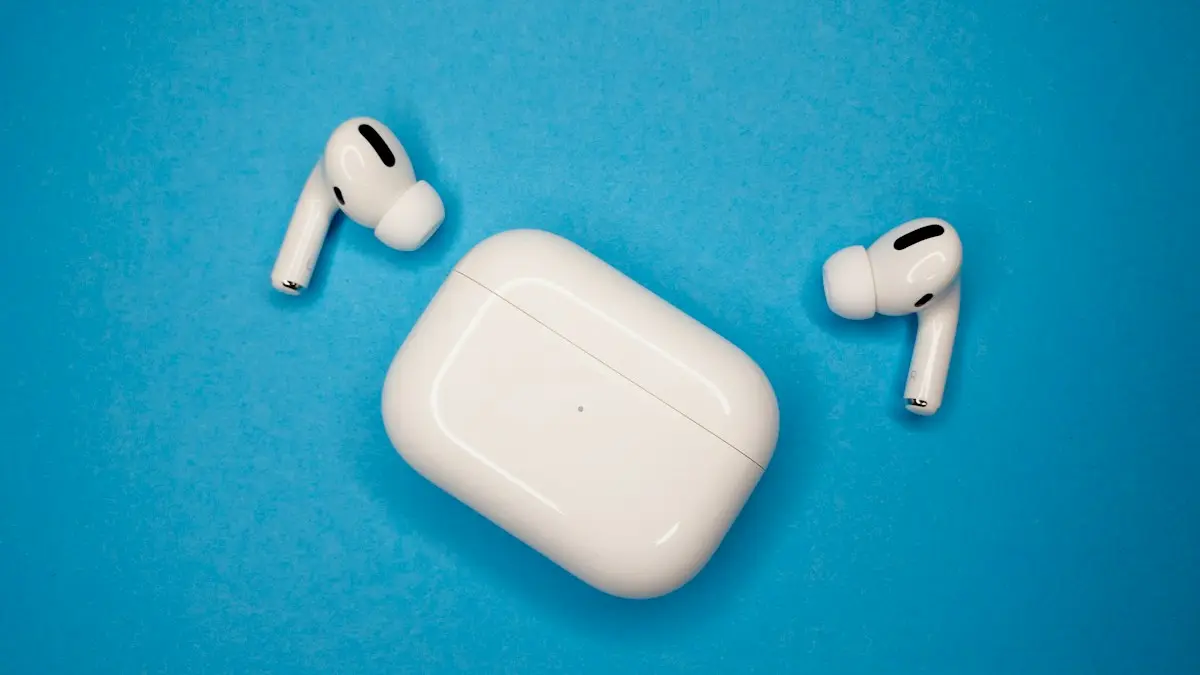
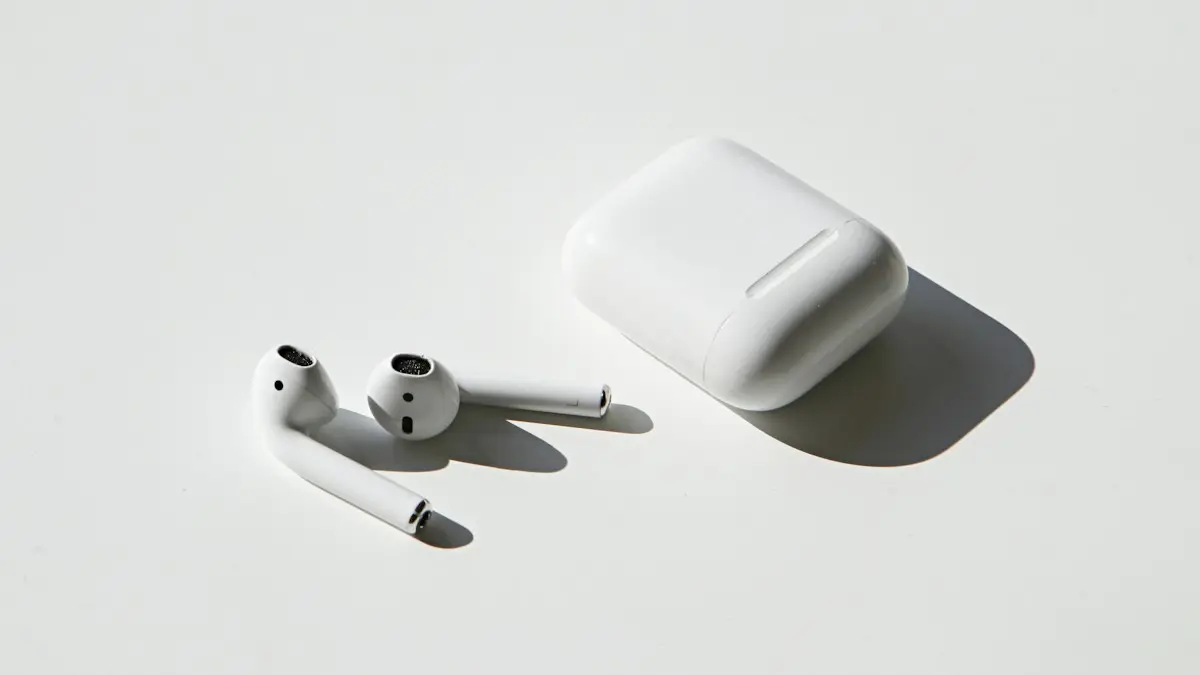
Photo by John M. Smit on Unsplash
A reset is the standard fix when AirPods will not connect, sound wrong, show the wrong battery level or refuse to pair with a new phone. It also wipes the link to your Apple Account, which is why it comes first when you sell or give them away. The button you press depends on the model, so pick the right set of steps below.
How to reset AirPods and AirPods Pro
The fix
AirPods 1, 2, 3 and AirPods Pro 1 or 2
- 1
Forget them first.
Settings › Bluetooth, tap the info button next to your AirPods, then Forget This Device.
- 2
Put the AirPods in the case and close the lid for 30 seconds.
- 3
Open the lid and hold the setup button on the back for 15 seconds.
Keep the AirPods in the case. The button is a small round dent on the back.
- 4
Let go when the light flashes amber, then white.
The fix
AirPods 4 and AirPods Pro 3
- 1
Put the AirPods in the case and close the lid for 30 seconds.
- 2
Open the lid and double tap the front of the case three times.
Tap with a fingertip, not a nail, and keep a steady rhythm.
- 3
Wait for the light to flash amber, then white.
The fix
AirPods Max
- 1
Charge them for a few minutes.
- 2
Hold the noise control button and the Digital Crown for 15 seconds.
- 3
Let go when the light flashes amber, then white.
When should you reset your AirPods?
Do not reset at the first hiccup. Try the light fixes first: charge them, forget and pair again, or restart the phone. Reset when the problem looks like a corrupted pairing. That includes AirPods that appear in the list but will not connect, audio that cuts out or plays from one side only, a battery level that is stuck or wrong, and a mic or ear detection that behaves oddly after an iOS update. You also reset before selling, trading in or giving the AirPods to someone else, and when you buy a used pair.
What a reset does and does not erase
A reset clears the Bluetooth pairing and the custom settings stored in the AirPods, such as their name, the press and hold actions, and the microphone choice. Your iPhone, music and apps are not touched. A reset does not remove the AirPods from your Apple Account, and it does not update the firmware. It also does not fix a worn battery or a damaged speaker. If the problem returns within a day, the cause is likely hardware.
What the light colors mean
The light on the case, or on the AirPods Max, tells you the reset is working. The position changes by model, but the colors mean the same thing.
- Flashing amber: the reset is in progress. Keep holding the button until it changes.
- Flashing white: the AirPods are reset and ready to pair.
- Solid green or white: charged, and not in pairing mode.
- Solid amber: not fully charged.
- No light at all: the case is flat, or the lid is not open.
How to pair AirPods again after a reset
Keep the lid open and hold the case close to an unlocked iPhone on the Home Screen. A setup card appears. Tap Connect and follow the steps. Sign in to your Apple Account when asked, so that the AirPods sync with your other Apple devices. If no card shows, go to Settings › Bluetooth and choose the AirPods from the list. On Android or Windows, pair them from the Bluetooth menu while the light is flashing white. The first-time steps are in pairing AirPods with an iPhone.
Before you sell or give away AirPods
A reset alone is not enough. AirPods stay linked to your Apple Account through Find My until you remove them, and a buyer may be unable to use all features. Open the Find My app, tap Devices, choose your AirPods, scroll down and tap Remove This Device. Do it while the AirPods are near you and connected if you can. Then reset them with the steps above, so that the light flashes white. A clean reset and a Find My removal make the AirPods look like new to the next owner, and they protect you from a sale that falls through later.
Why won’t my AirPods reset?
The usual reason is a flat case. Charge it for at least 30 minutes with a cable and a wall adapter. Then check that both AirPods sit fully in their slots, and clean the contacts with a dry soft brush. Press the setup button firmly, and keep holding even when the light turns white for a moment, until it flashes amber. On AirPods 4 and Pro 3, tap on the front of the case near the lower edge, and keep the pace even. If a thick cover covers the case, remove it and try again.
- Charge the case for 30 minutes and try again.
- Close the lid for a full 30 seconds before you start.
- Keep both AirPods in the case, unless you are using AirPods Max.
- Clean the contacts and seat each AirPod fully.
- Try a different cable and a wall adapter, not a computer port.
- Update iOS on your iPhone and try again.
Which AirPods do you have?
The steps differ by model, so check yours before you start. With the AirPods connected, open Settings › Bluetooth, tap the info button next to them, and look at the model name and number. You can also read the model number printed in tiny letters inside the case lid. AirPods Max are the over-ear headphones, so they use the two-button method. The newest cases, for AirPods 4 and AirPods Pro 3, have a touch-sensitive front and may have no visible setup button, which is why they use the tap method. If you pressed a button on a case that has none, nothing happens, and that is not a fault.
Common mistakes that make a reset fail
- Letting go of the button too early, when the light first turns white. Wait for amber, then white.
- Holding the button with the lid closed. The lid must stay open during the press.
- Resetting with only one AirPod in the case. Put both in first.
- Skipping the Forget This Device step, so the old pairing returns when you reconnect.
- Trying to pair while another Apple device with the same account is close and grabbing the connection.
If you reset with a nearby iPad or Mac, turn Bluetooth off on those devices for a minute. That keeps the AirPods from reconnecting to them before you pair with your iPhone.
Still not working after a reset?
If the AirPods connect but still cut out, read about AirPods that keep dropping out. If they will not pair, see fixing AirPods pairing problems. If a bud will not charge, the case or battery may be at fault, so check AirPods charging trouble. And if the mic is dead on calls, look at a mic that stops working on calls.
Repair or replace instead of resetting again
Two resets are enough. If the same problem comes back, the cause is probably a worn battery, a damaged case or a failed speaker, and a third reset will not help. Check your warranty and AppleCare+ status with the serial number on Apple’s support page. A single replacement bud or a new case often costs less than a whole new pair, and if the pair is old, a trade-in credit may make a newer model cost less than it seems. Compare the options before you pay, and read AppleCare+ and what it costs if you are not sure.
Frequently asked questions
Why won’t my AirPods light flash amber?
The case may be too low on battery, or the AirPods are not seated. Charge the case for 30 minutes, clean the contacts and try again with the lid open.
Does resetting remove AirPods from Find My?
No. Before selling, also remove them in the Find My app › Devices › your AirPods › Remove This Device.
Will a reset delete my settings?
It removes the pairing and your custom settings, such as the name and the double tap actions. You set them again after you pair, and nothing on your iPhone is erased.
How long does an AirPods reset take?
The button press takes about 15 seconds, and pairing again takes under a minute. Plan on two minutes in total.
What to try next
Sources
Official pages these steps are based on. Menus can differ by software version.
People also ask
Why do my AirPods switch to my Mac or iPad?
Automatic switching moves them to whichever Apple device starts playing. Set Connect to This iPhone to When Last Connected to This iPhone.
Read the full guide: AirPods keep disconnectingWhy does no setup card appear?
Make sure Bluetooth is on and the iPhone is unlocked on the Home Screen. If it still does not show, hold the setup button on the case or reset the AirPods.
Read the full guide: Connect AirPods to iPhoneWhy are my AirPods beeping?
The most common reasons are a low battery tone, a Find My Play Sound request, a chime when you change listening mode, or an app or Siri announcement. A weak connection or dirty contacts can also set off sounds.
Read the full guide: AirPods keep beepingWhy is only one AirPod charging?
Dirt on that AirPod’s stem or the bottom of its slot is blocking contact. Clean both gently with a dry soft brush and make sure the AirPod sits fully down.
Read the full guide: AirPods not chargingRelated guides
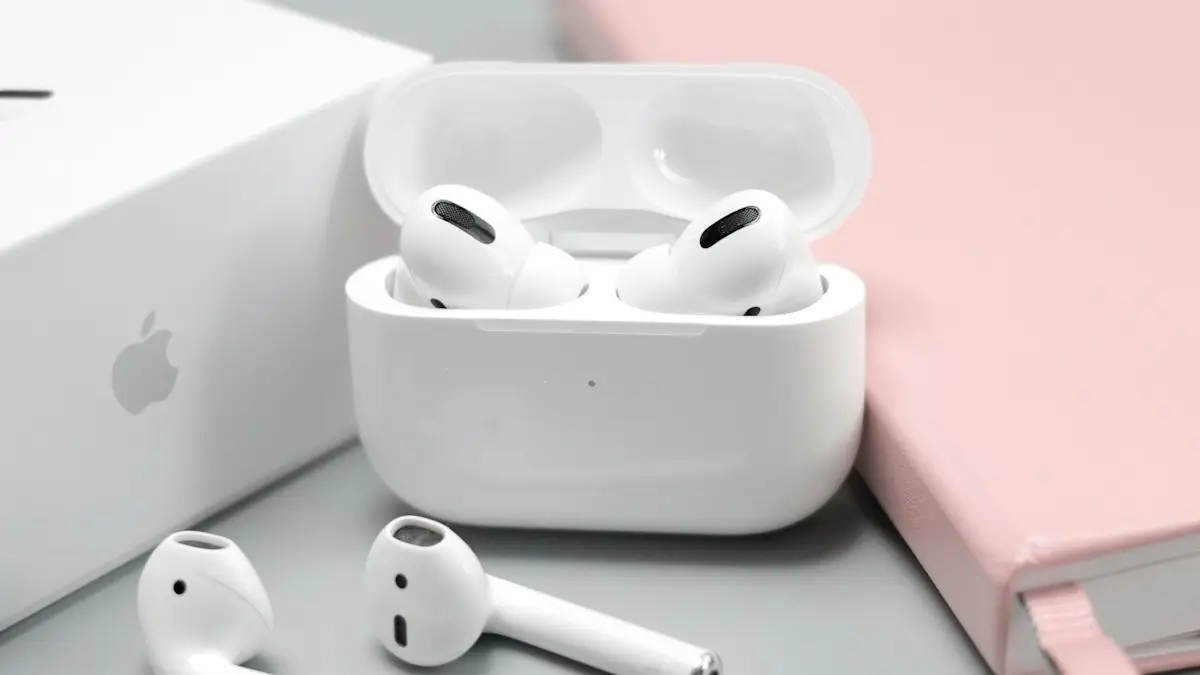
AirPods keep disconnecting
AirPods keep disconnecting from your iPhone? Turn off automatic switching and ear detection, charge both buds, forget and pair again, and reset if needed.
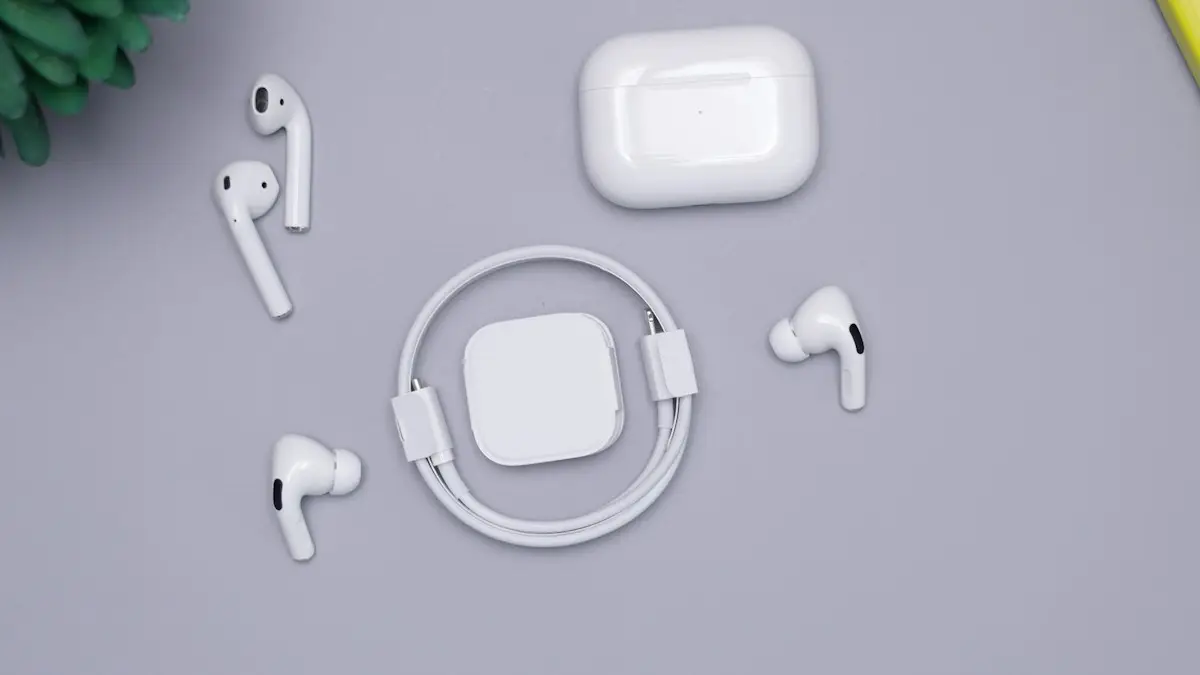
Connect AirPods to iPhone
Connect AirPods to your iPhone in seconds with the setup card, or pair them manually in Bluetooth settings. Also how to connect AirPods to a new iPhone.
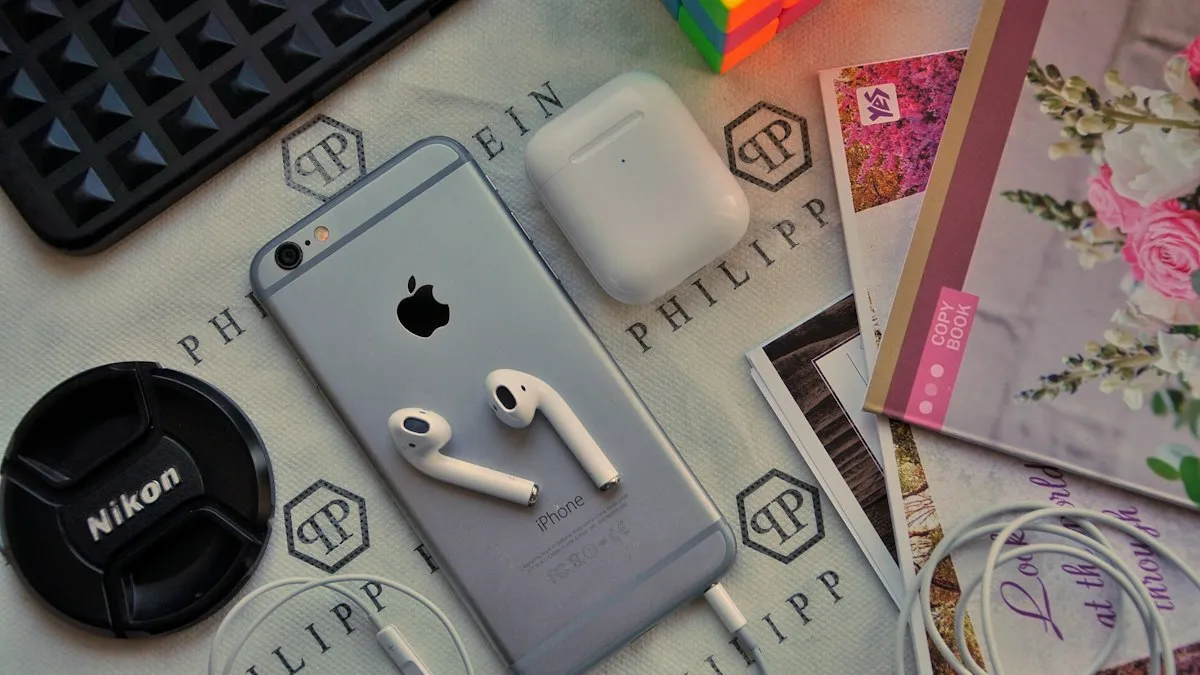
AirPods keep beeping
AirPods keep beeping in your ears or from the case? Check battery tones, Find My Play Sound, Announce Notifications and dirty contacts. 7 causes and easy fixes.
AirPods not charging
AirPods or the case not charging? Clean the contacts, try another cable and outlet, check the case battery, turn off optimized charging and try 4 more fixes.
More guides you may need
Pair Apple Watch to new iPhone
Pair Apple Watch to new iPhone the right way: update, back up, set up the new phone and restore. Includes what to do if your old iPhone is gone.

Your purchase could not be completed
Your purchase could not be completed in the App Store or Apple Subscriptions? Fix the payment method, unpaid orders, bank limits and region. 8 fixes.