

Apple Pencil on iPhone Duo: which Pencil works and how to pair it
Only the USB-C Apple Pencil works with iPhone Duo, and it needs iOS 27.2. This guide shows how to pair and charge it, what you can do with it, and what to try when it stops working.
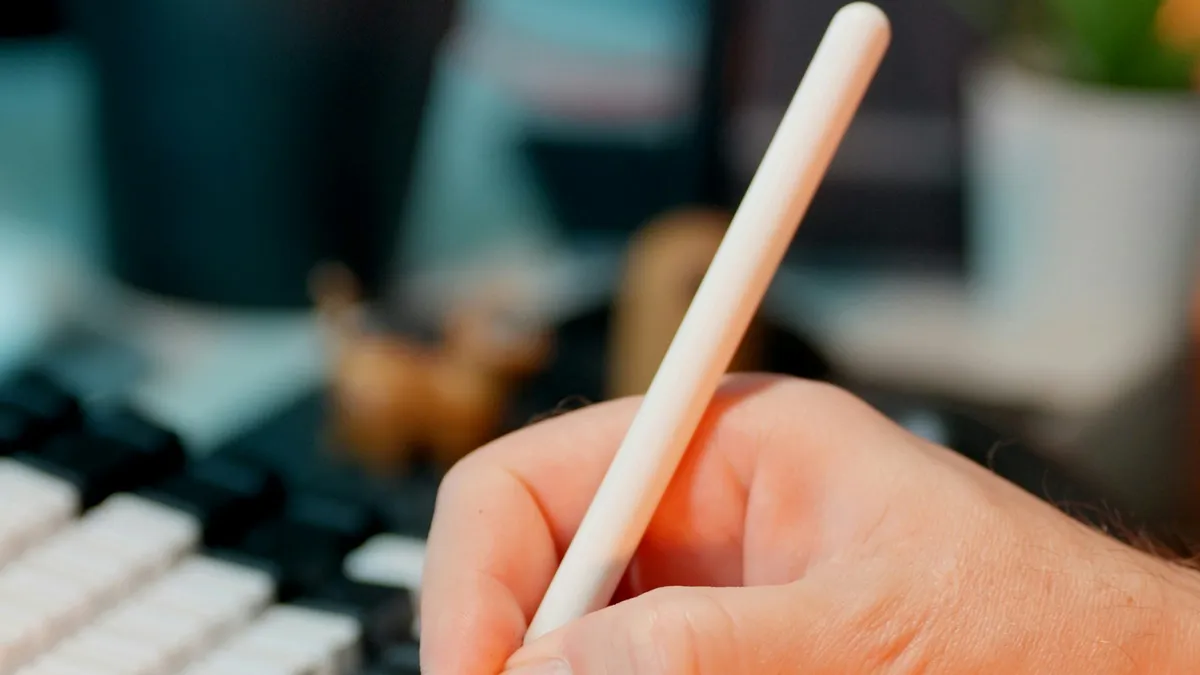
Photo by Jakub Żerdzicki on Unsplash
Apple's first foldable iPhone is also the first iPhone that works with an Apple Pencil. There is one catch that trips people up: it is the cheaper USB-C Pencil, not the more expensive model. This guide gives you the answer first, then the pairing steps, and then what to try if it stops working.
Which Apple Pencil works with iPhone Duo?
Apple's iPhone Duo guide says it works with Apple Pencil (USB-C), sold separately. It adds that other Apple Pencil models aren't compatible. Apple's compatibility page lists iPhone Duo under the USB-C Pencil, and it says this needs iOS 27.2. It does not list the Duo under any other Pencil.
| Apple Pencil | Works with iPhone Duo? |
|---|---|
| Apple Pencil (USB-C) | Yes, with iOS 27.2 |
| Apple Pencil Pro | No. Apple says other models are not compatible |
| Apple Pencil (2nd generation) | No. Apple says other models are not compatible |
| Apple Pencil (1st generation) | No. Apple says other models are not compatible |
News coverage reports that the USB-C model costs less than the Pro. Prices change, so check the Apple Store before you buy. If you already own a different Pencil for an iPad, it will not work on the Duo.
Do you need iOS 27.2?
Yes. Apple's compatibility page names iPhone Duo with iOS 27.2. 9to5Mac reported that Apple released iOS 27.2 on October 26, 2026 and that it added Apple Pencil support to the Duo, on both the inner and outer displays. To update, open Settings, tap General, then tap Software Update. If you are on an older version, the Pencil will not work until you install it.
How to pair and charge Apple Pencil on iPhone Duo
Apple gives these steps. Use the USB-C charge cable that came with your iPhone Duo.
Pair Apple Pencil (USB-C)
- 1
Slide open the end of the Apple Pencil.
- 2
Connect it to the USB-C charge cable that came with your iPhone Duo.
- 3
Connect the other end of the cable to the USB-C connector on iPhone Duo.
- 4
Tap Tap to Connect.
After it pairs, you can unplug the Pencil from the cable.
The Pencil charges while it is plugged into the Duo. Apple's tip is that you can also charge it with the USB-C cable and a USB-C power adapter. That helps if you do not want to use your phone's battery to charge it.
How long does Apple Pencil stay paired?
This is the rule most guides miss. Apple says the Pencil stays paired until you restart your iPhone Duo, turn off Bluetooth, or pair the Pencil with another device. After any of those, repeat the pairing steps above. If you use the Pencil with an iPad too, expect to pair it again each time you switch.
How to check the Apple Pencil battery
- Add or open the Batteries widget on your Home Screen.
- Or open Settings and tap Apple Pencil.
What can you do with Apple Pencil on iPhone Duo?
Apple says you can draw or sketch, mark up a screenshot, sign a document, jot a quick note, and write in text fields. It works in Notes and Freeform, and in other apps that offer Markup, such as Photos. When you draw, tilting the Pencil lets you shade or change how thick the line is, depending on the drawing tool.
Third-party apps may support the Pencil too, but Apple's pages list only its own apps, so check the app. Remember that some older apps run in a small centered window on the inner display. Our guide on iPhone Duo apps that are not optimized explains why, and that can affect how comfortable drawing feels in those apps.
How to use Scribble on iPhone Duo
Scribble turns handwriting in any text field into typed text. Apple says to turn it on, or practice with Try Scribble, in the Apple Pencil settings. Open Settings, tap Apple Pencil, and turn on Scribble. Then try these gestures from Apple's guide:
- Delete a word: scratch it out.
- Insert text: touch and hold a text field, then write in the space that opens.
- Join or separate characters: draw a vertical line between them.
- Select text: draw a circle around it or underline it.
Apple Pencil settings worth knowing
Open Settings and tap Apple Pencil. Apple lists these choices. Only Draw with Apple Pencil lets the Pencil draw while you can still use your finger to scroll and select. Scribble turns handwriting into typed text, and Try Scribble lets you practice. If your finger keeps leaving marks while you draw, the first setting is the one to turn on.
Apple Pencil not working on iPhone Duo? Fixes in order
| Problem | Likely cause | What to try |
|---|---|---|
| Pencil does nothing | Not paired, or pairing was lost | Pair it again with the cable |
| It worked yesterday, not today | You restarted the phone or turned off Bluetooth | Pair it again |
| It pairs with an iPad and not the Duo | It was paired with another device | Pair it with the Duo again |
| No Apple Pencil option in Settings | Software version or connection | Update to iOS 27.2, then connect the Pencil |
| Pencil will not charge | Cable or connection problem | Use the cable that came with the Duo, or a USB-C power adapter |
If pairing keeps failing, check that Bluetooth is on and read our guide on Bluetooth not working on iPhone. If the Pencil still does not work after pairing again on iOS 27.2, contact Apple Support.
iPhone Duo Apple Pencil: should you buy one?
That depends on what you will do with it. It makes sense if you sign documents, mark up screenshots, take handwritten notes or sketch. It is less useful if you mostly read, watch video or scroll. Apple sells it separately, so it is an extra cost on top of a phone that already costs a lot. For the phone's own price and trade-in facts, see what Apple has confirmed about the iPhone Duo.
What about cases and screen care?
Some people search for Duo cases that include a Pencil holder. I cannot recommend a specific one, because I have not tested any. Apple's pages do not mention cases. If you worry about the inner display, our article on iPhone Duo screen cracking covers what Apple said and what owners reported. Apple has not linked those reports to Pencil use.
Your first ten minutes with the Pencil
Once it is paired, try it in the apps Apple names. These are simple ways to see that everything works before you rely on it.
A quick test drive
- 1
Open Notes and start a new note.
- 2
Draw a line, then tilt the Pencil.
Apple says tilting lets you shade or change how thick the line is, depending on the drawing tool.
- 3
Take a screenshot and open it in Markup.
Apple lists Markup for marking up screenshots, signing documents and filling out forms.
- 4
Tap a text field, such as a search box, and write a word.
If Scribble is on, your handwriting becomes typed text.
- 5
Open Settings, tap Apple Pencil and check the battery.
This also confirms that the iPhone sees the Pencil.
Does it work on both displays?
9to5Mac reported that, with iOS 27.2, you can use the Pencil on both the inner display and the outer display. The inner display is the large one you see when the phone is open. The outer display is the smaller one on the front when the phone is closed. Apple's guide pages do not split the two, so try both and judge which feels better for your use. Most people will find the big inner screen easier for drawing and handwriting.
A short checklist before you buy
- Is it Apple Pencil (USB-C)? Other Apple Pencil models do not work.
- Is your iPhone Duo on iOS 27.2 or later?
- Do you still have the USB-C charge cable that came with the Duo?
- Will you actually write, sign or sketch, or just scroll and watch?
- Are the apps you use every day ones that offer Markup or handwriting?
Common mistakes
- Buying Apple Pencil Pro. Apple says other models aren't compatible.
- Forgetting iOS 27.2. Update first.
- Expecting it to stay paired forever. A restart or Bluetooth off breaks it.
- Using the wrong cable. Apple says to use the USB-C cable that came with the Duo.
- Assuming every app supports it. Apple lists Notes, Freeform and Markup.
The short version
Buy Apple Pencil (USB-C), update to iOS 27.2, and pair it with the cable. Pair it again after a restart. Use Notes, Freeform or Markup, and try Scribble for typing by hand.
Frequently asked questions
Which Apple Pencil works with iPhone Duo?
Only Apple Pencil (USB-C). Apple says other Apple Pencil models aren't compatible with iPhone Duo, and its compatibility page lists iPhone Duo with iOS 27.2.
Does Apple Pencil Pro work with iPhone Duo?
No. Apple's iPhone Duo guide says other Apple Pencil models are not compatible. Apple has not given a reason on those pages.
How do I pair Apple Pencil with iPhone Duo?
Slide open the end of the Pencil and plug it into the USB-C charge cable connected to the Duo. Then tap Tap to Connect.
Why did my Apple Pencil stop working on iPhone Duo?
Apple says the Pencil stays paired until you restart the iPhone Duo, turn off Bluetooth or pair the Pencil with another device. Pair it again with the same steps.
What to try next
Sources
Official pages these steps are based on. Menus can differ by software version.
People also ask
Why are some apps small on my iPhone Duo?
Apple says apps built with the iOS 26 SDK or earlier appear in the center of the inner display with empty space around them. The developer has to update the app to fix that.
Read the full guide: iPhone Duo apps not optimizedHow much does the iPhone Duo cost?
Apple lists $1,999 as the U.S. starting price, or $83.29 a month for 24 months. Storage options are 256GB, 512GB, 1TB and 2TB, so higher storage costs more. Check Apple's store page for each tier.
Read the full guide: iPhone Duo price and release dateIs the iPhone Duo screen cracking problem real?
Owners have posted about it, and Apple said it is aware of an inner display issue on a small number of iPhone Duo units. Apple has not said how many units or what the cause is.
Read the full guide: iPhone Duo screen crackingDo I have to unpair my Apple Watch before I get a new iPhone?
Not if you set up the new iPhone from a backup and the watch prompt appears. If the Apple Watch app shows Start Pairing, the watch is still tied to the old phone, so unpair it first.
Read the full guide: Pair Apple Watch to new iPhoneRelated guides
iPhone Duo apps not optimized
iPhone Duo apps not optimized? See why some apps sit in a small centered window, what you can and can't fix, and how to check and update your apps.
iPhone Duo price and release date
iPhone Duo price and release date from Apple's own pages: $1,999 start, October 23 availability, storage, colors, eSIM-only and trade-in credit explained.
iPhone Duo screen cracking
iPhone Duo screen cracking reports are growing. See what Apple said on October 26, what owners report, repair costs, and what to do if your screen fails.
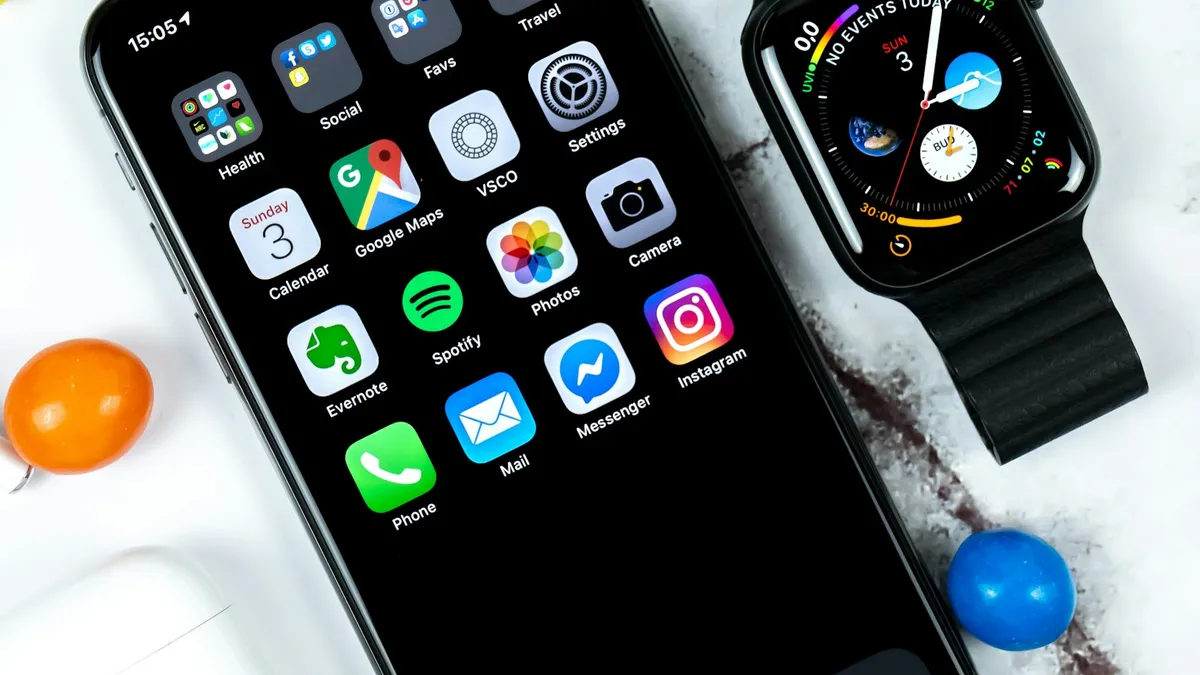
Pair Apple Watch to new iPhone
Pair Apple Watch to new iPhone the right way: update, back up, set up the new phone and restore. Includes what to do if your old iPhone is gone.
More guides you may need
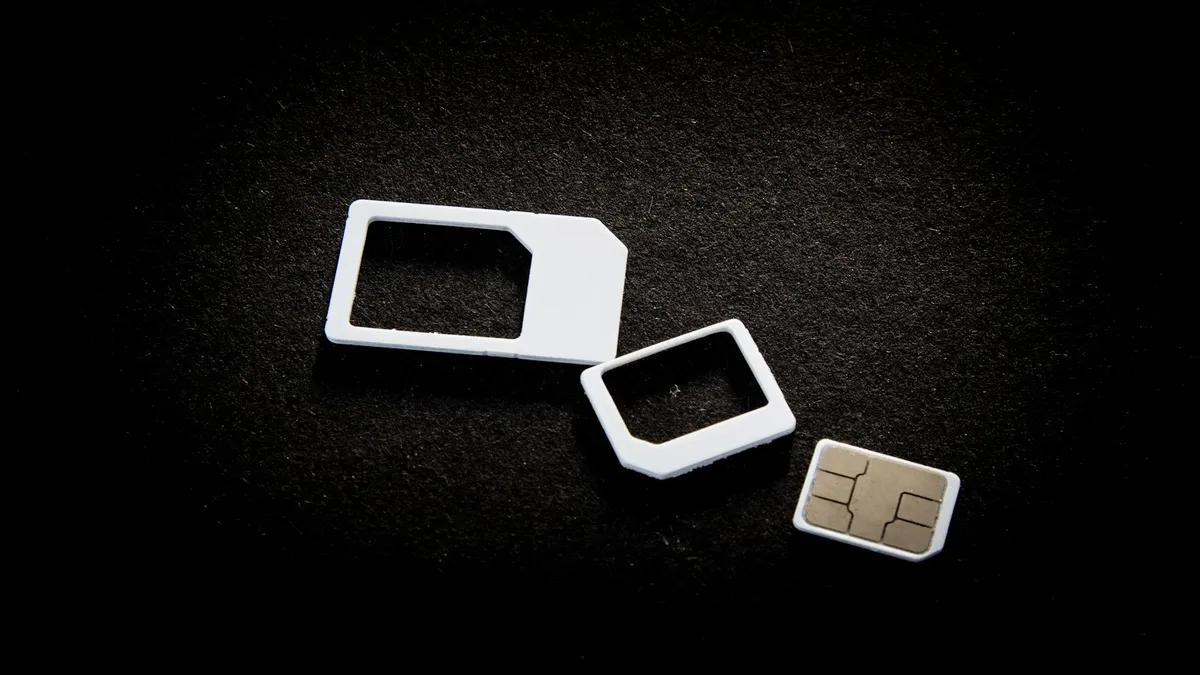
eSIM vs physical SIM
eSIM vs physical SIM on iPhone: Apple says US iPhone 14 and later are eSIM only. See who has a choice, how to switch, and what matters for travel and security.

FaceTime sensitive content warning
FaceTime paused your call with a sensitive content warning? Learn what triggers it, how it works on your iPhone, and where to turn it off in Settings.