

MagSafe vs Qi2: what is the difference and which charger should you buy?
Both snap onto your phone with magnets, and the two are closely related. The difference is who makes the standard and which phones they cover.
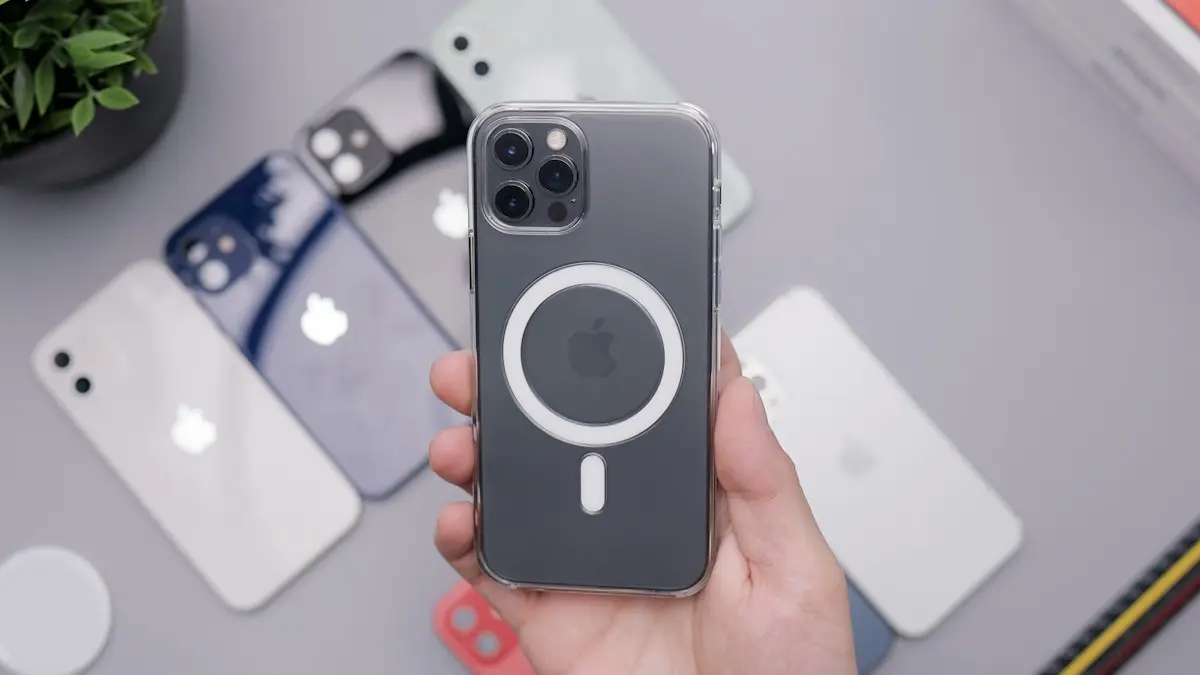
Photo by Daniel Romero on Unsplash
Wireless chargers used to be flat pads where you hoped your phone landed in the right spot. Magnets changed that. A magnetic charger snaps onto the back of the phone, lines up the coils and charges faster than a loose pad. Apple introduced MagSafe on the iPhone 12, and the wireless industry followed with Qi2. The names confuse people, so this guide explains what each one is, how they differ and what to check before you buy a charger, a case or a stand.
What is MagSafe?
MagSafe is Apple's magnetic charging and accessory system, built into iPhone 12 and later. A ring of magnets on the back of the phone locks onto a MagSafe charger or accessory, such as a wallet, a case or a stand. The magnets also tell the phone what is attached, so the phone can switch to the right charging mode. Apple's MagSafe charger delivers more power than older standard wireless charging, and the exact top speed depends on the iPhone model and the charger.
What is Qi2?
Qi2 is the second generation of the Qi wireless charging standard from the Wireless Power Consortium. Its big addition is a magnetic profile based on Apple's MagSafe technology, which holds the phone and charger in alignment. Older Qi chargers had no magnets and often wasted energy as heat when the coils were off-center. Qi2 chargers carry the Qi2 logo, and they work with iPhones that have MagSafe magnets and with Android phones that are built for Qi2 or that use a magnetic case. A newer version, sometimes called Qi2.2, raises the maximum speed for phones that support it.
MagSafe vs Qi2: the main differences
- Who owns it: MagSafe is Apple's brand. Qi2 is an open standard that any company can use.
- Which phones: MagSafe is for iPhone. Qi2 works with iPhone and with Android phones that support it, directly or with a magnetic case.
- Chargers: Apple makes MagSafe chargers, and many brands make Qi2 chargers, often at lower prices.
- Speed: Both are capped by the phone. Apple lists a top speed for each iPhone, and Qi2 chargers advertise their own, so match the charger to the phone.
- Magnets: Both use a ring of magnets. A MagSafe case or a Qi2 case will work with either charger.
Which phones work with which charger?
- iPhone 12 and later: MagSafe built in. Works with MagSafe and Qi2 chargers. Speeds vary by model.
- iPhone 11 and earlier: No magnets. They charge on standard Qi pads at lower speeds, or on a magnetic charger with a magnetic case.
- Android phones with Qi2: Some recent phones from Google, Samsung and others are built for Qi2, and some are Qi2 Ready, meaning they need a magnetic case.
- Other Android phones: Standard Qi wireless charging still works, without the magnets.
Always check your own phone's spec page. Names such as Qi2 Ready mean the phone supports the charging protocol, but it needs a case with magnets to hold on.
Do you need a special case?
Cases with MagSafe or Qi2 labels have magnets built in, or are thin enough for the phone's magnets to work. A thick, ordinary case keeps the charger from snapping on and can slow charging or stop it. Metal plates, thick wallets and ring holders can also block the connection or overheat. If you use a case with a metal ring or a card slot, remove the cards before charging. Phones that do not have magnets, including many Android models, need a magnetic case to use a magnetic charger.
How to choose a magnetic charger
- 1
Check your phone's maximum wireless speed.
Look at the spec page for your model, because a faster charger will not push the phone past its limit.
- 2
Look for the official Qi2 logo or Apple's MagSafe certification.
Certified chargers are tested for safety and compatibility.
- 3
Check the power supply.
A wireless charger needs a wall adapter strong enough to power it. A weak adapter makes it charge slowly. The maker lists the adapter wattage needed.
- 4
Pick a shape that fits how you use it.
Options include a flat pad, a stand, a travel charger, a fold-out and a car mount.
- 5
Check the cable and the warranty.
Prefer a detachable USB-C cable and a clear return policy.
Is magnetic wireless charging safe?
- Use certified chargers. Cheap, uncertified ones may overheat or charge poorly.
- Keep cards with magnetic strips away from the back of the phone. The magnets can damage old strips, though modern chip cards are usually fine.
- Keep the phone and charger away from implanted medical devices. Apple advises keeping MagSafe at least 6 inches (15 cm) from a pacemaker or defibrillator, and 12 inches (30 cm) while charging. Ask your doctor if you have one.
- Do not charge the phone under a pillow or in a hot car.
Is wireless charging worse than a cable?
A cable is usually faster, more efficient and cooler. Wireless charging loses some energy as heat, which can wear the battery slightly faster over years, and it is slower on most phones. Magnetic alignment reduces the waste, but it does not remove it. A good routine is to use wireless for convenience at a desk or on a nightstand, and a cable when you need speed or the phone feels warm. For more, read whether fast charging is bad for your battery.
Wireless charger not working or slow?
- 1
Remove the case or any metal plate and try again.
- 2
Check that the phone is centered and the magnets are snapped on.
- 3
Use a stronger power adapter.
The one in the box with old phones may be too weak for a fast wireless charger.
- 4
Let the phone cool down.
A warm phone slows or stops wireless charging.
- 5
Restart the phone and update the software.
If it still charges slowly, why a phone charges slowly covers cables, ports and adapters, and the iPhone slow charger message explains the warning you may see.
Types of magnetic chargers and accessories
- Single pad: the simplest and cheapest. Good for a desk or a bedside table.
- Stand: holds the phone upright, so you can see the screen, use FaceTime or watch a video while it charges.
- Multi-device charger: charges a phone, earbuds and sometimes a watch on one base. Check each spot's speed, because the phone spot is often the only fast one.
- Power bank: a battery that snaps onto the back of the phone. Handy for travel, but it gets warm and adds weight.
- Car mount: holds the phone on the dashboard and can charge it. Pick a strong magnet and a cooler spot out of the sun.
- Wallets and rings: magnetic accessories that snap on. Remove them before charging, since they can block the signal.
Common mistakes when buying a wireless charger
- Buying a charger with no power adapter, then using an old 5 watt block that cripples the speed.
- Trusting a headline wattage that your phone cannot use. A 25 watt charger will not charge a 15 watt phone faster.
- Choosing a charger that says Qi but not Qi2, which will not hold the phone with magnets.
- Ignoring the case. A thick or metal case can block charging.
- Buying the cheapest uncertified option for a phone that you keep next to your bed.
Should you buy MagSafe or Qi2 today?
For most iPhone owners, a certified Qi2 charger from a reputable brand does the job for less money than Apple's own. If you want the original and the best warranty, MagSafe is the safest bet. If you have an Android phone, check the phone's page for Qi2 support, and buy a magnetic case if it needs one. Either way, think about where you will use the charger, and buy a strong adapter to go with it.
Frequently asked questions
Is Qi2 the same as MagSafe?
Not exactly. MagSafe is Apple's system, and Qi2 is an open standard from the Wireless Power Consortium that uses the same magnet idea. Apple's MagSafe technology helped shape Qi2, and many Qi2 chargers work with MagSafe iPhones.
Will a Qi2 charger work with my iPhone?
On iPhone 12 and later, which have magnets, a Qi2 charger will snap on and charge wirelessly. Top speed depends on the iPhone model and the charger, so check both.
Do I need a magnetic case?
Yes, on phones that do not have built-in magnets, or if your case blocks them. A case labeled MagSafe or Qi2 compatible has magnets or is thin enough for the magnets to work.
Is wireless charging slower than a cable?
Usually, yes. A cable is normally faster and cooler, while magnetic wireless is more convenient. Speeds vary a lot between phones and chargers.
What to try next
People also ask
Is an unlocked phone the same as a carrier phone?
The hardware is usually the same for iPhone and flagship Galaxy and Pixel models. The difference is the lock, the payment method and, on some Android phones, preinstalled carrier apps.
Read the full guide: Unlocked vs carrier phoneDoes fast charging reduce battery life?
A little, because faster charging produces more heat and every battery wears with use. Modern phones slow down as they warm up, so the difference over a few years is usually small.
Read the full guide: Is fast charging bad?Is Slow Charger bad for my battery?
No. Charging slowly is gentle on the battery. It just takes longer to fill up.
Read the full guide: iPhone slow charger messageDoes AirTag work with Android?
Not for setup or tracking. An AirTag needs an iPhone or iPad to set up and to find it. An Android phone can detect an unknown AirTag nearby and alert you, but it cannot manage one.
Read the full guide: AirTag vs TileRelated guides
Unlocked vs carrier phone
Unlocked phone vs carrier phone: compare the real cost, bill credits, flexibility, resale value and updates, and find out which way of buying saves you more.
Is fast charging bad?
Is fast charging bad for your battery? Mostly no, but heat is. Learn how phones protect themselves, which settings slow charging and when to go slower.
iPhone slow charger message
iPhone says Slow Charger? It means your adapter or cable delivers less power than your iPhone can use. Here is what counts as slow and which charger fixes it.
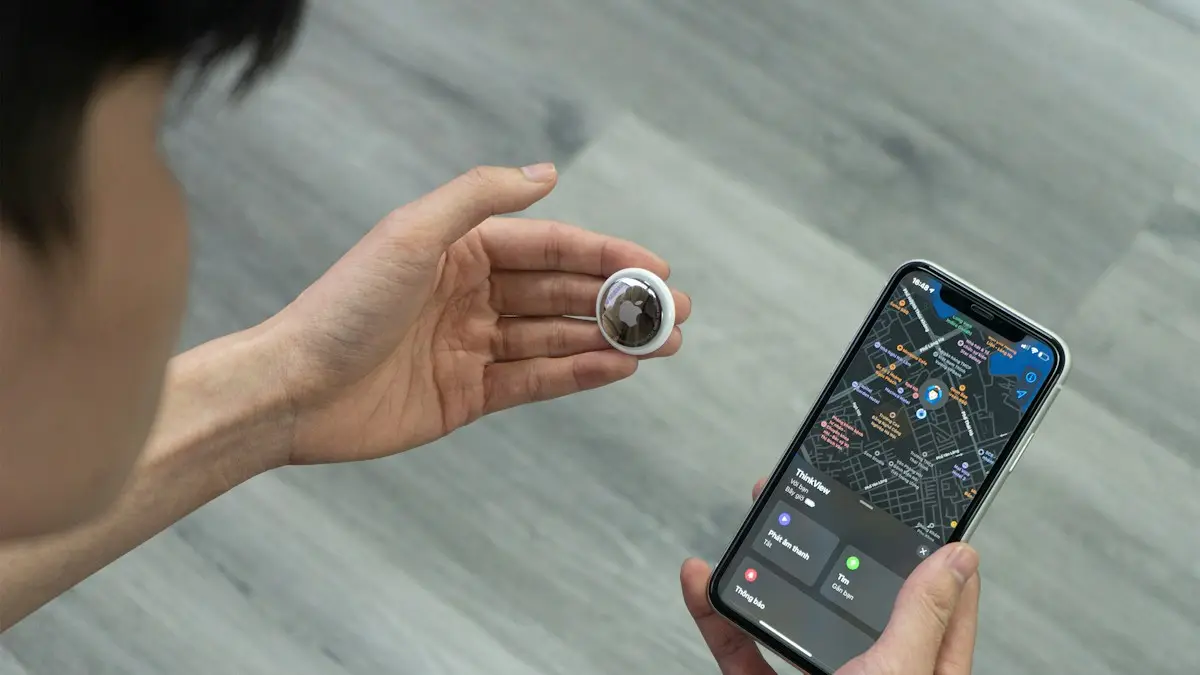
AirTag vs Tile
AirTag vs Tile compared on phone support, network size, precision finding, alerts, battery and cost. See which tracker fits your iPhone or Android.
More guides you may need
Google Photos vs iCloud
Google Photos vs iCloud compared on price, free storage, quality, sharing and privacy. See which fits your iPhone or Android and how to switch safely.
How long iPhones last
How long do iPhones last? Most last five to seven years if the battery and updates hold. Learn the signs to upgrade and how to make yours last longer.