

How long do iPhones last? Battery, updates and when to upgrade
An iPhone has three clocks: the battery, the software updates and what you ask of it. The first to run out tells you when to upgrade.
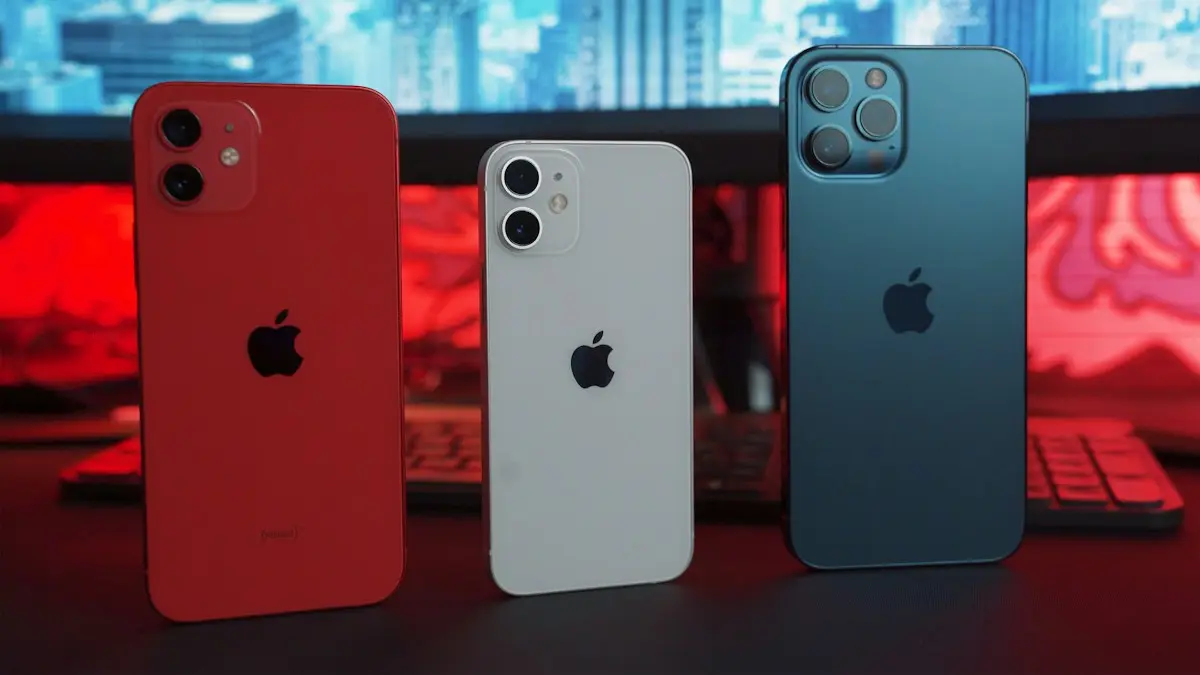
Photo by Onur Binay on Unsplash
There is no single number, because an iPhone does not fail all at once. It runs on three clocks: the battery, which wears with every charge; the software, which Apple supports for a set number of years; and the hardware, which slowly falls behind newer apps. Which clock runs out first decides when it is time to upgrade. Below is what to expect from each, how to read the signs and how to make your phone last longer without making life harder.
Clock 1: the battery
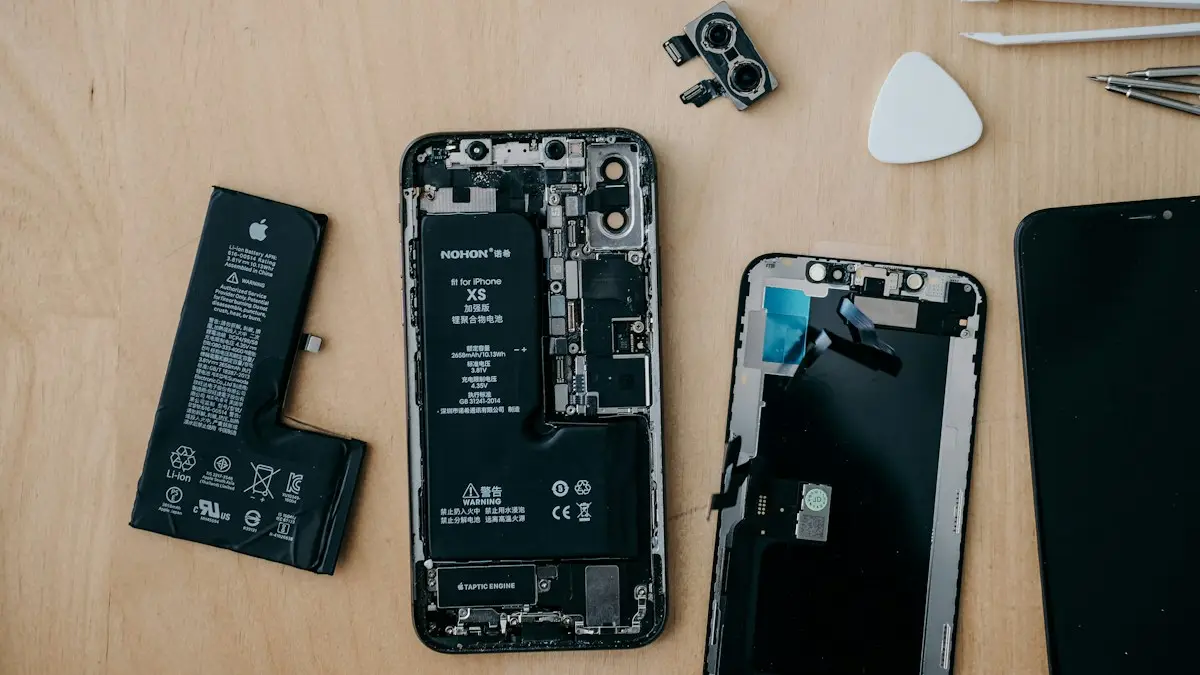
Every lithium-ion battery loses capacity as it goes through charge cycles. Apple designs iPhone batteries to keep up to 80 percent of their original capacity after 500 complete charge cycles on older models and 1,000 on iPhone 15 and later. With daily use, that is roughly two to three years, and heavy use, heat and fast charging can shorten it. A worn battery means shorter days, sudden shutdowns and sometimes a slower phone. It is the most common reason people think an iPhone is dead, and it is the cheapest to fix. See how to check your battery health and whether a battery replacement is worth it.
Clock 2: software updates
Apple supports iPhones with new versions of iOS for a long time, often six or seven years, and issues security fixes for older versions for a while after. Once a phone cannot install the newest iOS, it still works, but you lose new features and, later, some app support. Banks, payment apps and games may stop working on very old versions. The date is not fixed, and each year's compatibility list can be longer or shorter than the last, so check Apple's current iOS compatibility page for your model rather than counting on a number.
- 1
Find your model.
Open Settings › General › About and read the Model Name.
- 2
Check what you can install.
Open Settings › General › Software Update to see the latest version your phone supports.
- 3
Compare with Apple's list.
Apple publishes which iPhones can run each iOS version. If your model is on the newest list, you have plenty of time. If it is not, plan to upgrade within a year or two.
Clock 3: speed and storage
A phone can still be supported and yet feel slow. New iOS versions and apps use more memory and processing power, so old chips struggle more every year. Full storage makes it worse. Most of that slowness can be fixed with a clean-up, a restart and a battery replacement, but the chip cannot be upgraded. If apps take a long time to open even after a clean-up, the hardware is showing its age. Try these steps to speed up a slow iPhone before you decide.
How long different iPhones tend to last
- Standard and Pro models: about the same, with software support of around six to seven years and a usable life of four to six years for most people.
- iPhone SE and older models: support is often shorter, because the chip and the screen are older, so check the list.
- Refurbished and used phones: they start with fewer years left. Check the battery health and the update list before you buy.
Signs it is time to upgrade
- Your iPhone no longer gets the latest iOS, and important apps are starting to stop working.
- The battery is below 80 percent and a replacement would cost close to a good used phone.
- The phone is slow even after a restart, a clean-up and a new battery.
- The screen, camera or charging port is damaged and the repair costs a lot.
- You are always out of storage and do not want to pay for more cloud space.
- You need a feature only new phones have, such as a better camera or 5G.
Signs you can wait
- The battery lasts a full day, or a replacement would restore it.
- The phone still gets updates and all your apps work.
- It is fast enough for what you do.
- The only thing you want is a newer color or a small camera improvement.
Repair or upgrade? The cost check
Compare the price of the repair with the cost of a new or used replacement, and with how many extra years the repair buys you. A new battery on a three-year-old iPhone that is still supported is usually the better deal. A screen repair on a phone that is also out of updates may not be. If you decide to upgrade, trade in the old phone, since a working iPhone keeps a surprising amount of value. Check what your iPhone is worth before you decide, and read how to sell it safely when you are ready.
How to make your iPhone last longer
- 1
Install updates.
Updates fix security problems and often improve battery life. Check Settings › General › Software Update.
- 2
Protect the battery.
Keep the phone cool, turn on Optimized Battery Charging and avoid leaving it at 100 percent or 0 percent for long.
- 3
Use a good case and screen protector.
Most early deaths are cracked screens and water damage, not hardware failure.
- 4
Keep some storage free.
Leave at least a tenth of the space free so the phone has room to work.
- 5
Restart now and then.
A restart clears temporary problems and can make a phone feel faster.
- 6
Replace the battery when it drops below 80 percent.
Do it at Apple or an authorized shop, and keep the phone for a few more years.
If you are going to keep the phone for a long time, consider coverage. See how Apple's coverage plan compares for how Apple's plan treats batteries and damage.
What a battery replacement can and cannot fix
A new battery brings back full-day battery life and ends sudden shutdowns. It can also undo the slowdowns iOS adds when a worn battery cannot deliver power fast enough. It cannot make the processor faster, add memory, fix a cracked screen or extend the software support date. So a new battery is a strong choice for a phone that is still supported and still fast enough for what you do, and a weak choice for one that Apple has stopped updating. Ask what the shop charges, what battery it uses and whether the repair keeps water resistance, which can be slightly lower after any repair.
The real cost of keeping an old iPhone
Running an old phone is cheaper than buying a new one, but not free. Add the battery replacement, a new case, a possible screen repair and any extra iCloud storage you need. If those add up to more than a refurbished newer model, buying the newer one may be the better deal, because it comes with a fresh battery and years of updates. A good test is to compare the repair bill with the price of a used phone one or two generations newer. If the gap is small, upgrade. If the gap is big and your phone is still supported, repair and keep going.
Security matters too. A phone that no longer receives updates is exposed to new threats. If you bank, shop and keep sensitive data on it, that is a good reason to move on even if the phone feels fine. If you cannot upgrade yet, avoid installing unknown apps, keep the apps you have updated and turn on two-factor authentication for your key accounts. See how to check an iPhone for a virus if something seems off.
What to do with an old iPhone
- Trade it in or sell it, which usually brings the most value.
- Keep it as a backup phone, a music player or a camera for a child.
- Recycle it at an Apple Store or a carrier store if it no longer works.
- Before it leaves your hands, back it up and erase it.
Frequently asked questions
How many years will an iPhone get updates?
Apple usually supports an iPhone with new iOS versions for around six or seven years, and with security updates for a while after. Check Apple's iOS compatibility list for your exact model.
How many years should I keep my iPhone?
Many people keep one for three to five years. If the battery is healthy, it still gets updates and it does what you need, there is no reason to rush.
Is it worth replacing the battery instead of buying a new iPhone?
Often yes. A battery replacement costs far less than a new phone and can add a couple of years, if the phone is still supported and in good shape.
Do iPhones slow down as they get old?
They can, mainly because of a worn battery, a full storage drive and newer software that asks more of old hardware. A battery replacement and some cleanup often help.
What to try next
People also ask
Can I trade in a phone with a cracked screen?
Usually yes, but the value drops. Be honest about the damage in the quote, because a shop that finds a different condition will lower the offer.
Read the full guide: Trade in your phoneWhy does my battery drain faster after an iOS update?
After a major update, iOS rebuilds its search index, scans your photos and finishes app updates in the background. Settings › Battery may show an Ongoing iOS Update note while this runs. Drain usually settles within two or three days, faster if you leave the phone charging on Wi-Fi overnight.
Read the full guide: iPhone battery draining fastHow long does indexing take on iOS 27?
Apple says it can take from a few hours to a few days, depending on how much is on your iPhone. Phones with large photo and message libraries can take a week or more, especially if they are rarely left charging.
Read the full guide: iOS 27 indexing in progressAt what battery health should I replace my iPhone battery?
Apple's own threshold is 80% Maximum Capacity. Below that, iPhone shows a Service message and AppleCare+ covers a replacement. Replace sooner if the phone shuts down unexpectedly or will not last a day.
Read the full guide: Is an iPhone battery replacement worth it?Related guides
Trade in your phone
How to trade in your phone for the most value. Compare Apple, Samsung, carriers and retailers, learn how bill credits work and avoid the common trade-in traps.
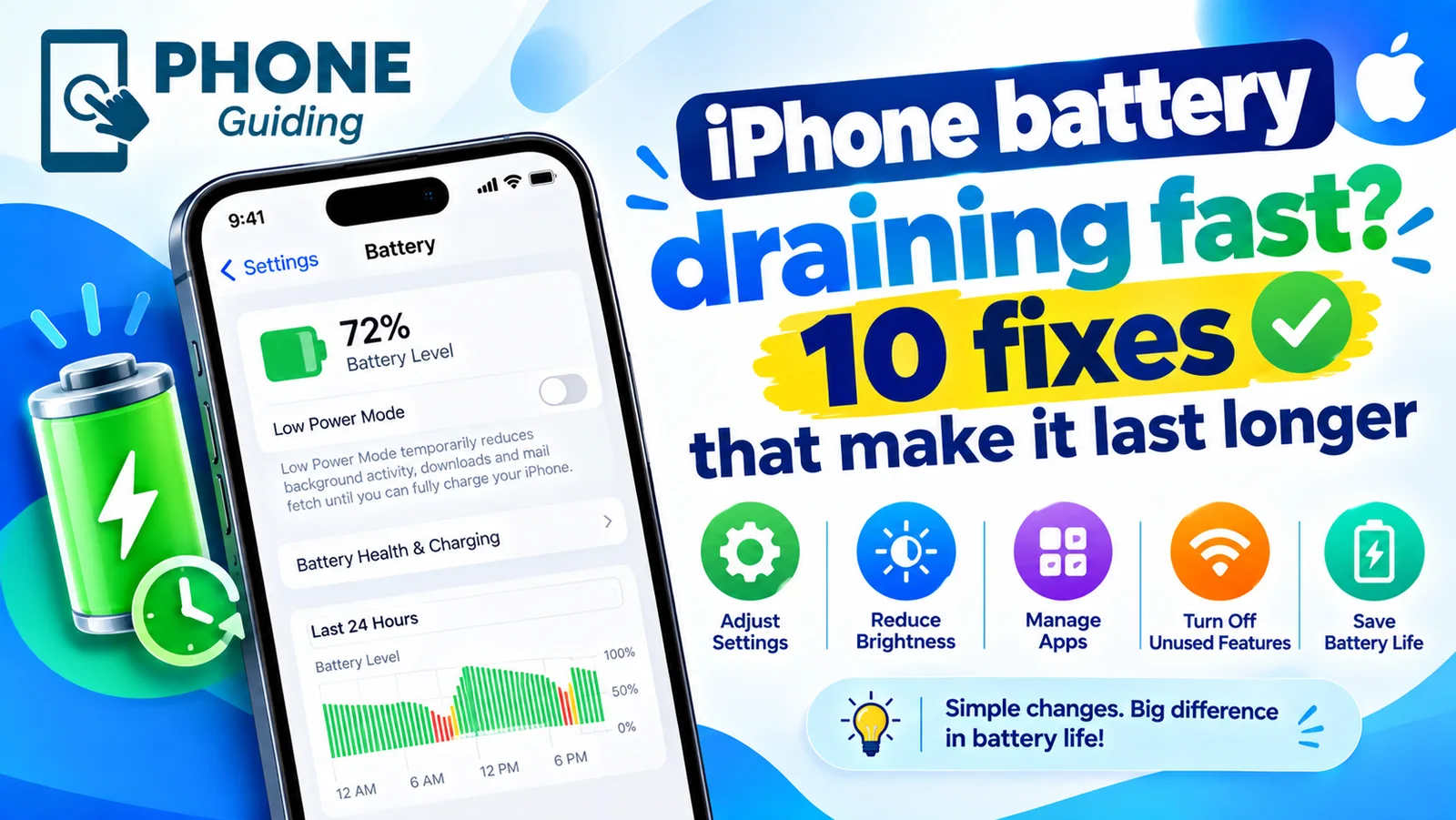
iPhone battery draining fast
iPhone battery draining fast? Find the app to blame in Battery settings, then try 10 fixes, from Adaptive Power to Background App Refresh and battery health.
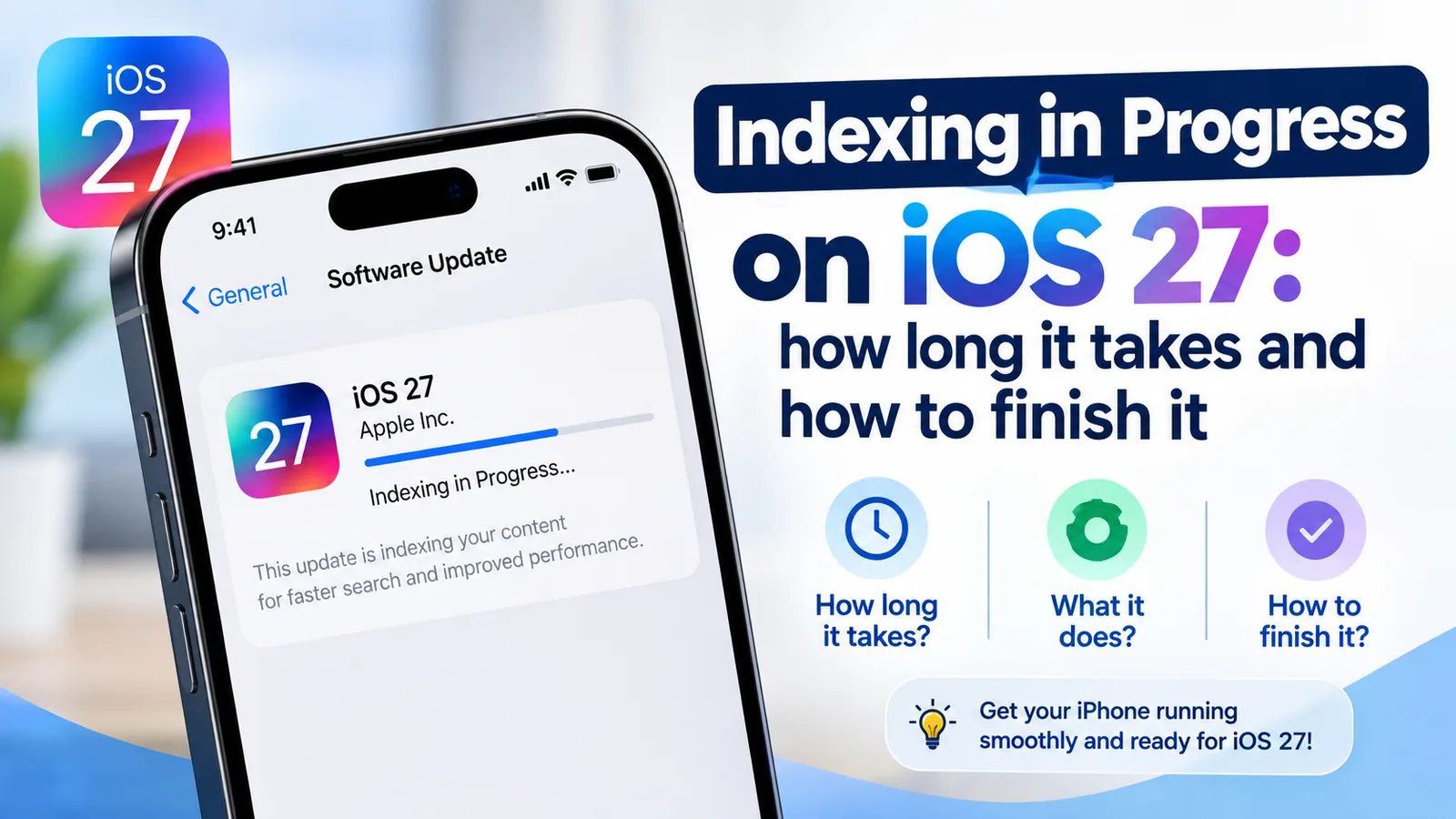
iOS 27 indexing in progress
Indexing in Progress on iOS 27 means your iPhone is rebuilding search. Most finish in hours to days. See how long yours takes and how to speed it up.
Is an iPhone battery replacement worth it?
Is it worth replacing your iPhone battery? See 2026 Apple prices by model, when AppleCare+ makes it free, and when a new phone is the better choice.
More guides you may need
Charging overnight
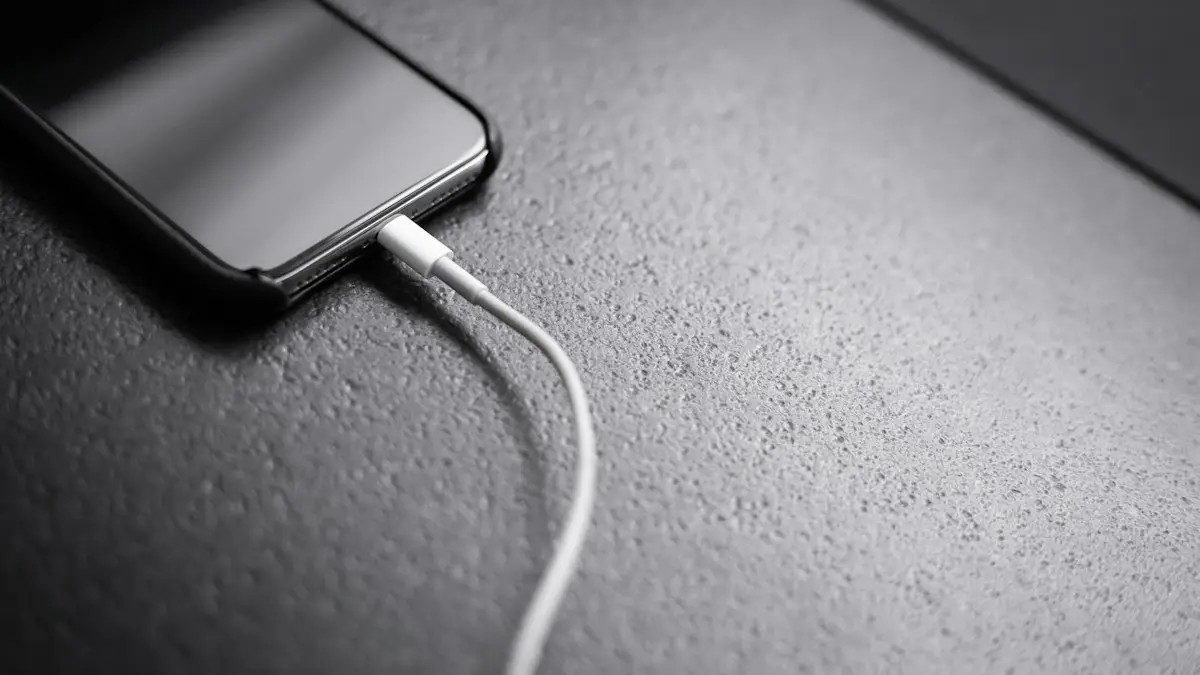
Charging your phone overnight is safe with a good charger, and built-in features limit battery wear. Heat is the real risk, so here is how to charge safely.
How much data do I need?
How much data do I need on my phone plan? Check your real use, see what streaming and video calls cost in gigabytes and pick limited or unlimited.