

Which iPhones support eSIM? Full list by model
Every iPhone from the XS and XR onward has an eSIM. In the US, iPhone 14 and newer have no SIM tray at all.
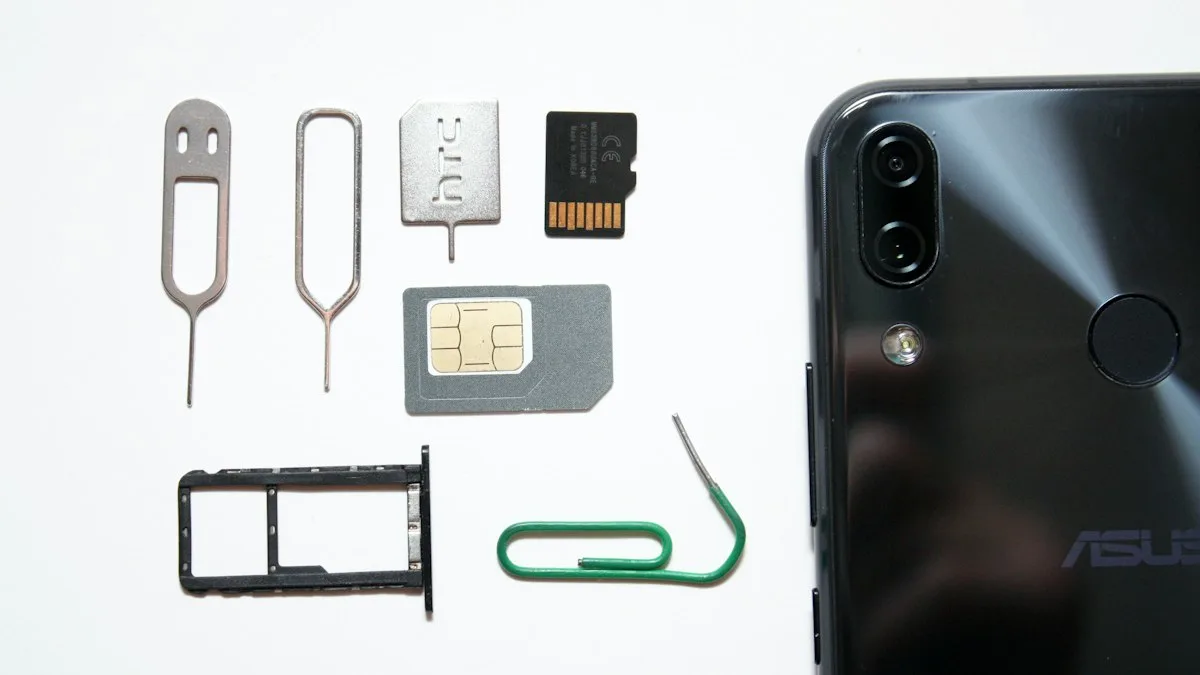
Photo by Andrey Matveev on Unsplash
iPhone eSIM compatibility by model
| iPhone model | eSIM support | Physical SIM tray |
|---|---|---|
| iPhone XS, XS Max, XR | Yes (the first eSIM iPhones) | Yes, one physical nano-SIM plus one eSIM |
| iPhone SE (2nd and 3rd generation) | Yes | Yes, one physical nano-SIM plus one eSIM |
| iPhone 11, 11 Pro, 11 Pro Max | Yes | Yes, one physical nano-SIM plus one eSIM |
| iPhone 12 series | Yes | Yes, one physical nano-SIM plus one eSIM |
| iPhone 13 series | Yes | Yes, one physical nano-SIM plus one eSIM |
| iPhone 14 and newer | Yes | No in the US (eSIM only). Other countries may still sell models with a tray |
| iPhone X, 8 and older | No | Yes, physical SIM only |
The newest iPhones follow the same rule: if you bought one in the US, assume it is eSIM only. If you are not sure about a specific model, check Apple's current tech specs for your iPhone or follow the check below.
Is the iPhone 13 eSIM compatible? Is the iPhone 12?
Yes to both. Every iPhone 13 and iPhone 12 model supports eSIM, and both still have a physical nano-SIM slot. That makes them dual SIM phones: one physical SIM and one eSIM, for example a main number on a SIM card and a cheap travel data plan on an eSIM. How many eSIMs can be active at once depends on the model and iOS version, so check Settings › Cellular on your own iPhone.
How to check if your iPhone has eSIM
- 1
Open Settings › Cellular.
- 2
Look for Add eSIM or Set Up Cellular Plan.
If you see it, your iPhone supports eSIM.
- 3
Or find the EID.
Open Settings › General › About and scroll down. An EID number means the iPhone has an eSIM chip. You can also dial *#06# and look for EID.
Regional exceptions
iPhones sold in mainland China do not have eSIM. Models sold in Hong Kong and Macau also lack it, with a few exceptions for some older models. If you bought your iPhone outside the US, such as in China or Hong Kong, check Settings › Cellular before you buy a plan. A phone bought in the US works with eSIM in most countries when you travel.
eSIM works only if the iPhone is unlocked
Supporting eSIM is only half of it. A carrier locked iPhone only accepts that carrier's plans, even if the hardware supports eSIM. Before you buy a travel or prepaid eSIM, make sure the iPhone is unlocked. Our guide to checking whether your phone is unlocked shows how.
What you can do with an eSIM
- Use two numbers on one iPhone, such as personal and work.
- Add a local data plan when you travel and keep your home number for calls and texts. See using your iPhone in Europe.
- Switch carriers without waiting for a SIM card in the mail.
- Keep a backup line if your main carrier has an outage.
To set one up or move it to a new phone, read how to transfer an eSIM to a new iPhone. If your eSIM line shows Unknown number, see iPhone eSIM showing Unknown number.
iPhones that do not support eSIM
eSIM needs hardware that older iPhones lack. These models use a physical SIM only: iPhone 8 and 8 Plus, iPhone X, iPhone 7 and 7 Plus, iPhone 6s and 6s Plus, and the original iPhone SE. The iPhone SE (2nd generation, 2020) and later models do support it. Search results often ask about the iPhone X, iPhone 7, iPhone 8 and iPhone SE, so the short answer is: X, 8 and 7, no; SE (2nd and 3rd generation), yes.
Dual SIM and dual eSIM
Apple's dual SIM support changed over the years. The iPhone XS, XS Max and XR can use one physical SIM and one eSIM. Later models can store several eSIMs and use two lines at once. Apple lists dual eSIM support for newer models such as the iPhone 13 and later, so check Apple's current Dual SIM page for the exact combinations on your phone. In the US, iPhone 14 and newer models have no SIM tray, so every line is an eSIM.
Buying an iPhone for eSIM travel
If you want to add a local data plan when you travel, any eSIM iPhone works, but it must be unlocked, as explained below. Models sold outside the US can differ, and some regions still ship a tray. Check the specifications for the model and region you are buying. For trip planning, read how to use your phone in Europe, and if you are moving an existing line, see how to transfer an eSIM to a new iPhone.
Other Apple devices with eSIM
Some iPads and Apple Watch models with cellular also use eSIM. Your watch plan is added from the Watch app on your iPhone, and it needs a carrier that supports watch plans. The rules differ from the iPhone, so confirm the model and the carrier before you buy.
Frequently asked questions
Is the iPhone 13 eSIM compatible?
Yes. All iPhone 13 models support eSIM. They also have a physical nano-SIM slot, so you can use one SIM and one eSIM.
Can an iPhone 12 use eSIM?
Yes. iPhone 12, 12 mini, 12 Pro and 12 Pro Max all support eSIM alongside a physical nano-SIM.
Which iPhones are eSIM only?
In the US, iPhone 14 and every newer model have no SIM tray and use eSIM only. Models sold in other countries may still have a SIM tray.
Does the iPhone XR support eSIM?
Yes. The iPhone XR, XS and XS Max were the first iPhones with eSIM, alongside a physical nano-SIM.
Can a locked iPhone use an eSIM from another carrier?
No. A carrier locked iPhone only accepts that carrier's SIM or eSIM. The iPhone must be unlocked first.
What to try next
People also ask
Where do screenshots go?
Into Photos, in the Screenshots album under Media Types. Full page captures can also be saved as PDFs in Files.
Read the full guide: Screenshot on iPhoneCan I use an eSIM on a locked iPhone?
Only an eSIM from the same carrier the iPhone is locked to. An eSIM from a different carrier will not activate until the iPhone is unlocked.
Read the full guide: eSIM on a locked iPhoneCan I use a physical SIM and an eSIM at the same time?
Yes, on most dual-SIM phones. You can use one line for calls and another for data, for example your home number plus a travel data plan.
Read the full guide: What is an eSIMWhich Samsung phones support eSIM?
Most recent Galaxy S, Z Flip, Z Fold and many A phones support eSIM, but support depends on the model and the region. Check Settings › Connections › SIM manager for an Add eSIM option, or ask your carrier.
Read the full guide: Set up eSIM on SamsungRelated guides
Screenshot on iPhone
Take a screenshot on any iPhone with the right buttons, without buttons using Back Tap, or capture a full web page. Plus where your screenshots are saved.
eSIM on a locked iPhone
A carrier locked iPhone only takes an eSIM from its own carrier. See how to check the lock in Settings, why a travel eSIM will not activate, and how to unlock.
What is an eSIM
An eSIM is a digital SIM built into your phone. Learn how it differs from a physical SIM, which phones support it, and how to set one up on iPhone and Android.
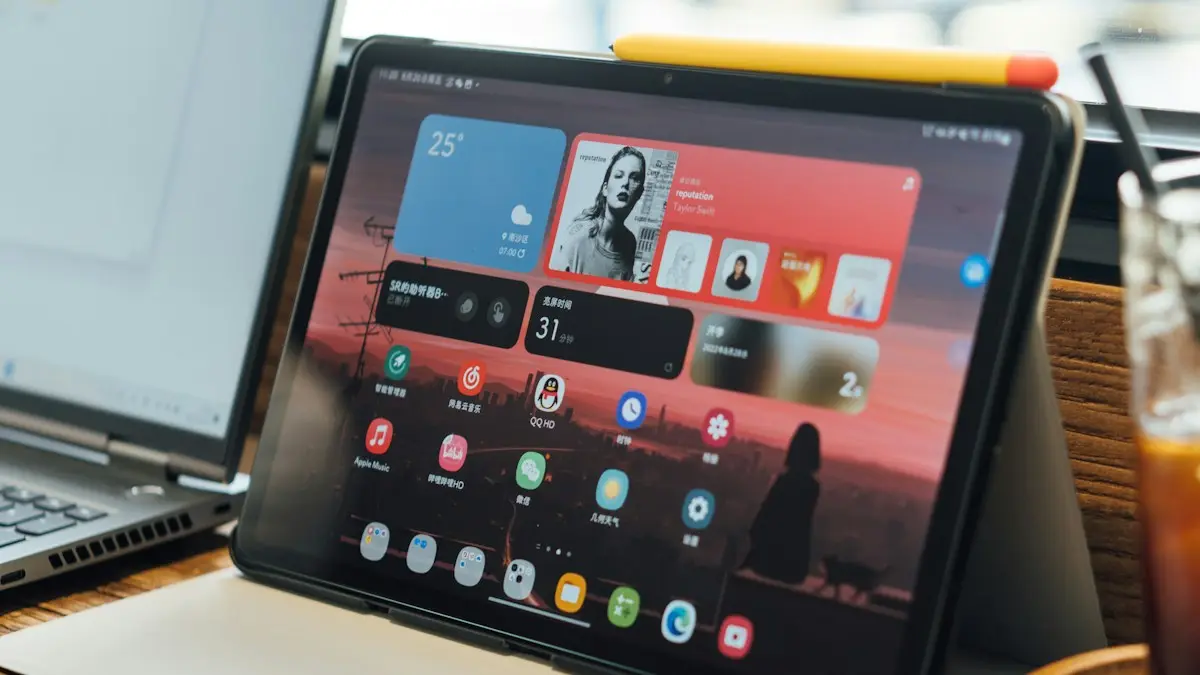
Set up eSIM on Samsung
How to set up eSIM on Samsung: scan a QR code, use your carrier app or enter details by hand, then pick which SIM handles calls and data. Fixes included.
More guides you may need
What is 5G UC
5G UC is T-Mobile’s fastest 5G, called 5G UW on Verizon and 5G+ on AT&T. What the icon means, how fast it is and how it differs from plain 5G.
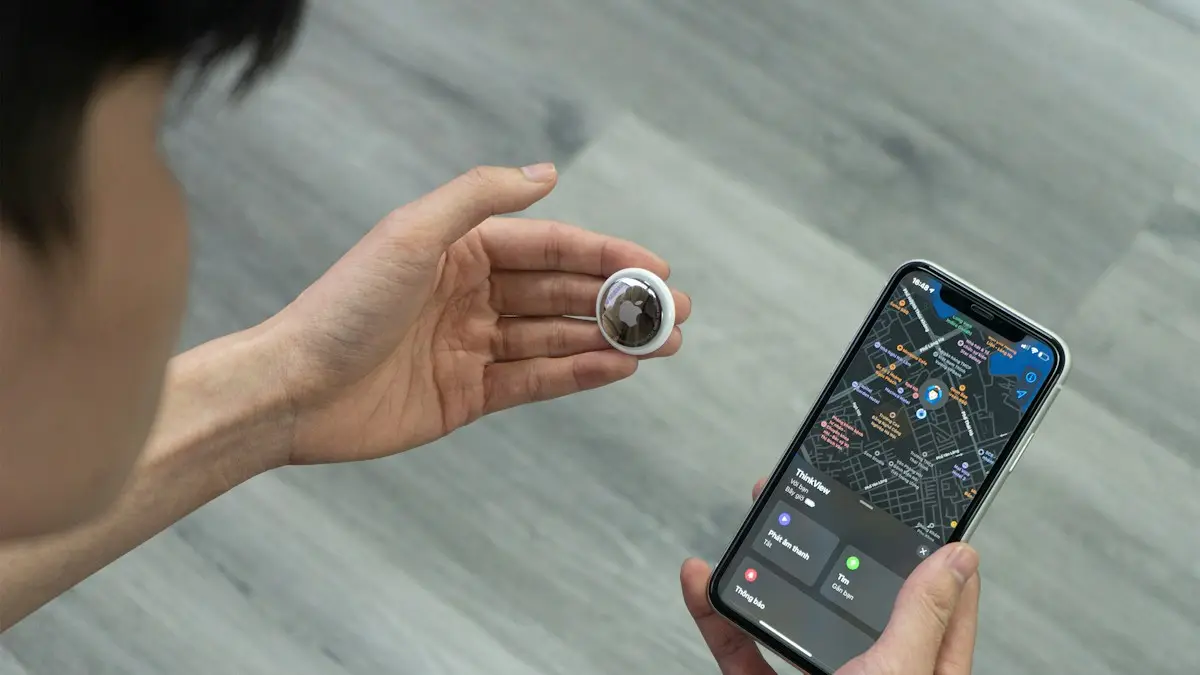
AirTag vs Tile
AirTag vs Tile compared on phone support, network size, precision finding, alerts, battery and cost. See which tracker fits your iPhone or Android.