

Android voicemail not working? 8 fixes for Samsung and Pixel
Voicemail lives with your carrier, so first check if messages reach the mailbox. Then fix the app that shows them.
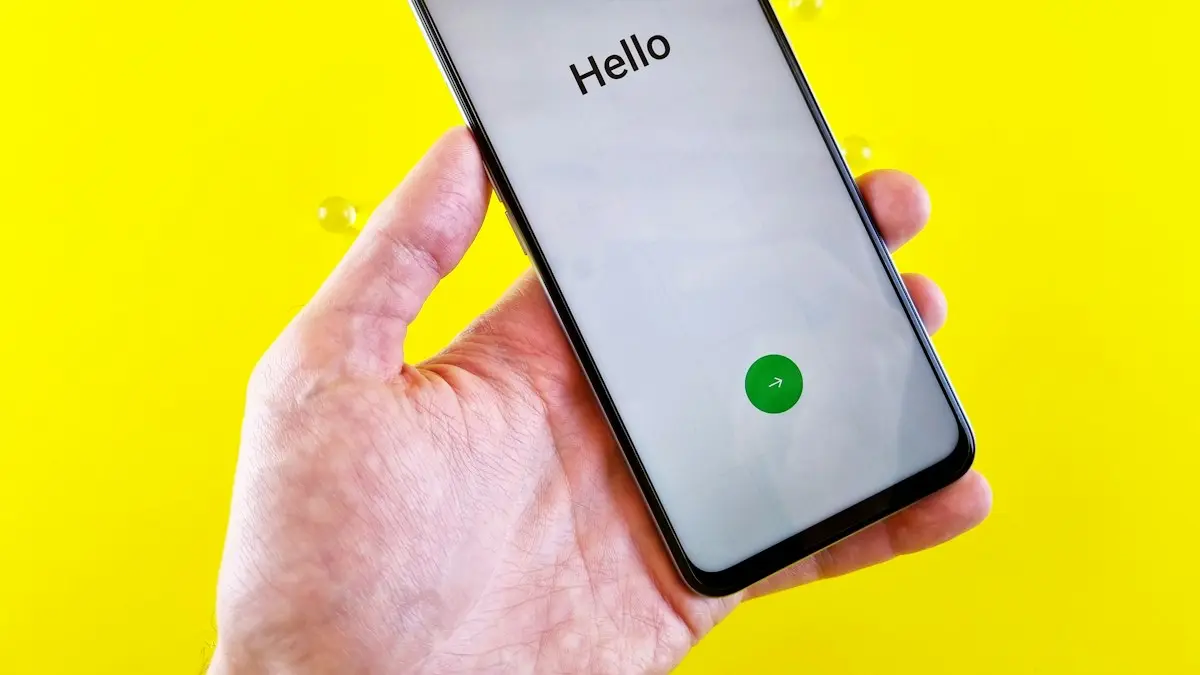
Photo by Andrey Matveev on Unsplash
The fix
8 fixes, in order
- 1
Hold 1 on the keypad to test the mailbox.
- 2
Delete old messages if the mailbox is full.
- 3
Check the voicemail number.
Phone app › ⋮ › Settings › Voicemail › Voicemail number.
- 4
Clear the Voicemail app cache.
Settings › Apps › Voicemail › Storage › Clear cache.
- 5
Turn on voicemail notifications.
- 6
Set the Phone and Voicemail apps to Unrestricted battery use.
- 7
Update the Phone app and restart.
- 8
Ask your carrier to reprovision voicemail.
Why Android voicemail stops working
Voicemail is not stored on your phone. It lives on your carrier's server. When someone does not reach you, the network forwards the call to your mailbox, records the message, and then tells your phone about it. Your phone shows that message in one of two ways: a plain notification that tells you to dial in, or a visual voicemail app that downloads the audio so you can play it like a list of emails.
That means there are three places things can break: the mailbox on the carrier side, the forwarding that sends missed calls there, and the app on your phone that shows the messages. The fixes above are in that order. Holding 1 tells you which part is broken, so do not skip it.
Step 1 in detail: test the mailbox by holding 1
Open the Phone app, tap the keypad, and press and hold 1. Your phone dials your voicemail number. There are three possible results:
- You hear your messages. The mailbox works. The problem is only the app or the notifications on your phone. Go to the cache, notification and battery fixes.
- You hear a setup prompt. Your mailbox was never set up or was reset. Follow the prompts to set a password and record a greeting. Our guide on setting up voicemail on an Android phone walks through it.
- Nothing happens or you get an error. The voicemail number is missing or wrong. Check it in the next step.
Is the mailbox full?
Most US carriers cap the number of messages a mailbox can hold, and some delete saved messages after a set number of days. When the box is full, callers hear a message saying the mailbox is full and cannot leave anything. Dial in, listen to old messages and delete them with the key the system tells you. Deleting in a visual voicemail app usually deletes on the server too, but if the box still says full, delete through the dial in menu.
Check the voicemail number on Samsung and Pixel
On a Samsung Galaxy, open the Phone app, tap the three dots, then Settings › Voicemail › Voicemail number. On a Pixel, open the Phone app, tap the three dots or your profile picture, then Settings › Voicemail and look under Advanced settings. Menu names shift a little between versions, so look for Voicemail in Phone settings if the path differs.
The voicemail number is usually your own 10 digit phone number or a carrier short code. If the field is blank, ask your carrier for the right number and save it. If you moved your number from another carrier, an old number can be stuck here, which is a common reason voicemail dies after switching.
Fix the visual voicemail app
Which app shows your voicemail depends on your phone and carrier. Some Samsung phones use a separate Voicemail app, and some carriers use their own visual voicemail app. On Pixel and many newer Galaxy phones, visual voicemail is built into the Phone app.
- Open Settings › Apps and find the app that shows voicemail. Turn on Show system apps in the filter menu if you do not see it.
- Tap Storage › Clear cache. Open the app again.
- If it is still empty, tap Clear data (Samsung) or Clear storage (Pixel). This signs the app out of the mailbox but does not delete messages on the carrier side.
- Open the app and accept its permissions for Phone, Contacts and SMS. Visual voicemail often activates through a hidden text message, so blocking SMS can break it.
No voicemail notification? Check these settings
If messages arrive but you never get alerted, the problem is notifications or battery limits. Go to Settings › Notifications › App notifications and make sure the Phone and Voicemail apps are allowed. Then go to Settings › Apps › Phone (or Voicemail) › Battery and choose Unrestricted. On Samsung, the sleeping apps list in Settings › Battery › Background usage limits can also silence voicemail, so remove the app from it.
Calls never reach voicemail
If callers hear endless ringing instead of your greeting, call forwarding is off or pointed somewhere else. Missed calls are sent to voicemail by forwarding rules set on the network. Check Phone app › Settings › Supplementary services › Call forwarding on Samsung, or the Calls or Call forwarding section of Phone settings on Pixel. If any rule shows a number that is not your voicemail, turn it off.
Some guides tell you to dial ##004# to clear all forwarding on GSM networks like AT&T and T-Mobile. Be careful: on some carriers this also removes the forwarding to voicemail itself, and then you need the carrier to put it back. If you are not sure, call support first.
Carrier help: Verizon, AT&T and T-Mobile
- Verizon: dial *86 to reach voicemail. Support is 611 from your phone, and you can manage voicemail in the My Verizon app.
- AT&T: hold 1 to reach voicemail. Manage the password in the myAT&T app or call 611.
- T-Mobile: hold 1 or dial 123. Manage voicemail in the T-Life app or call 611.
Ask support to reprovision voicemail or to reset visual voicemail on your line. This is a quick fix on their side and solves many cases that no setting on the phone can.
Voicemail broke after a new phone or new carrier
This is the most common time voicemail fails. When you port your number, the old carrier's mailbox is closed and a new one is created, empty and not set up. Hold 1 to set it up. If you moved from an iPhone to Android, also make sure iMessage is deregistered so texts reach you, since visual voicemail activation can depend on SMS. If you changed phones but kept your carrier, the new phone may need the carrier to push visual voicemail settings again.
Using an eSIM or two SIMs
On dual SIM phones, each line has its own voicemail. Make sure you are checking the voicemail settings for the right SIM. Samsung shows a SIM selector in the voicemail settings when two lines are active. If voicemail works on one line but not the other, the problem is with that line's carrier.
Third party voicemail apps
Apps like Google Voice or YouMail can replace carrier voicemail, but they work by changing your call forwarding. If you tried one and removed it, your missed calls may still forward to that service. Sign in to the service and turn forwarding off, or ask your carrier to reset forwarding to the default mailbox.
Still not working?
If holding 1 works but the app stays empty after clearing data, the carrier needs to reprovision visual voicemail. If holding 1 fails even with the correct number, the mailbox itself has a problem only the carrier can fix. A factory reset rarely helps voicemail, because nothing about the mailbox is stored on the phone. Save it for when the whole Phone app keeps crashing.
Back up voicemails you want to keep
Carriers delete old voicemails on their own schedule, and switching carriers wipes the mailbox. If a message matters, such as a voice from a loved one or a record for work, save it. Most visual voicemail apps have a Save or Share option that exports the audio file to your phone storage, Google Drive or email. Do this before you change carriers or reset anything.
Frequently asked questions
Why do callers not get my voicemail?
Voicemail may not be set up, the mailbox may be full, or call forwarding sends calls elsewhere. Hold 1 to check the mailbox and ask your carrier to reset forwarding.
Why is visual voicemail empty but I have messages?
The app has not synced. Clear its cache and data, then ask your carrier to reprovision visual voicemail on your line.
How do I reset my voicemail on Android?
There is no reset button on the phone. Call your carrier (611 on Verizon, AT&T and T-Mobile) and ask them to reset your voicemail password or reprovision visual voicemail, then set it up again by holding 1.
Why does my voicemail say it is not set up?
Your carrier mailbox has never been activated on this line, or it was wiped after a number transfer. Hold 1 and follow the prompts to create a password and greeting.
People also ask
Why does my iPhone say Visual Voicemail is currently unavailable?
The iPhone cannot reach your carrier’s voicemail server, usually because cellular data is off or weak. Turn on cellular data, toggle Airplane Mode and try again.
Read the full guide: iPhone voicemail not workingHolding 1 does not call voicemail. What now?
The voicemail number is missing. In the Phone app, open Settings › Voicemail › Voicemail number and enter your own number or the one your carrier gives you.
Read the full guide: Set up voicemail on AndroidWhy is my hotspot connected but has no internet?
Your plan may block or have used up its hotspot data, or a VPN or data saver is in the way. Check your carrier app for hotspot data left.
Read the full guide: Android hotspot not workingWhy does my screen touch things by itself only while charging?
Electrical noise from a cheap or damaged charger. Use the original charger and cable, or another certified one.
Read the full guide: Android touch screen not workingRelated guides
iPhone voicemail not working
iPhone voicemail not working or Visual Voicemail unavailable? Check cellular data, call forwarding and a full mailbox, update carrier settings and more.
Set up voicemail on Android
Set up voicemail on any Android phone by pressing and holding 1, creating a PIN and recording a greeting. Plus visual voicemail on Samsung and Pixel.

Android hotspot not working
Android hotspot not working or connected with no internet? Check your plan, switch to 2.4 GHz, turn off data saver and the timeout, and try 5 more fixes.
Android touch screen not working
Android touch screen not working or touching by itself? Force restart, clean the screen, remove the protector, adjust touch sensitivity and test in safe mode.
More guides you may need
Google Messages recipient is offline
Google Messages recipient is offline but they are not? Turn on resend as text, verify your number, check data and RCS, and test with SMS. 6 fixes for Android.

Google Messages waiting to connect
Google Messages waiting to connect or stuck on setting up chat features? Check data, your number and the RCS switch, then clear the app data. 7 fixes that work.