

iPhone voicemail not working? 9 fixes for Visual Voicemail
Visual Voicemail depends on your carrier and cellular data. Most problems come from those two, or from a full mailbox.
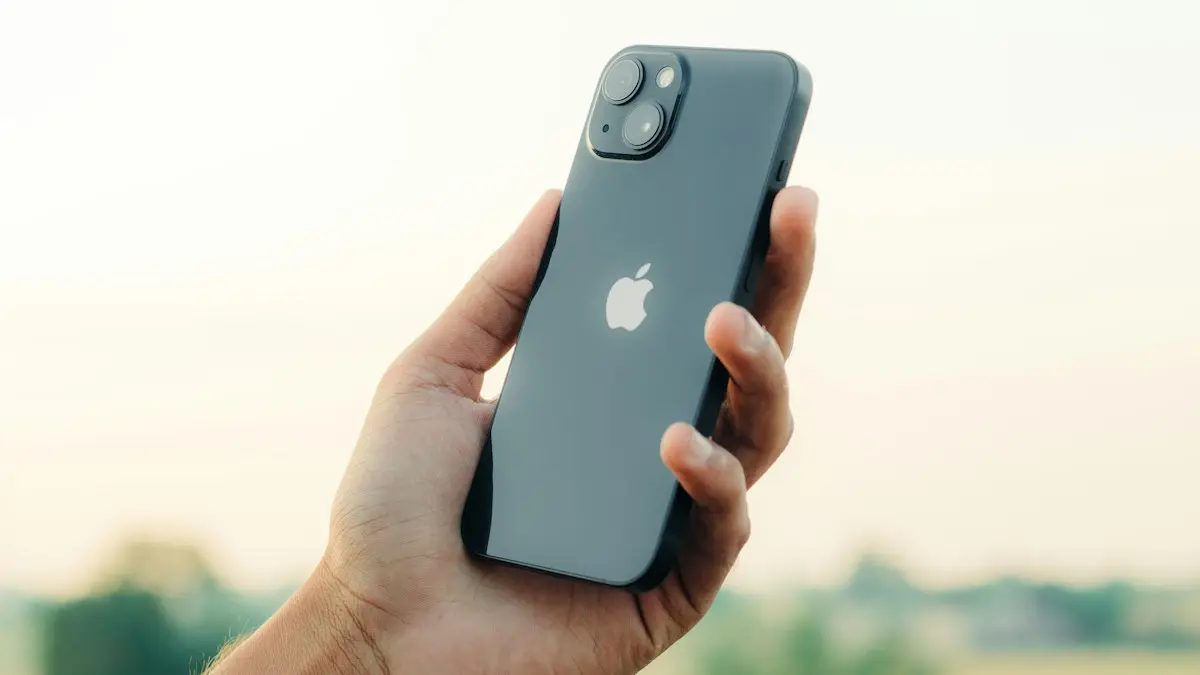
Photo by Sahej Brar on Unsplash
Voicemail on iPhone involves two parts: your carrier’s voicemail box, where messages are stored, and Visual Voicemail, which downloads them into the Phone app so you can play them in any order and read transcripts. When something breaks, it is usually the link between the two: data, carrier settings or the mailbox itself. Start by matching what you see to the list below, since each symptom points to a different part of that chain.
What are you seeing?
- “Visual Voicemail is currently unavailable”: the iPhone cannot reach the voicemail server. Usually data, signal or carrier settings.
- Only a Call Voicemail button, no list: Visual Voicemail is not set up, or your carrier or plan does not support it.
- Callers hear “mailbox not set up” or “mailbox full”: the carrier mailbox needs setup or space.
- Messages arrive hours late: weak signal or no data while they were downloading to the phone.
- Messages will not play: a download problem; restart and try again on a better connection.
- No missed call, no voicemail: calls are not reaching your line. See why an iPhone is not receiving calls.
How to fix iPhone voicemail not working
The fix
9 fixes, in order
- 1
Turn on cellular data.
Settings › Cellular › Cellular Data. Visual Voicemail needs it.
- 2
Toggle Airplane Mode.
On for 15 seconds, then off.
- 3
Turn off call forwarding.
Settings › Apps › Phone › Call Forwarding.
- 4
Clear space in your mailbox.
Delete old voicemails and empty Deleted Messages in the Voicemail tab.
- 5
Call your voicemail.
Press and hold 1 on the keypad. If you are asked to set up voicemail, do it.
- 6
Restart the iPhone.
- 7
Update carrier settings and iOS.
Settings › General › About shows a carrier update prompt if available.
- 8
Reset network settings.
Settings › General › Transfer or Reset iPhone › Reset › Reset Network Settings.
- 9
Ask your carrier to reset voicemail.
They can reset your voicemail box and password.
Does your carrier support Visual Voicemail?
Verizon, AT&T and T-Mobile support Visual Voicemail on iPhone. Some prepaid brands and smaller carriers support it only on certain plans or not at all, in which case the Voicemail tab shows a Call Voicemail button and you listen by calling in. If you recently moved to a prepaid brand and the list disappeared, check the carrier’s help pages before trying more fixes. If you have never set up voicemail on this number, do that first; see how to set up voicemail on iPhone.
Live Voicemail and call screening
Live Voicemail, on iOS 17 and later, shows a transcript on screen while a caller leaves a message. On iOS 26, call screening can also answer unknown callers. These features work with your carrier voicemail, but if voicemails go missing after you turned them on, try switching Live Voicemail off in Settings › Apps › Phone, restart, and test with a call from another phone. If messages then arrive normally, leave it off or turn it back on later after an update.
Mailbox full even after deleting
Deleting a voicemail moves it to Deleted Messages at the bottom of the Voicemail list, and on many carriers it still counts against your mailbox until you clear it. Scroll down, tap Deleted Messages, then Clear All. If callers still hear that your mailbox is full, call your voicemail by pressing and holding 1 and delete old messages and saved greetings from the menu there, since some carriers store them separately from what you see on the iPhone.
No alert for new voicemails
If voicemails arrive but you never hear about them, check Settings › Notifications › Phone and make sure notifications are allowed, with Badges on so the Voicemail tab shows a count. A Focus can also hide the alert. The voicemail is still there when you open the Phone app; it is only the notification that is missing.
Voicemail abroad or on Wi-Fi only
Visual Voicemail downloads new messages over cellular data. When you travel with data roaming off, or use Wi-Fi only, new voicemails may not appear until you are back on your carrier’s network. You can still listen by calling your voicemail with Wi-Fi Calling turned on, which many US plans allow at no extra cost from abroad; check your plan first. Messages wait safely in the carrier mailbox until you get home and reconnect to your carrier.
Forgot your voicemail password?
Each carrier resets it differently. Verizon, AT&T and T-Mobile let you reset the voicemail password in their apps or account websites, and their customer care can reset it on a call. On iPhone, once you have the new password, go to Settings › Apps › Phone › Change Voicemail Password if the option is shown, or enter it when the Voicemail tab asks. Choose a PIN that is not your birthday or the last digits of your phone number.
Two lines on one iPhone
With dual SIM, each line has its own voicemail. In the Voicemail tab, use the line selector at the top to switch between them. The line whose voicemail fails may have cellular data turned off, since iOS uses one line for data by default. Turning on Allow Cellular Data Switching in Settings › Cellular › Cellular Data can help the other line’s voicemail download.
After switching carriers or phones
Voicemails live in your carrier’s mailbox, so they do not move with your number to a new carrier. After switching, set up the new carrier’s voicemail by pressing and holding 1, create a password and record a greeting. On a new iPhone with the same carrier, Visual Voicemail may need a restart or a carrier settings update before the list appears. Save any important messages from the old phone before you reset it.
Callers say they cannot leave a message
- “The mailbox has not been set up”: press and hold 1 and follow the prompts to create your password and greeting.
- “The mailbox is full”: clear Deleted Messages and old messages, as described above.
- The call just keeps ringing: the ring time may be longer than the carrier allows before voicemail, or forwarding sends calls elsewhere. Check Call Forwarding in Settings › Apps › Phone.
- The call goes to someone else’s voicemail: an old forwarding rule or a voicemail app such as Google Voice is still active. Ask your carrier to clear forwarding.
Each of these is a carrier mailbox problem rather than an iPhone problem, so resetting or replacing the iPhone will not help at all. Fix it in the mailbox or with your carrier.
Test it properly
- 1
Ask someone to call you and let it ring through to voicemail.
- 2
Check whether they heard your greeting, or a carrier message instead.
- 3
After they leave a short message, wait a minute and look in the Voicemail tab.
- 4
If nothing appears, press and hold 1 to call your voicemail and check whether the message is there.
If the message is in the carrier mailbox but not in the Voicemail tab, the problem is Visual Voicemail on the iPhone: data, carrier settings or a reset. If the message never reached the mailbox, the problem is forwarding or the carrier account, so call your carrier and mention exactly what the caller heard.
Save important voicemails
- 1
Open Phone › Voicemail and tap the message.
- 2
Tap the share button.
- 3
Save it to Files or Notes, or send it to yourself by email.
Saved copies stay safe even if the carrier deletes old messages or you change carriers.
Carriers keep voicemails for a limited time and limit how many fit in a mailbox, so saving the ones you care about, such as a message from a loved one, is worth doing now rather than later.
Frequently asked questions
Why does my iPhone say Visual Voicemail is currently unavailable?
The iPhone cannot reach your carrier’s voicemail server, usually because cellular data is off or weak. Turn on cellular data, toggle Airplane Mode and try again.
How do I call my voicemail?
Open the Phone keypad and press and hold 1, or call your own number from your iPhone.
Why are my voicemail transcripts missing?
Transcription only works in supported languages and regions, and needs the message to download fully. Poor audio or a short message may show no transcript. Restart the iPhone and check that Siri’s language matches your voicemails.
Can I recover a deleted voicemail?
Yes, if it is still in Deleted Messages at the bottom of the Voicemail list. Tap it and choose Undelete. Once you tap Clear All there, it is gone from the iPhone.
What to try next
People also ask
Why do callers not get my voicemail?
Voicemail may not be set up, the mailbox may be full, or call forwarding sends calls elsewhere. Hold 1 to check the mailbox and ask your carrier to reset forwarding.
Read the full guide: Android voicemail not workingWhy do calls go straight to voicemail without ringing?
Most often a Focus, Silence Unknown Callers, call forwarding or a blocked number sends them there. Weak signal and carrier problems are the next most common causes.
Read the full guide: iPhone not receiving callsWhy is there no Wi-Fi Calling option on my Samsung?
Your carrier may not support it on that plan or phone, the SIM may not be fully activated, or Samsung’s software is out of date. Update the phone first, then ask your carrier to enable Wi-Fi Calling on your line.
Read the full guide: Samsung Wi-Fi calling not workingWhy is there no Set Up Now button?
Voicemail may already be set up, or your plan does not include visual voicemail. Press and hold 1 on the keypad to call voicemail and set it up by voice.
Read the full guide: Set up voicemail on iPhoneRelated guides
Android voicemail not working
Android voicemail not working or no voicemail alerts? Test by holding 1, check the voicemail number, clear the visual voicemail app and try 5 more fixes.
iPhone not receiving calls
Calls going straight to voicemail on your iPhone? Check Focus, Silence Unknown Callers, blocked numbers, call forwarding and 6 more fixes, in the right order.
Samsung Wi-Fi calling not working
Samsung Wi-Fi calling not working or missing? Turn it on, add your emergency address, check your carrier and reset network settings. 7 fixes for Galaxy phones.
Set up voicemail on iPhone
Set up voicemail on your iPhone with Set Up Now in the Phone app, pick a password and record a greeting. Plus what to do when the Set Up Now button is missing.
More guides you may need
Photos stuck restoring from iCloud
Photos stuck restoring from iCloud on your iPhone? Learn how long it takes, then fix it with Wi-Fi, power, Low Power Mode, cellular and iCloud Photos settings.
Safari wrong location
Safari showing the wrong city or state on your iPhone? Find out why sites guess your location from your IP address and how to fix it with a few settings checks.