

Apple Watch stuck on the Apple logo? 5 fixes
A watch stuck on the logo is often finishing an update. Give it time on the charger before forcing anything.
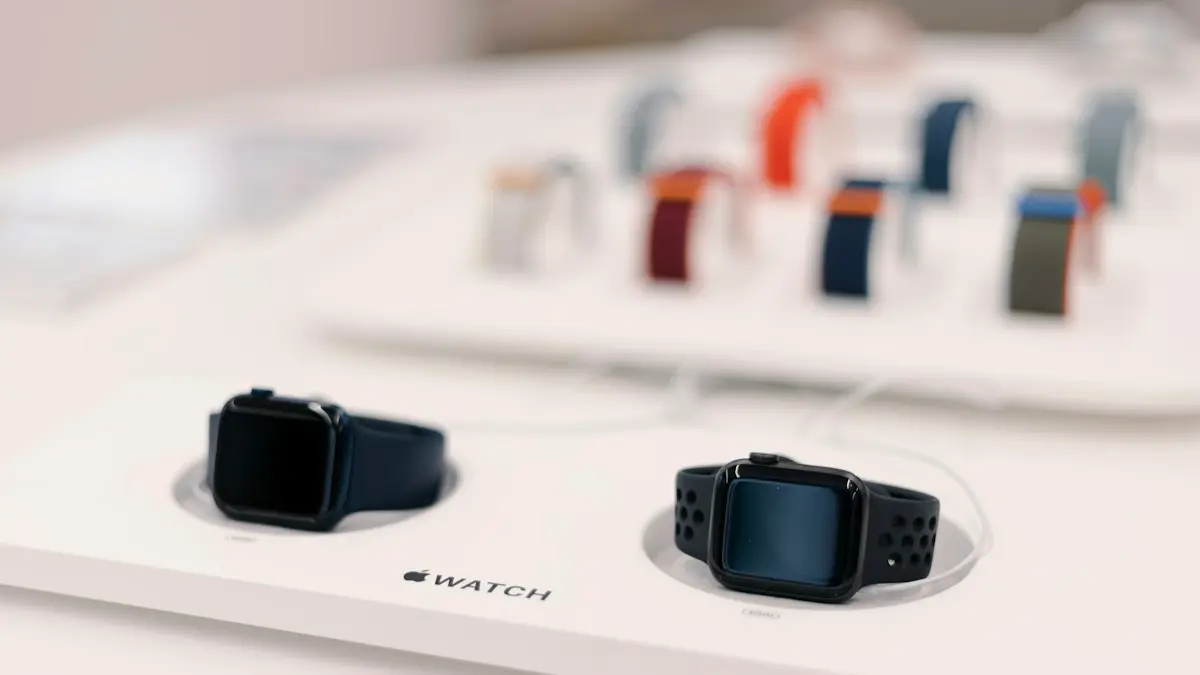
Photo by Mohamed M on Unsplash
The Apple logo should only show for a few seconds while the watch starts. When it stays for minutes, or the watch goes back to it again and again, startup has stalled. There is no computer port on an Apple Watch, so the fixes are different from an iPhone. The good news is that most cases clear up with time on the charger and a restart. The steps below go from the gentlest to the last resort.
How to fix an Apple Watch stuck on the logo
The fix
5 fixes, in order
- 1
Charge it for an hour.
Keep it near your iPhone. Do not interrupt an update.
- 2
Force restart.
Hold the side button and Digital Crown together for at least 10 seconds, until the logo reappears.
- 3
Try Play Sound.
In the Find My app on your iPhone, tap Devices, choose the watch and tap Play Sound. Many users report this wakes a stuck watch.
- 4
Update your iPhone.
An outdated iPhone can block the watch from finishing an update.
- 5
Unpair and pair again.
Watch app › All Watches › ⓘ › Unpair Apple Watch. This erases the watch after backing it up.
Why is my Apple Watch stuck on the Apple logo?
At startup the watch loads watchOS, checks it and connects to the iPhone. Anything that stops this chain leaves you on the logo. The most common cause is an update that is still working, since watchOS updates can take a long time on an older watch. After that come a battery that is too low to finish starting, a software file that was damaged during an update, a watch that was restarted in the middle of an update, and a link to the iPhone that fails. A hardware fault, such as a worn battery or a bad board, is less common, but it is the cause when nothing else helps.
Is it really stuck, or still updating?
If you started an update, the watch restarts, and shows the logo with a thin progress bar or a wheel. That is normal. A big update can take 30 to 60 minutes, or longer on an older watch. Leave the watch on its charger, next to your iPhone, and do not press any buttons. If the progress has not changed after an hour, or there is no bar at all and it has been on the logo for much longer, treat it as stuck. Interrupting a working update is the way to make things worse.
Make sure it has enough battery
A watch with a nearly empty battery may show the logo and then fail to go on. Place it on its magnetic charger, with the back clean and flat on the puck, and plug the cable into a wall adapter. Wipe the back of the watch and the puck with a soft, dry cloth first. Leave it for an hour. If the watch does not seem to charge at all, check the charger first, using the guide for a watch that will not charge. A bad charger is a common reason that a watch never gets past the logo.
Force restart the watch
Press and hold the side button and the Digital Crown together. Keep holding for at least 10 seconds, through the moment the screen goes dark, until the Apple logo comes back. Then release. A force restart does not erase your data. It cuts power to the system and starts it again, and it clears many one-time freezes. If the watch passes the logo and shows the watch face, open the Watch app, and check General › Software Update to make sure it is on the latest version.
Try Play Sound in Find My
Some people find that a stuck watch wakes up when it is asked to play a sound. It is not an official fix, and Apple does not list it, but it is harmless and takes a minute. Keep the watch near your iPhone. Open the Find My app, tap Devices, choose your Apple Watch and tap Play Sound. If the watch is connected, it beeps. Sometimes this nudges the watch out of the logo screen. If it does nothing, move on.
Check the iPhone side
The iPhone helps the watch with updates and pairing. Make sure the iPhone has the latest iOS, that Bluetooth and Wi-Fi are on, and that Airplane Mode is off. Open the Watch app and see whether it shows the watch. If the watch is stuck during an update, the iPhone must stay close, on Wi-Fi, and charged. Restart the iPhone, then try the force restart again. If the watch shows the logo and the iPhone cannot see it, the problem is on the watch.
Unpair and pair the watch again
If the watch reaches its screen but the problem comes back, unpair and pair it again. In the Watch app, tap All Watches, tap the info button next to the watch, and choose Unpair Apple Watch. Your iPhone saves a backup, erases the watch, and removes Activation Lock. After that, set the watch up again and restore from the backup. If the watch shows only the logo, unpairing may not be possible, and Apple Support is next. The guide to resetting an Apple Watch lists every way to erase it.
Why you cannot restore it with a computer
Unlike an iPhone or iPad, an Apple Watch has no cable port for a computer, so you cannot put it into recovery mode at home. Apple repairs the software with special equipment. You may see websites that claim to restore the watch with a program. Be careful with these. They cannot reach the watch’s system the way Apple does, and some ask for payment or your Apple Account password. The safe next step after the fixes above is Apple Support or an authorized service provider.
When it needs a repair, and what it costs
If the watch stays on the logo after the steps above, Apple can run a diagnostic and restore or repair it. Check the coverage under your Apple Account, or enter the serial number on Apple’s coverage page. If you have AppleCare+, a battery service or other repairs may cost a set fee, or nothing in some cases. Without it, ask for a quote before you agree. On an older watch, the repair can approach the price of a newer or refurbished model, so compare, and check trade-in offers. See what AppleCare+ covers if you are deciding. Before you send it in, make sure your iPhone has a current backup, since the watch will be erased.
A watch that is hot, swollen or wet needs special care. Stop charging it, and say so when you contact Apple. Do not try to open it.
Should you keep fixing it or replace the watch?
Think about the age of the watch. A watch that is three or four years old, with a tired battery, may keep giving trouble even after a restore. If Apple quotes a high repair fee, compare it with a refurbished watch or a new one, and see what a trade-in is worth. A newer model also gets watchOS updates for longer, which matters for security and for apps. If the watch is under warranty or AppleCare+, repair first, since it costs little. If it is not, a repair makes sense when the quote is well below the price of a replacement.
While you wait for a repair, you still have your data. The watch backup sits on your iPhone, and your health and activity history syncs with iCloud if you turned that on. Check Settings › your name › iCloud on the iPhone to be sure Health is on. You can also use your iPhone for notifications and calls in the meantime, so you are not cut off while the watch is away.
How to avoid a stuck watch
- Start watchOS updates only when the watch has at least 50% battery, and leave it on the charger.
- Keep the iPhone close and on Wi-Fi during an update.
- Do not press any buttons while the progress bar moves.
- Keep the iPhone updated, so the two stay in step.
- Back up the iPhone often, because it stores the watch’s backup.
Frequently asked questions
Can I restore an Apple Watch myself?
Not with a computer. If force restarting and unpairing do not work, Apple Support has to restore the watch.
Was my watch updating?
If you started a watchOS update, the logo with a progress wheel can stay for a long time. Leave it on the charger next to your iPhone for at least an hour.
Will I lose my data if the watch has to be restored?
The watch itself is erased, but your iPhone keeps backups of it. After a restore you pair the watch again and choose the latest backup.
Why does my watch show the logo and restart again and again?
That is a boot loop. It usually means damaged software or a failing battery. Try a force restart and Play Sound, then contact Apple Support if it continues.
What to try next
Sources
Official pages these steps are based on. Menus can differ by software version.
People also ask
How long should I wait on the Apple logo?
During an update, the logo and progress bar can stay for up to an hour. If the bar has not moved in an hour, it is stuck.
Read the full guide: iPad stuck on Apple logoHow long should the Apple logo stay on screen?
A normal startup takes under a minute. During an iOS update the logo and progress bar can stay for 30 minutes or more. Only treat it as stuck if the progress bar has not moved for at least an hour.
Read the full guide: iPhone stuck on Apple logoWhy does my Apple Watch keep going back to Compass?
The watch reopens the last app you used when you raise your wrist. If Compass was the last app, or it is still running a session such as Backtrack, it keeps coming back.
Read the full guide: Apple Watch keeps opening CompassWhy does my Apple Watch stop charging at 80%?
Optimized Battery Charging or Optimized Charge Limit is holding the charge at 80% to reduce battery wear. It finishes charging when it expects you to need it. You can change this in the watch’s Battery settings.
Read the full guide: Apple Watch not chargingRelated guides
iPad stuck on Apple logo
iPad stuck on the Apple logo or restarting over and over? Force restart it the right way for your model, then use recovery mode and choose Update to keep data.
iPhone stuck on Apple logo
iPhone stuck on the Apple logo or in a boot loop? Try a force restart, then use recovery mode and choose Update to reinstall iOS without erasing your data.
Apple Watch keeps opening Compass
Apple Watch keeps opening Compass or will not leave it? Change Return to Clock, turn off Return to App, end Backtrack and check the Action button. 7 easy fixes.
Apple Watch not charging
Apple Watch not charging, stuck at 80% or showing a red lightning bolt? Clean the back, check the charger and force restart with these 8 simple fixes.
More guides you may need
AirPods no location found
AirPods no location found in Find My? It rarely means they are gone. See what the message means, what to check right now and how to improve your chances.
AirPods one side not working
Fix AirPods when one side is silent, quiet or louder than the other. Check balance, clean the mesh, reset the pair and learn when a single bud needs replacing.