

Apple Watch not charging? 8 fixes to get it charging again
A watch that will not charge is usually a dirty sensor, a loose adapter or a very flat battery. Stopping at 80% is a feature, not a fault.
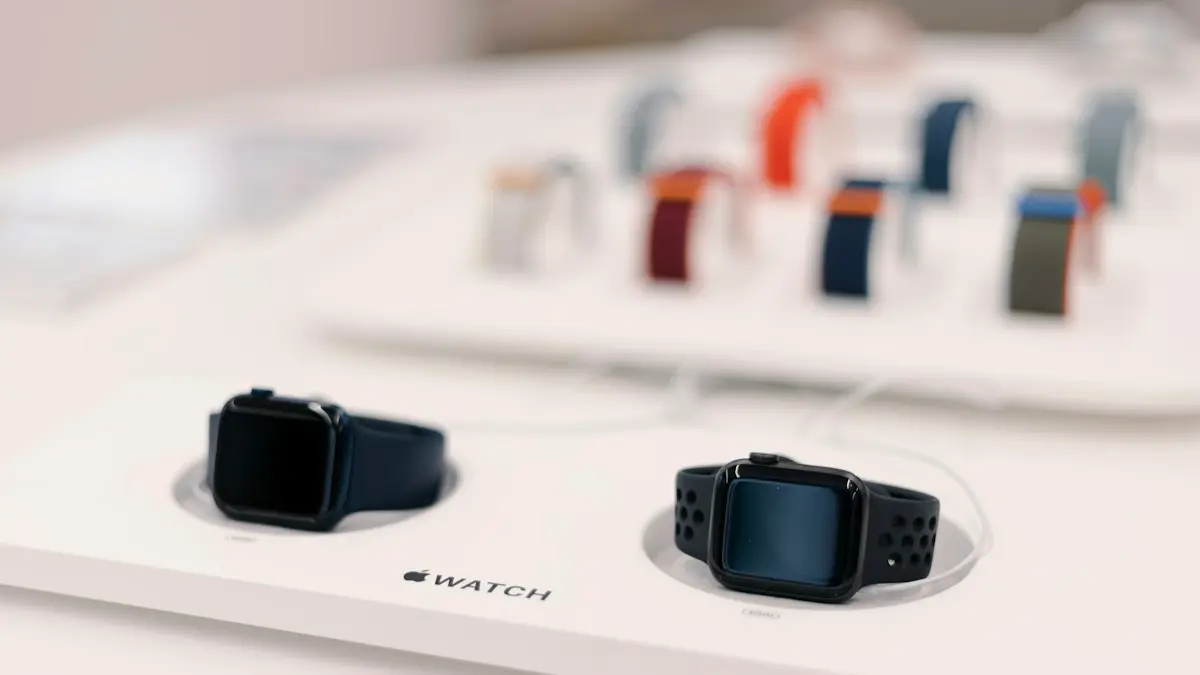
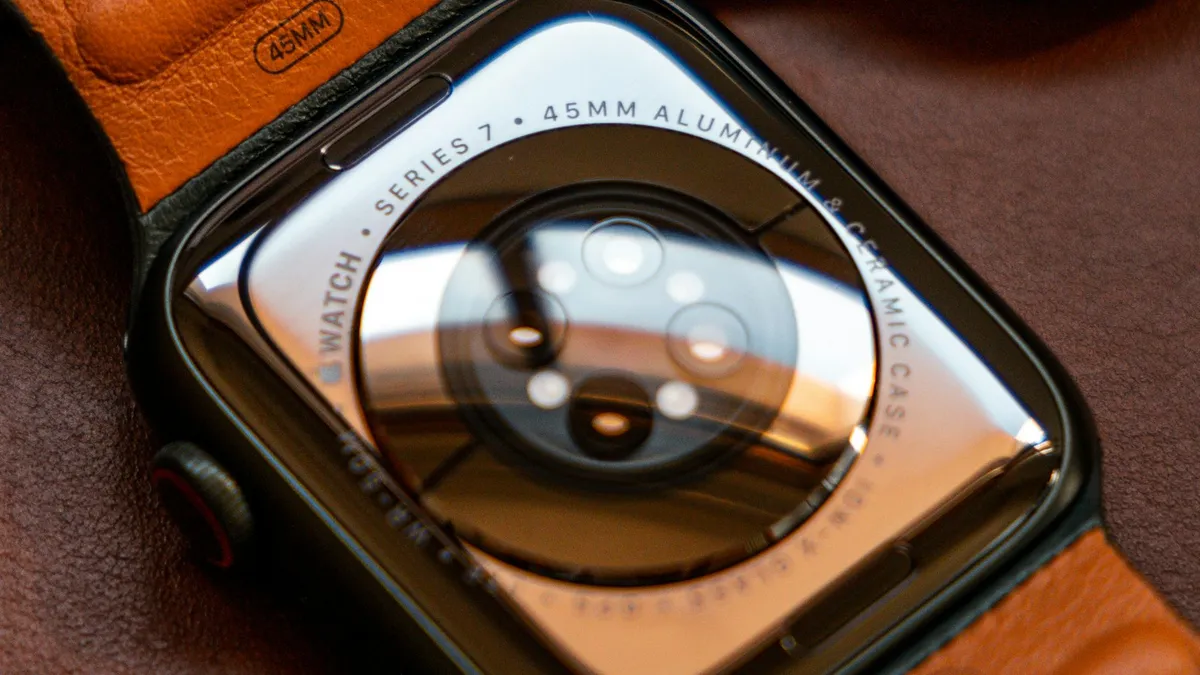
Photo by Jass (akajassd) Hernandez on Unsplash
Apple Watch charges wirelessly, through a magnetic puck that touches the back of the watch. That design is neat, but it has weak points. Sweat, lotion and dust on the back, a loose cable, or the wrong adapter can all stop it. In most cases a watch that will not charge is fine. It needs a cleaner or stronger connection, or a little patience.
How to fix an Apple Watch that won’t charge
The fix
Try these 8 fixes in order
- 1
Remove any plastic film.
New chargers come with a clear film on both sides of the puck. Peel it off.
- 2
Clean the back of the watch and the charger.
Use a soft, dry, lint-free cloth. Sweat and lotion residue can stop charging. Do not use liquids or sharp objects.
- 3
Plug everything in firmly.
Push the cable all the way into the adapter and the adapter into a wall outlet. A power strip or a computer port can be too weak.
- 4
Place the watch correctly.
The back of the watch sits on the puck, and the magnet pulls it into place. Look for the lightning bolt or the charging ring.
- 5
Wait 30 minutes.
A very flat watch may show only a red bolt, or nothing, for a while.
- 6
Remove the case and band.
Metal cases, thick covers and some bands can stop the magnet from lining up.
- 7
Force restart.
Hold the side button and the Digital Crown together for at least 10 seconds, until the Apple logo appears.
- 8
Try another charger, cable and adapter.
If you can borrow a friend’s, test with that. It tells you if the watch or the charger is at fault.
Why is my Apple Watch not charging?
The charger and the watch must line up, receive enough power and have a battery that accepts it. When one of these fails, the watch will not charge. The most common causes are dirt on the contact surface, a bad cable or adapter, a case or a band that gets in the way, a battery that is deeply drained, and a software freeze. A worn battery or a damaged charging coil is less common and shows up on older watches.
Not charging, charging slowly or stopped at 80%?
These look alike, but they have different causes and fixes.
- Nothing happens when you place it on the puck: check the cable, the adapter and the wall outlet. Clean both surfaces.
- A red lightning bolt: the battery is very low. Leave it on the charger for at least 30 minutes.
- A green lightning bolt: the watch is charging normally. It may take a while.
- Stops at 80%: Optimized Battery Charging is holding the charge on purpose, to slow battery wear. It is not a fault.
- Charges, then drops off: the watch may be sliding on the puck, or it is hot.
- A message about charging being paused: the watch is warm. Let it cool before you charge.
Check the charger, cable and adapter
Use the magnetic charging cable or dock that came with the watch, or a certified replacement. Apple Watch needs a USB power adapter. The adapter from the box is the safest choice, and Apple suggests a 5W adapter or higher. A low power port, such as one on a computer, a keyboard or an old power bank, may charge very slowly or not at all. Plug the adapter into a wall outlet, and try a second outlet if the first one does nothing.
Check the cable for kinks, fraying or a bent connector near the plug. A cable that works for a moment, then drops, is worn out. Cheap, uncertified chargers can be a bad match for the watch, and some have caused damage. A certified charger is worth the price. When you test, the watch should snap onto the puck, and the charging screen should appear within seconds.
Clean the back and the charger
The charging surface on the back of the watch is smooth, and it needs a clean, flat match with the puck. Skin oil, lotion, sweat and dust build a film that gets in the way. Turn the watch off, and wipe the back and the puck with a soft, dry, lint-free cloth. For stubborn residue, use a very slightly damp cloth on the puck only, and dry it fully before use. Do not use liquids, cleaners or compressed air on the watch, and never use a sharp tool on the sensor window. Remove the band if it is loose enough to tilt the watch.
Cases, bands and the magnet
The charger holds the watch with magnets, and the coil in the puck must sit close to the one inside the watch. A thick case, a metal band or a case with a metal back can push them apart. A sticker or a screen protector that covers the back can do the same. Take the watch out of its case, and try again. If it charges without the case, buy a case that is designed for charging, or take the case off at night.
A flat battery needs time
When the battery is fully drained, the watch cannot show anything right away. Put it on the charger and wait. After a few minutes, a red lightning bolt may appear, which means the watch needs more charge to start. After about 30 minutes, the watch may turn on with the Apple logo. If you do not see the logo, press and hold the side button. If you see nothing after an hour on a known good charger, go on to the force restart. If the watch is dark but charging, read about an Apple Watch that will not turn on.
Force restart and update the watch
A software freeze can stop charging from being recognized. Hold the side button and the Digital Crown together for at least 10 seconds, until you see the Apple logo, then release. This does not erase anything. Once the watch is running, open the Watch app on your iPhone, go to General › Software Update, and install any update. You can also check on the watch itself, under Settings › General › Software Update. Updates fix bugs that affect charging and battery reporting.
Why the watch stops at 80% and how to change it
Optimized Battery Charging learns your routine and holds the charge at 80% until you need it, which slows the wear on the battery. It is a good feature for most people. If you want a full charge every time, open Settings on the watch, tap Battery › Battery Health, and turn off Optimized Battery Charging, or choose to charge to full once. The same idea exists on the iPhone. You can read how it works in the guide to the Optimized Charging setting. Menu names differ slightly between watchOS versions and watch models.
Heat and Low Power Mode
A watch that is too hot or too cold stops charging to protect the battery. Charge it indoors, at room temperature, away from sun and not under a pillow. Remove it from a hot car or from the sun, let it cool, and try again. Low Power Mode does not stop charging, but it can make the battery percentage look slow to climb, since the screen and sensors do less.
Is the battery or the watch at fault?
If a clean, known good charger fails to charge the watch, and a force restart does nothing, the problem is inside. A worn battery can lose charge quickly, shut the watch down at 30%, or no longer take charge. You can check the battery’s health on watchOS under Settings › Battery › Battery Health, where it shows the maximum capacity. A figure under 80% means the battery has worn. A damaged charging coil or a failed board will not charge at all. Apple or an authorized service provider can run a test.
What a repair or replacement costs
Apple lists battery service prices for each Apple Watch model on its support site, and they vary by model and by whether you have AppleCare+. A battery that holds under 80% of its capacity may be replaced at no charge if the watch is covered. Without coverage, ask for a quote before you agree. On an older watch, the repair can approach the price of a newer model or a refurbished one, so compare them, and check trade-in offers. For a closer look, see the AppleCare+ decision.
How to keep the watch charging well
- Use the charger and adapter from the box, or a certified one.
- Wipe the back of the watch and the puck every few weeks.
- Charge at room temperature, and take off thick cases first.
- Keep watchOS updated.
- Do not let the watch sit at 0% for weeks.
Frequently asked questions
Why does my Apple Watch stop charging at 80%?
Optimized Battery Charging or Optimized Charge Limit is holding the charge at 80% to reduce battery wear. It finishes charging when it expects you to need it. You can change this in the watch’s Battery settings.
What does a red lightning bolt mean on Apple Watch?
The battery is very low and the watch needs more time to charge before it turns on. A green lightning bolt means it is charging normally.
Can I charge my Apple Watch with any USB adapter?
Use the adapter from the box or a certified one, and the Apple charger that came with the watch. Weak or uncertified adapters and cables can fail to charge it or charge it very slowly.
How long should an Apple Watch take to charge fully?
Most models reach a full charge in roughly one to two and a half hours, depending on the model, the charger and the battery’s age. A very old battery or a weak adapter takes longer.
What to try next
Sources
Official pages these steps are based on. Menus can differ by software version.
People also ask
Why does my Apple Watch keep going back to Compass?
The watch reopens the last app you used when you raise your wrist. If Compass was the last app, or it is still running a session such as Backtrack, it keeps coming back.
Read the full guide: Apple Watch keeps opening CompassWhat does the red iPhone icon on my Apple Watch mean?
The watch is disconnected from your iPhone. Bring them close together and check that Bluetooth and Wi-Fi are on.
Read the full guide: Apple Watch not connectingWhy is my Apple Watch not vibrating for texts?
The most common reasons are Haptic Alerts set to Off, a Focus or Do Not Disturb that is on, or your iPhone being unlocked so the text appears there instead. Messages notifications can also be set to custom or off in the Watch app.
Read the full guide: Apple Watch not vibratingCan I restore an Apple Watch myself?
Not with a computer. If force restarting and unpairing do not work, Apple Support has to restore the watch.
Read the full guide: Apple Watch stuck on Apple logoRelated guides
Apple Watch keeps opening Compass
Apple Watch keeps opening Compass or will not leave it? Change Return to Clock, turn off Return to App, end Backtrack and check the Action button. 7 easy fixes.
Apple Watch not connecting
Apple Watch not connecting to iPhone or showing a red iPhone icon? Check Bluetooth and Airplane Mode, restart both, update, and re-pair without losing data.

Apple Watch not vibrating
Apple Watch quiet for texts, calls or notifications? Check haptic alerts, Focus, the iPhone unlock rule and per-app settings before you reset or repair it.
Apple Watch stuck on Apple logo
Apple Watch stuck on the Apple logo? Charge it, force restart it, try the Play Sound trick in Find My, or unpair and pair again. Here is what to do, in order.
More guides you may need

iPad white lines on screen
Seeing iPad white lines on screen? Find out whether it is a software glitch or a damaged display with Apple's checks, the screenshot test and repair options.
Unpair Apple Watch without iPhone
Unpair Apple Watch without iPhone using the watch itself or iCloud.com. See what each method does to Activation Lock and your cellular plan before you sell it.