

How to reset an Apple Watch (unpair or erase)
Unpairing from your iPhone is the best way to reset an Apple Watch. It saves a backup and removes Activation Lock in one go.
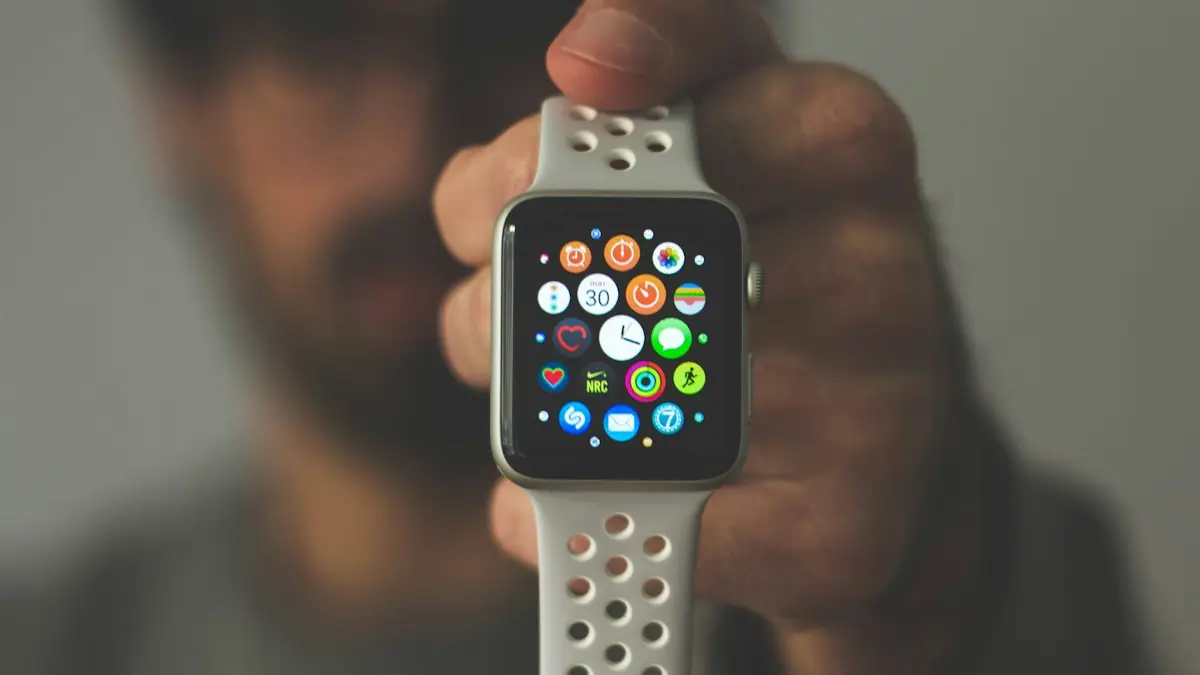
Photo by Daniel Cañibano on Unsplash
There are two ways to reset an Apple Watch, and they are not the same. One goes through your iPhone and does a careful job. The other works on the watch alone. Pick the right one for your situation, and you will save yourself a locked watch or lost data. This guide covers both, plus the cases that trip people up, such as a forgotten passcode, a cellular plan and selling the watch.
How to reset an Apple Watch
The fix
Unpair with your iPhone (recommended)
- 1
Keep the watch and iPhone close together.
- 2
Open the Watch app and tap All Watches at the top.
- 3
Tap the ⓘ next to the watch.
- 4
Tap Unpair Apple Watch and confirm, entering your Apple Account password if asked.
The fix
Erase on the watch
- 1
Open Settings on the watch and tap General.
- 2
Tap Reset, then Erase All Content and Settings.
- 3
Enter the passcode if asked.
Which reset should you choose?
The right choice depends on why you want to reset the watch.
- Fixing a problem, with the iPhone nearby: unpair. It saves a backup first, so you can restore your data when you pair again.
- Selling, giving away or trading in: unpair with the iPhone, which also removes Activation Lock.
- Lost the iPhone or cannot reach it: erase on the watch, then remove the watch from your account at icloud.com/find.
- Forgot the watch passcode: reset from the watch, as described below, then pair again.
- The watch will not connect: try the fixes in the guide on a watch that will not connect before you erase it.
Before you reset: back up and note what you will lose
Unpairing makes a fresh backup of the watch on your iPhone. Make sure the iPhone itself is backed up as well, because the watch backup lives inside it. A reset removes your watch faces, apps, activity data stored only on the watch, and settings. Health and Fitness data that syncs with your iPhone and iCloud stays. Anything that was not synced, such as a workout still on the watch, can be lost. Open the Fitness and Health apps on the iPhone and check that recent data has appeared. See iPhone backup steps if you need to.
Unpair the watch with your iPhone
This is the best option because it handles everything for you. Keep the watch on your wrist or on its charger, close to the iPhone. After you tap Unpair Apple Watch and confirm, the iPhone asks for your Apple Account password. This turns off Activation Lock, which ties the watch to your account. The iPhone then backs up the watch and erases it. The watch restarts and shows the Hello or pairing screen when it is done. This takes a few minutes. Do not turn off either device while it works.
Erase the watch from the watch itself
On the watch, open Settings, tap General, scroll to Reset, and tap Erase All Content and Settings. Enter your passcode if asked. If you have a cellular watch, you can choose to keep or remove the plan. Confirm, and the watch erases and restarts. This method does not make a new backup, and it does not remove the watch from your Apple Account. The watch will still be locked to you. If you are not going to pair it again, take it off your account.
What if you forgot the watch passcode?
You can still reset it. Put the watch on its charger. Press and hold the side button until the power menu appears. Then press and hold the Digital Crown, or press the power button slider firmly, until the Reset option shows. On some versions the option appears after you press and hold the Power Off slider. Tap Reset, and confirm. The watch erases and starts again. Then pair it with your iPhone, and restore from a backup. The exact screens differ by watchOS version, so follow what the watch shows. A passcode you forgot is not a reason to buy a new watch.
Cellular models and your plan
A cellular Apple Watch has a plan with your carrier. When you unpair, the iPhone asks if you want to keep the plan or remove it. If you will pair the same watch again soon, keep it. If you are selling or giving the watch away, remove the plan, and then contact your carrier to cancel the line so you stop paying for it. In the US, Verizon, AT&T and T-Mobile each handle watch plans through their own settings, and fees vary. Check your bill after the reset to make sure the line is gone. For more on cutting charges, see canceling subscriptions on iPhone.
Selling or trading in your Apple Watch
Before you hand the watch to anyone, unpair it with your iPhone. This removes Activation Lock. A watch that is still locked to your account is useless to the buyer, and buyers and trade-in programs will refuse it. If you erased the watch on its own, go to icloud.com/find, sign in, choose the watch under All Devices, and remove it. Then check Settings on your iPhone. Tap your name, scroll to the devices list, and make sure the watch is not listed. Take the bands off, and wipe the watch before you ship it. For a sense of the value, see what your old devices are worth.
Is a reset the right fix for your problem?
A reset is a strong step, so try gentler ones first. A force restart, which you do by holding the side button and Digital Crown for about 10 seconds, fixes many freezes without erasing anything. Updating watchOS fixes known bugs. Checking Bluetooth and Airplane Mode fixes many connection problems. Reset when the watch is slow after a long time, when apps keep failing, when it will not sync even after a restart, or when you are passing it on. It will not fix a battery that has worn out, or a screen that is cracked, so do not expect it to help with hardware.
Also remember what a reset takes away. Your watch faces, app layout and settings go, and you must set them up again unless you restore from the backup. Apple Pay cards are removed from the watch, and you add them again afterward. Keep your Apple Account password and your iPhone passcode at hand, since the setup asks for both.
After the reset: set it up again
Pair the watch again
- 1
Turn on the watch and bring it close to the iPhone.
- 2
Open the Watch app and tap Start Pairing.
- 3
Point the iPhone camera at the animation on the watch.
- 4
Choose Restore from Backup, and pick the newest backup, or set up as new.
- 5
Follow the prompts, sign in if asked and wait for the sync to finish.
A restore can take a while, especially with many apps and photos. Keep both devices close and on a charger until it finishes. If a problem was the reason for the reset, try setting up as new first, since a restore can bring back the same fault. If the watch behaves well, you can restore your data later.
If the reset does not work
- Restart the watch and the iPhone, and try again.
- Update iOS, and then watchOS.
- Make sure the watch has at least 50% battery.
- If the watch shows the Apple logo and never finishes, read the guide on a watch stuck on the logo.
- If the watch will not erase, contact Apple Support, who can restore its software.
If the watch is still locked to a former owner, you cannot reset your way around it. Ask that person to remove it from their account. Do not use services that claim to bypass Activation Lock, as they are unsafe and may be illegal.
Frequently asked questions
I forgot my Apple Watch passcode. How do I reset it?
Put the watch on its charger, press and hold the side button until the power menu appears, then press firmly or hold the Digital Crown until Reset appears. Tap Reset, then set it up again with your iPhone.
What happens to my cellular plan?
When unpairing a cellular watch, you can keep or remove the plan. Remove it if you are selling the watch, and contact your carrier if needed.
Does resetting an Apple Watch delete my iPhone data?
No. A reset erases only the watch. Your iPhone keeps its own data, and it saves a backup of the watch when you unpair.
How long does it take to reset an Apple Watch?
Unpairing or erasing usually takes a few minutes. Setting the watch up again and restoring a backup can take longer, depending on how much it holds.
What to try next
Sources
Official pages these steps are based on. Menus can differ by software version.
People also ask
Does erasing an Apple Watch remove Activation Lock?
No. Apple says erasing on the watch leaves Activation Lock in place, so the Apple Account and password are still needed. Unpairing with the iPhone, or removing the watch at iCloud.com, turns it off.
Read the full guide: Unpair Apple Watch without iPhoneDo I have to unpair my Apple Watch before I get a new iPhone?
Not if you set up the new iPhone from a backup and the watch prompt appears. If the Apple Watch app shows Start Pairing, the watch is still tied to the old phone, so unpair it first.
Read the full guide: Pair Apple Watch to new iPhoneWhy does my Apple Watch say continue setup on iPhone?
The watch has started pairing and is waiting for you to finish the steps on the iPhone, such as choosing settings or entering a passcode. It stays on that screen if the iPhone closed the Watch app, locked, or lost its connection.
Read the full guide: Continue setup on iPhoneWhy does my Apple Watch keep going back to Compass?
The watch reopens the last app you used when you raise your wrist. If Compass was the last app, or it is still running a session such as Backtrack, it keeps coming back.
Read the full guide: Apple Watch keeps opening CompassRelated guides
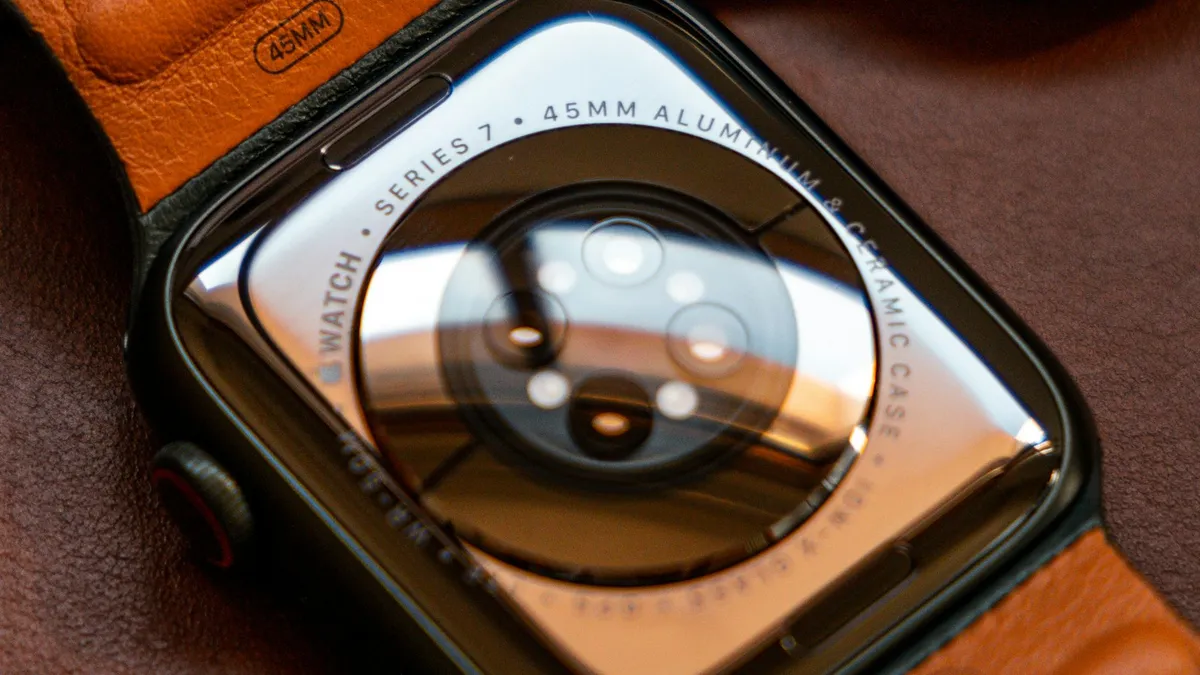
Unpair Apple Watch without iPhone
Unpair Apple Watch without iPhone using the watch itself or iCloud.com. See what each method does to Activation Lock and your cellular plan before you sell it.
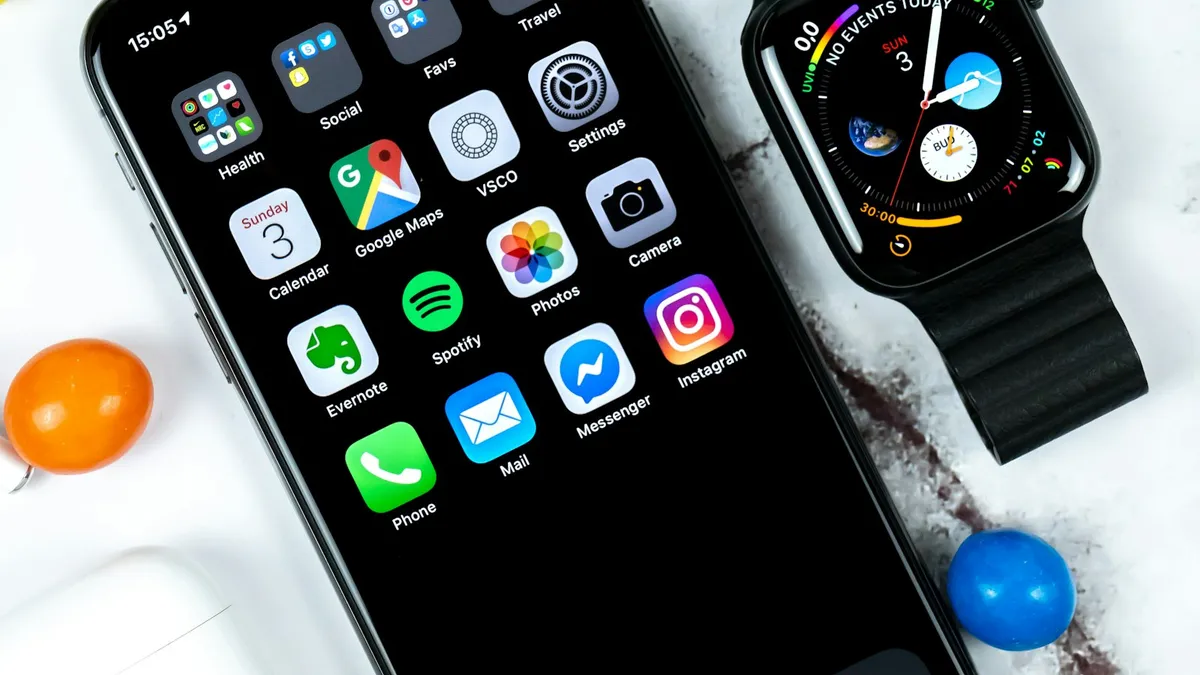
Pair Apple Watch to new iPhone
Pair Apple Watch to new iPhone the right way: update, back up, set up the new phone and restore. Includes what to do if your old iPhone is gone.
Continue setup on iPhone
Apple Watch says continue setup on iPhone but nothing happens? Finish pairing, restart, reset in pairing mode, or unpair and start again. Steps for each case.
Apple Watch keeps opening Compass
Apple Watch keeps opening Compass or will not leave it? Change Return to Clock, turn off Return to App, end Backtrack and check the Action button. 7 easy fixes.
More guides you may need
Boarding pass not on lock screen
Boarding pass not showing on iPhone lock screen? Learn when Wallet shows it, how to turn on Suggest on Lock Screen, and how to open your pass right now.
watchOS 27 compatible Apple Watch
See the watchOS 27 compatible Apple Watch list from Apple, the iPhone you need, and how to update from your iPhone or watch. Plus what to do if it is missing.