

Where is the clipboard on my phone? How to find what you copied on iPhone and Android
Your phone does have a clipboard, but it is not an app you can open. See how to view what you copied on iPhone, where Gboard and Samsung Keyboard keep clipboard history, and how to clear it.
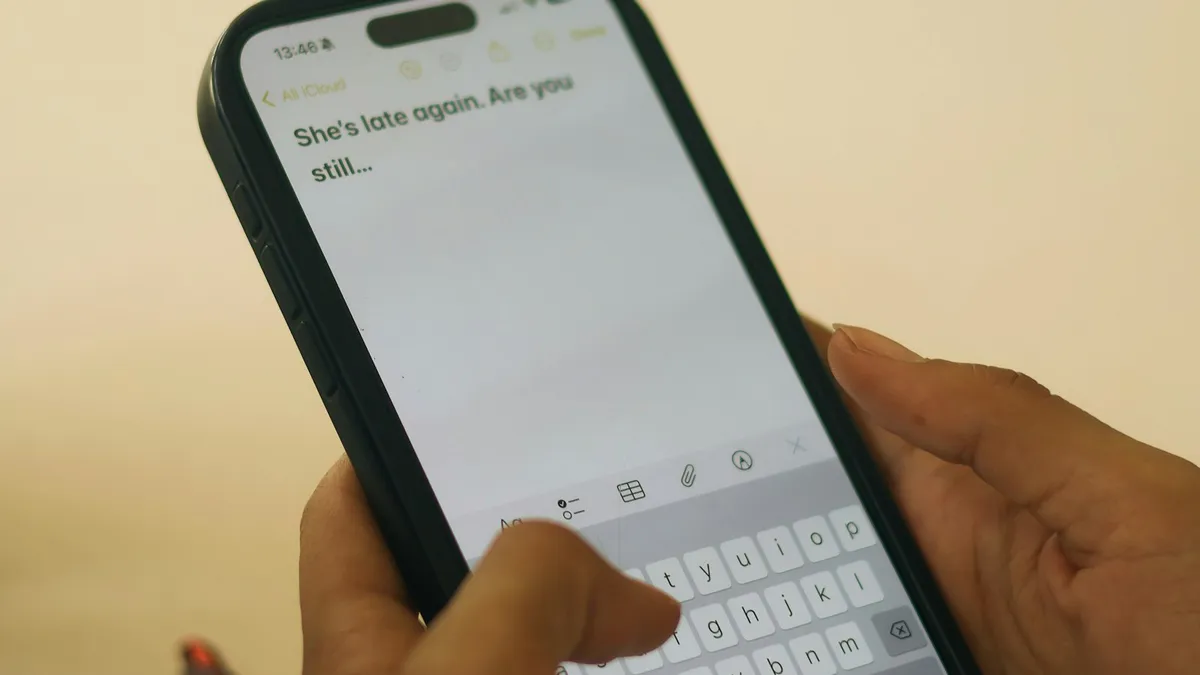
Photo by Chidera Faustina Okeke on Unsplash
You copied something important, a link, a code, a long address, and now you want to see it again. You look for a clipboard app, a menu or a folder, and nothing is there. That is normal. The clipboard is a temporary storage area that every phone has, but it is not a place you can open like a gallery. The way you reach it depends on whether you use an iPhone or an Android phone, and on which keyboard you use. This guide shows where the clipboard lives, how to view and reuse what you copied, how to turn on clipboard history on Android, and how to clear it when it holds something private.
Where is the clipboard on an iPhone?
An iPhone has a clipboard, but it has no app, no folder and no menu that lets you open it. Apple designed it as a single slot: when you copy something new, the old item is gone. The last item stays in memory until you copy something else or restart the phone. You use the clipboard through the Paste command, not through a screen.
How to see what you copied on iPhone
- 1
Open Notes, Messages or any app with a text box.
- 2
Tap and hold in the text box, then tap Paste.
Your last copy appears. It can be text, a link or a picture.
- 3
Check it, then delete it if you do not want to keep it.
Pasting does not clear the clipboard. The item stays there until you copy something else.
For a direct look, you can build a small shortcut. In the Shortcuts app, add the action Get Clipboard, then add Show Result. Run it, and your iPhone shows what is on the clipboard without pasting it into an app. If you want a history of past copies, the iPhone does not offer one on its own. A few third-party keyboards and apps add it, so read their privacy notes before you install them.
Why does my iPhone ask to Allow Paste?
Newer versions of iOS protect the clipboard. When an app tries to read what you copied in another app, the iPhone may show a prompt that asks whether to allow the paste. Tap Allow Paste if you meant to paste, or Don't Allow if the app has no reason to look. You can change the choice for each app under Settings, then the app's name, then Paste from Other Apps, if that option is shown for it. The prompt is a good thing, since it shows when an app reads the clipboard.
Can an iPhone copy to a Mac, and the other way around?
Yes, with Universal Clipboard. If your iPhone and your Mac use the same Apple Account, both have Wi-Fi and Bluetooth on, and Handoff is turned on, you can copy on one and paste on the other within a short time. It is not a history. It only carries the latest item. If it does not work, turn Wi-Fi and Bluetooth off and on, and check that both devices are signed in to the same account.
Where is the clipboard on an Android phone?
On Android, the clipboard is usually part of your keyboard. The two you are most likely to use are Gboard on Google Pixel and many other phones, and Samsung Keyboard on Galaxy phones. Both can show a list of things you copied recently, but you may need to turn the feature on first.
Gboard (Pixel and many other phones)
Find the clipboard in Gboard
- 1
Open any app with a text box so the keyboard appears.
- 2
Tap the arrow or the four-square menu at the top left of the keyboard.
This opens the toolbar with extra tools.
- 3
Tap the clipboard icon.
If it asks you to turn on clipboard, tap Turn on clipboard.
- 4
Tap any item to paste it.
Press and hold an item to pin it, or to delete it.
Google says Gboard clipboard items are deleted after about an hour unless you pin them. Pinned clips stay until you remove them. If the clipboard icon is missing, open Settings, then System, Languages and input, On-screen keyboard, Gboard, Clipboard, and check that the switch is on. The path changes between phones, so use the search box in Settings if you do not see it.
Samsung Keyboard (Galaxy phones)
Find the clipboard on a Galaxy phone
- 1
Open an app with a text box so the Samsung Keyboard appears.
- 2
Tap the clipboard icon in the toolbar above the keys.
If you do not see it, tap the three dots or the arrow to show more tools.
- 3
Tap a clip to paste it.
Use the pin or the trash icon to keep or remove clips.
- 4
Or press and hold inside the text box and tap Clipboard.
This option is available on many Galaxy phones.
Samsung's clipboard sits inside the keyboard, so if you changed to another keyboard, the Samsung clipboard is not available until you switch back. Our guide on how to change the keyboard on Android shows how to do that.
What about the copied text preview on newer Android versions?
On newer versions of Android, you may see a small preview of what you copied in the bottom corner of the screen right after you copy. You can tap it to edit the text, or ignore it. It disappears after a few seconds. This preview is not a history. It is only a short look at the item that you just copied. If you missed it, use the keyboard clipboard instead.
Why is my clipboard history empty?
- Clipboard history is turned off in the keyboard settings.
- You switched keyboards, and the new one has its own clipboard or none.
- The items were removed. Gboard deletes unpinned clips after about an hour.
- You restarted the phone, which clears the live clipboard on some phones.
- A password manager cleared the clipboard after you pasted a password. Many do this on purpose.
Is it safe to leave things on the clipboard?
Not always. The clipboard may hold passwords, bank codes, addresses and private messages, and some apps read it. On an iPhone, the Allow Paste prompt shows when an app does that. On Android, older apps could read the clipboard in the background, and newer versions limit that, but a keyboard with clipboard history keeps your copies for a while. Do not copy a password into the clipboard if you can type it, or use a password manager that clears the clipboard. After you copy anything sensitive, copy a harmless word to replace it, or delete the item in your keyboard's clipboard panel. If you think a rogue app has been reading your copies, read our guide on how to scan an Android phone for malware.
How do you clear the clipboard?
- iPhone: copy a single letter or a space somewhere. That replaces the old item. Restarting the phone also clears it.
- Gboard: open the clipboard panel, press and hold a clip, and delete it. Turn off clipboard history to stop saving new clips.
- Samsung Keyboard: open the clipboard, tap the trash icon, and choose the clips to delete or select all.
If you do not see these buttons, the menus on your phone may differ. Search the Settings app for keyboard or clipboard to find the page for your version.
Are there faster ways to copy and paste?
Yes. On an iPhone, you can use gestures instead of the menu. Pinch in with three fingers to copy selected text, pinch out with three fingers to paste, and swipe left with three fingers to undo. The gestures work in many apps, though not all. On both iPhone and Android, double tap a word to select it, drag the handles to widen the selection, and tap Copy. In a browser, you can press and hold a link and choose Copy Link, which saves you from opening the page first. Learning one or two of these makes the clipboard feel less hidden.
What if copy and paste itself does not work?
If you can not copy at all, restart the phone first. Then update the app you are copying from, since some apps block copying for certain content. On an iPhone, if the keyboard does not show up when you tap a text box, read about an iPhone keyboard that will not show up. If the problem is the keyboard itself, you can check the keyboard settings in the iPhone keyboard and Messages settings guide.
Frequently asked questions
Is there a clipboard app on iPhone?
No. iPhone holds one copied item at a time and has no built-in clipboard viewer. To see it, paste into Notes or use a Shortcuts action that shows the clipboard.
How do I see clipboard history on Android?
Open any text box, then tap the clipboard icon in your keyboard toolbar. Gboard and Samsung Keyboard both keep a short list of recent copies once clipboard history is turned on.
How long does Gboard keep clipboard items?
Google says items are removed after about an hour unless you pin them. Pinned items stay until you remove them.
How do I clear my clipboard?
Copy a harmless word to replace the old item, or delete the clips from your keyboard's clipboard panel. Be careful with passwords you copied.
What to try next
Related guides
What kind of phone
What kind of phone do I have? Find your exact model on iPhone or Android in under a minute with Settings, the back of the phone, the box or your account.
Change km to miles on iPhone
How to change km to miles on iPhone: set Measurement System for Apple Maps and Distance units in Google Maps. Also change temperature units.
Activate eSIM on iPhone
How to activate eSIM on iPhone with a QR code, manual details or your carrier's app. Steps for Verizon, AT&T and T-Mobile, plus fixes when activation fails.
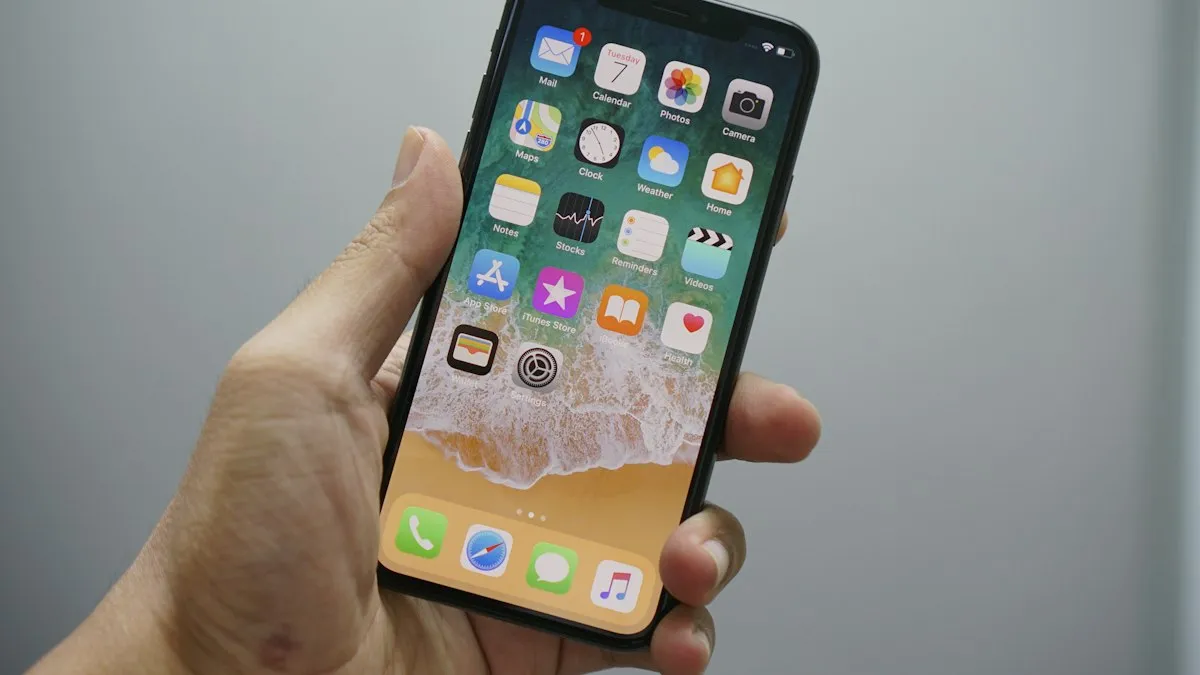
Add a Home button to the iPhone screen
How to add home button to iPhone screen: turn on AssistiveTouch in Accessibility, tap Home, move the button and set shortcuts. Works on every iPhone, no repair.
More guides you may need
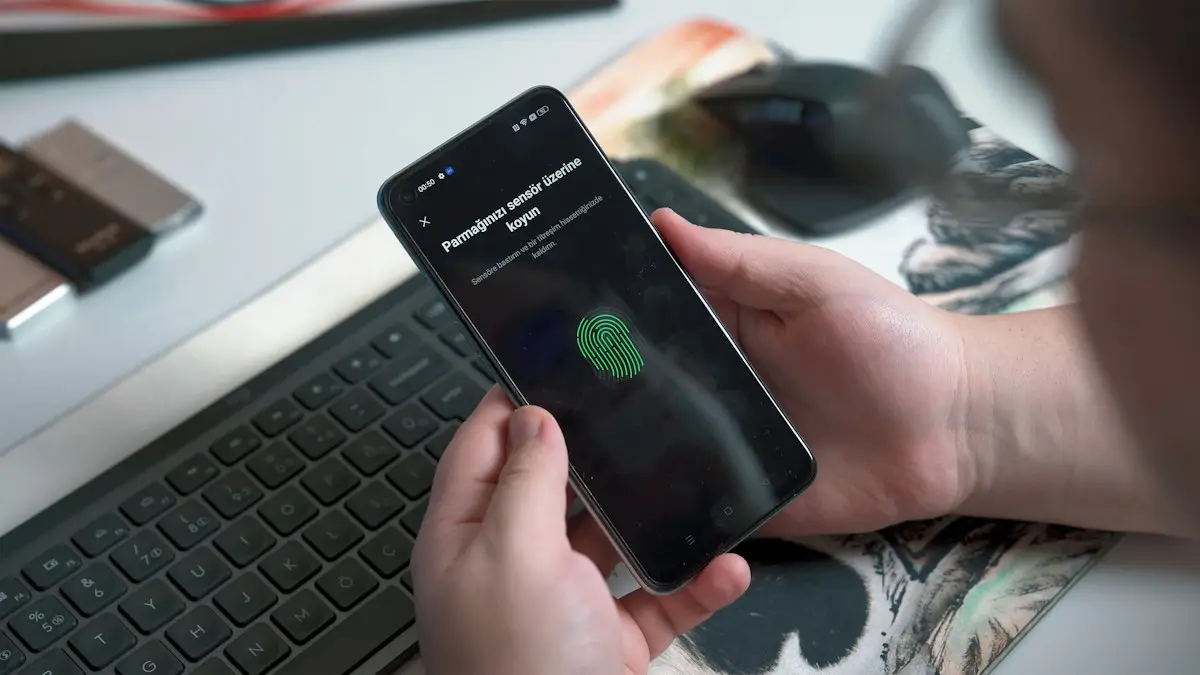
Is your phone being tracked?
How to check if your phone is being tracked: review location sharing, apps and profiles, run Safety Check and learn what to do safely if you find something.
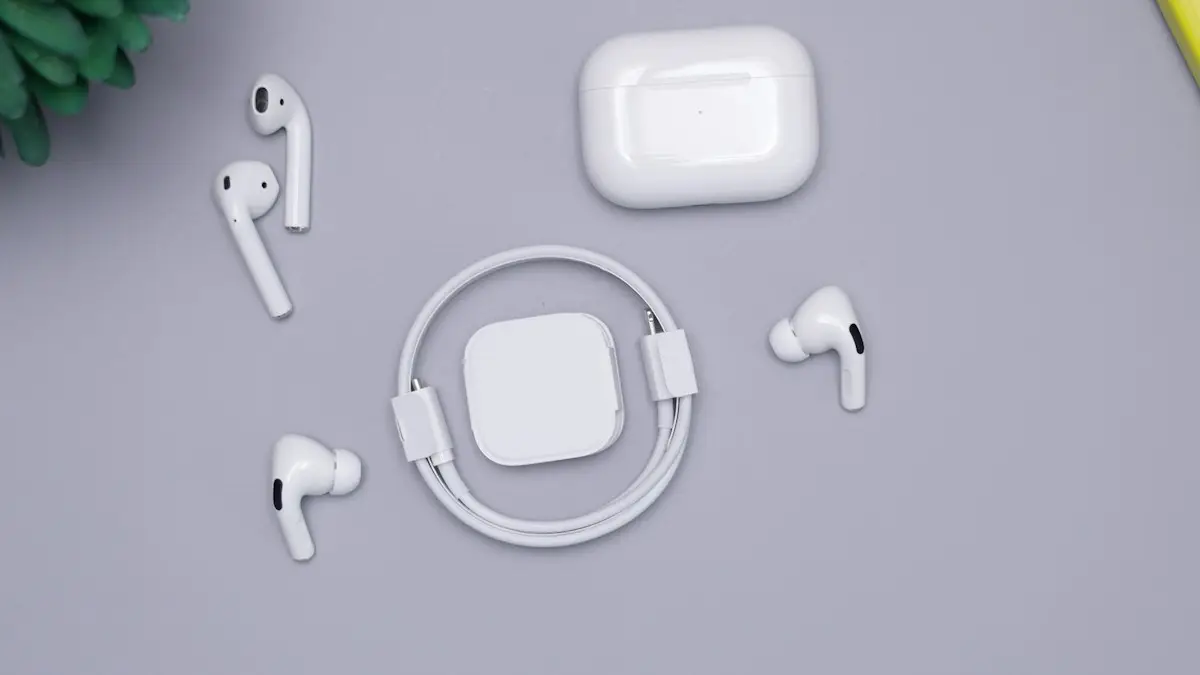
Connect AirPods to iPhone
Connect AirPods to your iPhone in seconds with the setup card, or pair them manually in Bluetooth settings. Also how to connect AirPods to a new iPhone.